ENEnglish
 LTLietuviškai
 DEDeutsch
 FRFrançais
 RUРусский
 ESEspañol
 PLPolski
 ITItaliano
 UKУкраїнська
 CSČeština
 PTPortuguês
 JA日本語
JA日本語 LVLatviešu valoda
 ETEesti
 HUMagyar
 IDBahasa Indonesia
 TRTürkçe
 HIहिन्दी
 ELΕλληνικά
 ARالعربية
 THไทย
THไทย VITiếng Việt
 RORomână
 MSBahasa Melayu
 BNবাংলা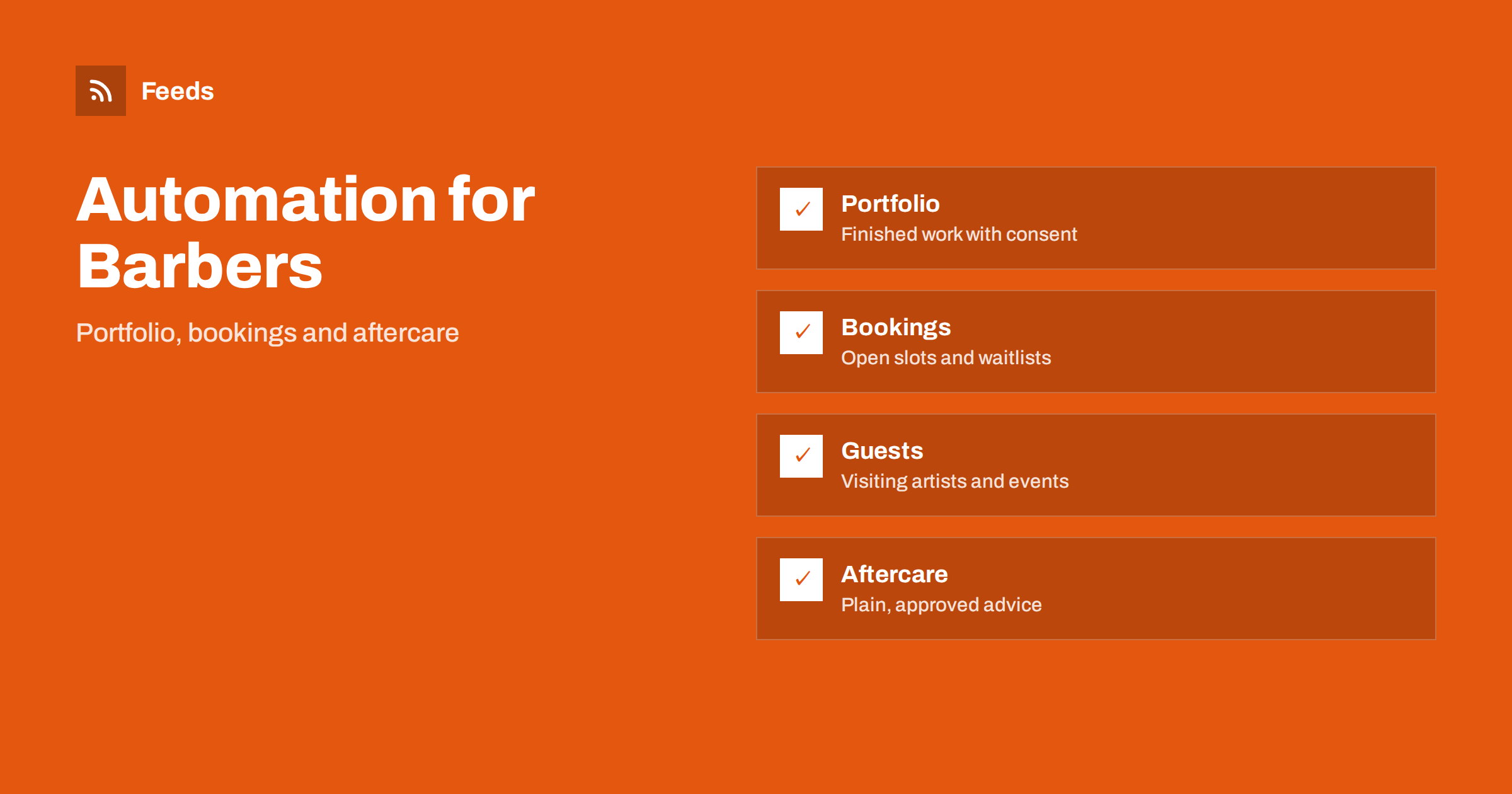
Short answer: Barbershops and tattoo studios sell on trust and visual proof, so a steady stream of finished work, open booking slots, guest artist announcements and care advice matters. Content automation helps by turning a few reliable sources, such as your portfolio folder, your booking calendar and your own articles, into scheduled posts. Keep a person in charge of client consent, age rules and health information, and never publish a client’s photo or details without permission.
What these businesses need to publish
Barbers and tattoo artists spend their day with clients, with little time left for marketing. Yet most new clients arrive after seeing pictures, reading about the studio and checking whether a slot is open. A profile that has not been updated for weeks looks like a closed shop, and a booking page that is out of date sends people to a competitor.
Useful content includes finished work, before-and-after style photos where clients agree, price guides in general terms, opening hours, booking instructions, guest artist visits, team introductions and care advice. The overview in content automation for local businesses describes the general approach, and this article adapts it to barbershops and tattoo studios.
Build a simple weekly rhythm
Pick a few content types and give each a fixed place in the week. For example: a portfolio post on two days, an availability post at the start of the week, a care tip once a week and a short note about the team or a guest artist when there is news. A fixed pattern removes the daily question of what to post, and it can be prepared in batches once a month.
Scheduling ahead is covered in building a content calendar from feeds and automation. Keep the rhythm realistic. Four steady posts a week are better than ten posts in one week and nothing for a month.
Turn finished work into posts, with consent
The portfolio is the strongest asset. Keep a folder of approved photos, with a clear name for each, the date, the artist and a note that the client agreed to publish. An automation can then take the next unused picture, add a template caption with the style, the artist’s name and the booking link, and place it in a draft queue. The process is similar to sharing new shop products on social media automatically.
Consent comes first. Ask clients in writing before you publish their photos, tell them where the pictures will appear and remove a picture when asked. Never show faces, names or locations that identify a client without permission. For tattoos, remember that the artwork may belong to the artist or a designer, so agree on how images may be used.
Bookings, availability and waitlists
The most useful automated posts are about availability: open slots this week, a closing date for a guest artist’s books or a waitlist for a popular style. Keep the facts short and put the same information on the website, in your listings and in the posts. Update them together, because a post that says “walk-ins welcome” while the booking page says “fully booked” costs trust.
An automation can repeat a reminder, but a person should confirm the dates before each week or season. Keep a standard message for deposits, cancellation rules and age requirements, and use the same wording everywhere. Age and identification rules for tattoos and some treatments differ by country and region, so state the requirement your studio follows, and do not rely on a post to explain legal details.
Guest artists, events and collaborations
Guest artists, flash days, charity events and collaborations with local shops give you news to share. Prepare a short template: who is visiting, what styles they work in, which dates and how to book. Check the facts with the artist before the post goes out, and tag them in a way they approve of. Local events and markets can feed ideas too, and turning event calendars into RSS feeds shows how to follow what happens in your area.
Barbershops can do the same with seasonal promotions, school-term hours and partnerships with nearby businesses. Keep promotions simple, state the end date and avoid pressure-style claims. A human check should cover every price or discount before the post is scheduled.
Aftercare and hygiene information
Care advice is useful all year and easy to prepare in advance. Short posts on healing, skin care, shaving or beard care give people a reason to follow you, and they can be reshared on a schedule. A careful approach to repeating content is described in resharing evergreen content automatically without spamming.
Write advice from your professional experience and the guidance of your trade body or health authority, and avoid medical claims. Where a situation may need a doctor, say so plainly. Review each evergreen post once a year, mark it with the date and remove anything that has become outdated. A short note about hygiene standards, single-use items and sterilization can build trust, as long as it is accurate and matches what you really do.
Reviews, reputation and brand safety
Client reviews are a major reason people choose a studio. Respond to them politely and quickly, but keep the responses in your own hands: an automated reply to a complaint is rarely a good idea. A feed or an alert can tell you when your name appears in the news or on a review page, as described in building a reputation early-warning feed for your brand.
Because automated posts go out under your name, set rules for banned words, hashtags and a delay before posting. Brand safety for automated posting covers these settings, and a daily approval queue is often the best balance for a small studio. Keep access to the accounts limited, as in securing content automation accounts.
Plan for quiet and busy periods. Barbershops see a rush before weddings, graduations and holidays, and tattoo studios often fill up in the weeks before summer and during guest artist visits. Prepare a few posts ahead for each rush, with clear dates and booking instructions, and schedule evergreen content for slow weeks. A steady presence in the quiet months means that clients already know your style when they are ready to book.
Measure and adjust
Once a month, look at which posts led to bookings, which questions clients asked and which pictures got the most attention. Add UTM tags to links so that visits from posts are visible in your analytics, as explained in tracking traffic from automated posts. Ask new clients how they found you, and keep a simple list.
Write down your rules so that anyone on the team can run the system: which sources feed the posts, who approves them, what happens when a slot is cancelled and who updates the hours before holidays. Documenting your content automations explains how to keep such notes short, and a one-page checklist is usually enough for a small studio.
Finally, keep the human side visible. Introduce each artist or barber with a short profile, a few photos of their work and the styles they enjoy most. Clients choose a person as much as a shop, and a profile that is updated twice a year does more than a stream of automated captions. Use automation for the repetitive parts so that you have time for the replies, comments and messages that need a real voice.
How RSS Feed Creator helps
RSS Feed Creator turns the public news, events or listings pages of local organizations, trade bodies, suppliers and venues into clean RSS feeds, even when those sites have no feed of their own. It reads titles, images, summaries and dates, uses an existing feed when there is one, and shows a preview of the items before the feed is created. You can merge several sources into one feed (up to 10 with the PostRSS add-on), keep only the items that contain your keywords and have duplicates removed automatically, which suits a feed of local events and trade news. Feeds refresh every 3 hours on the free plan and every 30 minutes on paid plans, and the PostRSS add-on sends an alert when a page changes and a feed stops finding items. The free plan allows up to 20 items per feed, and the details are on the pricing page.
Related reading
- Content Automation for Beauty Salons, Spas and Studios
- Content Automation for Local Businesses: A Simple Plan
- Content Automation for Photographers and Creative Studios
The bottom line
Barbershops and tattoo studios can automate the routine parts of publishing: portfolio posts with consent, availability notices, guest artist news and reviewed care advice. Keep an approval step for prices, dates and health wording, protect client privacy and review the results every month. Automation should free time for the craft that clients come for.
FAQ
What should a studio automate first?
Start with a weekly portfolio post and an availability reminder, because they repeat and are easy to prepare ahead. Add care tips and guest artist news after that.
Do I need permission to post a client’s tattoo or haircut?
Yes. Ask in writing, say where the picture will appear and remove it on request. Avoid faces, names and locations that identify the client without consent.
Can I post price lists automatically?
Use general guides and confirm every price in an approval step. Prices change, and an outdated post causes disputes at the chair.
How do I handle age and identification rules?
State the rule your studio follows on the booking page and in the posts, and check the requirements of your country and region.
How do I keep posts from sounding robotic?
Use short templates with your own wording and photos, review drafts in a queue and mix portfolio posts, availability, care tips and local news.