ENEnglish
 LTLietuviškai
 DEDeutsch
 FRFrançais
 RUРусский
 ESEspañol
 PLPolski
 ITItaliano
 UKУкраїнська
 CSČeština
 PTPortuguês
 JA日本語
JA日本語 LVLatviešu valoda
 ETEesti
 HUMagyar
 IDBahasa Indonesia
 TRTürkçe
 HIहिन्दी
 ELΕλληνικά
 ARالعربية
 THไทย
THไทย VITiếng Việt
 RORomână
 MSBahasa Melayu
 BNবাংলা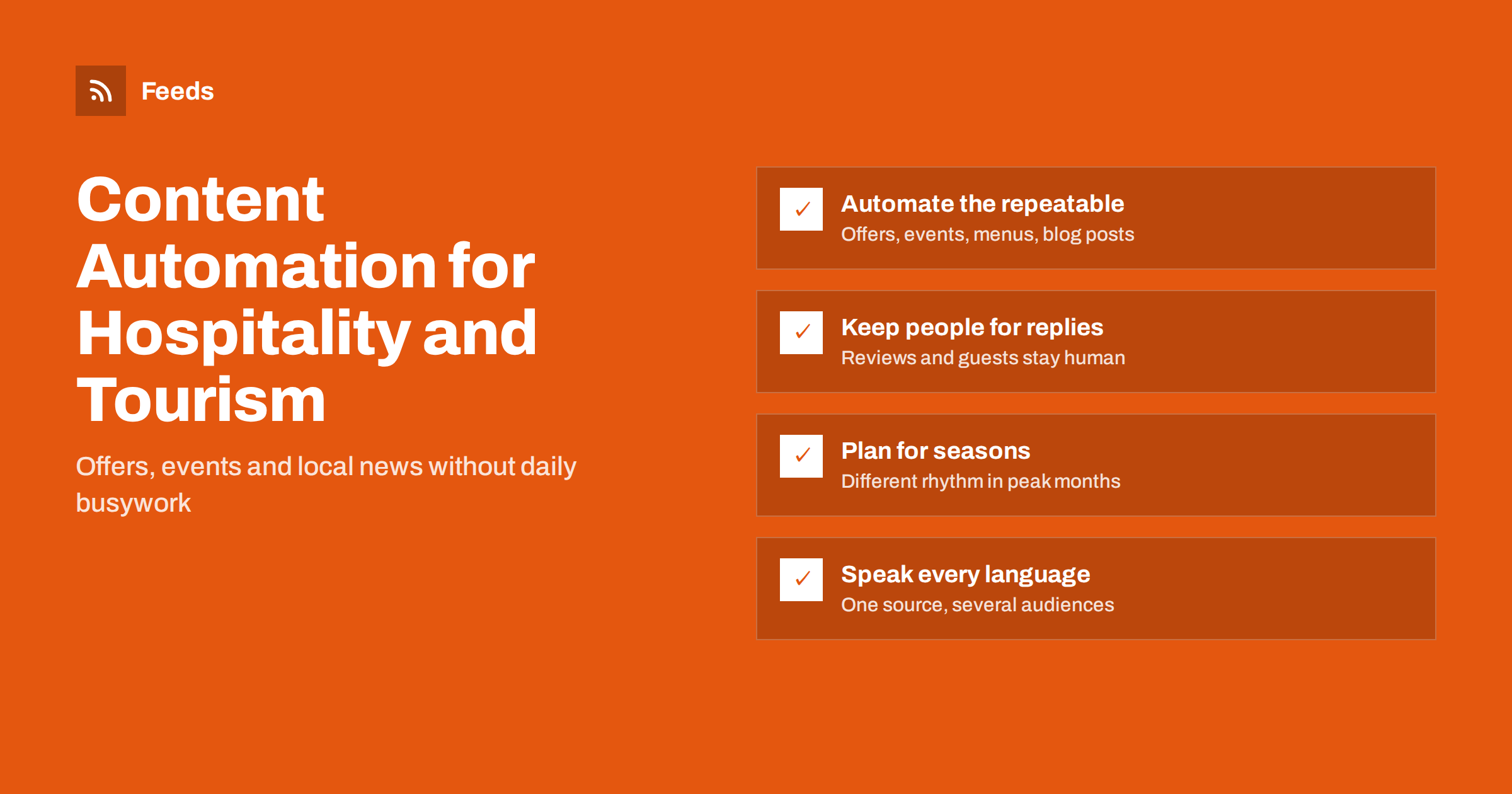
Short answer: Hotels, restaurants, attractions and tour operators can automate the repeatable part of their content: sharing new offers, events, menus, blog posts and local news to social channels, newsletters and listings. Publish each item once on your own website, let feeds carry it to other channels, and keep people in charge of replies, reviews and anything sensitive. Plan different rhythms for peak and quiet seasons, and review automated posts regularly so they still sound like your place.
Why hospitality teams struggle to keep content going
In hospitality, the people who know what is happening are busy serving guests. The chef changes the menu, the front desk hears about the jazz night, the manager approves a winter package, and nobody has time to post it on five channels. Content goes quiet during the busiest weeks, exactly when visibility matters most, and then bursts out in a rush during the quiet season.
Automation does not replace the human touch guests expect. It removes the copying and pasting: once something is published on your website, it can appear in your social accounts, newsletter and business listings without anyone logging in to each one. If you are new to the idea, what content automation is gives a short overview, and content automation for local businesses covers the general principles.
What hospitality businesses can safely automate
| Content | Source | Where it can go automatically |
|---|---|---|
| Special offers and packages | Offers page on your website | Social pages, newsletter, business profile posts |
| Events (live music, tastings, tours) | Events page or calendar | Social pages, local listing sites, team chat |
| Menu changes and seasonal dishes | News or “what’s new” section | Social pages, newsletter |
| Blog posts and local guides | Your blog | Social pages, newsletter, partner sites |
| Local news and destination updates | Tourism board, city or venue pages | Internal digest for staff, curated social posts |
Tour operators and attractions can add departure announcements, new itineraries and seasonal opening times to the same list, as long as each one is published as a separate item on the website first. The rule of thumb is simple: if the item is already approved, factual and meant for everyone, it is a good candidate for automatic distribution.
What should stay manual: replies to guests, responses to reviews, anything about incidents, closures or safety, and personal posts from the team. Those need judgement and a real voice.
Start from your own website
The simplest and most robust setup is “publish once on your site, distribute everywhere”. Your website is the place you control, it is where bookings happen, and every post on it can be indexed by search engines. Each page that lists new items, such as offers, events or news, can become a feed. If your site already has RSS, for example a blog built on a common CMS, use it. If the offers page is a simple list without RSS, it can be turned into a feed from the outside.
Benefits of this approach:
- One place to update when an offer changes or ends.
- Every social post links back to your site, where guests can book directly.
- Staff only need to know one tool: the website editor they already use.
Make each website item complete before it is distributed: a clear title, one or two sentences that say what, when and for whom, a good photo and a link to book or reserve. Automation copies whatever you publish, so a vague title such as “Update” becomes a vague post on every channel at once. A short checklist for staff who add offers and events to the website prevents most of these problems.
Events deserve special attention; how to promote an event calendar automatically walks through the details.
Channels that matter for hospitality
- Facebook and Instagram remain central for restaurants, bars and hotels. See posting an RSS feed to a Facebook page and RSS to Instagram. Instagram needs a good image with every post, so make sure each website item has one.
- Your business profile in search and maps is where many travellers see you first. Fresh posts about offers and events keep it active; business profile posts from RSS explains the options.
- Newsletters for returning guests: a weekly or monthly digest built from new items is easy to automate.
- Partner and destination sites, such as a tourism board’s events calendar, may accept a feed of your events instead of manual submissions.
Seasonality: different rhythms for different months
Hospitality is seasonal, and automation should follow the season rather than post at the same rate all year.
- Peak season: more events and offers, but also less staff time. Automation carries the load; keep posting frequency reasonable so followers are not flooded. See how often to post automatically.
- Shoulder season: push packages, midweek deals and local guides that give people a reason to come.
- Quiet season: reshare evergreen guides and behind-the-scenes posts, and prepare next season’s content. Resharing evergreen content automatically helps fill the gaps.
Remember to end offers properly. An automated post for a summer package that is still circulating in October damages trust. Give every offer an end date on your website and remove expired items from the list page so feeds stop carrying them.
Several languages and several locations
Tourism businesses often speak to guests in several languages, and groups may run several hotels or restaurants. Both cases benefit from structure.
- One feed per language, built from the language versions of your site, sent to the matching social accounts or audiences. Do not mix languages in one channel unless your audience expects it. Our guide to multilingual content distribution with feeds explains the patterns.
- One feed per location, so each property’s page only shares its own offers and events, plus a merged group feed for the brand’s main account. See content automation for multi-location brands.
Keep it human: approval and brand safety
Fully automatic posting is fine for routine items from your own website. For content from outside sources, such as destination news or partner events, an approval step is wiser: someone glances at the item before it goes out. Full automation vs an approval queue compares the two approaches.
A few rules keep automated posts on-brand:
- Use post templates with a consistent structure: a short line, the link, one or two relevant hashtags. See post templates for automated social feeds.
- Filter out items that should never be posted automatically, such as anything mentioning closures, incidents or staff matters.
- Check the first posts on every channel after setting up, and then review a sample each month, looking at images, links and how the text is cut.
- Pause automation during sensitive periods, such as local emergencies, when cheerful promotional posts would be inappropriate.
Brand safety in automated posting covers this in more depth.
Measuring whether it works
Hospitality marketing is judged by bookings and covers, not likes. Add tracking parameters to automated links so you can see in your analytics which channels send visitors who book; UTM tags in automated posts shows how. Compare months with and without consistent posting, look at direct bookings from social traffic, and ask guests how they heard about an event. Keep what brings people through the door and drop channels that only create work. A simple monthly note of posts sent, clicks and bookings per channel is usually enough to decide.
How Feeds helps
Feeds turns your offers, events or news pages into clean RSS feeds, even when your website has no RSS, and uses your existing feed when there is one. It finds titles, images, summaries and dates on the page, so posts made from the feed have the picture social channels need. You can merge several pages or properties into one feed and filter items by keywords, for example to leave out anything about closures, and duplicates are removed automatically. Feeds refresh on their own and work anywhere RSS works, including scheduling and social posting tools. You can try it on your offers page and see plans on the pricing page.
Related reading
- Content automation checklist
- Content automation mistakes to avoid
- A content automation stack for small businesses
The bottom line
Hotels, restaurants and tourism businesses gain the most from automation when they publish offers, events and news once on their own website and let feeds carry them to social pages, listings and newsletters. Keep replies, reviews and sensitive topics human, adjust the rhythm to the season, end offers on time and measure bookings rather than likes.
FAQ
What hospitality content is best for automation?
Routine items published on your own website: offers, packages, events, menu updates and blog posts. They are repeatable, already approved, and benefit from appearing on several channels at once.
Should a restaurant automate replies to reviews?
No. Reviews and guest messages need a personal, considered response. Automate the distribution of your own content and keep conversations with guests human.
How do I stop expired offers from being posted?
Give every offer an end date and remove it from the offers page when it ends. Feeds made from that page then stop carrying it, and no new posts are created for it.
Can a hotel group automate posts for several properties?
Yes. Create a feed per property for local accounts and a merged feed for the group’s main account. Keyword filters and separate feeds keep each property’s content in the right place.
How often should a hotel or restaurant post automatically?
Follow the flow of real news rather than a fixed quota. A few posts a week is common for small venues, more during busy seasons, and less when there is genuinely nothing new to share.