ENEnglish
 LTLietuviškai
 DEDeutsch
 FRFrançais
 RUРусский
 ESEspañol
 PLPolski
 ITItaliano
 UKУкраїнська
 CSČeština
 PTPortuguês
 JA日本語
JA日本語 LVLatviešu valoda
 ETEesti
 HUMagyar
 IDBahasa Indonesia
 TRTürkçe
 HIहिन्दी
 ELΕλληνικά
 ARالعربية
 THไทย
THไทย VITiếng Việt
 RORomână
 MSBahasa Melayu
 BNবাংলা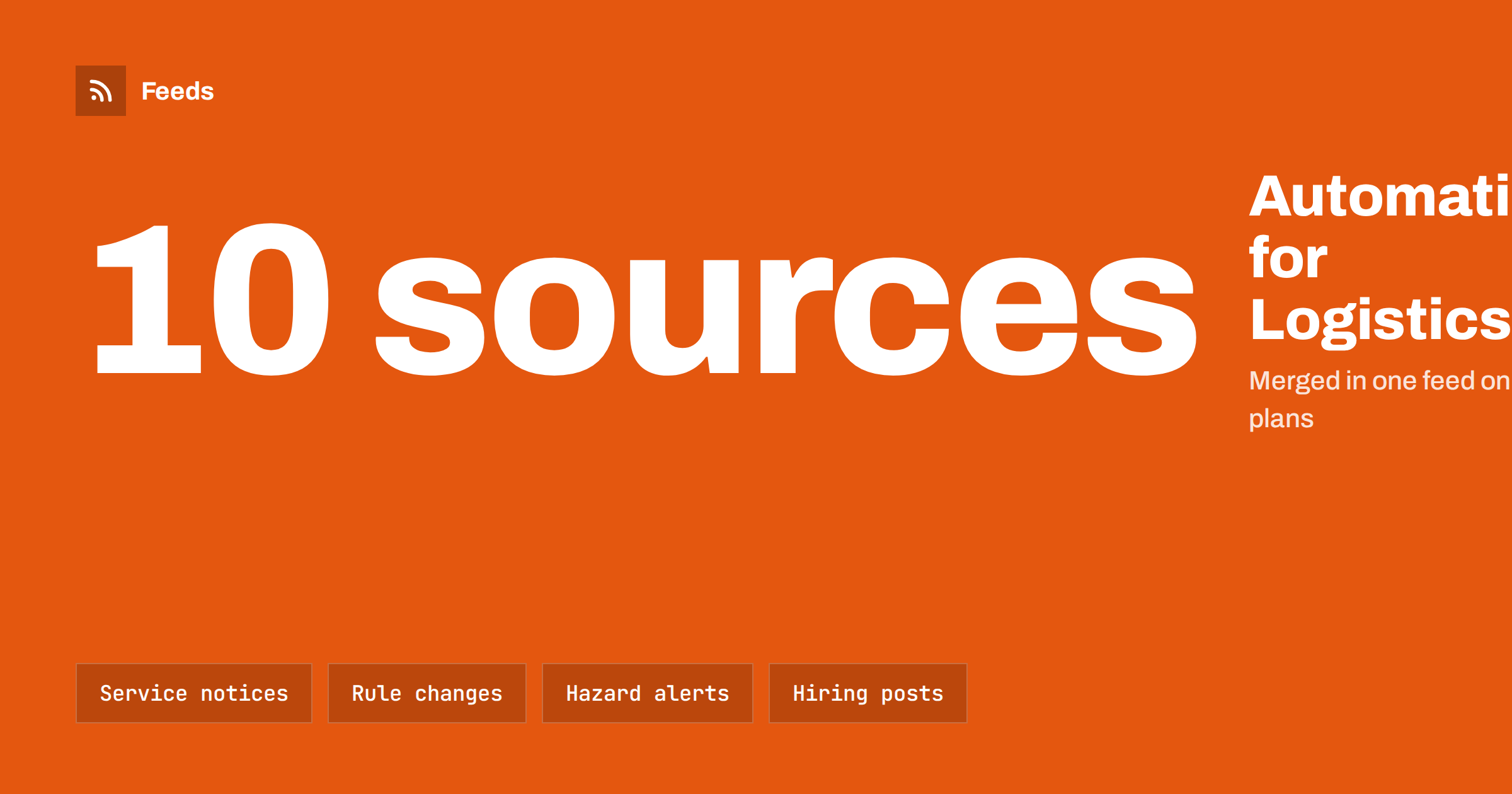
Short answer: Logistics, freight and moving companies live on timing, and their customers and drivers need clear, current information. Content automation can collect regulation changes, road and weather alerts and industry news from trusted sources, prepare service notices and hiring posts from your own pages and send them through an approval step. Anything that promises a delivery date, a price or a route should stay under human control.
Why transport companies need steady communication
A carrier, a freight forwarder or a moving company sells reliability. Customers want to know whether a route is open, whether a border crossing is slow, whether a holiday changes pick-up times and whether a service is available in their area. Drivers and warehouse staff need to know about new rules, road works and safety notices. Prospects want proof that the company is active and professional, and an unused website or social page suggests the opposite.
Most firms in this sector are busy and have no marketing department. A small team keeps the dispatch board running, and communication happens when someone has a spare minute. That makes the sector a natural fit for light automation, as long as it follows clear limits. The general concept is explained in what is content automation, and the building blocks for a small business are in building a content automation stack for a small business.
Sources worth following
The most useful automation starts with listening. A short list of sources, collected in feeds, gives you a daily picture of what affects your work:
- Authorities and regulators. Customs, transport ministries, road authorities and safety agencies often publish notices that change how you operate, which is the subject of how to track government and regulator updates with RSS.
- Road and traffic notices. Planned works, closures and incidents on your main routes, which road authorities and regional traffic services often publish.
- Weather and hazards. Storms, floods and ice can stop a fleet, and the approach is in weather and natural hazard alerts with RSS.
- Carriers and ports. Notices from carriers, terminals and platforms you depend on, as described in how online stores can track carrier and shipping disruptions.
- Industry news. Trade publications and association pages, in line with how to follow industry associations and standards bodies with RSS.
Check the language and the time zone of each source, because a notice written for another country or region can look relevant while having no effect on your routes. Keep each source for a reason. Five sources that matter to your lanes are more useful than fifty general ones.
From alert to customer notice
An alert is only the beginning. A feed item that says a border crossing has new rules is information for your dispatchers first. They decide whether it affects your customers, and if it does, a person writes the notice, in plain language and without jargon: what changed, which services are affected, from when and what the customer should do. Automation helps by delivering the item to the right person quickly, in a channel they already use, as shown in how to send RSS feed updates to a Slack channel and how to get RSS feed updates in Microsoft Teams channels.
Do not let a system publish a delay or a price notice by itself. A wrong promise creates complaints and sometimes legal claims. Use an approval queue for everything that mentions dates, prices, capacity or liability, and keep a short log of who approved what. The trade-off is discussed in full auto versus an approval queue.
What can safely run on a schedule
Some content is safe to schedule without much risk:
- Holiday notices. Opening hours and last pick-up dates for the main holidays, prepared once a year and checked in advance.
- Your own articles. Guides on packing, customs documents or moving checklists, shared from your own feed on a regular rhythm.
- Case stories and team posts. Short, approved texts with photos of real work, with customer permission.
- Safety reminders. Seasonal tips for drivers and customers, such as winter tyres or securing loads.
- Evergreen content. Useful pages that can be reshared slowly, using the method in how to reshare evergreen content automatically.
Moving companies in particular can build a library of seasonal guides: how to plan a move, how to pack fragile items, what to do with address changes. These pages bring organic visits for years and are ideal to reshare at the right time of year.
Hiring drivers and warehouse staff
Recruitment is a constant need in transport, and posts about open positions reach people where they already look. A careers page or a job listing feed can drive automatic posts for each new vacancy, with a link and a short text. The pattern is described in how to share job openings automatically on social media, and the sources behind it are covered in how to get RSS feeds for job listings and careers pages. Check each post for accuracy, remove filled positions quickly and state the requirements clearly, such as the licence category and the location.
A short starter plan
If you are starting from nothing, take four steps over two weeks. In the first week, list the five outside sources that most often change your day, find or create a feed for each and send them to one shared channel that dispatchers already watch. In the second week, add your own news or guides page as a feed and plan one scheduled post a week from it, with a person approving the text on Monday. At the end of the second week, check what was useful, remove sources that only added noise and write down who is responsible for each source.
Then keep going in small steps. Add a holiday notice template before the next holiday, a hiring post template before the next recruitment drive and a pause rule for emergencies. A system that grows from real needs is far easier to maintain than one designed in a single large project, and the people who use it will trust it.
Keep the human parts human
Customers who ask where their parcel or furniture is want an answer, not a scheduled post. Keep service and tracking requests on a channel that a person reads. Never include customer names, addresses or load details in a public post. If you share photos of deliveries or moves, check them for visible house numbers, plates and documents, and get consent. Write a short list of what must never be published automatically and share it with everyone who connects an account. Review the access to your social accounts as well: when a dispatcher or a marketing helper leaves the company, remove their access the same day.
Measure and adjust
Measurement does not need a dashboard; a simple note in a shared document is enough. Once a month, look at which posts brought enquiries, which guides were visited and which alerts led to action. Remove sources that never mattered and add sources for new lanes. Track visits with simple tags, as shown in how to track traffic from automated posts with UTM tags, and use the numbers to decide what to keep.
How RSS Feed Creator helps
Many authorities, ports and carriers publish news on pages that have no feed. RSS Feed Creator turns the article list of such a page into a clean RSS feed with titles, images, summaries and dates, and uses an existing feed when the page has one. You see a preview of the items before the feed is created. You can merge several sources into one feed (up to 10 on paid plans), keep only the items that contain your keywords, and have duplicates removed automatically, so your team gets one short stream. Feeds refresh every 3 hours on the free plan and every 30 minutes on paid plans. The free plan allows up to 20 items per feed, and the details are on the pricing page.
Related reading
- Content automation checklist: 30 checks before you go live
- Monitoring hundreds of sources with RSS without chaos
- When to pause automated posting: a crisis and holiday plan
The bottom line
For logistics, freight and moving companies, automation is a way to hear about changes sooner and to keep a professional voice without extra work. Follow a short list of authorities, road, weather and industry sources, deliver alerts to the right people, schedule evergreen guides and hiring posts, and keep every statement about dates, prices and delays under human approval. Review the results every month and keep the system small.
FAQ
Can a transport company post delay notices automatically?
It is better not to. A delay notice makes a promise about time and responsibility, so a person should write and approve it. Automation can deliver the alert that triggers the notice.
Which sources should a freight company follow first?
Start with the authorities that set your rules, the road and traffic notices for your main routes, the weather service and the carriers or terminals you depend on.
Is it safe to share photos of deliveries and moves?
Only after a check. Remove or hide house numbers, plates and documents, and ask the customer for permission before publishing.
How can automation help with hiring drivers?
A feed from your careers page can announce each new vacancy on your social pages with a link. Check each post and remove it as soon as the position is filled.
How many sources are enough?
A handful that matter to your routes and services. Merge similar ones, filter with keywords and review the list each quarter.