ENEnglish
 LTLietuviškai
 DEDeutsch
 FRFrançais
 RUРусский
 ESEspañol
 PLPolski
 ITItaliano
 UKУкраїнська
 CSČeština
 PTPortuguês
 JA日本語
JA日本語 LVLatviešu valoda
 ETEesti
 HUMagyar
 IDBahasa Indonesia
 TRTürkçe
 HIहिन्दी
 ELΕλληνικά
 ARالعربية
 THไทย
THไทย VITiếng Việt
 RORomână
 MSBahasa Melayu
 BNবাংলা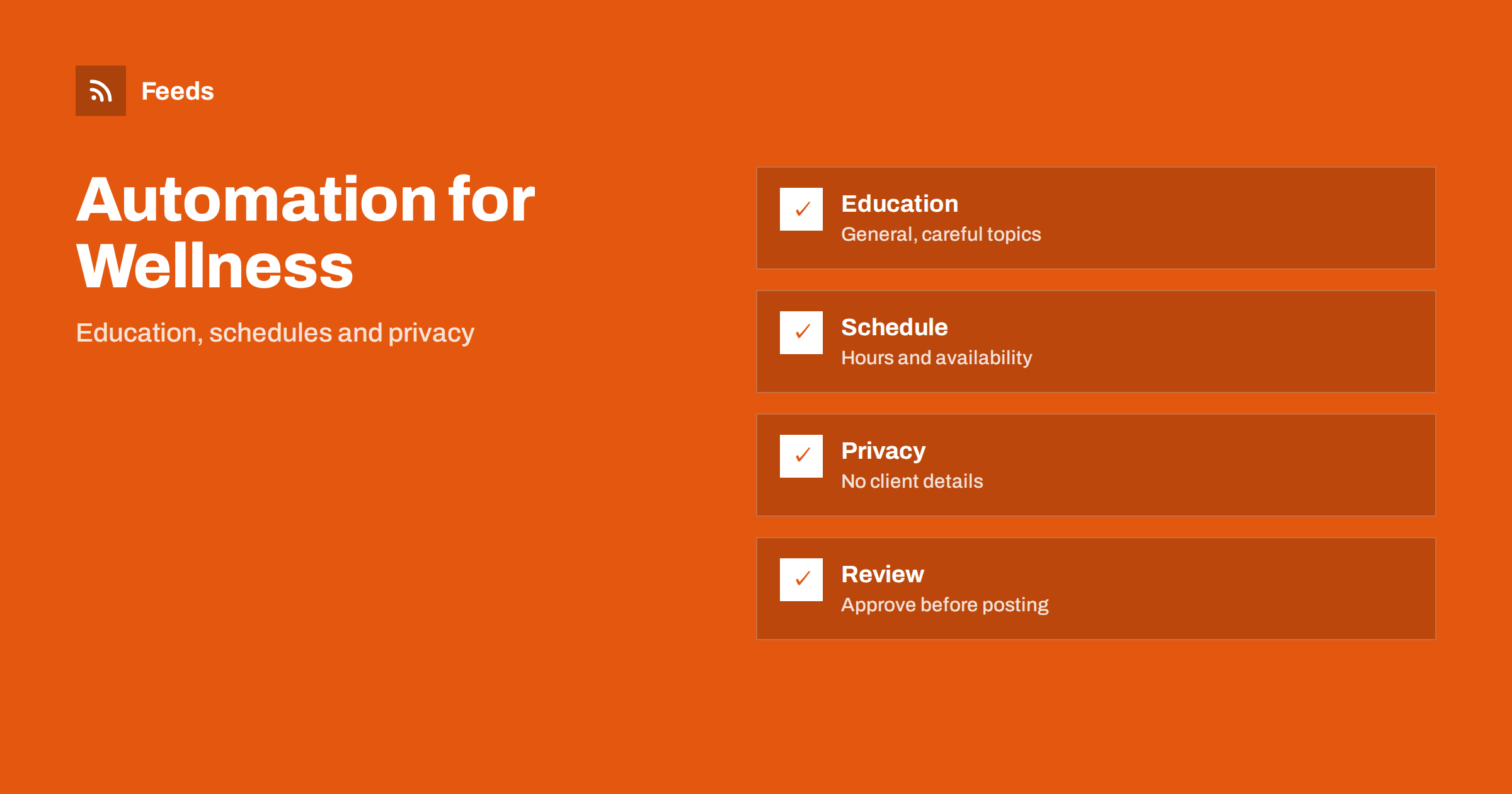
Short answer: Therapists, counsellors, physiotherapists, coaches and other wellness practitioners can use content automation for the routine parts of publishing: posting opening hours and availability, sharing general educational articles, announcing workshops and passing on news from professional bodies. Automation must never touch anything about clients, and every post should be reviewed against your professional rules before it goes out. Keep claims modest and let the feed deliver sources, not advice.
What a practitioner needs to publish
A small practice rarely has time for marketing, and the people who need help often search at night or after a difficult day. They look for a clear website with information about who you are, which problems you work with, how sessions run, what they cost and how to book. Regular, calm content helps them decide, and it keeps your profile current.
Typical content includes short educational notes, practical information such as hours and holidays, announcements of groups and workshops, and updates from professional associations. The general approach for small businesses is in content automation for local businesses, and this article adapts it to a field where trust and ethics come before reach.
Draw hard lines around privacy
Set the rule first: nothing about clients goes into any automated or scheduled content. No stories, no composite cases that someone might recognize, no photos from sessions, and no comments or testimonials unless your professional code and local law allow them and the person has given clear consent. Many professional bodies restrict testimonials and promotional claims, so check yours before you plan any posts.
Apply the same care to tools. Keep client data completely separate from the accounts and tools that handle posts, and use unique passwords and two-step verification, as described in securing content automation. A scheduling tool should only know what you intend to publish.
Choose topics in advance and keep a list. A simple list of twenty questions that new clients commonly ask, such as how long a session lasts, how often people come and what to bring, can become a year of short posts. Each answer should be brief, factual and written in the same calm tone as your website. Reuse the same answers on your information page, so that every channel says the same thing.
Publish general education, not advice
Educational posts build trust when they explain a topic in plain language and say what a practitioner can and cannot do. Good subjects are what a first session looks like, how to prepare for an appointment, what the difference between two approaches is and how to find a suitable professional. Posts should not diagnose, promise results or give individual advice, and they should point readers to proper help when they need it.
Write in your own voice, review drafts with fresh eyes and keep sources for factual statements. If you reuse content over time, check that it is still accurate, as discussed in resharing evergreen content without spamming. A short disclaimer that content is general information is usually sensible.
Keep schedules and availability current
Practical information is the most useful content you can publish. Opening hours, holiday closures, availability for new clients, the booking method and the cancellation policy should be the same on your website, your profile page and your posts. Update them together, and put a date on any statement that will change, such as “new clients from next month”.
An automation can repeat a reminder, for example before a holiday break, but a person should confirm the facts each time. A mismatch between a post and the booking page causes frustration, and for people who are already anxious, small frustrations matter. Include a clear route to emergency help if your service is not one, using official contacts of your country.
Newsletters work well alongside posts, because they reach people who already know you. A monthly note with hours, new groups and one educational piece is enough, and you can assemble part of it from your own posts. Turning an RSS feed into an automatic email newsletter explains the idea, and the consent rules for email lists in your country should be followed carefully.
Groups, workshops and events
Workshops, courses and group sessions are well suited to scheduled content. Write one announcement, one reminder with the date and the number of places and one short note after the event if appropriate. Use a calendar feed or a simple list of events as the source, and have the posts generated from it, as described in promoting upcoming events automatically from a calendar.
Be careful with wording. Do not promise outcomes, and avoid language that suggests treatment for a condition if you offer wellness or coaching services. If you work in a regulated profession, check what you are allowed to advertise and how, and keep a copy of the rules next to your content plan.
Follow professional news with RSS
Practitioners need to keep up with their own field: new guidance, changes in regulation, training offers and research summaries. Professional associations, regulators and journals publish this on their websites, and RSS brings it into one reader. The methods are explained in how healthcare teams can follow clinical guidance with RSS and following academic journals and research with RSS alerts.
Use these feeds as input for your own learning and for posts that you write yourself. Link to the original source when you share something, and add one sentence on why it may matter to your audience. Do not paste a long summary of someone else’s text, and never present a general finding as advice for the reader’s personal situation.
A weekly rhythm that is easy to keep
Choose a small, steady schedule: one educational post and one practical update each week is plenty for most practices. Prepare a month at a time in one session, put the posts in a queue and keep one slot free for something timely. A quiet, consistent presence beats bursts of activity followed by silence.
Use approval for everything. A short queue where you read each post before it goes out is the simplest safeguard, and it is covered in full auto versus approval queue. If you are away, pause the schedule instead of letting old posts run, following the advice in when to pause automated posting.
Measure what helps people find you
Look at the questions new clients ask and at how they found you. Add tracking tags to links so that visits from posts appear in your analytics, as explained in tracking traffic from automated posts. If a certain topic brings many visits to the booking page, write more about it. If a type of post brings no one, drop it.
Review the numbers lightly. The goal is a clear, trustworthy presence, not a race for followers, and a practice with a modest number of right-fit enquiries is doing well.
Write down your rules in one page: what you publish, what you never publish, who approves, how often you review old posts and what to do if a post receives a worrying comment or message. A page like this helps when you hire an assistant or when you return from a break, and documenting your content automations shows how to keep it short.
How RSS Feed Creator helps
RSS Feed Creator turns the news or publications page of a professional association, regulator or training provider into a clean RSS feed, even when the site has no feed of its own. It reads titles, images, summaries and dates, uses an existing feed when there is one, and shows a preview of the items before the feed is created. You can merge several sources into one feed (up to 10 with the PostRSS add-on), keep only the items that contain your keywords and have duplicates removed automatically, which suits a reading list for your own field. Feeds refresh every 3 hours on the free plan and every 30 minutes on paid plans, and the PostRSS add-on sends an alert when a page changes and a feed stops finding items. The free plan allows up to 20 items per feed, and the details are on the pricing page.
Related reading
- Content Automation for Dental and Medical Clinics
- Content Automation for Gyms, Fitness Studios and Coaches
- Content Automation for Nonprofits and Community Groups
The bottom line
Therapists and wellness practitioners can automate hours, event notices and a calm stream of general educational content, while keeping client information, testimonials and advice out of every automated process. Follow your professional bodies with RSS, review each post before it goes out and keep the plan small. Trust is the asset, and the system should protect it.
FAQ
Is it safe to automate posts in a therapy practice?
It can be, if posts contain only general information and practical details you approve. Nothing about clients should ever enter an automated process.
Can I use client testimonials?
Check your professional code and local law first, since many bodies restrict testimonials. If they are allowed, get clear consent and review each use yourself.
What should educational posts cover?
General topics such as what a first session looks like, how to prepare or how to find a suitable professional. Avoid diagnosis, promises and individual advice.
How can I keep up with my field?
Follow professional associations, regulators and journals with RSS, and build a feed from pages that have none. Link to the original when you share.
How often should I post?
One educational post and one practical update a week is enough for most practices. Prepare a month at a time and approve each item before it goes out.