 ENEnglish
 LTLietuviškai
 DEDeutsch
 FRFrançais
 RUРусский
 ESEspañol
 PLPolski
 ITItaliano
 UKУкраїнська
 CSČeština
 PTPortuguês
 JA日本語
JA日本語 LVLatviešu valoda
 ETEesti
 HUMagyar
 IDBahasa Indonesia
 TRTürkçe
 HIहिन्दी
 ELΕλληνικά
 ARالعربية
 THไทย
THไทย VITiếng Việt
 RORomână
 MSBahasa Melayu
 BNবাংলা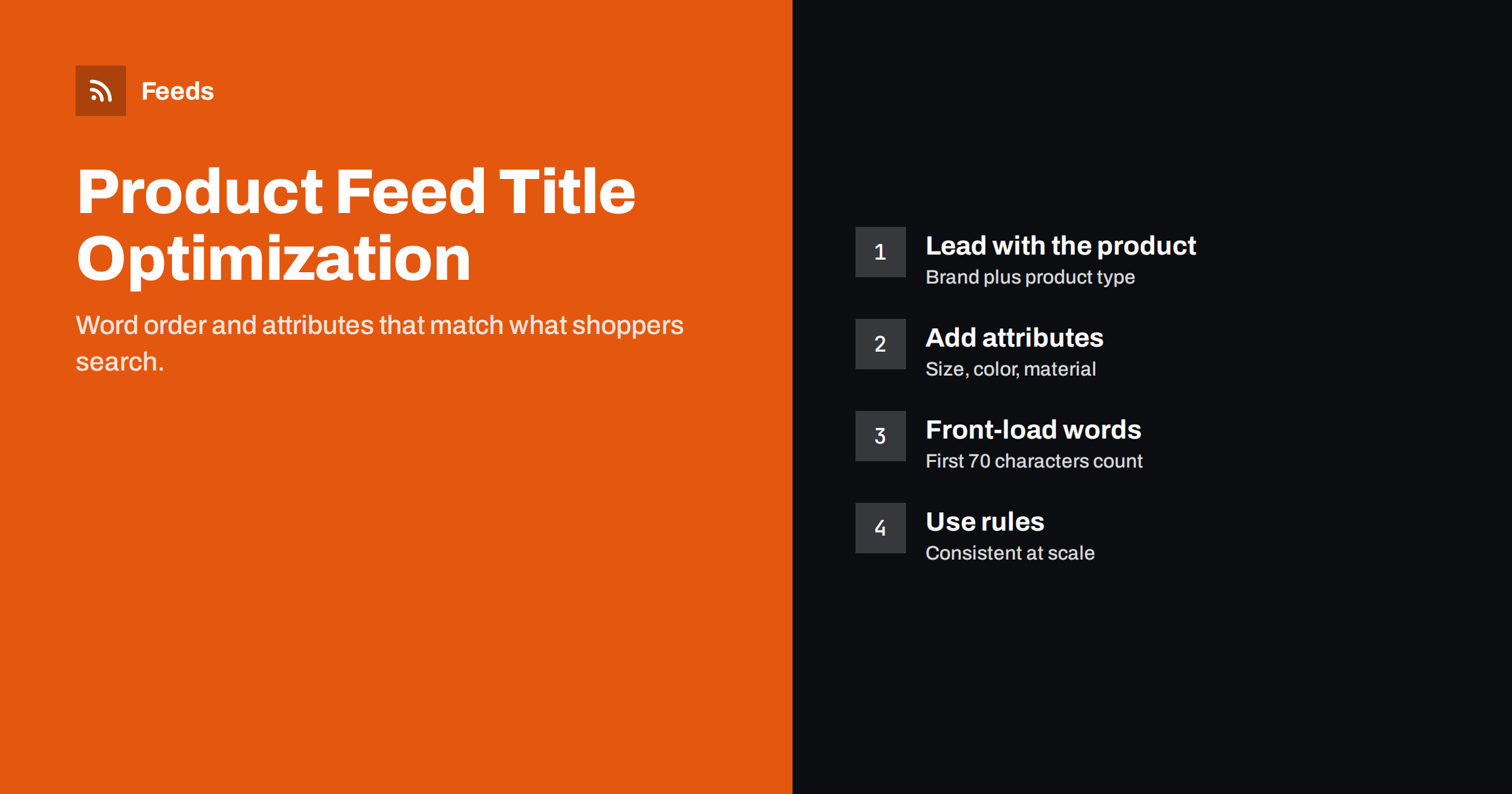
Short answer: A strong product feed title leads with the words shoppers actually type: usually brand and product type, followed by the attributes that distinguish the item, such as model, size, color, material or quantity. Put the most important words in the first 70 characters, stay within the 150-character limit, and avoid promotional text, all caps and keyword stuffing. Apply a title formula per category with feed rules, so thousands of titles improve consistently.
Why titles matter more in feeds than on your site
On your own product page, the title shares the stage with photos, breadcrumbs, filters, reviews and a long description. A shopper who lands there already knows roughly what they are looking at. In Shopping results and catalog ads, the title is often the only text next to the image and price, and it is the main signal the platform uses to decide which searches your product is relevant for.
That is why a title that works well on the store can underperform in a feed. “The Weekender” is a charming name for a bag on your site. In Google Shopping, nobody searches for “the weekender”; they search for “leather weekender bag brown” or “carry-on duffel bag”. If those words are missing from the title, the product has a harder time matching those searches, no matter how good the bid or the photo is.
The anatomy of a good product title
Good feed titles are built from a small set of components. The exact order depends on the category, but the components are the same:
- Brand: important when people search by brand or when the brand signals quality.
- Product type: the plain-language name of what it is, such as “running shoes”, “espresso machine” or “wall shelf”.
- Model or product line: essential for electronics, appliances and spare parts.
- Key attributes: size, color, material, capacity, dimensions, compatibility or pack size.
- Gender or age group: for apparel and some accessories.
What is not in the list matters too: store names, prices, shipping promises, “sale” or “best”, and exclamation marks. Google’s policies forbid promotional text in titles, and it does not help matching anyway.
Title formulas by category
A title formula is a template that combines fields in a set order. These starting points work for many stores and can be refined with your own search data:
| Category | Formula | Example |
|---|---|---|
| Apparel | Brand + Gender + Product type + Material + Color + Size | Northwind Women’s Merino Wool Sweater, Navy, M |
| Electronics | Brand + Product line + Model + Product type + Key spec | Acme SoundBar 300 Wireless Speaker, 40 W |
| Home and furniture | Brand + Product type + Material + Dimensions + Color | Oakline Floating Wall Shelf, Solid Oak, 80 cm, Natural |
| Beauty and health | Brand + Product line + Product type + Size or quantity | Clearleaf Daily Hydrating Face Cream, 50 ml |
| Spare parts | Brand + Part type + Part number + Compatible with | Fixit Water Filter FX-220 for Coolmax Refrigerators |
| Food and drink | Brand + Product + Flavor or variety + Weight + Pack size | Hillside Organic Green Tea, Jasmine, 100 g, Pack of 2 |
When brand awareness is low or you sell your own unknown label, consider moving the brand to the end, so the first words describe the product. When the brand is a strong search term, keep it first.
Length and word order
Google allows up to 150 characters, but results usually show only the first part of the title, and the visible length varies by device and placement. Plan for the first 60 to 70 characters to carry the essential message, and treat the rest as useful extra detail for matching.
Word order also matters for readability. “Shelf Wall Oak Floating 80cm” contains the right words but reads like a keyword list. Write titles that a person would read naturally, with commas separating attribute groups. Readable titles tend to earn more trust and clicks, and they also comply better with policies against keyword stuffing.
Where to find the right words
The best source of title words is data you already have, not guesses:
- Search terms reports in your Shopping or Performance Max campaigns show the queries that triggered your products. Look for recurring words that are not in your titles.
- Your site search reveals how visitors describe products in their own words.
- Search Console queries for product pages show organic search language.
- Customer service questions and reviews often use the terms people actually use, like “kids” instead of “junior” or “sofa” instead of “settee”.
- Manufacturer data gives correct model numbers and specifications that people search for precisely.
Be careful with regional differences. Terms change between countries even within one language, for example “trainers” and “sneakers”. Titles for each target country should use that country’s words.
Applying titles at scale with rules
Rewriting thousands of titles by hand is slow and inconsistent, and manual edits are lost when products are re-imported. Rules are the scalable approach. A rule builds a title from fields in the product data, optionally only for certain categories, and applies it every time the feed is generated.
- Start with one rule for your largest category and measure its effect before rolling out further.
- Use conditions: apply the apparel formula only where product_type contains “Clothing”.
- Handle missing values gracefully. A formula should not produce “Brand , , M” when material is empty.
- Keep the store’s own product names untouched; change the title only in the feed.
- Document the rules so the next person understands why titles look the way they do.
Mistakes to avoid
- Keyword stuffing: repeating synonyms (“sofa couch settee”) looks spammy and can violate policies.
- All caps and decorative symbols: they are against editorial requirements and make items look low quality.
- Promotional text: “free delivery”, “20% off” or “best seller” do not belong in titles.
- Titles that contradict the page: if the title says “Pack of 3” but the page sells one, expect disapprovals and unhappy shoppers.
- Changing titles every week: give each change time to show results before judging it.
Measuring whether a new title works
Title changes affect impressions first, then clicks. Compare the same products over comparable periods before and after the change, looking at impressions, click-through rate and conversions. Seasonality and bid changes can distort results, so change titles for a clearly defined group of products and compare them with a similar group that was left alone. Expect results to vary by category; a formula that helps apparel might do nothing for spare parts.
Variants and a worked example
Titles for variants
When a product comes in several sizes or colors, each variant is a separate item in the feed, and each needs its own title. If all variants share the same title, a shopper searching for “blue linen shirt” sees the same text for the blue, white and black versions, and the platform has less to work with when choosing which one to show.
The fix is simple: append the variant attributes to the base title. “Northwind Men’s Linen Shirt” becomes “Northwind Men’s Linen Shirt, Blue, L” for one variant and “Northwind Men’s Linen Shirt, White, M” for another. Keep the order of attributes consistent across the catalog, so titles scan easily in a results grid. When a variant attribute is already part of the product name, such as a color that names the product line, avoid repeating it.
A before and after example
Consider a small home goods store. Its product name on the site is “Nordic Mug”. In the feed, the default title is also “Nordic Mug”. Applying the home and kitchen formula produces “Oakline Stoneware Coffee Mug, 350 ml, Matte Grey”. Nothing about the product changed, but the new title now contains the product type people search for (coffee mug), the material (stoneware), the capacity and the color. It can match searches such as “grey stoneware mug” or “350 ml coffee mug” that the old title could not, and a shopper scanning the results understands the product before clicking.
The same exercise across a catalog typically reveals a pattern: the store’s creative names hide the product type. Fixing that single pattern with one rule often does more than any amount of manual polishing of individual titles.
How Feeds helps
Feeds includes title rules for product feeds, so you can rewrite titles in the feed without changing the product names in your WooCommerce or Shopify store, or in a CSV-based catalog. The same feed also supports rules to skip out-of-stock products and adjust prices, and it is published in the Google product XML format that Meta can read too. See the plans for which rules each plan includes.
Related reading
- Google Product Feed Attributes: Required and Recommended
- Shopify Product Feed for Google Merchant Center Explained
- WooCommerce Product Feed for Google Shopping: A Setup Guide
The bottom line
Feed titles should describe the product in the words shoppers use: brand, product type and the attributes that distinguish it, with the essentials in the first 70 characters. Build a formula per category, apply it with rules rather than manual edits, avoid promotional text and stuffing, and measure changes on defined product groups before rolling them out everywhere.
FAQ
How long should a product feed title be?
Google allows up to 150 characters. Put the most important information in the first 60 to 70 characters, because longer titles are often truncated in results.
Should the brand come first in the title?
If people search for your brand, yes. For unknown or private labels, it is often better to start with the product type and put the brand later.
Can I use different titles in the feed and on my website?
Yes, as long as the feed title accurately describes the same product. Many stores use richer titles in feeds than on product pages.
Is it allowed to include “sale” or “free shipping” in titles?
No. Promotional text is not allowed in Google product titles. Use the sale_price attribute and shipping settings instead.
How quickly do title changes affect performance?
Changes apply after the next feed fetch and review. Give them a few weeks and compare against a similar group of unchanged products before drawing conclusions.


