 ENEnglish
 LTLietuviškai
 DEDeutsch
 FRFrançais
 RUРусский
 ESEspañol
 PLPolski
 ITItaliano
 UKУкраїнська
 CSČeština
 PTPortuguês
 JA日本語
JA日本語 LVLatviešu valoda
 ETEesti
 HUMagyar
 IDBahasa Indonesia
 TRTürkçe
 HIहिन्दी
 ELΕλληνικά
 ARالعربية
 THไทย
THไทย VITiếng Việt
 RORomână
 MSBahasa Melayu
 BNবাংলা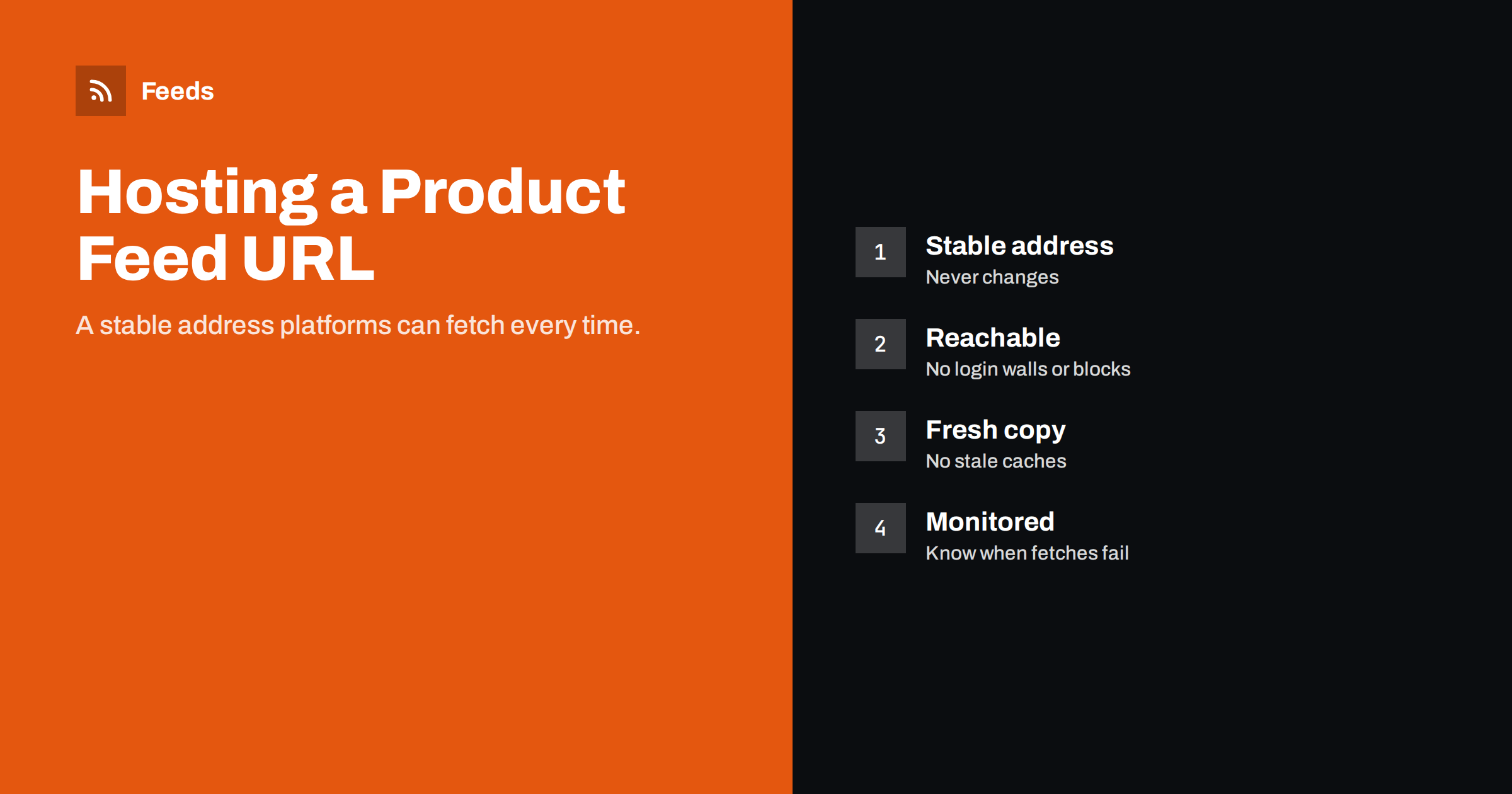
Short answer: A product feed should live at one stable HTTPS URL that returns the file directly, without login pages, cookie walls or bot challenges, so Google Merchant Center and Meta can fetch it on schedule. Protect it with basic authentication or an unguessable path if it should not be public, make sure caches serve the latest version, keep the file size manageable with compression, and monitor fetch results so you notice failures within a day rather than a week.
Why the URL matters more than it seems
Once a feed URL is registered in Merchant Center and Commerce Manager, platforms fetch it on schedule for as long as the data source exists, often for years. Every campaign, product set and free listing depends on that URL working. If it breaks, nothing dramatic happens at first: the platform keeps the last successful version for a while. Then prices and stock drift, items start expiring, and eventually products disappear.
That slow failure mode is what makes feed hosting important. A broken feed rarely announces itself loudly. Stores discover it days later through falling sales or a list of expired items. A reliable URL, and monitoring that notices failures early, prevent most of that damage.
Changing the URL is possible, but it means updating every platform’s data source settings. Choose a URL you can keep.
A good URL is also descriptive enough for humans. Something like a path containing “feeds” and the channel name tells a colleague immediately what the file is, which helps when someone audits the website years later and wonders whether it is safe to remove.
Where to host the feed
The right location depends on how the feed is generated:
| Option | Typical use | Watch out for |
|---|---|---|
| A path on your own website | Feeds generated by a store plugin | Caching, firewalls, generation load |
| Cloud storage with a public or signed link | Feeds exported by scripts or ERPs | Link expiry, permissions after changes |
| A feed service’s URL | Feeds generated outside the store | Plan limits, account ownership |
| SFTP or FTP upload to the platform | Systems that push files | Credentials, failed uploads without alerts |
For stores, a stable path on the website or a feed service URL are the most common. For businesses with ERPs or custom systems, cloud storage often works best, as long as the link does not expire.
Whatever the location, the account that owns it matters. A feed hosted in a freelancer’s personal cloud account, or on a server the store no longer controls, is a risk. Make sure the store owner has access to the place where the feed lives and to the tool that generates it.
Making sure platforms can reach it
A feed that opens in your browser may still be blocked for platform fetchers. Typical causes:
- Bot protection and firewalls that challenge unknown crawlers or block requests from data center IP ranges.
- Login requirements added by maintenance mode, staging protection or a security plugin.
- Cookie walls or consent pages served before the file.
- Geographic blocking that rejects requests from countries where the platform’s servers are.
- Rate limits that trigger when the file is large and downloaded in parts.
Test the URL from outside your network without being logged in, for example with a command-line HTTP request. The response should be a 200 status with the file itself, not an HTML page. If your security setup challenges bots, add an exception for the feed path rather than weakening protection for the whole site.
Hosting moves are a classic moment for feeds to break. When a site moves to a new server or a new CDN, security settings and caching rules are often rebuilt from scratch, and the feed path exception is forgotten. Add the feed to the checklist for any hosting change.
Protecting a feed that should not be public
Product feeds contain data that is already public on your website, so many stores leave them open. Some prefer not to make a complete, machine-readable catalog easy for competitors to download. Options include:
- Basic authentication: both Merchant Center and Meta can fetch password-protected files; enter the credentials in the data source settings.
- An unguessable path: a long random string in the URL keeps casual visitors out, although it is not real security.
- Not linking the feed from anywhere on the site and excluding it from sitemaps.
Avoid IP allowlists based on platform IP ranges, which change without notice and are a common reason for sudden fetch failures.
Whichever protection you choose, document the credentials and where they are entered. When a password is rotated for security reasons, every platform’s data source must be updated at the same time, or the next fetch fails. Rotating feed credentials on a Friday afternoon before a sale weekend is a well-known way to lose Shopping traffic.
Caching and freshness
Caches are good for pages and dangerous for feeds. A page cache, CDN or browser-style cache can serve an old copy of the file long after a new one was generated. The platform then fetches stale data on schedule, and nobody notices because the fetch “succeeds”.
- Exclude the feed path from page caching, or set a short cache lifetime that matches the refresh schedule.
- Check the Last-Modified header or a timestamp inside the file to confirm the version platforms receive.
- After a regeneration, request the URL from outside and verify the new timestamp.
If the feed is generated on request rather than in advance, the opposite problem appears: each fetch triggers a slow generation that may time out. Prefer feeds that are generated in the background and served as a ready file.
A simple test catches most caching problems: change the price of one test product, wait for the feed to regenerate, then download the feed from outside your network and search for that product. If the old price is still there, something between the generator and the platform is serving a stale copy.
File size and compression
Large catalogs produce large files, especially in XML with long descriptions. Big files take longer to download and are more likely to fail midway. Compression helps a lot: text compresses very well, and platforms accept common compressed formats. Also remove what is not needed, such as HTML inside descriptions or unused attributes.
If a single file becomes unwieldy, split the catalog into several feeds, for example by category or country, each with its own URL and data source. Check the platforms’ current size limits in their documentation before you reach them.
Encoding and content type deserve a quick check too. Serve XML with an XML content type and CSV as text, and keep the file in UTF-8. Wrong headers rarely break a fetch completely, but they can cause characters to be misread.
Monitoring fetches
Both Merchant Center and Commerce Manager show a processing history for each data source: when it was fetched, whether it succeeded and how many items were processed. Make checking it a habit, and set up notifications where available so failures reach someone quickly.
- Check that the last fetch succeeded and happened at the expected time.
- Compare the number of items processed with the number you expect.
- Investigate any sudden drop in items, which often means part of the file could not be parsed.
- After website changes, such as a new firewall rule or hosting move, trigger a manual fetch to confirm access.
Keep a short record for each feed: its URL, where it is hosted, how it is generated, which platforms fetch it and who to contact when it fails. That record turns a confusing outage into a quick fix, especially when the person who originally set things up is not available.
For agencies and stores with several feeds, a weekly glance at all data sources in one list is usually enough to catch problems before they affect campaigns.
How Feeds helps
Feeds hosts each product feed at its own stable URL, generated outside your store from WooCommerce, Shopify or a CSV link, so your store’s caching and firewall settings do not affect the file platforms fetch. Feeds refresh automatically, the output is Google product XML that Merchant Center and Meta both read, and rules can skip out-of-stock products, rewrite titles and adjust prices. See the pricing page for plans.
Related reading
- How Often Should a Product Feed Update? A Practical Guide
- XML vs CSV vs Google Sheets: Which Product Feed Format?
- Meta Catalog Errors: How to Fix Common Feed Issues
The bottom line
Host the feed at one stable HTTPS URL that returns the file directly and that platforms can always reach. Protect it with basic authentication if needed, keep caches from serving stale versions, compress or split large files, and monitor every data source’s fetch history so failures are noticed within a day.
FAQ
Can Google fetch a password-protected feed?
Yes. Merchant Center supports basic authentication for scheduled fetches. Enter the username and password in the data source settings.
Why does my feed open in the browser but fail in Merchant Center?
Often a firewall or bot protection blocks the platform’s fetcher, or the URL returns an HTML page for non-browser requests. Test it from outside without cookies.
Should I change my feed URL when switching tools?
Only if necessary. If you do, update every platform’s data source and keep the old URL working until the new one has been fetched successfully.
Is it a problem if my feed is public?
Not for the platforms. The data is already on your website. Some stores protect feeds to make bulk copying by competitors less convenient.
How do I know if platforms receive an old version?
Check timestamps in the file or its Last-Modified header, and compare with the time of the last regeneration.


