ENEnglish
 LTLietuviškai
 DEDeutsch
 FRFrançais
 RUРусский
 ESEspañol
 PLPolski
 ITItaliano
 UKУкраїнська
 CSČeština
 PTPortuguês
 JA日本語
 LVLatviešu valoda
 ETEesti
 HUMagyar
 IDBahasa Indonesia
 TRTürkçe
 HIहिन्दी
 ELΕλληνικά
 ARالعربية
 THไทย
 VITiếng Việt
 RORomână
 MSBahasa Melayu
 BNবাংলা
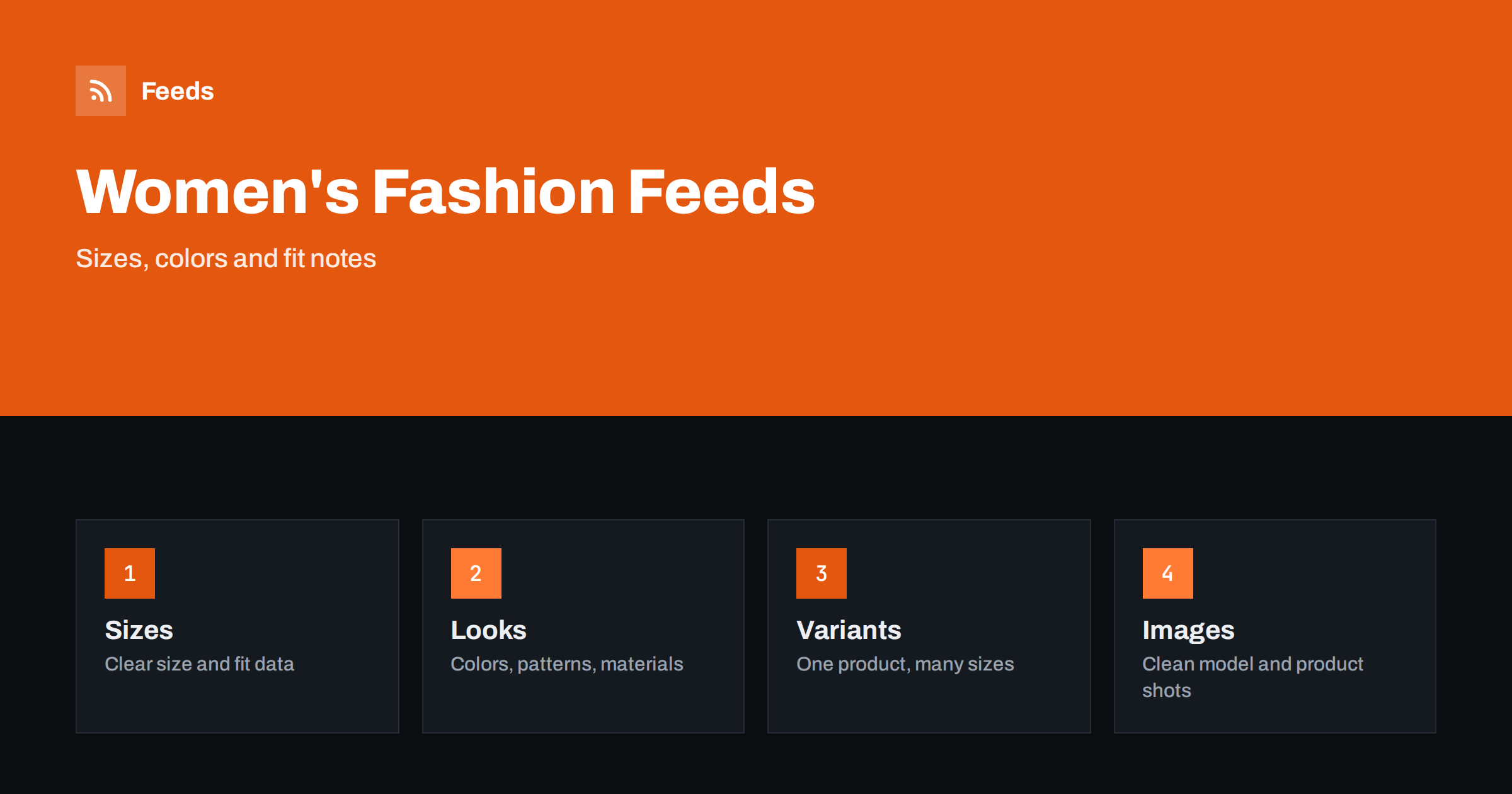
Short answer: Women’s clothing and dresses sell on fit, color and look, and shoppers compare many similar items. A good feed gives every size and color its own variant, puts the brand, product type, color and size in a fixed title order, fills the apparel attributes carefully and uses clean photos that show the real item. Keep descriptions honest about fabric, fit and length, and make the landing page match the ad.
Returns are the hidden cost. Fashion has one of the highest return rates in online retail, and many returns come from information that was missing or unclear: the real color, the length, the stretch of the fabric or the way a size runs. A good feed cannot remove returns, but it can remove the ones that were avoidable, and each avoided return pays for the work on the data.
Why fashion feeds are demanding
A dress is one design in many versions: five sizes, six colors, two lengths and sometimes several fabrics. Shoppers see a small image and a short title, and decide in seconds whether to click. If the title is vague, the color is wrong or the size is out of stock on the page, the click is wasted and the return rate rises.
Fashion also changes by the season, which means constant additions and removals. A feed built from rules handles this better than hand-edited files. If you are new to the topic, product feed explained gives a short introduction, and apparel product feed attributes covers the fields that fashion needs.
Titles that shoppers search for
Start with the brand and the product type in the words people use: “wrap dress”, “midi skirt”, “linen shirt”, “knit cardigan”. Then add the color, the key feature and the size, such as “Brand Wrap Dress Floral Midi Green Size M”. Put the type and color early, because titles are cut in many places. Keep the same order for the whole catalogue so that similar items look alike in results.
Do not stuff the title with words such as “sexy”, “trendy” or “must have”, and do not repeat the same word several times. Use a name for the collection only when customers know it. Product feed title optimization explains how length and order affect results.
Length deserves its own note for dresses and skirts. Give the length in centimetres from the shoulder or the waist, and say which size the length refers to. Mention the model’s height, whether the item has stretch and whether it is lined. A shopper who knows that a midi dress ends below the knee for a person of average height will make a better choice, and so will the next one.
Sizes, size systems and fit
Size information is the most important data in this category. Provide the size in the system used in the target country, such as numeric sizes, letters or both, and add the size system and type where the platform asks for it. If a brand runs small or large, say so in the description and give a size chart on the product page.
Fit notes such as “relaxed fit”, “fitted waist” or “model is 175 cm and wears size S” reduce returns. Measurements in centimetres or inches help shoppers who are between sizes. Keep the same wording across products, and avoid fashion terms that customers do not understand. For global stores, remember that size systems differ between countries, and set up feeds per country when needed, as described in multi-country product feeds and currency.
Occasion words help shoppers who search by event: wedding guest, office, summer holiday, evening. Add them to the description and to the product type when they are accurate, but do not stuff every product with every occasion. A simple cotton shirt dress is not an evening gown, and wrong labels bring wrong visitors.
Colors, patterns and materials
Color is the second filter. Use the basic color name that shoppers search for, such as green, navy or red, and put the fancy name in the description if you need it. For items with several colors, list the main one first, and for prints, name the pattern: floral, striped, polka dot or checked. A product in “sage” should still say green in the attribute.
Write the material as it appears on the label: cotton, linen, viscose, wool blend. Give percentages in the description if they matter, and do not claim a fabric you cannot prove. Care instructions are useful for shoppers, and a short line such as “machine wash at 30 degrees” can go in the description. Wrong material claims are a common reason for returns and complaints.
Think about the order of variants on the page and in the feed. Show the main color first, keep sizes in their natural order and avoid hiding the popular sizes at the bottom. If you add a new color later, give it a new identifier and do not reuse an old one, because the history of clicks and sales belongs to the old product.
Variants and item groups
Every combination of size and color is a separate variant with its own identifier, price, stock and image. Group them with one item group so that shoppers and platforms can see that they belong to the same product. If sizes are out of stock, either remove the variant or mark it unavailable, and do not show a size that cannot be bought.
The details are explained in product variants and item_group_id, and stock handling in out-of-stock products in feeds. A product with six colors and five sizes is thirty variants, which is why rules and automation matter.
Test your images on a phone. Most shoppers see a thumbnail the size of a thumb, so the item must fill most of the frame and the background must not distract. Check that the images load quickly and that the file names are not mixed up between colors, which is a common error when many photos are uploaded at once.
Images that show the real item
Photos sell clothing. Use a clean front image of the item on a plain background as the main picture, and add model photos, back views, details and a photo of the fabric as extra images. The color in the photo must match the color in the title, and the image for each color variant must show that color. Avoid heavy filters, text overlays and collages.
Requirements for image size and quality are in product feed image requirements. Keep models and sizes consistent across a collection, and state when the model wears a different size than the one you sell.
Descriptions, claims and seasonality
Write the description for a shopper who cannot touch the item. Cover the cut, the length, the neckline, the closure, the fabric, the lining and the occasion, and keep the text factual. Words such as “slimming” or “flattering” are opinions, and claims like “fits all body types” are not true. Be careful with sustainability words too: only use “organic” or “recycled” when you can show the proof.
Fashion is seasonal. Remove old collections from the feed when they are no longer sold, update the sale price during promotions and keep the date range right, as described in sale price in product feeds. Prepare the autumn feed before the first cold day, not after.
Finally, check the page after you change the feed. Open three products at random, choose a size and a color and follow the path to the cart. The price, the size availability and the image should match what the ad promised. A short check every week finds problems before the diagnostics do.
Identifiers, shipping and returns
Use the brand name exactly as it appears, and add the GTIN when the product has one. Own-brand items without a barcode can use a brand and a clear part number. GTIN, MPN and brand: product identifiers explained shows how to fill the fields.
Shipping and returns are part of the buying decision for fashion. Show correct shipping costs and delivery times, and make the returns policy easy to find, as described in shipping settings in product feeds. A clear policy increases trust and reduces questions.
How RSS Feed Creator helps
RSS Feed Creator builds Google Merchant Center and Meta catalog XML straight from your store. WooCommerce and Shopify are read automatically, and any other store can use a CSV link. You can skip out-of-stock products, rewrite titles with rules so that brand, product type, color and size appear in the same order every time, and adjust prices. Before you submit anything, check the preview and the Merchant Center diagnostics to confirm that sizes, colors, stock and prices arrive as you expect. The free plan includes product feeds with up to 50 products, and the Store plan covers one store with 3 product feeds and up to 2,000 products. The details are on the pricing page.
Related reading
- Apparel Product Feeds: Color, Size, Gender and Age Group
- Product Feeds for Children’s Clothing: Sizes by Age and Height
- Product Variants in Feeds: How item_group_id Works
The bottom line
Clean feeds for women’s fashion come from a fixed title order, careful size and fit data, correct colors and materials, one variant for each size and color, clean images and honest descriptions. Check the preview before you submit and fix what the diagnostics report. Accurate details reduce returns and help shoppers find the right piece.
FAQ
What should a dress title include?
Include the brand, the type, the color, a key feature and the size, in the same order for every product.
Does every size need its own variant?
Yes. Give each size and color its own variant with its own identifier, stock and image, and group them with one item group.
How do I handle size differences between countries?
Use the size system of the target country and consider separate feeds for each market, with a size chart on the page.
Can I describe a dress as flattering?
Prefer facts such as cut, length and fabric. Opinion words do not help shoppers and claims about all body types are not accurate.
What if a size is sold out?
Mark the variant as unavailable or remove it, so that shoppers never see a size they cannot buy.