ENEnglish
 LTLietuviškai
 DEDeutsch
 FRFrançais
 RUРусский
 ESEspañol
 PLPolski
 ITItaliano
 UKУкраїнська
 CSČeština
 PTPortuguês
 JA日本語
JA日本語 LVLatviešu valoda
 ETEesti
 HUMagyar
 IDBahasa Indonesia
 TRTürkçe
 HIहिन्दी
 ELΕλληνικά
 ARالعربية
 THไทย
THไทย VITiếng Việt
 RORomână
 MSBahasa Melayu
 BNবাংলা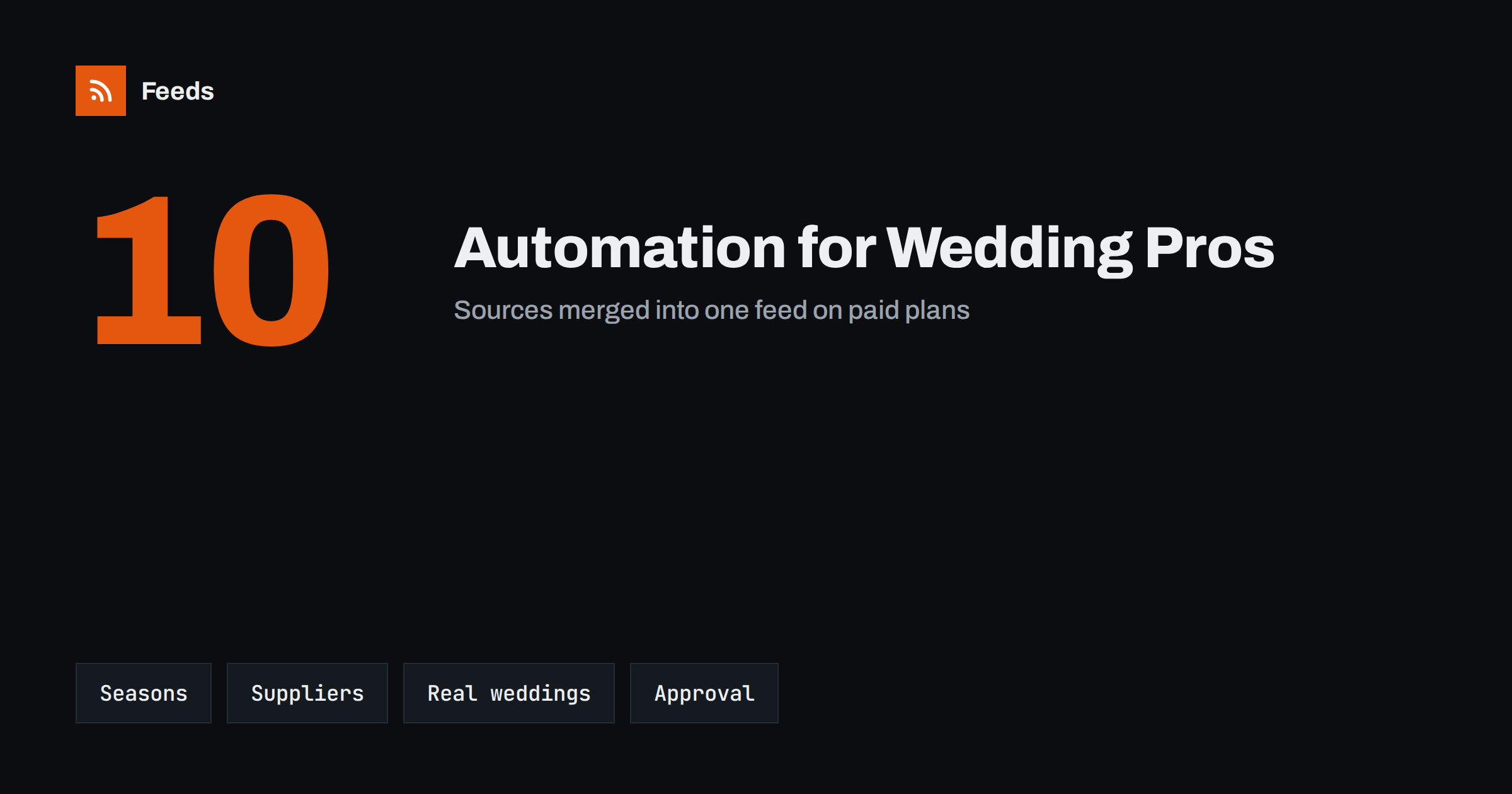
Short answer: Wedding planners and venues sell trust, and trust is built by showing up regularly with useful, tasteful content. Automation can carry the repetitive part: a seasonal posting calendar, news from suppliers and trade sources, open-date announcements and reminders to collect photos after each event. The personal part stays with people. Real weddings, couples’ names and photographs are shared only with consent and always after a human check, because these are private occasions and the customer’s wishes come first.
Why this business needs a steady rhythm
Couples start looking a year or more ahead, and they look in waves: after the holidays, around the summer, after a friend’s wedding. They compare venues and planners online, scroll social feeds and read blogs. A business that is active and current looks reliable. One that last posted in March looks as if it may not answer an enquiry.
At the same time, wedding professionals are busiest exactly when content matters most. Between site visits, tastings, rehearsals and Saturdays that start at dawn, posting falls off the list. Automation does not replace the human work. It makes sure the shop window stays lit. If you are building a small automation stack from scratch, the overview in a small business content automation stack is a good starting point.
A calendar that follows booking season
Start with the calendar, not the tool. List the moments in the year that matter to your customers: engagement season, the first open dates for the next year, the start of the outdoor season, venue open days, bridal fairs and the last chance to book for a popular month. Add the practical topics couples look for at different stages: budgeting, guest lists, timelines, seating plans, rain plans.
Write a first draft for each moment and schedule the posts a year ahead. Reusing evergreen advice on a schedule is perfectly acceptable if it is useful and updated each year; the approach is described in resharing evergreen content automatically. A simple content calendar built from feeds helps to mix scheduled posts with timely items from your sources.
Sources worth following
A planner or venue needs to know what is happening around the trade. Many of the best sources have no feed of their own, and a page-to-feed tool fills the gap; the principle is in how a page becomes a feed.
- Supplier news pages from florists, caterers, bands, photographers, hire companies and stationers you work with, for new packages, cancellations of dates and price changes.
- Local council and licensing pages for changes to rules on music, outdoor events, fireworks, road closures and parking.
- Trade and bridal fair listings for dates and exhibitors.
- Industry blogs and magazines for trends, which you can comment on in your own words.
- Venue and tourism boards for local events that affect guest travel and accommodation.
Merge the sources by theme, such as “suppliers”, “rules and licences” and “trends”, and filter with keywords so that only relevant items arrive. The method is covered in how to merge RSS feeds.
Real weddings: consent first, always
Real weddings are the best content a wedding business has, and the most sensitive. A photograph of a couple, their guests and their children is personal data, and in many countries it is protected by law. Do not publish it, or automate its publication, without clear permission from the couple, and consider the guests and any children who appear. Agree in writing what you may share, where, for how long and whether names may be used, and respect a later request to remove a post.
Automation can help in a limited way: a reminder to ask for consent and photographs two weeks after each wedding, a folder structure for approved images and a queue in which approved posts wait for a date. It must never publish unapproved material. Treat the queue as an approval step, as described in full automation vs an approval queue, and keep a list of couples who said no, so that no scheduled post slips through. For the principle of pausing posts, see brand safety for automated posting.
Supplier credit and fairness
Wedding content usually features other businesses: the florist, the band, the photographer, the cake maker. Credit them in every post that uses their work, tag them where appropriate and ask before you use an image they created. A template with a credit line saves effort and shows that you value the relationship. It also builds goodwill that comes back as referrals.
When you share another business’s news from a feed, add a short comment of your own, link to the original and avoid copying text or images wholesale. The legal side of using other sites’ content is explained in using other websites’ RSS feeds, and the practice of sharing and attributing is in content syndication with RSS.
Open dates and last-minute availability
Venues and planners often have cancellations and gaps, especially on weekdays and in shoulder months. Announce them on a page of your own, with a short, plain list: date, capacity, what is included, who to contact. A page like this can be published as a feed and shared automatically to your social channels and a newsletter. Keep the list accurate. A post that advertises a date that has been booked since last week costs you the trust you were trying to build.
Do not invent urgency. “Only one Saturday left in June” should be true on the day it is posted, and should come down when it is no longer true. If you cannot keep the list current by hand, publish the availability page less often rather than risk stale information; see how to pause automated posting for the habit of stopping when circumstances change.
Finally, review the whole setup once a quarter. Look at which posts couples actually mentioned in enquiries, which suppliers sent referrals and which feeds produced nothing useful. Drop the sources that never help, adjust the calendar for the next season and update the evergreen posts with new prices, dates and photographs. A short review keeps the automation honest and prevents the quiet drift towards generic content that nobody reads.
Reviews, testimonials and follow-up
Reviews are the second most persuasive content after real weddings. Ask for them at a fixed point, for example a few weeks after the wedding, when the couple is back from the honeymoon and the memories are fresh. A scheduled reminder for your own team, not an automatic message to the couple, keeps the request personal. Quote reviews only with permission and keep them accurate: do not edit wording to make it sound better than it was.
Use the same discipline for enquiries. Automation can remind you to answer within a day, to send a brochure and to follow up a week after a venue visit. It should not send generic messages that read like a form. Couples can tell the difference, and a personal reply is the moment the booking is won or lost. Treat the calendar, the feeds and the queue as support for your voice, not a replacement for it.
How RSS Feed Creator helps
RSS Feed Creator turns the news page, price list or announcement page of a supplier, council or trade body into a clean RSS feed, even when the site has no feed of its own. It reads titles, images, summaries and dates, uses an existing feed when there is one, and shows a preview of the items before the feed is created. You can merge several sources into one feed (up to 10 on paid plans), keep only the items that contain your keywords and have duplicates removed automatically, which suits a themed watch on suppliers, licensing rules and trade events. Feeds refresh every 3 hours on the free plan and every 30 minutes on paid plans, and paid plans send an alert when a page changes and a feed stops finding items. The free plan allows up to 20 items per feed, and the details are on the pricing page.
Related reading
- Content Automation for Hotels, Restaurants and Tourism Businesses
- Content Automation for Event Organizers and Venues
- Content Automation for Photographers and Studios
The bottom line
For wedding planners and venues, automation keeps the shop window lit while people do the work that matters. Build a seasonal calendar, follow supplier and local sources through feeds, announce open dates honestly and treat every real wedding as private until the couple says otherwise. Consent and approval come before speed.
FAQ
Can I automate posts about real weddings?
You can schedule approved posts, but only after you have the couple’s written permission and have considered guests and children in the photographs. Never publish unapproved material automatically.
What should a wedding business post in the off-season?
Planning advice, supplier introductions, venue and local news, behind-the-scenes preparation and early announcements of open dates. A calendar written once and updated yearly covers most of it.
How do I follow local rules that affect events?
Create feeds from the council, licensing and tourism pages for your area, filter them by words such as music, outdoor, fireworks or road closure, and check any item that matches.
Should suppliers be credited in my posts?
Yes. Name and tag the businesses whose work appears, ask before using their images and keep a standard credit line in your templates. It is fair and it builds referrals.
How do I avoid posting dates that are no longer free?
Keep one availability page as the single source, update it first when a date is booked and post from it. If you cannot keep it current, post less often rather than risk showing stale dates.