ENEnglish
 LTLietuviškai
 DEDeutsch
 FRFrançais
 RUРусский
 ESEspañol
 PLPolski
 ITItaliano
 UKУкраїнська
 CSČeština
 PTPortuguês
 JA日本語
 LVLatviešu valoda
 ETEesti
 HUMagyar
 IDBahasa Indonesia
 TRTürkçe
 HIहिन्दी
 ELΕλληνικά
 ARالعربية
 THไทย
 VITiếng Việt
 RORomână
 MSBahasa Melayu
 BNবাংলা
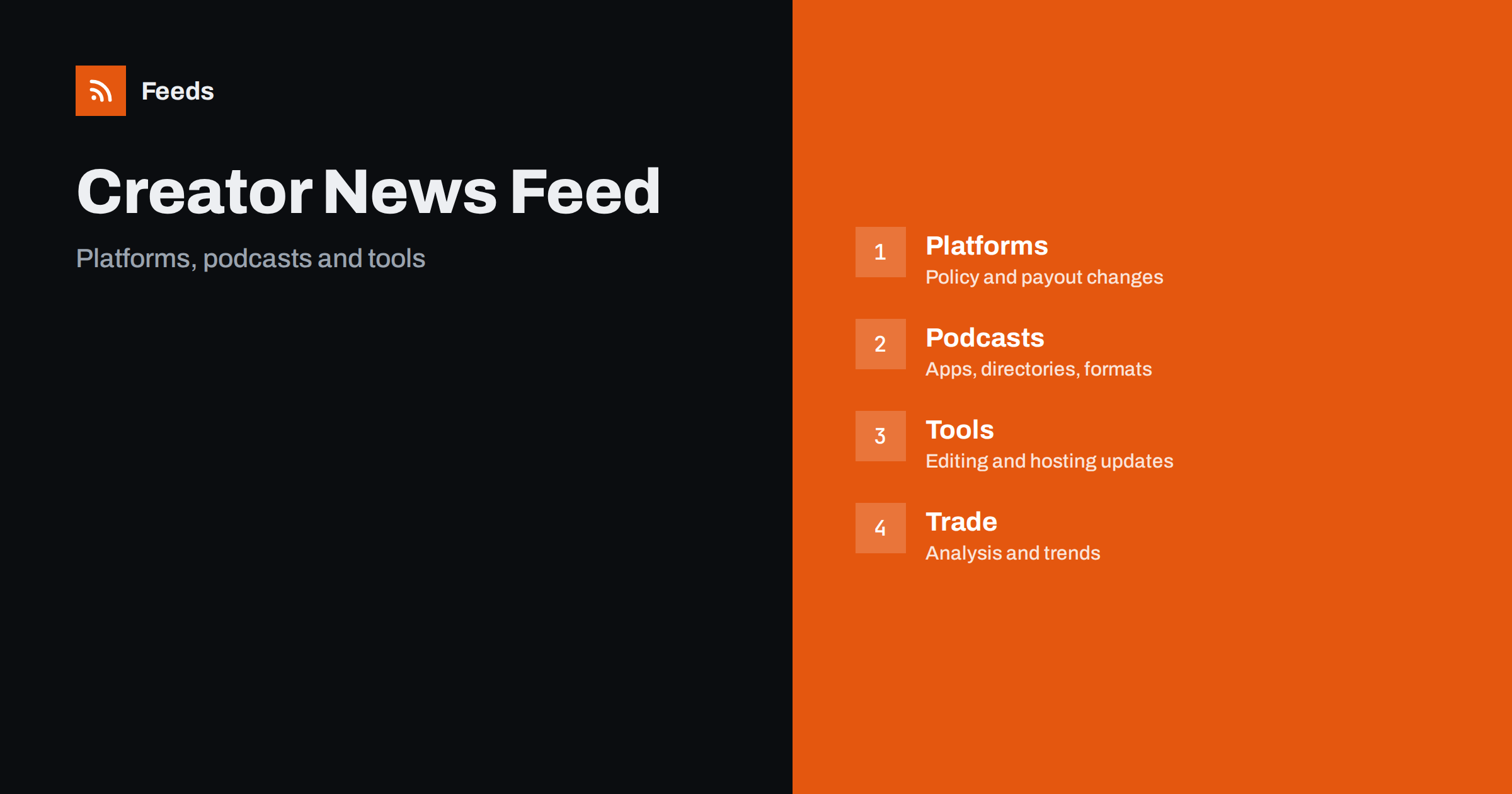
Short answer: Creator economy and podcasting news comes from platforms, podcast apps and directories, hosting companies, networks, tool makers, regulators and a lively trade press. RSS lets you collect the sources that matter to your work in one reader, filter them by platform, format or topic and read them in the order they appear. Use official platform pages for rule and payout changes, trade press for context and check the original before you change anything in your business.
Why this news is hard to follow
Creators depend on platforms that change rules, features and payments often. A change in an algorithm, a new monetisation programme, a policy update on music or AI-made content, a new app feature for podcasts and a shift in advertising rates are all news that can affect income, and they appear on different sites, in different formats and often with little notice.
Rumours spread quickly, and many creators learn about a change from a video or a post by another creator, long after the official notice. People who need this news include solo creators, podcasters, small studios, agencies, marketers and investors. If you are new to the idea, what is an RSS feed explains the basics in plain words.
Start with platform and app announcements
Platforms publish news for creators on their blogs, help centres and policy pages: new tools, changes to monetisation, community rules, copyright and music policies and payout terms. Podcast apps and directories publish requirements for feeds, new features and changes to how shows are listed. These pages are the primary source for what a platform says it will do.
Choose the platforms where you publish or earn and follow their creator news and policy pages. Read the original text and note the date from which a change applies. Track terms of service and policy changes with RSS explains how to watch terms pages, and monitoring SaaS status pages and outages with RSS helps when a tool you rely on fails.
Podcast technology and hosting
Podcasting runs on open feeds, and changes in apps, directories and hosting affect every show. Follow the news of your hosting company and of the main directories you submit to, and watch for updates to feed requirements and tags. If you run a show, a feed that does not meet a directory’s rules can disappear from listings.
The details are covered in several guides: podcast RSS feeds explained: how episodes reach every app, podcast RSS tags explained and podcast feed rejected? how to fix the most common errors. Keep notices about feed requirements in a folder you check weekly, since problems here can cost you listeners.
Tools, editing and production
Creators use editing software, recording tools, transcription services, thumbnail makers and scheduling apps, and these tools update often. Follow the release notes of the tools you use so that you hear about new features, price changes and shutdowns before they affect your work. A tool that is closed or changes its pricing without notice can disrupt a production schedule.
The method is the same as for any software. Follow software changelogs and release notes with RSS explains how to collect updates. Add a few creators and educators who test tools honestly and disclose sponsorships, and be careful with reviews that are paid for. Compare two sources before you change your workflow.
Audience and revenue signals matter too. Advertising rates, sponsorship trends, subscription models and listener or viewer behaviour change from year to year, and market reports and platform statistics help you plan. Compare numbers from different publishers carefully, because they use different samples and definitions. A report that shows that a format is growing says little about whether it suits your show, so use it to ask questions and test ideas in a small way before you change your plan.
Rules, rights and money
Creators face rules on copyright, music licensing, advertising disclosure, sponsorship, privacy, consumer protection and tax. The details differ between countries, and they change. Follow official pages of the authorities and rights organisations that matter to you, read the original text and ask a qualified adviser when a rule affects a contract or a payment.
For rights and licences, copyright and licence information in RSS feeds explained is a helpful starting point. For regulation in general, tracking government and regulator updates with RSS shows how to follow official pages. Keep payment and tax notices in a separate folder, and keep your own records of dates and terms.
Events and calls are part of the picture as well. Conferences, festivals, award calls, grant programmes and collaboration requests are published on organiser pages, and deadlines pass quickly. Follow the pages of the events and programmes that matter to you, and keep deadlines in a calendar. Never miss a call for speakers or papers again shows how to follow calls, and find podcast guest opportunities with RSS monitoring helps both hosts and guests to find each other.
Trade press, newsletters and communities
Trade publications and newsletters explain what changes mean: how a platform decision affects earnings, which formats are growing, what advertisers want and how audiences behave. Add a handful of respected sources and a few independent analysts. Communities and forums offer real experience from other creators, and many offer feeds for topics or threads.
Keep a balance. If commentary dominates your reader, you will read opinions about facts that you have not seen. Aim for at least as many primary sources as commentary sources, and be careful with advice that sells a course. Monitor forums and community sites with RSS feeds explains how to follow community discussion without reading every post.
Find feeds, even when a site has none
Many creator and podcast sites offer RSS, but some platforms hide it or do not publish it. Look for a feed icon, check the page source for an autodiscovery link or try the usual feed paths. Find the RSS feed of any website: 7 reliable methods lists the options in order, and find the RSS feed URL of any podcast covers shows.
If a site has no feed, a page-to-feed tool can read its list of posts or notices and build a feed from it, as described in how to create an RSS feed for a website without RSS. Check the preview to make sure it shows real items with titles, dates and links, not menu entries or banners.
Filters and a routine that protects your time
Keyword filters keep the list focused. Include your platforms, formats, tools and topics, and exclude categories that do not apply, such as platforms you do not use. Test the filters on ten recent items and review them every month. Set up keyword alerts using RSS feed filters explains the method, and reduce noise in RSS alerts without missing anything helps when the list grows.
Creator news can become a distraction that replaces creating. Read policy and tool folders weekly, general news two or three times a week and keep the rest as a reference. A routine like RSS triage: a fast daily routine for reading less keeps the habit short, and a monthly review removes sources that no longer help.
Think about your own feed as part of the news cycle. If you publish a podcast, a blog or a newsletter, the same reader that brings you news is how many of your listeners follow you, and a clean feed with correct titles, images and dates helps them. Check your own feed regularly, as described in monitoring your own RSS feed: uptime and freshness checks, and make sure that changes in a platform do not break the way people reach you. Owning a feed is one of the few ways a creator keeps a direct line to an audience that does not depend on a single platform.
How RSS Feed Creator helps
RSS Feed Creator turns the news, policy or release pages of platforms, tool makers, networks and publishers into clean RSS feeds, even when the site has no feed of its own. It reads titles, images, summaries and dates, uses an existing feed when there is one, and shows a preview of the items before the feed is created. You can merge several sources into one feed (up to 10 with the PostRSS add-on), keep only the items that contain your keywords and have duplicates removed automatically, which suits a reading list for one platform or format. Feeds refresh every 3 hours on the free plan and every 30 minutes on paid plans, and the PostRSS add-on sends an alert when a page changes and a feed stops finding items. The free plan allows up to 20 items per feed, and the details are on the pricing page.
Related reading
- Podcast RSS Feeds Explained: How Episodes Reach Every App
- Content Automation for Creators, Podcasters and Writers
- How to Track Terms of Service and Policy Changes with RSS
The bottom line
RSS gives creators and podcasters a calm way to follow a fast-moving field. Start with platform and directory announcements, follow the tools you depend on, keep rules and payment notices in separate folders and use trade press for context. Open the original before you change a workflow, and protect the time you need to make things.
FAQ
Which sources should I follow first?
Begin with the creator news and policy pages of the platforms you publish on or earn from, plus your podcast host and directories.
What if a platform has no RSS feed for its news?
A page-to-feed tool can read its blog or notice page and build a feed. Check the preview to confirm that it shows real items with dates.
How do I avoid rumours about algorithm changes?
Rely on official announcements and policy pages for facts, and treat creator videos and posts as leads to check.
Can a feed help me find podcast problems?
It can alert you to new directory requirements and tool changes, so you can check your own feed before listings are affected.
How do I stop news from taking over my week?
Use keyword filters, read policy and tool folders weekly and keep general news to a couple of short sessions.