ENEnglish
 LTLietuviškai
 DEDeutsch
 FRFrançais
 RUРусский
 ESEspañol
 PLPolski
 ITItaliano
 UKУкраїнська
 CSČeština
 PTPortuguês
 JA日本語
JA日本語 LVLatviešu valoda
 ETEesti
 HUMagyar
 IDBahasa Indonesia
 TRTürkçe
 HIहिन्दी
 ELΕλληνικά
 ARالعربية
 THไทย
THไทย VITiếng Việt
 RORomână
 MSBahasa Melayu
 BNবাংলা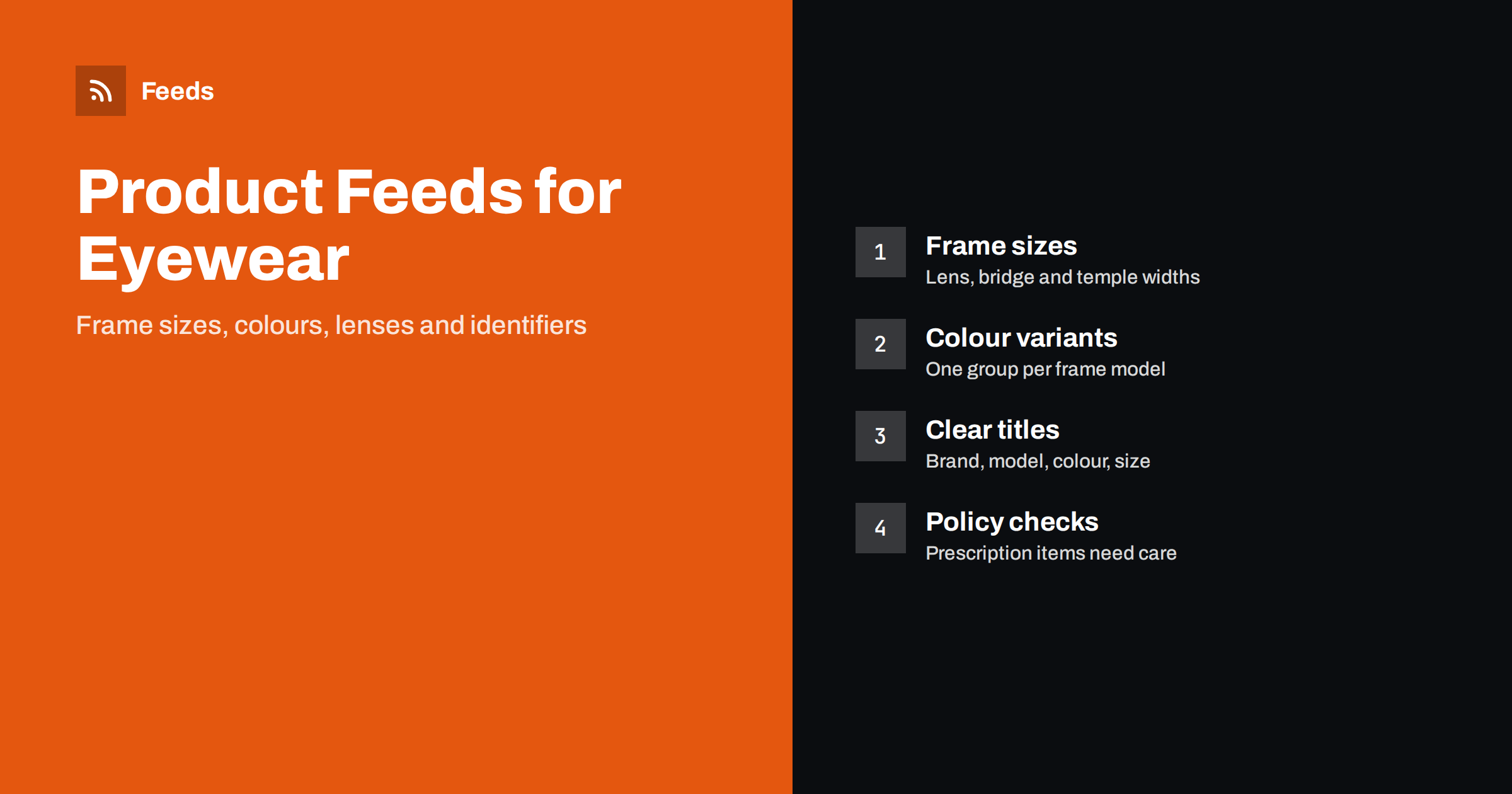
Short answer: An eyewear product feed works when every frame is a clear variant of one model: the same group identifier for all colours and sizes, a title that starts with brand and model, the real frame measurements, correct GTINs and honest availability. Treat prescription lenses and contact lenses with extra care, because advertising rules for them differ from ordinary products. Check the platform policies before you submit them, and keep prices and stock in step with your store.
What makes eyewear feeds different
Glasses and sunglasses look simple in a catalog, but they are full of small variations. One frame model comes in several colours, two or three sizes and sometimes different lens finishes. Shoppers compare shapes, materials and measurements before they buy, and they return products that do not fit. A feed that hides these details produces vague listings and poor matches.
For a shop owner, the practical task is to turn a messy product database into one consistent data file. Each row must identify one sellable item, say what it is in the first words of the title and carry the facts that a shopper would ask about. The basics of the format are explained in what a product feed is and how it works, and the required fields are listed in Google product feed required attributes.
Titles that name the frame
A good eyewear title follows the order in which a shopper thinks: brand, model, type, then the details that tell variants apart. For example, “Brand Name Aviator Sunglasses, Gold Frame, Green Lens, 58 mm”. Put the most important words first, because titles are cut off in many places. Avoid promotional phrases and capital letters, which are not allowed in most feed policies and look careless.
Be consistent across the catalog. If some titles say “Shades” and others say “Sunglasses”, you lose matches and make your reports hard to read. Choose the words your customers use, keep them in the same order for every product and apply them in your store or through title rules. More about this in product feed title optimization.
Add the attributes that shoppers use to narrow a search: gender or unisex, age group for children’s frames, the shape (round, square, cat-eye, aviator) and the lens type, such as polarised, mirrored or photochromic. If a feature is a fact printed on the product or its packaging, include it. If it is a marketing claim you cannot prove, such as full UV protection, leave it out of the feed or state exactly what the manufacturer documents.
Sizes and frame measurements
Frame size is the single most useful detail in this category. Most frames carry three numbers, usually printed on the temple: the lens width, the bridge width and the temple length, in millimetres, for example 52-18-140. Put them in the description and in the product detail fields of your store, and mention the lens width in the title if it is the main difference between variants.
Use the size attribute where it makes sense for your products, and keep its values consistent, for example “Small”, “Medium” and “Large”, or the lens width. Do not mix systems in the same catalog. Add a short fitting note in the description, such as whether a frame suits a narrow or wide face, as long as it is a fact about the product and not a promise about the customer.
Colour and finish as variants
Each colour of a frame is a separate product in a feed, with its own identifier, its own image and its own stock level. The way to tie them together is the item group identifier, which gives all variants of one model the same value. Without it, each colour appears as an unrelated listing. The rules are explained in product variants and item_group_id.
Describe colours in plain words that match what the picture shows. “Tortoise”, “matte black” and “crystal clear” work better than internal codes. If the frame colour and the lens colour are different, say so in the title or description. Add the material as well, for instance acetate, metal or titanium, since shoppers filter by it and some are sensitive to certain metals.
Images that show the product
Use clean, high-resolution images of the product itself on a plain background, with the frame fully visible. Avoid images with logos, watermarks, promotional text or models covering part of the frame in the main image. Extra images, such as a side view, a detail of the hinge or a photo worn on a face, can go in the additional image fields. The technical requirements are in product feed image requirements.
Make sure each colour variant has its own main image. A feed that shows a black frame for a tortoise listing causes returns and disapprovals.
Shipping and returns deserve a moment too. Frames are light but fragile, and they often travel in a hard case, so check that your shipping weight and package size are realistic. A feed with a shipping cost that does not match the checkout page can be disapproved, and shoppers who see a surprise cost at the end leave. Explain your return window for non-prescription items plainly, because customers often order two sizes to try and send one back. The settings are explained in shipping settings in product feeds.
Finally, keep prices in step with the landing page. Eyewear is often sold with discounts at the start of the sunglasses season and at the end of it. If you change a price in the shop, the feed must change on the next refresh, otherwise the platform may flag a price mismatch.
Identifiers and brands
Most frames from established brands have a GTIN, usually a barcode on the packaging, and a manufacturer part number. Provide both, along with the correct brand name. Do not invent identifiers for items that have none, such as a frame you made yourself or a custom item. For those, mark the product as having no identifier according to the platform’s rules. The full explanation is in GTIN, MPN and brand in product feeds.
Be careful with branded frames sold as second-hand, refurbished or compatible items, and make the condition clear in the feed. Misleading brand use is one of the faster ways to get products disapproved.
Prescription lenses, contact lenses and policy checks
Ordinary sunglasses and ready-made reading glasses are regular products. Prescription eyewear, lenses made to order and contact lenses are different, because they involve a prescription, health rules and sometimes country-specific requirements. Advertising platforms have policies about them, and the details change over time and by country. Before you add such products, read the current Merchant Center and Meta help pages for your country, and keep your own records of what you checked. If a product needs a prescription, say so clearly on the product page, because the page must match the feed.
Also check the basics that apply to every product: price and availability on the landing page must match the feed, shipping and return information must be accurate, and the product page must load fast on a phone. Common reasons for rejection are listed in Merchant Center disapproved products.
A last practical tip is to review a sample before you send the whole catalog. Pick ten frames across brands, colours and sizes, open the feed file and read them as a shopper would. Is the title clear? Does every colour have its own picture? Is the stock status right? Fix patterns rather than single products, because a mistake in one template is repeated in hundreds of rows.
How RSS Feed Creator helps
RSS Feed Creator builds Google Merchant Center and Meta catalog XML straight from your store. WooCommerce and Shopify are read automatically, and any other store can use a CSV link. You can skip out-of-stock products, rewrite titles and adjust prices with rules, and the currency is detected automatically. The free plan includes product feeds with up to 50 products, which is enough to test a small collection of frames. The Store plan covers one store with 3 product feeds and up to 2,000 products, and the details are on the pricing page.
Related reading
- Apparel product feed attributes: size, colour, gender and age group
- Product feed checklist before you submit to Google or Meta
- What to do with out-of-stock products in a feed
The bottom line
For eyewear, success comes from precision. Name the brand and model first, show the real measurements, group colours under one model and give each variant its own image, identifier and stock level. Treat prescription products and contact lenses with extra care and check current policies. Keep the feed in step with your store, and test a small group of products before submitting the whole catalog.
FAQ
What should an eyewear product title include?
Start with the brand and model, then the product type, colour and lens width. Keep the order the same across the catalog and avoid promotional words.
How do I handle several colours of one frame?
Create one row per colour, each with its own identifier, image and stock level, and give all rows the same item group identifier.
Do I need GTINs for sunglasses?
If the brand provides them, yes. Use the real barcode numbers. For products without a GTIN, follow the platform rules instead of inventing numbers.
Can I advertise prescription glasses and contact lenses?
Rules differ by platform and country and change over time. Read the current policies before adding these products, and make the prescription requirement clear on the product page.
How many frames can I test for free?
The free plan builds product feeds with up to 50 products, so you can test a collection before choosing a paid plan.