 ENEnglish
 LTLietuviškai
 DEDeutsch
 FRFrançais
 RUРусский
 ESEspañol
 PLPolski
 ITItaliano
 UKУкраїнська
 CSČeština
 PTPortuguês
 JA日本語
JA日本語 LVLatviešu valoda
 ETEesti
 HUMagyar
 IDBahasa Indonesia
 TRTürkçe
 HIहिन्दी
 ELΕλληνικά
 ARالعربية
 THไทย
THไทย VITiếng Việt
 RORomână
 MSBahasa Melayu
 BNবাংলা
#RSS automation
RSS automation uses feeds as the trigger for other actions, such as posting to social media, sending emails or notifying a team. A feed is a structured list of the newest items on a website, so software can detect new content without anyone watching the site. Most automation platforms can watch a feed and act on each new item. The quality of the result depends heavily on the feed itself, including its titles, links, images and unique IDs. Articles under this tag cover how to set up feed-driven workflows and how to keep them running reliably.
 18.08.2026 · 8 Min. Lesezeit
How to Pull RSS Feeds into Google Sheets with IMPORTFEED
Use the IMPORTFEED function to pull RSS items into Google Sheets, build content logs and dashboards, and understand its limits compared with automation tools.
 16.08.2026 · 8 Min. Lesezeit
How to Auto-Post New Blog Articles to LinkedIn
How to share new blog articles on a LinkedIn company page or profile automatically, which tools support it, and how to write posts that…
 14.08.2026 · 8 Min. Lesezeit
How to Auto-Post an RSS Feed to a Telegram Channel
Set up auto-posting from an RSS feed to a Telegram channel with a bot, a posting tool or an automation platform, and format posts…
 12.08.2026 · 8 Min. Lesezeit
How to Get RSS Feed Updates in Microsoft Teams Channels
How to post RSS feed items into Microsoft Teams channels with Workflows and Power Automate, format the messages well and keep feed channels useful…
 10.08.2026 · 8 Min. Lesezeit
How to Build an Automated Daily News Digest from Feeds
Build a daily news digest that assembles itself from RSS feeds: picking sources, merging and filtering, choosing a delivery channel and keeping it short.
 08.08.2026 · 8 Min. Lesezeit
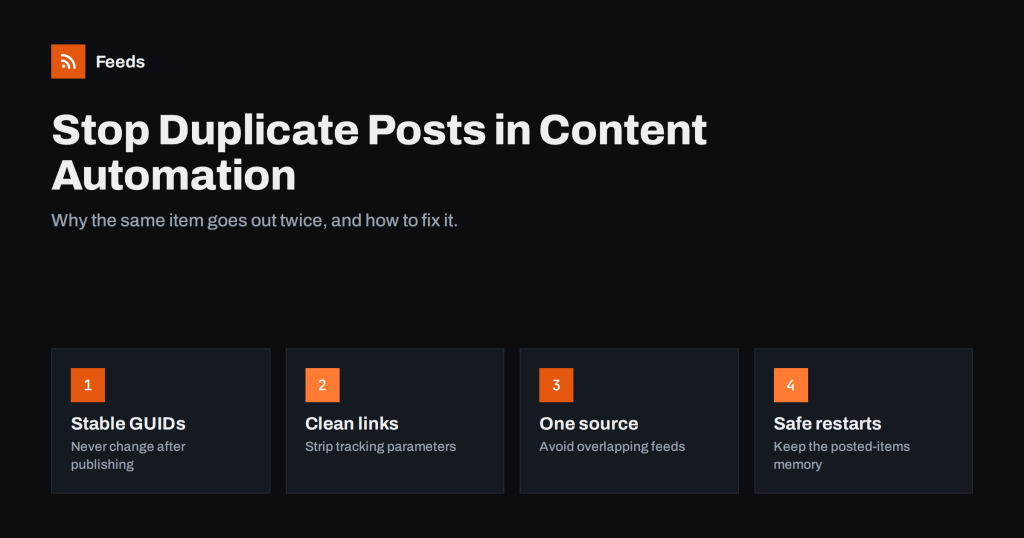
How to Stop Duplicate Posts in Automated Content Workflows
Why feed-based automations post the same item twice, how GUIDs and links decide what is new, and practical fixes to stop duplicate social posts…
 07.08.2026 · 8 Min. Lesezeit
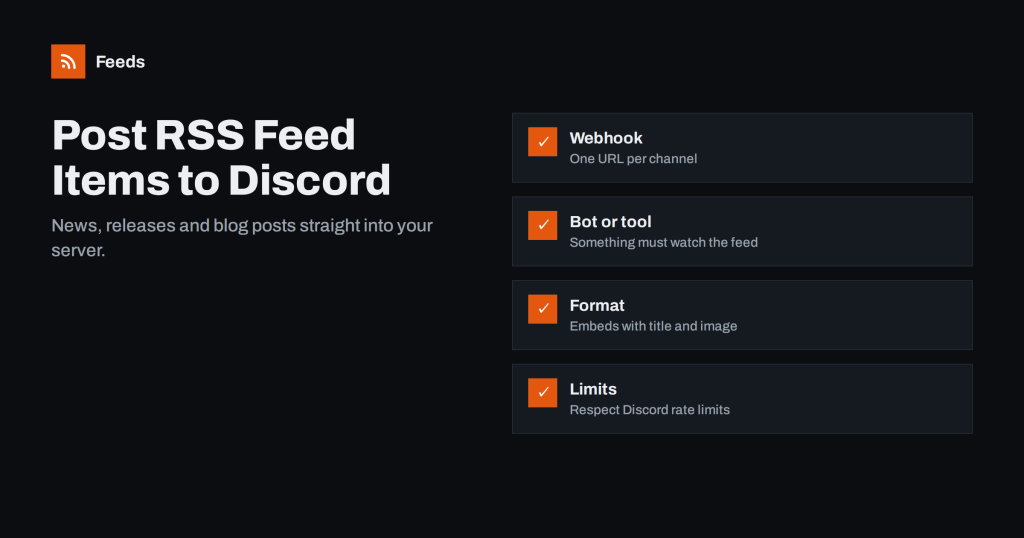
How to Post RSS Feed Items to Discord Automatically
Post new RSS feed items to a Discord channel automatically using webhooks, bots or automation platforms, with formatting tips and fixes for common problems.
 05.08.2026 · 8 Min. Lesezeit
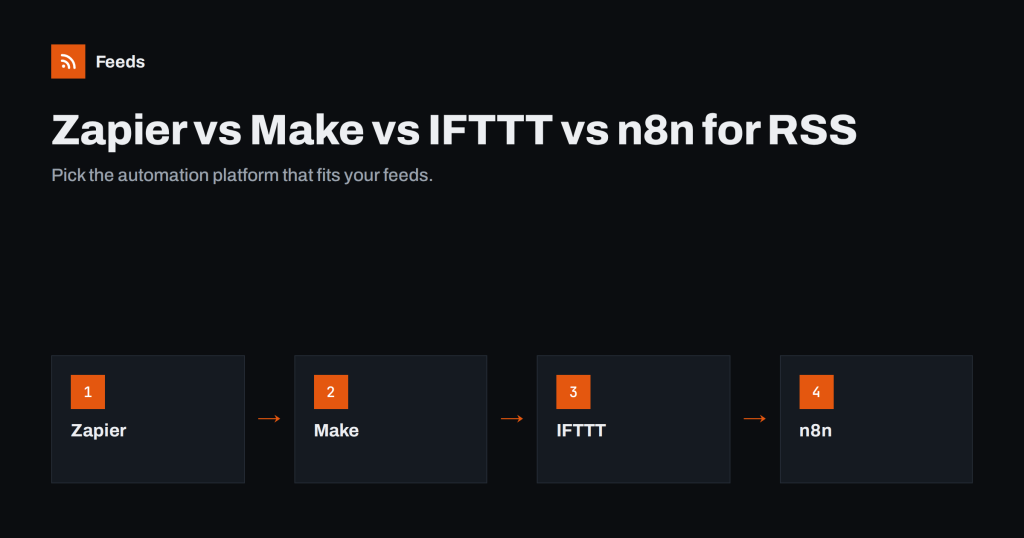
Zapier vs Make vs IFTTT vs n8n for RSS Automation
A practical comparison of Zapier, Make, IFTTT and n8n for feed-driven workflows: triggers, polling, filters, pricing models and which suits which team.
 04.08.2026 · 7 Min. Lesezeit
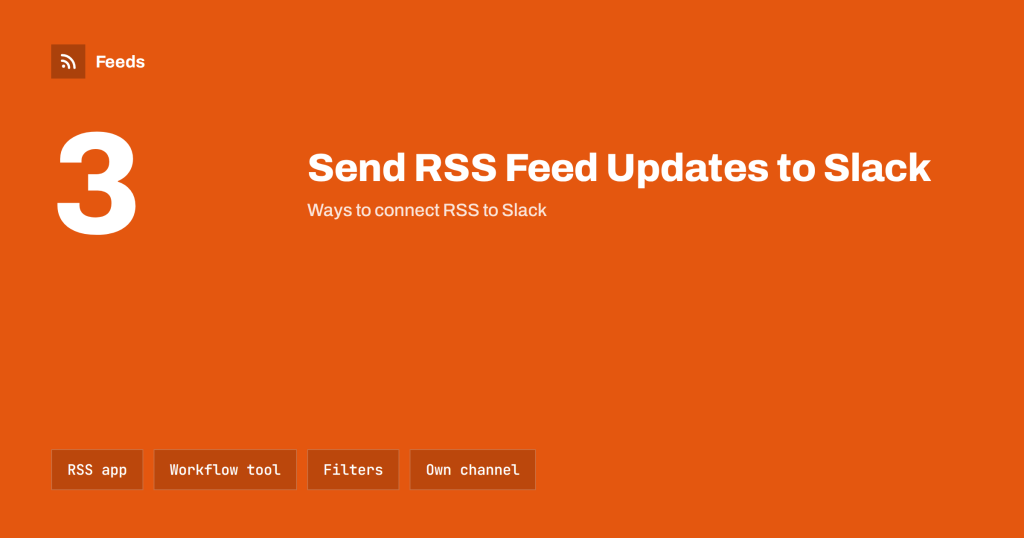
How to Send RSS Feed Updates to a Slack Channel
Three reliable ways to post RSS feed updates into Slack channels, how to keep the channel useful with filters, and what to do when…
 02.08.2026 · 8 Min. Lesezeit
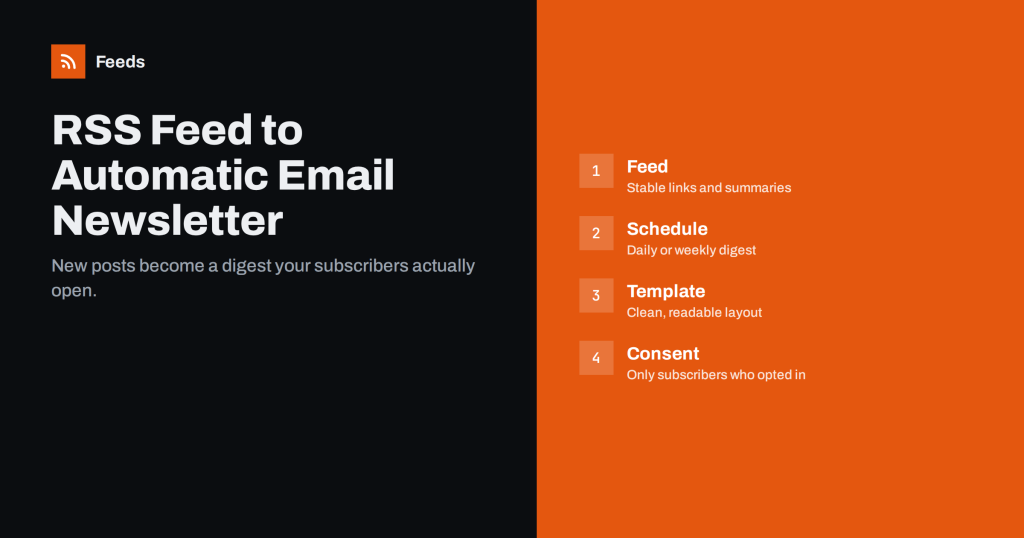
How to Turn an RSS Feed into an Automatic Email Newsletter
Learn how RSS-to-email works, how to set up an automatic newsletter from your feed, and how to choose between instant, daily and weekly digest…
 01.08.2026 · 8 Min. Lesezeit
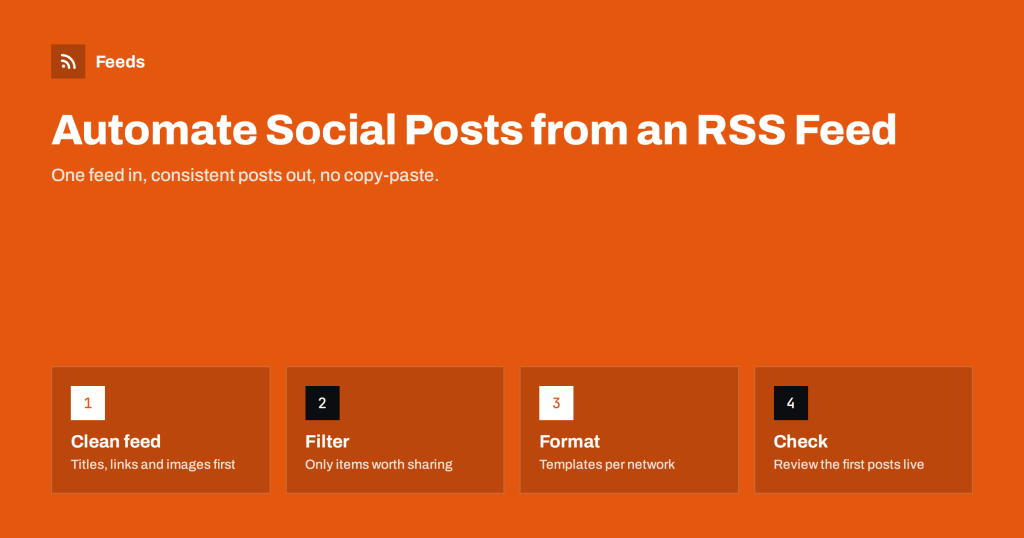
How to Automate Social Media Posts from an RSS Feed
A practical guide to posting new articles, news and products to social networks automatically from an RSS feed, with setup steps and pitfalls to…