ENEnglish
 LTLietuviškai
 DEDeutsch
 FRFrançais
 RUРусский
 ESEspañol
 PLPolski
 ITItaliano
 UKУкраїнська
 CSČeština
 PTPortuguês
 JA日本語
JA日本語 LVLatviešu valoda
 ETEesti
 HUMagyar
 IDBahasa Indonesia
 TRTürkçe
 HIहिन्दी
 ELΕλληνικά
 ARالعربية
 THไทย
THไทย VITiếng Việt
 RORomână
 MSBahasa Melayu
 BNবাংলা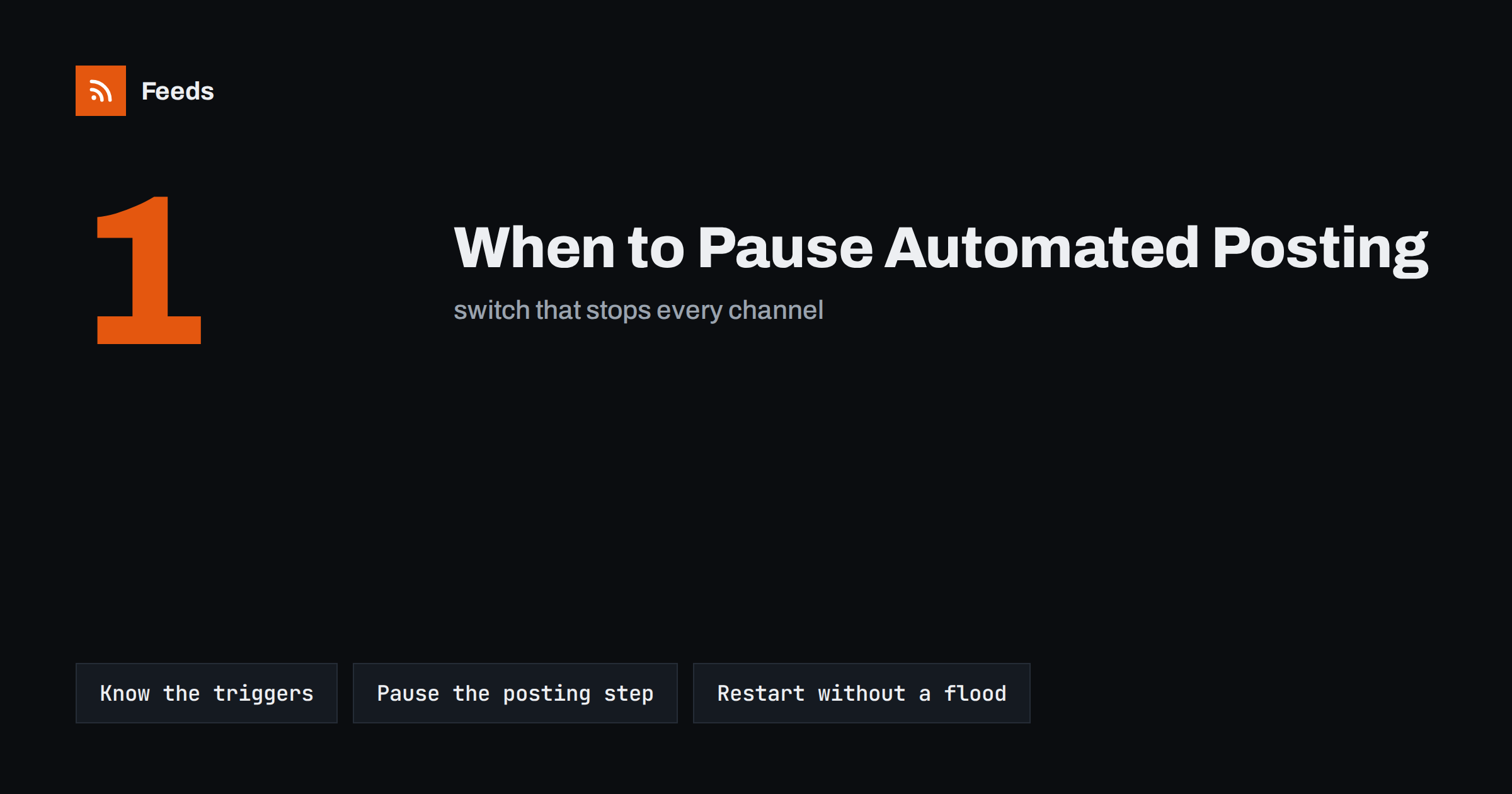
Short answer: Pause automated posting when a cheerful or promotional post could look careless: during a serious public tragedy, a crisis involving your own company, an outage or a data error that would publish wrong prices or broken links, and during planned quiet periods. Prepare the plan before you need it: list every automation, know where its pause switch is and who may use it. Pause at the posting step rather than deleting feeds, and restart carefully so the backlog does not flood your channels.
Why every automation needs an off switch
Automated posting is valuable precisely because it runs without anyone watching. New blog articles, products, events and news items reach social channels on their own, day after day. The same quality becomes a weakness on the rare day when the world, or your own company, changes suddenly. A scheduled promotion or a light-hearted post that appears in the middle of bad news can look careless, even though nobody chose to publish it at that moment.
The fix is not to give up automation. It is to treat the pause as a normal, planned part of the workflow, just like the approval step or the posting schedule. Teams that have a clear plan pause within minutes. Teams without one spend the first hour finding out which tools post where and who has the passwords.
Situations that call for a pause
Most businesses will need to pause only a few times a year. The common reasons fall into a few groups:
- Serious public events. Major disasters, attacks or tragedies, especially in the regions where your audience lives. Routine promotional posts can feel tone-deaf for a day or two.
- A crisis involving your company. A product recall, a data breach, a public complaint that is spreading or a legal issue. Your channels should carry your considered response, not automated sales posts.
- Technical problems. A store error that shows wrong prices, a website migration that breaks links or images, or a source that suddenly produces duplicate or empty items.
- Account problems. A social account that has been restricted or a login that is suspected to be compromised. Our guide to securing content automation accounts covers this case.
- Planned quiet periods. Company holidays, national days of mourning or a period when nobody will be available to reply to comments.
Not every piece of bad news needs a full stop. Often it is enough to hold back promotional posts for a short time while factual, useful content continues. The point is to decide deliberately, not to let the schedule decide for you.
Pause, filter or keep running?
A full pause is not always the right answer. Choose the lightest action that removes the risk:
| Situation | Usual action | Why |
|---|---|---|
| Major public tragedy | Pause promotional posts for a short period | Avoids careless timing; useful content can resume soon |
| Crisis involving your company | Pause all automated posting | Your channels should carry only your considered response |
| Wrong prices or broken links | Pause the affected automation | Stops errors from spreading while you fix the source |
| Sensitive topic in one source | Add an exclude-word filter | Removes the risky items and keeps the rest running |
| Company holiday | Reduce frequency or pause | Nobody is available to answer comments |
Exclude-word filters are especially useful for news and curation feeds, where you cannot control what the source publishes. The guide to brand safety filters for automated posting explains which words and rules work well.
Build the pause plan before you need it
A pause plan fits on one page. Write it on a calm day and keep it where the whole team can find it:
- List every automation. For each one, note the source feed, the tool that posts and the channels it posts to. Many teams discover automations they had forgotten about.
- Record where the pause switch is. Write the exact place in each tool: the setting, the button and the account it belongs to.
- Decide who may pause. At least two people, so the plan works when one is away. Pausing should not require a manager’s approval; restarting can.
- Define the triggers. Use the situations above as a starting list and add any that are specific to your business.
- Agree on the restart rule. Who decides that it is time to resume, and what to check before doing so.
This list is also good documentation in general. Our guide on documenting your content automations shows a simple format that makes pausing and restarting much faster.
How to pause without losing anything
The safest place to pause is the posting step, not the feed. If you delete a feed or disconnect a source, you lose its history and have to rebuild it later. If you pause the tool that posts, the feeds keep collecting new items quietly, and nothing is lost.
- Pause the posting tool or the specific connection, not the feeds themselves.
- Check scheduled posts. Posts already scheduled inside social platforms or in a publishing calendar may still go out. Look at the queue and hold or reschedule them.
- Check other tools. Newsletters made from feeds, chat notifications and automated replies may also need a pause.
- Write down the time. Knowing exactly when posting stopped makes the restart much easier.
If your workflow uses an approval queue, a softer option is to switch from full automation to approval for a few days, so every post is checked by a person. The trade-offs are explained in full auto vs approval queue.
Restarting without a flood of old posts
The restart is where many teams make a second mistake. While posting was paused, feeds kept collecting items. If the posting tool now treats all of them as new, your channels may receive a burst of a dozen posts in a few minutes, some of them outdated.
- Review the backlog first. Look at what accumulated during the pause and decide what is still worth posting.
- Skip what is out of date. Expired offers, past events and old news should not be posted at all.
- Space out the rest. If several items are still useful, publish them over several days rather than all at once.
- Watch the first posts. Check that images, links and text look right, especially after a technical problem.
If a burst does happen, the guide to stopping duplicate posts in automated workflows helps you find the cause.
Holidays and planned quiet periods
Planned pauses are easier because you can prepare them. Before a company holiday, decide whether to keep posting at a reduced frequency or stop completely. Automated posts that invite questions, such as product launches, are better held until someone can reply. Evergreen and informative content can often continue.
Put planned pauses in the shared calendar with both a start and an end date. The most common holiday problem is not forgetting to pause, but forgetting to resume, and finding out two weeks later that nothing has been posted.
What to say, and not say, while automation is paused
A pause is silent by design, but your audience may still notice it. In most cases no announcement is needed: a few quiet days on a brand account rarely surprise anyone. When the pause is caused by a crisis involving your company, however, the silence should be filled by a short, human message written for the situation, posted manually by the person responsible for communication.
- Do answer comments and messages personally while automation is off, especially questions about the problem.
- Do keep one internal place, such as a team channel, where everyone can see that posting is paused and why.
- Do not post apologies or statements through the same automated flow that normally shares product news.
- Do not restart automation in the middle of an active conversation about the crisis, even if the technical cause is fixed.
When everything is resolved, the first post after the pause should ideally be written by a person. It sets the tone, and the automated flow can quietly continue after it.
How RSS Feed Creator helps
RSS Feed Creator (Feeds) builds the feeds that automations post from: it turns web pages into clean RSS feeds, merges several sources and keeps only items with your words or drops items with words you do not want. Exclude-word filters let you remove sensitive topics from a source without stopping the whole flow, and duplicates are removed automatically. Because feeds keep refreshing on their own, you can pause the posting step in your publishing tool while the feeds continue collecting items, then decide what to post when you resume. You can create a feed on the free plan.
Related reading
- Brand safety for automated posting
- How to document your content automations
- How often should automated feeds post to social media?
The bottom line
Automation is safest when the pause is planned. Know the situations that call for one, choose the lightest action that removes the risk, and keep a one-page list of every automation with its pause switch and the people allowed to use it. Pause at the posting step so feeds keep collecting, and restart deliberately, skipping outdated items and spacing out the rest.
FAQ
Should I delete my feeds during a crisis?
No. Pause the tool or connection that posts instead. The feeds keep collecting items, nothing is lost, and you can decide later what is still worth publishing.
How long should a pause last after a public tragedy?
There is no fixed rule. Many brands hold promotional posts for a day or two and resume useful content sooner. Watch how the conversation develops and resume when routine posts no longer feel out of place.
Who should be allowed to pause automated posting?
At least two people who know where every pause switch is. Pausing should be quick and should not wait for approval, while the decision to restart can involve a manager.
How do I avoid a burst of posts when I restart?
Review what accumulated during the pause, skip outdated items and space out the rest over several days. Then watch the first posts to confirm images and links look right.
Can keyword filters replace a full pause?
Sometimes. Exclude-word filters are good for removing a sensitive topic from a news or curation feed. For a crisis involving your own company, a full pause is safer.