ENEnglish
 LTLietuviškai
 DEDeutsch
 FRFrançais
 RUРусский
 ESEspañol
 PLPolski
 ITItaliano
 UKУкраїнська
 CSČeština
 PTPortuguês
 JA日本語
JA日本語 LVLatviešu valoda
 ETEesti
 HUMagyar
 IDBahasa Indonesia
 TRTürkçe
 HIहिन्दी
 ELΕλληνικά
 ARالعربية
 THไทย
THไทย VITiếng Việt
 RORomână
 MSBahasa Melayu
 BNবাংলা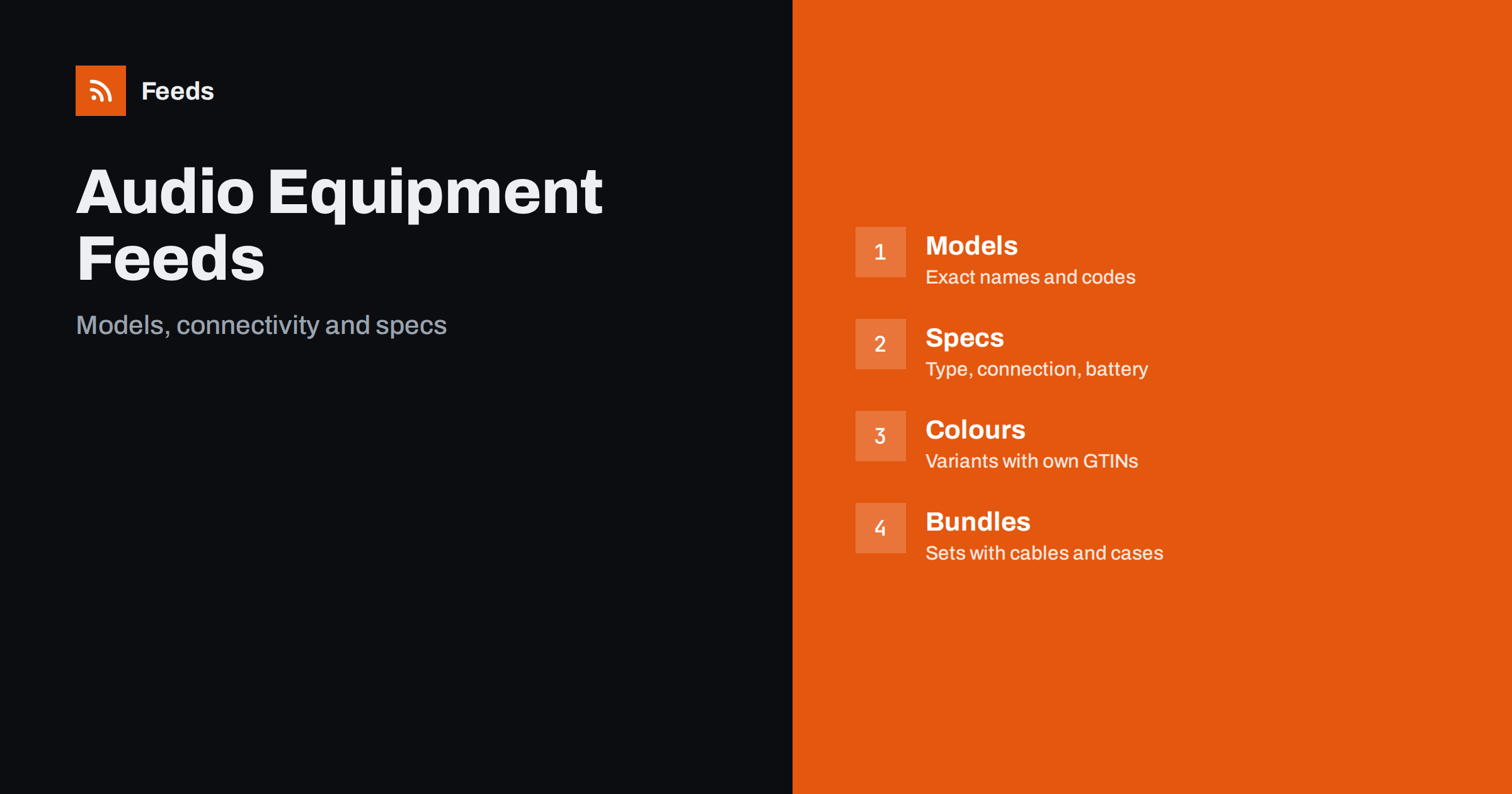
Short answer: Headphones, speakers and other audio equipment are bought by model and by specification, so a product feed must carry the exact brand, model name and code, the type, the connection and the colour. A good feed gives each item a title that leads with brand, model and product type, sends the correct GTIN and manufacturer part number, groups colours as variants, keeps specification wording factual and sends shoppers to a landing page that shows the same model, colour and price. Bundles, refurbished units and regional versions need their own listings.
Why this category needs careful feeds
Audio shoppers compare products by model name and by features. They search for a specific pair of headphones or a speaker, and they compare connection type, battery life, noise cancelling, driver size and impedance before they buy. The same brand often has similar names for different generations, and one letter can separate a new model from an old one. A feed with vague titles or the wrong model code leads to the wrong product being shown and to returns.
The category also moves quickly. New generations replace older ones every year or two, prices fall and stock shifts between colours. The foundations are covered in what a product feed is, and audio needs a feed that is updated often and kept precise.
Titles that lead with brand, model and type
Start the title with the brand and the exact model name, then add the product type and the most important feature, such as wireless, over-ear, in-ear, portable or soundbar. Add the colour when it is part of the variant. “Brand Model X Wireless Over-Ear Headphones, Black” is clear. “Feel the Music” is not.
Use the same order across the catalog and avoid keyword stuffing. Put the generation or year in the title only if the maker uses it in the product name. More formulas and examples are in product feed title optimization, and the same principles apply to the wider range in product feeds for electronics stores.
Identifiers: GTIN, MPN and brand
Audio products from known brands have GTINs, and they are one of the strongest signals for matching products. Send the GTIN for each colour and each regional version, together with the manufacturer part number and the brand. A GTIN for the wrong colour or the previous generation causes a mismatch, and a made-up number is worse than a missing one.
For products made under your own label, send your brand and a stable product code and do not invent a GTIN. The rules are explained in GTIN, MPN and brand: product identifiers explained. Check a few popular models against the box or the maker’s data sheet each month, because makers sometimes change a code when they change a version.
Specifications that shoppers compare
List the facts that distinguish products in a consistent form. For headphones: type, wireless or wired, noise cancelling, battery life as stated by the maker and microphone. For speakers: portable or home, power, connections, battery and water resistance rating as stated by the maker. For turntables, amplifiers and other hi-fi: inputs, outputs, supported formats and power. Take the values from the maker’s specification and use the same units on the page and in the feed.
Do not round or combine figures in a way that makes the product look better. Battery life, in particular, depends on volume and settings, so quote the maker’s wording. Richer fields help here, and product_highlight and product_detail show how to present such facts. Keep claims factual, in line with writing product descriptions for shopping feeds.
Connectivity and compatibility
Compatibility causes many returns in audio. A wired headphone may need an adapter for a phone without a headphone socket, a speaker may need a specific app, and a streamer may support only certain services. State the connection types in the product details, and say clearly what is and is not in the box. A cable or an adapter that is not included should not be implied by the photo or the title.
For cables, adapters, cases and replacement ear pads, name the models that the part fits and keep one product per distinct part. Product feeds for spare parts and compatible accessories explains how to organise them, and product feeds for phone accessories covers compatibility for related items.
Regional versions deserve attention too. Some models are sold with different plugs, voltage ratings or software features in different countries, and a warranty may apply only in the region where the product was sold. If you sell in several countries, send the version that matches each market, and state the plug type and warranty terms on the page. A mismatch between the version shown and the version shipped is a common cause of complaints.
Colours, variants and bundles
Use one parent product with variants for colours, linked by a shared group ID, and give each colour its own GTIN, image and availability. The setup is explained in how item_group_id works. Do not group different models in one variant set just because they look similar.
Audio shops often sell bundles: headphones with a case, a speaker pair with stands, a turntable with a cartridge. Give each bundle its own product with a clear title that says what is included and its own price, as described in bundles and multipacks in product feeds. Do not list the bundle price on the single item.
New, refurbished and open-box items
Used, refurbished and open-box units are common and valuable, but they must be marked with the right condition and kept separate from new units. Describe the grade, the warranty and what is included, and never show a new product photo without saying that the item is refurbished. The rules are explained in used and refurbished products in feeds.
Warranty and returns matter for electronics, so make them easy to find on the page. If hygiene rules limit the return of in-ear products once opened, say so before the purchase.
Images, landing pages and availability
Use clean photos of the real product on a plain background, plus pictures that show the connections and the accessories in the box. Avoid text overlays and promotional badges. Each colour needs its own image, and the landing page must open the same variant with the same price and availability, as covered in what feed links must lead to and product feed image requirements.
Prices change often, especially around new releases and sales, so update the feed regularly and fix price mismatches quickly. How to fix price mismatch errors in Google Merchant Center explains the common causes. Before a busy period, use the checklist in preparing your product feed for Black Friday and peak season, and mark preorders correctly when a new model is announced but not yet shipped, as explained in preorder and backorder products in feeds.
Firmware and software also affect audio products. Many wireless headphones and speakers receive updates that change features, and makers publish release notes on support pages. If you sell such products, follow those notes so that your product details and your customer support answers stay correct, as explained in following software changelogs and release notes with RSS. Do not describe a feature in the feed that only arrives with a future update.
Finally, keep a short routine. Weekly, look at disapproved items, at products with missing identifiers and at prices that differ from the page. Monthly, compare ten popular models with the maker’s specification and with the landing page. A checklist such as the product feed checklist keeps this work small, and it catches the small errors that otherwise accumulate when the range changes often.
How RSS Feed Creator helps
RSS Feed Creator builds Google Merchant Center and Meta catalog XML straight from your store. WooCommerce and Shopify are read automatically, and any other store can use a CSV link. You can skip out-of-stock products, rewrite titles with rules so that brand, model and type appear in the same order every time, and adjust prices. Before you submit anything, check the preview and the Merchant Center diagnostics to confirm that models, colours and stock arrive as you expect. The free plan includes product feeds with up to 50 products, and the Store plan covers one store with 3 product feeds and up to 2,000 products. The details are on the pricing page.
Related reading
- Product Feeds for Electronics Stores: Specs, GTINs, Variants
- Product Feeds for Phone Accessories: Compatibility and Variants
- Product Feeds for Musical Instrument Stores: A Guide
The bottom line
Clean feeds for headphone, speaker and audio shops come from exact model names, correct identifiers, factual specifications, clear compatibility notes, separate listings for bundles and refurbished units and a landing page that matches the ad. Check the preview before you submit, fix what the diagnostics report and update prices often. Accurate details reduce returns more than any clever title.
FAQ
Should every colour be a separate product?
Use one parent product with a variant for each colour, linked by a shared group ID, and give each variant its own GTIN, image and availability.
Which battery life figure should I use?
Use the maker’s stated figure and wording. Real battery life depends on volume and settings, so avoid rounding up or adding your own claims.
How do I list a bundle with a case or cable?
Create a separate product with a title that says what is included, its own price and an image that shows the real contents.
How do I handle refurbished units?
Mark the condition correctly, describe the grade and warranty and keep them separate from new products. Never show a new unit photo without saying the item is refurbished.
What if a model has different versions by region?
Send the version that matches each market, with the right identifiers, plug type and warranty terms, and make sure the page shows the same version.