ENEnglish
 LTLietuviškai
 DEDeutsch
 FRFrançais
 RUРусский
 ESEspañol
 PLPolski
 ITItaliano
 UKУкраїнська
 CSČeština
 PTPortuguês
 JA日本語
 LVLatviešu valoda
 ETEesti
 HUMagyar
 IDBahasa Indonesia
 TRTürkçe
 HIहिन्दी
 ELΕλληνικά
 ARالعربية
 THไทย
 VITiếng Việt
 RORomână
 MSBahasa Melayu
 BNবাংলা
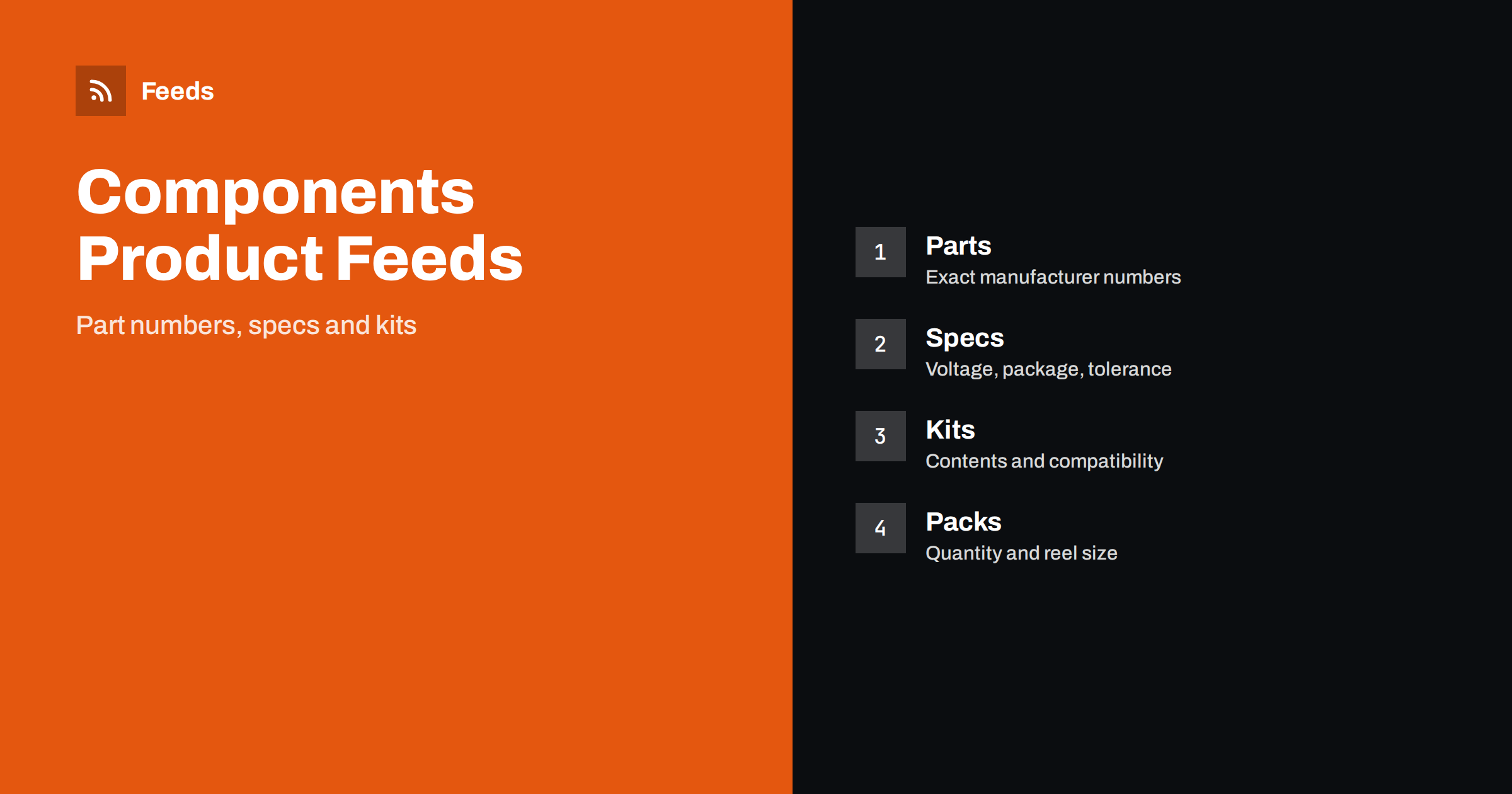
Short answer: Electronic components and maker kits sell on exact part numbers, specifications and compatibility. A good feed puts the brand, the part number, the key values and the package in the title in a fixed order, gives each pack size its own variant, lists kit contents clearly and links to datasheets and guides on the page. Never guess a specification, and treat safety-related details with extra care.
Why components need careful feeds
Components are different from most products, because the customer often knows exactly what they need. A buyer searches for a part number, a value and a package, and a single wrong character leads to a part that does not fit the board. A hobbyist searches for a kit for a project and needs to know what is in the box and what is missing.
The catalogue is also large. A shop may have thousands of resistors, capacitors, connectors, sensors, modules and boards, many of them nearly identical in a picture. If you are new to the topic, product feed explained gives a short introduction, and product feeds for spare parts and accessories covers compatibility in more detail.
Titles that lead with brand and part number
Start with the brand, then the part number as the manufacturer prints it, then the type and the key values: “Brand ABC1234 Ceramic Capacitor 100 nF 50 V 0805”. Keep the same order across the catalogue, and write units the same way every time. For modules and boards, use the product name and the main feature, such as “Brand Sensor Module Temperature and Humidity”.
Do not add marketing words such as “best” or “high quality”. Shoppers in this category scan for numbers, so give them numbers early, within the first sixty characters. Product feed title optimization explains how length and order affect results.
Tolerance, rating and temperature range are easy to forget, yet they decide whether a part is suitable. A resistor with the right value but the wrong power rating may burn, and a capacitor with the wrong voltage rating may fail. Where your data has these fields, put them in the product details and in the description, and keep the units consistent, for example always writing volts the same way, so that customers and shopping platforms read the same value everywhere.
Specifications that decide fit
The values that matter depend on the type. For passive parts, they include value, tolerance, rated voltage or power and package. For semiconductors, they include type, voltage, current, package and pin count. For modules, they include supply voltage, interface and size. Write the values exactly, use the same units and do not round numbers that matter.
Use a custom attribute or the product details fields for technical values where the platform allows it, and repeat the key ones in the description. Where a value depends on the version, make versions separate variants. A mistake here is not a small matter, because a wrong rating can damage a device or cause a safety problem.
Packs, reels and quantities
Components are sold in singles, packs of ten, bags of a hundred and reels of thousands. Treat each pack size as a separate variant with its own price, identifier and stock, and state the quantity in the title: “pack of 100”. The unit price falls with the quantity, and shoppers like to see this, so show tiers on the page and keep the feed price for the pack that the title describes.
Multipacks and bundles follow rules of their own, as explained in bundles and multipacks in product feeds. Variants of the same part in different packs should be grouped, as described in product variants and item_group_id. Be careful with cut tape and partial reels, where the quantity differs from the standard pack.
Think about what a beginner needs to know before buying a kit. Does it include a power supply, a cable or a case? Does it need a soldering iron? Which software is used to program it? Answers to these questions reduce returns and support messages, and they make the product page more useful than a plain list of parts. Keep the same fields for every kit, so that the pages look consistent and the data is easy to maintain.
Kits, boards and starter sets
Maker kits attract beginners, who need to know what the kit contains, what they need to add and what skills it requires. List the real contents: the board, the sensors, the cables, the display and the guide. State what is not included, such as a battery, a soldering iron or a computer, and note whether soldering is needed.
The title should name the kit and the main purpose, for example “Starter Kit for Home Weather Station”. Add the age or skill level only if you can support it, and be careful with claims such as “no experience needed”. Show the real contents in the image, laid out and labelled, rather than a render of an assembled project that is not in the box.
Compatibility, datasheets and guides
Compatibility is a major source of questions. Say which boards, voltages and software versions a module works with, and say which do not work. For parts that replace others, mention the original part number as a note, but do not use another brand’s name in a way that suggests that the product is theirs.
The product page should link to the datasheet, a pinout, a wiring example and a guide if you have them. These help buyers decide and reduce returns. Keep the links working, because a dead datasheet link is a common reason for lost trust, and update the page when the manufacturer revises the part.
Keep an eye on stock, too. Components are often sold in small quantities and lots sell out between two feed refreshes, so a product that shows as available but cannot be shipped leads to a disapproval and an unhappy buyer. Update your feed often, remove or mark products that are out of stock and check the diagnostics in Merchant Center after each larger change in your catalogue.
Safety, regulation and honest claims
Some electronic products are regulated. Mains-powered items, batteries, radio modules, chargers and laser products come with rules on safety, labelling and marketing in many countries. Do not list a product that you cannot legally sell in the target market, and use only the markings that the product really has. Shops that sell batteries and radio devices should check the rules for shipping and for the markets they ship to.
Be careful with performance claims. State what the maker states, and do not write that a part is “industrial grade”, “automotive” or “military” unless the data sheet says so. Counterfeit parts are a known problem in the trade, so describe the source honestly and do not mix unverified stock with authorized stock under one listing.
Identifiers, images and landing pages
Use the brand and the manufacturer part number exactly as printed, and add a GTIN when the product has one. Many components have no barcode, and a correct brand and part number are the identifier in that case. GTIN, MPN and brand: product identifiers explained shows how to fill the fields.
Show the real part or the real kit in the picture on a plain background, and avoid generic stock images that show a different package. The landing page must match the ad in price, quantity and stock, as described in product landing page requirements. Check the images against the rules in product feed image requirements.
How RSS Feed Creator helps
RSS Feed Creator builds Google Merchant Center and Meta catalog XML straight from your store. WooCommerce and Shopify are read automatically, and any other store can use a CSV link. You can skip out-of-stock products, rewrite titles with rules so that brand, part number, key values and package appear in the same order every time, and adjust prices. Before you submit anything, check the preview and the Merchant Center diagnostics to confirm that part numbers, values, pack sizes and stock arrive as you expect. The free plan includes product feeds with up to 50 products, and the Store plan covers one store with 3 product feeds and up to 2,000 products. The details are on the pricing page.
Related reading
- Product Feeds for Spare Parts and Compatible Accessories
- Bundles and Multipacks in Product Feeds: How to List Them
- GTIN, MPN and Brand: Product Identifiers in Feeds Explained
The bottom line
Clean feeds for electronic components come from exact part numbers and values in a fixed title order, separate variants for each pack size, honest kit contents, clear compatibility notes and a landing page that matches the ad. Check the preview before you submit and fix what the diagnostics report. Accurate data prevents wrong orders and keeps projects on track.
FAQ
What should a component title include?
Include the brand, the manufacturer part number, the type and the key values, written exactly as the maker states them.
Should each pack size be its own variant?
Yes. Give each pack size its own variant with its own identifier, price and stock, and group them with one item group.
How do I list a maker kit?
Name the kit and its purpose, list the real contents and say what is not included, such as batteries or tools.
Do all components need a GTIN?
Add it when the product has one. For others, provide the brand and the manufacturer part number.
Can I list regulated products like batteries?
Only if you may legally sell them in the target market, and with the markings and shipping rules that apply.