 ENEnglish
 LTLietuviškai
 DEDeutsch
 FRFrançais
 RUРусский
 ESEspañol
 PLPolski
 ITItaliano
 UKУкраїнська
 CSČeština
 PTPortuguês
 JA日本語
 LVLatviešu valoda
 ETEesti
 HUMagyar
 IDBahasa Indonesia
 TRTürkçe
 HIहिन्दी
 ELΕλληνικά
 ARالعربية
 THไทย
 VITiếng Việt
 RORomână
 MSBahasa Melayu
 BNবাংলা
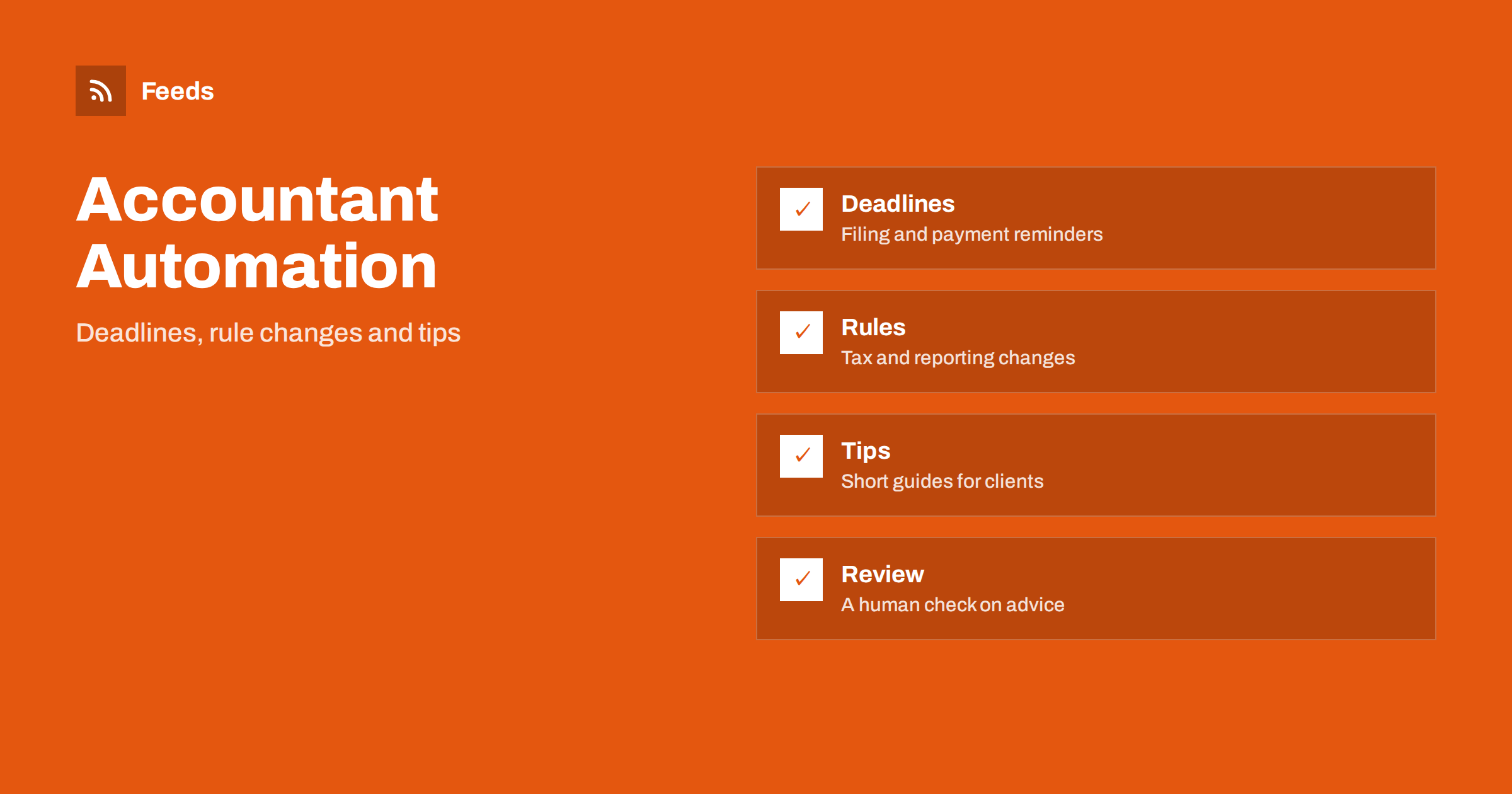
Short answer: Accountants and bookkeepers have a natural content calendar: filing dates, payment deadlines, year-end tasks and rule changes. Prepare short posts about these in advance, schedule them, and collect official tax and reporting news with RSS. Keep every post general, link to official sources, have a qualified person approve anything that sounds like advice, and never publish client details.
Think about tone as well. Accounting has a reputation for being dry, and a friendly, clear voice stands out. You do not need jokes; short sentences, concrete examples and a calm attitude to deadlines are enough to make people feel that they are in good hands.
Why steady publishing helps an accounting practice
Clients rarely think about an accountant until a deadline is near. A practice that appears in their feed with a calm reminder a few weeks before the date is remembered when they need help. Prospects also compare firms by looking at their websites and social pages, and a page that has not been updated for a year suggests a firm that is not paying attention.
The problem is time. Accountants are busiest exactly when reminders matter. Automation moves the writing to quiet months and lets the posts go out on schedule. If you are new to the idea, what is content automation explains the basics, and content automation for financial services shows how related firms handle compliance.
Remember that deadlines differ for companies, sole traders and employees, so label each post with the group it concerns. A post titled ‘Year-end checklist for small limited companies’ is far more useful than a general ‘Year-end is coming’ note. Clear labels also help clients to forward the right post to colleagues, and they make your page easier to browse when a visitor arrives from a search.
A calendar built on deadlines
List the dates that matter to your clients: tax return deadlines, sales tax or VAT filing dates, payroll reporting, annual accounts and year-end. For each, plan three short posts: a gentle reminder a month before, a checklist two weeks before and a final note a few days before. Add posts on what to gather, such as invoices, bank statements and receipts, since late documents are the most common cause of stress.
Check each date against the official source before it goes into the calendar, and write the year in the post. A date that was right last year may have changed. Build a content calendar from feeds and automation describes a simple way to organise the plan, with one row per post and a link to the official page.
Following rule changes with RSS
Tax authorities, finance ministries, accounting standard setters and professional bodies publish notices, consultations and guidance. Many of them offer feeds. Put them in one folder, read it each week and mark the changes that affect your clients. RSS for accountants and HR: track tax and employment rules explains the sources in detail.
When a change affects many clients, write a short explanation in plain language: what changed, who is affected, from which date and where to read the official text. Do not try to cover every detail. Your value is in telling people what matters and when to ask for help. Keep the more complex cases for a call or a meeting.
Add a call to action that is gentle and specific, such as ‘Book a 20-minute review before the deadline’. Explain what the client should bring, how long it takes and what happens next. A clear next step turns a helpful post into an enquiry, and it does not need pressure or promises. Check that the link works and that the booking page is up to date.
Short guides that clients actually read
Small business owners want practical answers. Which expenses can I keep records for? How long should I keep documents? What is the difference between an invoice and a receipt? How do I prepare for a year-end meeting? A one-page guide on each question can be reused every year with small updates.
Write in plain words and avoid jargon. Explain a term once, then use it. Add a clear picture or a simple table. Posts like these are shared by clients with other business owners, which is the most valuable kind of advertising for a professional practice. Keep a library of evergreen posts, and refresh the numbers once a year, as in reshare evergreen content automatically.
Keep a record of what was published and when. If a client later says that they followed a post, you can show the exact text and date, and see whether it was correct at the time. A simple log with the link, the date and the name of the reviewer is enough, and it supports good practice and trust inside the practice.
Advice, risk and approval
Financial and tax information carries risk. A general post is fine, but advice depends on facts that you only know about a specific client. Make this clear in every post, for example with a line such as “General information, not advice for your situation”. Have a qualified person review each post before it is scheduled, especially anything with numbers, thresholds or dates.
Use an approval queue for posts that touch law or money, as described in full auto vs approval queue. Check the rules of your professional body about advertising and about statements on tax. When a rule changes after a post is scheduled, remove or edit the post at once. A crisis plan for pausing automated posting is worth having.
Client privacy and confidentiality
Never mention a client, even indirectly, without written permission. A case study can describe a type of business and a type of problem, without names, places or numbers that identify anyone. Do not share screenshots of software that show real data. Avoid thanking a client in public for a payment or a filing, because it reveals that they use your services.
Protect the accounts that publish. Use strong passwords and two-step sign-in, and limit who can approve posts. Secure content automation accounts lists the steps. A hijacked account that posts a false deadline or a scam link would harm the whole practice.
Beware of scams and fake notices
Fraudsters often copy the style of tax authorities and ask clients to pay or to share personal data. A post that warns clients about this builds trust. Explain how the real authority contacts people, what it never asks for by message and how to report suspicious messages. Use official wording and link to the authority’s own warning page.
Following official fraud warnings is easy with RSS, and scam and fraud warnings as consumer alerts shows where to look. Share only confirmed warnings, and avoid copying screenshots that include real names or numbers.
Do not forget your own news: a new team member, an office move, a training day or a change in opening hours. Prepare these posts by hand, because they are personal and time-sensitive. Mix them with the scheduled content so that the page feels like a real practice and not only a calendar of reminders.
Local news and business community
Your clients live in a local economy. Council announcements about business rates, grants, new roads or markets affect them. Chambers of commerce publish events and training. Following these sources gives you topics that are close to clients’ lives. Follow grant funding announcements with RSS is especially useful for small businesses looking for support.
Share an item with a line of your own that explains why it matters to a small business, and avoid copying the whole text. This keeps the post useful and respects the author.
How RSS Feed Creator helps
RSS Feed Creator turns tax authority, grant and chamber of commerce news pages into clean RSS feeds, even when the site has no feed of its own. It reads titles, images, summaries and dates, uses an existing feed when there is one, and shows a preview of the items before the feed is created. Keyword filters keep only the items that contain your words, and the paid add-on lets you merge up to 10 sources into one feed with duplicates removed automatically, which suits a feed of rule changes and deadlines for clients. Feeds refresh every 3 hours on the free plan and every 30 minutes on paid plans. The free plan allows up to 20 items per feed, and the details are on the pricing page.
Related reading
- RSS for Accountants and HR: Track Tax and Employment Rules
- Content Automation for Financial Services: Compliance Basics
- How to Build a Content Calendar from Feeds and Automation
The bottom line
Accountants and bookkeepers can prepare a deadline calendar, short client guides and rule-change posts, and let RSS bring official news. Keep posts general, check every date, protect client privacy and require a qualified review for anything that sounds like advice.
KKK
Which posts are safe to schedule?
Deadline reminders and general checklists that have been checked against official sources and carry a clear note that they are general information.
Should I post about specific tax rates?
Only if you check the official source on the day, name the year and update or remove the post when rules change.
Can I thank clients publicly?
Avoid it. Even a thank-you can reveal that the person is your client.
How often should a small practice post?
One or two posts a week is enough, with extra reminders near major deadlines.
Where do I find official news?
On tax authority, ministry and professional body pages, many of which have feeds, and others that a page-to-feed tool can convert.


