ENEnglish
 LTLietuviškai
 DEDeutsch
 FRFrançais
 RUРусский
 ESEspañol
 PLPolski
 ITItaliano
 UKУкраїнська
 CSČeština
 PTPortuguês
 JA日本語
 LVLatviešu valoda
 ETEesti
 HUMagyar
 IDBahasa Indonesia
 TRTürkçe
 HIहिन्दी
 ELΕλληνικά
 ARالعربية
 THไทย
 VITiếng Việt
 RORomână
 MSBahasa Melayu
 BNবাংলা
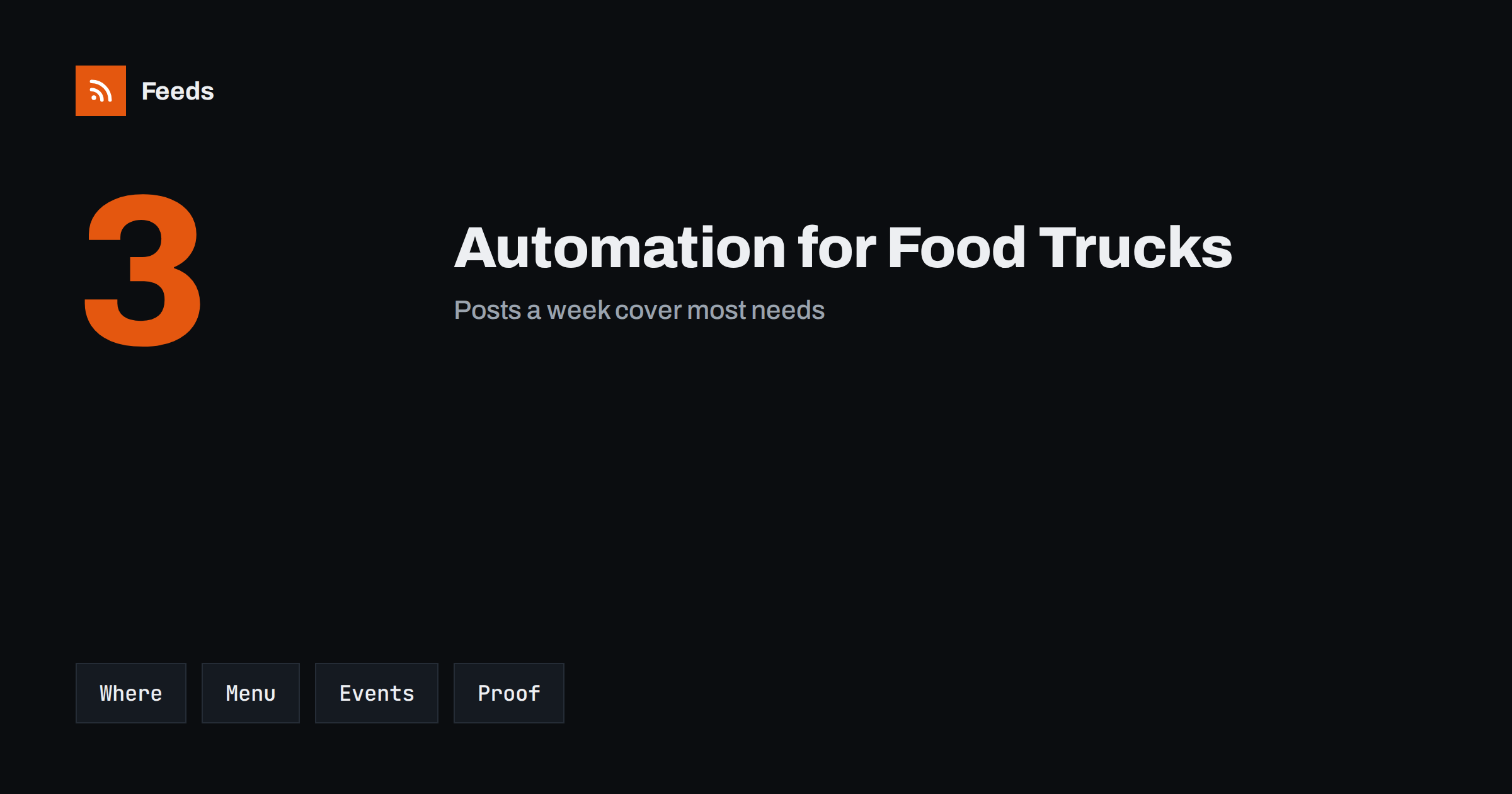
Short answer: Food trucks, caterers and street food vendors publish the same few things again and again: where the truck is today, what is on the menu, which events are coming and what customers said. Most of this can be prepared in advance and scheduled, and local news and event pages can be collected with RSS. Keep the daily location and any change, such as a closure or a sold-out item, in your own hands, because customers rely on it.
What a mobile food business needs to publish
Customers ask simple questions: where are you today, when do you open, what do you serve, can you cater my event and how do I book? Regular customers want a reminder before lunch, and new customers find you through a map, a social post or a festival page. Unlike a restaurant, a truck has no fixed address to remember, so information is the main way people find you.
The problem is time. A small team that cooks, drives and serves rarely has hours left for writing. A modest, regular flow of posts helps, and if you are new to the idea, what is content automation explains the basics in plain words.
Think about the places where people find you. A map listing, a short link in your profile and a message pinned at the top all work together, and each should show the same hours. If you publish on several platforms, use one weekly schedule post and adapt it for each platform, instead of writing everything three times. A small amount of automation here saves more time than anywhere else.
Weekly locations and opening hours
The most useful post is the schedule. Prepare it once a week with the places and times, and publish it at the same time every week so that people learn when to look. A short list works better than a long text: day, place, hours. Add a pinned post or a page on your website with the standing schedule, and link to it from every profile.
Automation helps with the repeating part, such as the Monday reminder and the “see you tomorrow” post in the evening. Changes are different: if the truck cannot go to a location, write that post yourself and publish it at once. A calendar approach is described in build a content calendar from feeds and automation.
Think about the weather as a content source. A hot day brings cold drinks, a rainy week brings soups, and a holiday brings special orders. Write a few short posts for each kind of weather in advance, and choose the right one on the morning. Having them ready removes the pressure to create something quickly, and it keeps your feed lively through the whole season.
Menus, specials and seasons
Menus change with the season, the supplier and the weather. Keep a simple library of posts for the standing menu, a few seasonal specials and a limited item for each month. Use real photos of the food, taken in daylight, and write the price only if it is certain. For allergens, link to the information page rather than listing them in every post, and keep that page up to date.
Evergreen posts can be shared again from time to time, and how to reshare evergreen content automatically without spamming shows how to space them out. A new special is worth a fresh post, but the standing favourites deserve a regular reminder too.
Pre-orders can be automated too. A weekly post that explains how to pre-order for lunch, with the deadline and the pick-up time, saves many messages. For catering, a short post with a recent event and a link to the booking form works better than a general offer, because it shows real work. Keep a folder of event photos with permission to use them.
Catering, events and festivals
Catering enquiries come from weddings, offices, schools, sports clubs and markets. A dedicated page with sample menus, group sizes, lead times and a booking form saves many messages. Post about events you will attend a week before, on the day and again afterwards with photos, and tag the organizer so that they can share the post.
Event pages from organizers, councils and market associations are also a source of leads. Many have news or calendar pages that can be turned into a feed, and how to promote an event calendar automatically shows how to reuse calendar items for your own posts. Keep a list of the places where your truck is allowed to trade and watch their notices for new dates.
Local partnerships help a mobile business grow. Offices, breweries, markets and sports clubs often look for food vendors and share posts about the vendors they host. Mention them in your posts and thank them afterwards. A feed of their news pages tells you when they plan events, and you can contact them before the date is filled.
Reviews, photos and community
People trust other customers more than the vendor. Ask regular customers for a short review, share the best ones with permission and thank people publicly. Photos of the queue, the kitchen and the team show that the business is real and busy, and a short behind-the-scenes post once a week is often more popular than a picture of the dish.
Respond to every comment and question, and do it yourself. Automatic replies feel cold in this business, and a short human answer builds loyalty. If you collect reviews, keep a note of the best ones and use them in the weekly post.
Keep a short backup plan for bad days. A pre-written closure post for weather, a note for a sold-out item and a message about a late arrival can be saved as drafts, so that you only change the details and publish. Having them ready makes it easier to be quick and honest when something goes wrong.
Content you should not automate
Some posts must be written at the moment of need. A closed location, a breakdown, a sold-out item, a weather cancellation, a food safety notice or an apology after a mistake should always come from a person. Automated posts about the usual schedule can be wrong at exactly those moments, so keep an easy way to pause the queue.
It also helps to keep an approval step in front of the queue, as described in full auto vs approval queue. Check dates, places and prices each week before posts go out.
Finally, think about records. Keep a small log of the posts that worked, the dates of local events and the prices you published, so that you can repeat a good week next year. A food business has strong seasons, and last year’s calendar is the best source for the next one. A shared note or a simple sheet is enough.
Wording, tone and accuracy
Use the voice that customers hear at the window: short, friendly and clear. Avoid claims you cannot prove, such as “the best burger in town” or “healthy” for a deep-fried dish, and be careful with words like “organic”, “gluten-free” or “vegan”, which have legal or practical meaning. When you mention an ingredient or a source, make sure it is true on the day.
A few reusable templates keep the style stable, as explained in post templates for automated social feeds. Leave room for a personal line every week, and review the numbers once a month: which posts brought the most visits, bookings and messages.
How RSS Feed Creator helps
RSS Feed Creator turns the news, notice or calendar pages of event organizers, markets, councils and partner venues into clean RSS feeds, even when the site has no feed of its own. It reads titles, images, summaries and dates, uses an existing feed when there is one, and shows a preview of the items before the feed is created. You can merge several sources into one feed (up to 10 with the PostRSS add-on), keep only the items that contain your keywords and have duplicates removed automatically, which suits a feed of events and local news worth sharing. Feeds refresh every 3 hours on the free plan and every 30 minutes on paid plans, and the PostRSS add-on sends an alert when a page changes and a feed stops finding items. The free plan allows up to 20 items per feed, and the details are on the pricing page.
Related reading
- Content Automation for Event Organizers and Venues
- How to Promote Upcoming Events Automatically from a Calendar
- Content Automation for Local Businesses: A Simple Plan
The bottom line
Food trucks and caterers can automate the steady parts of communication: weekly schedules, menu reminders, event announcements and reviews. Keep the daily location and every change in your own hands, check dates and prices before posts go out and keep an approval step in front of the queue. Good automation saves time for the work that fills the window.
KKK
Which posts are safe to schedule in advance?
Weekly schedules, menu reminders, event announcements and review shares, as long as dates and places are checked before release.
What should never be automated?
Closures, breakdowns, sold-out items, weather cancellations and food safety notices. Write these yourself and publish them at once.
How often should a food truck post?
Three posts a week cover most needs: the schedule, a menu or special, and a photo or review. Add event posts when you have them.
How do I find events to attend?
Follow the news and calendar pages of markets, councils and organizers. A feed brings new dates to you instead of you checking each site.
Should I write allergens in every post?
Link to one page with up-to-date allergen information and keep it current, instead of repeating details in each post.