ENEnglish
 LTLietuviškai
 DEDeutsch
 FRFrançais
 RUРусский
 ESEspañol
 PLPolski
 ITItaliano
 UKУкраїнська
 CSČeština
 PTPortuguês
 JA日本語
 LVLatviešu valoda
 ETEesti
 HUMagyar
 IDBahasa Indonesia
 TRTürkçe
 HIहिन्दी
 ELΕλληνικά
 ARالعربية
 THไทย
 VITiếng Việt
 RORomână
 MSBahasa Melayu
 BNবাংলা
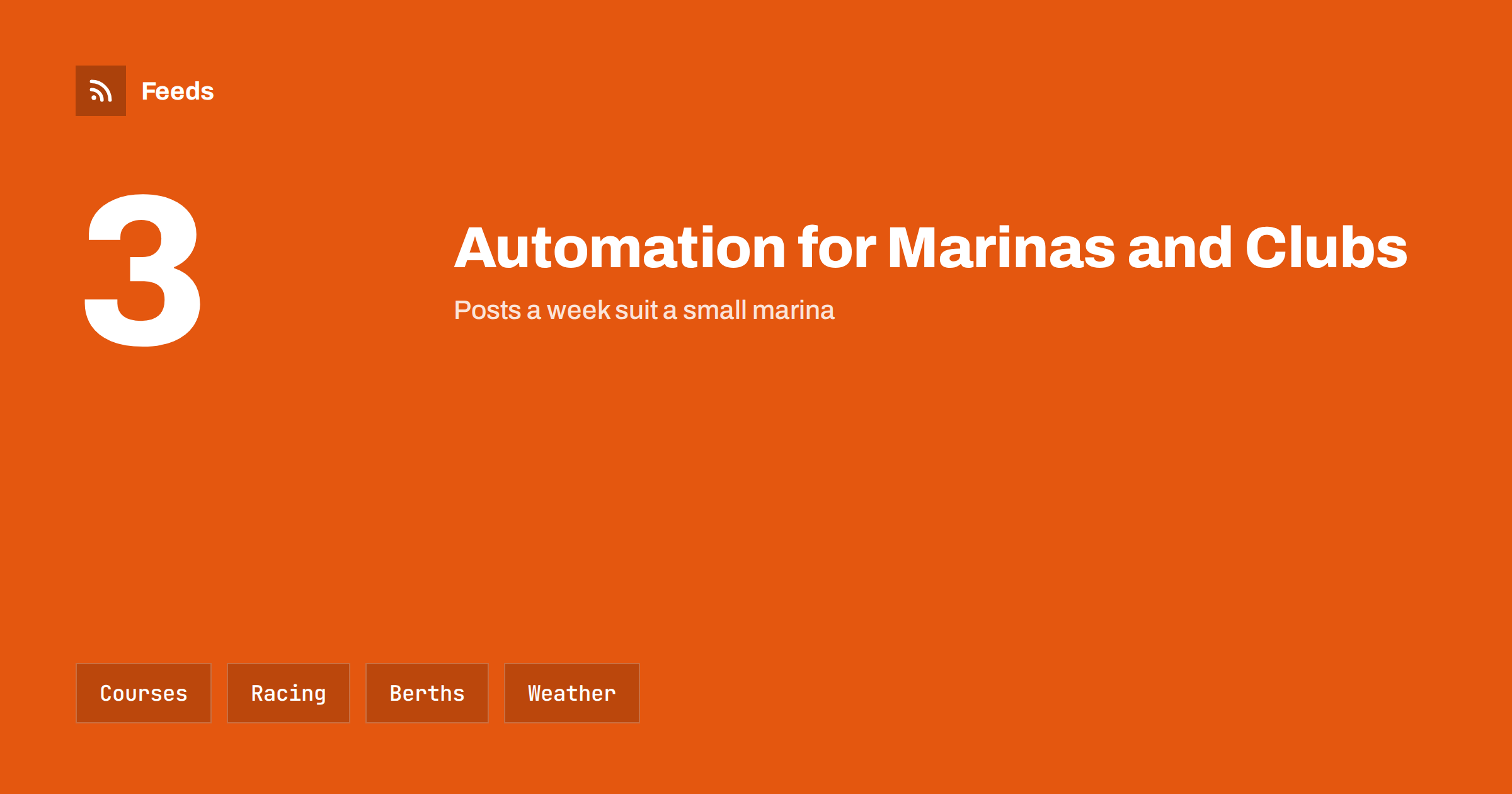
Short answer: Marinas, yacht clubs and sailing schools publish a steady stream of course dates, regatta news, berth and service notices, events and seasonal reminders, and much of it follows a calendar that can be prepared in advance. Automation handles the routine, such as reminders and result posts, while people stay in charge of weather, safety, cancellations and anything that concerns the sea on the day. Use templates, an approval step and a pause switch, and link every post to the official page.
What a marina or club needs to publish
A marina serves boat owners, visiting crews and local residents, a yacht club serves members and the public, and a sailing school serves beginners, families and companies. All three need to show that the place is active and well run: when the next course starts, what the facilities offer, how to find a berth, which events are coming and whom to call. Many visitors decide after a quick look at a website or a social page, and a page that was last updated a year ago suggests that nobody is there.
The people who do the work are busy on the water, on the quay and in the workshop. Communication often waits until the evening, and volunteers in clubs have limited time. Automation gives a steady rhythm without a daily effort. If the idea is new to you, what is content automation explains the basics in plain words.
Course dates, levels and enrolment
Sailing schools sell places on courses, and the enrolment cycle is predictable. Publish the season’s dates early, post a reminder a few weeks before each course and share a short note when places are nearly full. Each post needs the same few facts: the course name, the level, the dates, the place, the price on the website and the link to enrol. A single template with these fields keeps the posts consistent.
Keep availability under human control. A post that says “two places left” is wrong the moment a place is booked, and an old post that stays online causes disappointment. Link to the booking page, which shows the current situation, and use words such as “bookings open” instead of exact numbers. Remind the readers of requirements such as age, swimming ability and clothing, in the words of your own rules.
Regattas, races and results
Racing generates a good rhythm of content: the notice of race, the entry list, the schedule, the results and the photos. Prepare the notice and the reminders in advance, and publish the results from the official page as soon as they are confirmed. The same material can be shared again as a short summary a week later, when interest has not faded.
Check names, classes and times before publishing results. A mistake in a result list spreads fast and causes arguments, so a second person should read it. For the structure of an events programme, how to promote upcoming events automatically from a calendar shows how to turn calendar items into posts, and sports club news and fixtures with RSS shows how to follow other clubs and associations.
Winter and spring need their own series. Lift-out and launch dates, antifouling and maintenance reminders, insurance and registration checks and the start of the season all repeat every year. Write them once, store them with the dates of the previous year and update the dates each autumn. Boat owners then receive the same helpful reminders at the same time every year, and the office gets fewer phone calls.
Berths, services and practical notices
Boat owners need practical information: opening hours of the office and the fuel quay, crane days, winter storage rules, slipway dates, parking and gate codes, and works on the pontoons. Many of these items repeat each year and can be prepared as a calendar of notices. Keep one official page for the current state, and let posts point to it, so that members always find the latest version.
Do not publish personal or security information. Gate codes, boat names with owner details, absences and the location of valuable equipment should never appear in a public post. A short internal rule, listing what is never shared, protects members and the marina. Securing content automation: accounts, tokens and access explains how to protect the accounts that publish for you.
Weather, tides and safety
Weather and sea conditions are not content to automate. A scheduled post that invites people out on the water on a day when a storm warning is in force is a risk, and a cancelled course or race must be announced by a person, as soon as the decision is made. Follow official warnings in a feed so that your team sees them early, as described in weather and natural hazard alerts with RSS for businesses, and agree who decides to pause the queue.
A written plan helps: who watches the warnings, who stops the posts, who tells the course participants and how long the pause lasts. Pause automated posting: a crisis and holiday plan gives a template. Safety information must always come from the official source, and your posts should link to it and never replace it.
Visiting crews often decide where to stop a day or two ahead. A short post that explains how to book a berth, which hours the harbour master is available and how to reach the town on foot helps them plan, and it is always valid, so it can be pinned to the page. Check the details at the start of each season and after any change of staff or opening times.
Visitors, tourism and local partners
Marinas are part of the local tourism picture. Visiting crews look for berths, restaurants, repair shops and events, and a page with a simple local guide is useful for them. Partners such as cafes, chandlers, hotels and tour operators publish news that may interest your audience, and a feed of their pages can supply ideas. Content automation for hotels, restaurants and tourism and content automation for campsites, holiday parks and guesthouses describe neighbouring audiences.
Agree with partners on the wording and the credit, and keep the posts factual. A list of local services with opening hours, checked each season, is a good evergreen post that can be shared again before each summer, using the method in how to reshare evergreen content automatically without spamming.
Volunteers deserve visible thanks. A short post after a work weekend, with a photo of the team and a line about what was done, makes people proud and shows newcomers that the club is friendly. Keep a list of the events and the dates so that the thanks go out within a day or two, while the effort is still fresh.
Members, volunteers and young sailors
Clubs depend on members and volunteers. Calls for help at work days, thanks after events, new member welcomes and stories from the water keep the community together. Ask permission before you share photos or names, and be especially careful with children: use group photos, avoid personal details and follow the rules of your association. A short consent line in the membership form saves awkward questions later.
Youth sailing is a good source of positive stories, and content automation for youth sports clubs and associations describes the points to watch. Keep the tone friendly and simple, and let the volunteers who write the posts keep their own voice.
Keep control and measure what works
Decide which posts need approval. Course prices, cancellations, safety statements, race results and anything about an incident should always be read by a person before they go out. Use full auto vs approval queue to choose the level for each type of post, and review the queue each morning in the season.
Look at the numbers once a month: which posts bring enquiries, which pages are visited before a booking and which weeks need more attention. A short tag at the end of each link, as described in UTM tags for automated posts, shows where visits come from. Keep what works and change what does not at the start of each season.
How RSS Feed Creator helps
RSS Feed Creator turns the news, notice and calendar pages of sailing associations, harbour authorities, partner clubs and local tourism offices into clean RSS feeds, even when the site has no feed of its own. It reads titles, images, summaries and dates, uses an existing feed when there is one, and shows a preview of the items before the feed is created. You can merge several sources into one feed (up to 10 sources), keep only the items that contain your keywords and have duplicates removed automatically, which suits a feed of regattas, notices and local events worth sharing. Feeds refresh every 3 hours on the free plan and every 30 minutes on paid plans. The free plan allows up to 20 items per feed, and the details are on the pricing page.
Related reading
- How to Follow Sports Clubs, Leagues and Fixtures with RSS
- When to Pause Automated Posting: A Crisis and Holiday Plan
- Product Feeds for Boating and Marine Supplies Stores
The bottom line
Marinas, yacht clubs and sailing schools can automate the predictable parts of communication: course dates, regatta notices and results, service reminders and local guides. Keep weather, safety, cancellations and personal information with people, link every post to the official page and keep a pause switch ready. A steady rhythm shows that the place is active and welcoming.
KKK
Which posts are safe to schedule in advance?
Course reminders, regatta notices, service calendars and local guides, as long as dates and times are checked before release and availability is not stated in numbers.
Should weather be automated?
No. Follow official warnings in a feed, but decisions to cancel or pause must be made and announced by a person, with a link to the official source.
What should never be shared publicly?
Gate codes, owner details, absence dates, the location of valuable equipment and photos of children without consent.
How often should a small marina post?
About three posts a week are enough in season, with fewer in winter, as long as they are useful and accurate.
Can I follow other clubs and associations?
Yes. Their news and calendar pages can be turned into a feed, so that you see their events and notices without checking each site by hand.