ENEnglish
 LTLietuviškai
 DEDeutsch
 FRFrançais
 RUРусский
 ESEspañol
 PLPolski
 ITItaliano
 UKУкраїнська
 CSČeština
 PTPortuguês
 JA日本語
JA日本語 LVLatviešu valoda
 ETEesti
 HUMagyar
 IDBahasa Indonesia
 TRTürkçe
 HIहिन्दी
 ELΕλληνικά
 ARالعربية
 THไทย
THไทย VITiếng Việt
 RORomână
 MSBahasa Melayu
 BNবাংলা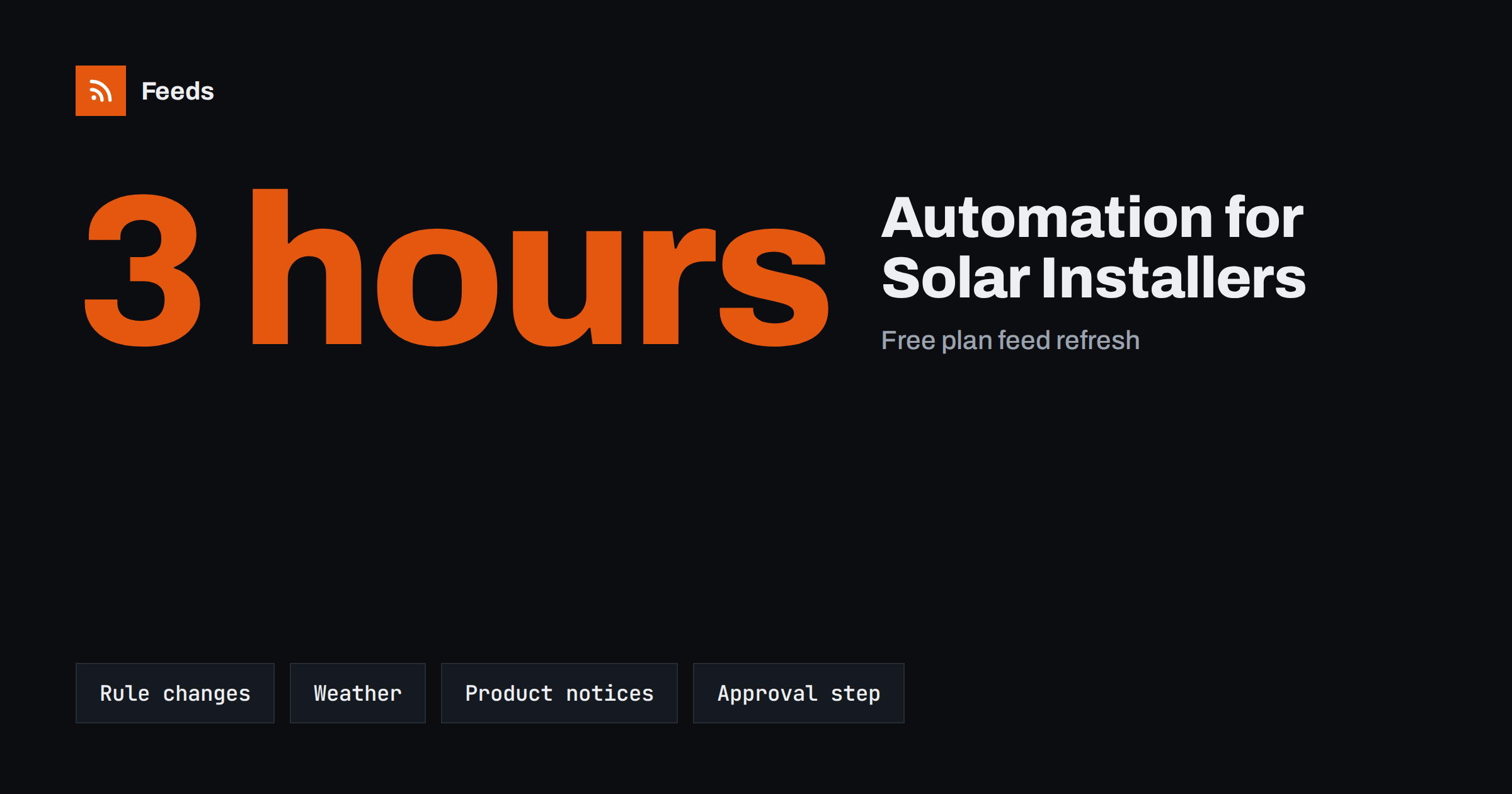
Short answer: Solar and energy installers can automate the routine part of their content: collecting news from official sources, drafting posts from project pages, and scheduling regular updates. The parts that carry risk, such as savings figures, incentive details, warranty promises and technical advice, should always be reviewed by a person before anything goes live. A simple loop of collect, filter, review and schedule keeps the website and social channels active without adding hours to the week.
Why installers struggle to keep content fresh
An energy installer’s day is spent on roofs, in meter rooms and on customer calls, not in front of a content calendar. Yet the business depends on trust. Customers compare several quotes, read reviews and look for signs that a company is current and reliable. A website whose last update was two years ago, and a social profile that goes quiet for months, send the wrong signal.
The topics are there. Rules change, incentives are updated, weather shapes the season, equipment gets new firmware and projects are completed every week. The problem is not a lack of material but the time it takes to find it, check it and turn it into a post. Automation can take over the finding and the scheduling, and leave the judgment to you. A general introduction to the method is in what content automation is.
Sources worth following
Most of the useful material for an installer comes from a small number of places. Many of them have no RSS feed, but you can still follow them by turning a news page into a feed. Good candidates are:
- Regulators and public bodies, for rules on connections, building requirements and safety. See how to track regulator updates with RSS.
- Funding and incentive pages, where programmes open, close or change their conditions. The method is described in tracking grant and funding announcements.
- Industry associations, which publish guidance, standards and training dates. More in following industry associations.
- Manufacturer news pages, for firmware releases, product notices and technical bulletins.
- Local authorities, for planning notices and local programmes that affect your area.
Keep the list short at the start. Five or six reliable sources give more value than fifty noisy ones. Write down why each source is on the list, for example “rules for grid connection” or “incentive programme for homes”. When a source stops producing items you use, remove it, so the stream stays relevant and the weekly review stays short.
Turn sources into a clean stream
Once a source is a feed, you can merge several of them into one stream and filter it with keywords. An installer might keep only the items that contain words such as “inverter”, “battery”, “grid connection” or the name of a local programme, and drop the rest. This is the same technique used in RSS keyword alerts, and it works well because it removes most of the noise before a person reads anything.
If the stream is still too busy, tighten the keywords or split it into two streams: one for rules and incentives that you review weekly, and one for product and safety notices that you check daily. Reducing RSS alert noise has practical tips for this.
Weather and seasonal planning
Weather affects both the work and the conversation with customers. A storm warning might mean rescheduling a roof job, and a long sunny spell might bring a wave of questions about system output. Official weather services publish alerts that can be followed in the same way, and the guide to weather and hazard alerts with RSS shows how to set one up for your region.
Use these alerts for internal planning first. If you decide to post a customer-facing note, such as a reminder to check that a system is safe after a storm, have a person write or approve it. A wrong or tone-deaf automated post during a bad weather event does more harm than silence.
Product notices and safety updates
Equipment makers issue notices that matter to installers and to existing customers: software updates, recalls and safety bulletins. Following them in a feed means you hear about a problem on the day it is published, not when a customer calls. The approach is explained in how to track product recall alerts.
Treat safety content with care. Do not publish instructions that a customer might follow on live electrical equipment. A better post tells people that a notice exists, links to the original source and invites them to contact you or the manufacturer.
Posts from your own projects
Your own work is the strongest content you have. After each installation, a short post with the location type, the size of the system and a photo gives future customers something real to look at. If your website keeps a projects or news page, a feed of that page can feed social posts and a weekly summary automatically. A simple template, such as the headline, a one-line summary and the link, keeps the tone consistent. For example, post templates for automated social feeds shows how to build one.
Short posts also help local visibility. A page that lists recent projects by area tells search engines and visitors that you work in that region, and a feed of it lets other tools pick up each new entry automatically. Keep the wording factual, say what was installed and when, and leave out promises about results.
Always get the customer’s permission before you publish photos of their home or any details that could identify them, and never include addresses.
What to keep under human control
Energy is a field where precise claims matter. The following items should always pass through a person before publishing:
- Savings and payback figures. They depend on the home, the tariff and the weather, and general numbers can mislead.
- Incentive details. Amounts, deadlines and eligibility change, and a post with an old figure can cause real trouble. Link to the official page and keep your own words general.
- Warranties and guarantees. Use the exact terms that appear in your contracts.
- Technical advice and safety. These need a qualified person to write them.
- Anything about competitors. Leave it out.
An approval queue is the simplest control: items wait for a click before they go out. The trade-offs are described in full automation vs an approval queue, and the pre-launch checks are in the content automation checklist.
A weekly routine that fits a small team
Routines work better than good intentions. Pick fixed times in the week, keep each task small and write the steps down so that a colleague can take over during holidays or busy installation months.
- Monday, ten minutes: read the filtered stream of rules, incentives and association news, and pick one or two items worth sharing.
- Midweek, ten minutes: approve the queued posts, edit the wording where needed and check every figure against the source.
- After each project, five minutes: add a short project note to your site so the feed can pick it up.
- End of month, fifteen minutes: look at which posts brought enquiries and adjust the keywords and sources.
It also helps to keep a short list of topics you do not automate at all, such as complaints, pricing and anything involving a named customer. Those stay with a person every time.
The total is under an hour a week, and the website and social profiles stay active. If the same mistakes keep appearing, see common content automation mistakes for what to fix first.
How RSS Feed Creator helps
RSS Feed Creator turns the news page, funding page or project list of a website into a clean RSS feed, even when the site has no feed of its own. It reads titles, images, summaries and dates, uses an existing feed when there is one, and shows a preview of the items before the feed is created. You can merge several sources into one feed (up to 10 on paid plans), keep only the items that contain your keywords and have duplicates removed automatically. Feeds refresh every 3 hours on the free plan and every 30 minutes on paid plans. The free plan allows up to 20 items per feed, and the details are on the pricing page.
Related reading
- Content automation for local businesses: a simple plan
- How to follow municipal and public body updates with RSS
- Brand safety in automated posting: rules that protect you
The bottom line
Installers have plenty to say and little time to say it. Follow a few official sources, filter the stream, let tools handle collecting and scheduling, and keep a person in charge of every figure, incentive and safety statement. A small weekly routine is enough to look current and trustworthy.
KKK
Can I fully automate posts for a solar installation business?
You can automate collecting and scheduling, but claims about savings, incentives and safety should be reviewed by a person. An approval queue keeps the work light while protecting accuracy.
Which sources should an installer follow first?
Start with your regulator, the main incentive or funding pages for your area and one industry association. Add manufacturer news pages and local authority notices as you go.
What if a source has no RSS feed?
Many news pages can be turned into a feed from the outside by finding the list of articles on the page. You then use the feed like any other and filter it with keywords.
How do I avoid posting outdated incentive information?
Link to the official page instead of copying amounts, keep your own wording general and review any item that mentions money or deadlines before it goes out.
How much time does this routine need?
A small team can usually manage it in under an hour a week: a short review of the stream, an approval session and a quick note after each project.