ENEnglish
 LTLietuviškai
 DEDeutsch
 FRFrançais
 RUРусский
 ESEspañol
 PLPolski
 ITItaliano
 UKУкраїнська
 CSČeština
 PTPortuguês
 JA日本語
JA日本語 LVLatviešu valoda
 ETEesti
 HUMagyar
 IDBahasa Indonesia
 TRTürkçe
 HIहिन्दी
 ELΕλληνικά
 ARالعربية
 THไทย
THไทย VITiếng Việt
 RORomână
 MSBahasa Melayu
 BNবাংলা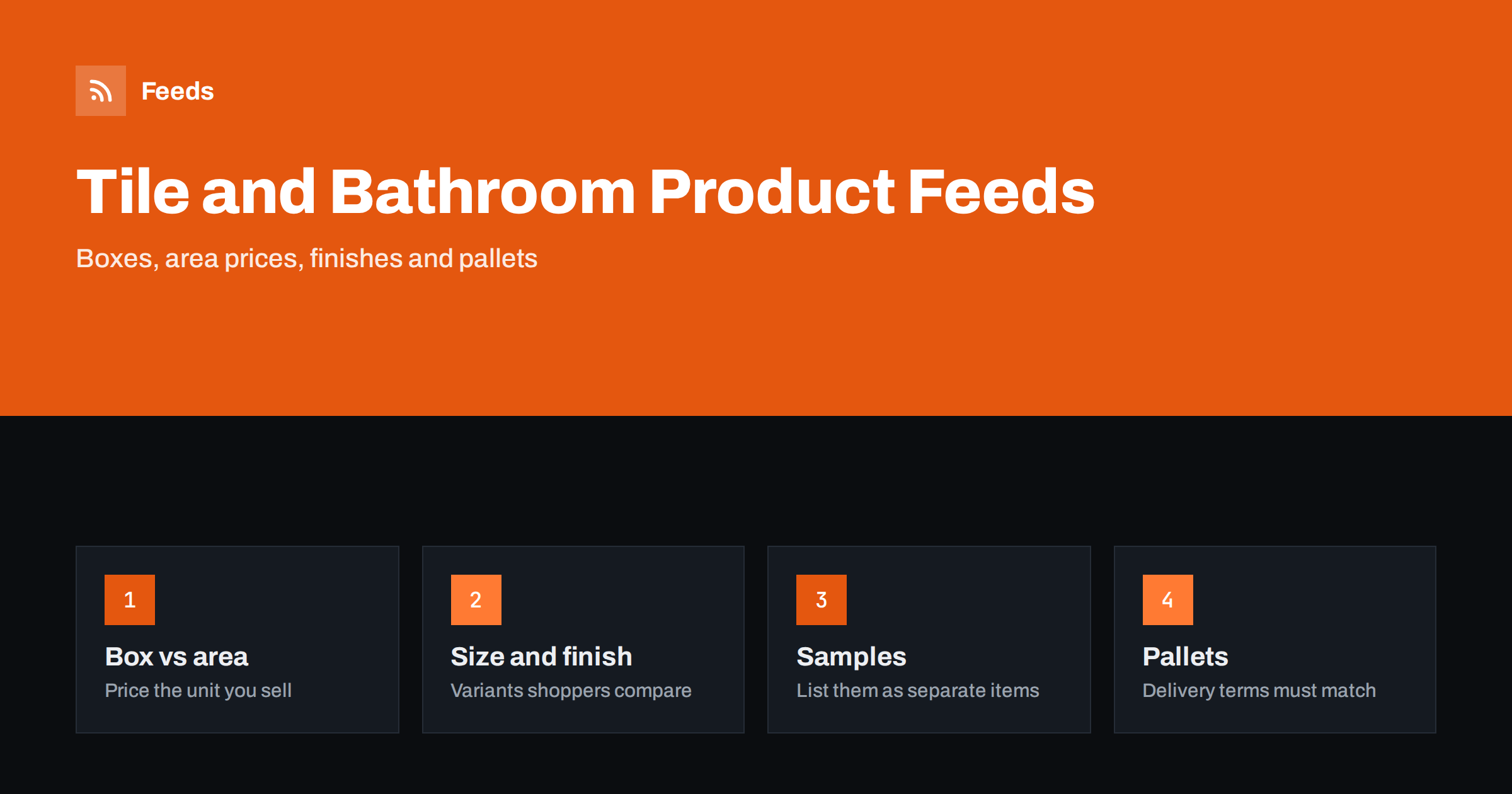
Short answer: Tile, flooring and bathroom feeds work when the price in the feed is the price of the unit a customer actually adds to the basket, usually a box, and when the area covered by that box is stated so unit pricing can show the price per square metre. Add the size, finish and colour as clear fields, list samples separately, group variants and make sure the shipping terms for heavy goods match the product page.
Why these categories are hard to put in a feed
A product like a floor tile looks simple, but the way it is sold is not. A shopper thinks in square metres, because that is how a room is measured. The shop usually sells by the box, and each box covers a fixed area, for example slightly more than one square metre. Extra tiles for waste and cutting, the batch or shade of a production run, and the weight of a pallet all change what a customer pays and receives.
A feed must turn that into a few plain fields. When it does not, shoppers see a price that looks cheap per box but is expensive per metre, or the reverse, and platforms disapprove offers whose prices do not match the page. Bathrooms add a different challenge: many products are sold as parts of a larger set, such as a basin, a tap and a waste, and the feed must make clear what is included.
Price the unit that goes into the basket
The price in the feed must be the price a customer pays for the item they add to the cart. If the shop sells tiles by the box only, the feed price is the price of a box, even if the page also shows a price per square metre for comparison. If the shop lets customers buy by the square metre and the cart calculates the number of boxes, decide which price the page shows by default and use that one in the feed.
A mismatch between the page and the feed is one of the most common problems in the sector. It happens when the page shows a price per square metre in large letters and the feed carries the price of the box. The explanation of such cases is in Merchant Center price mismatch. The safest approach is to show the sellable unit and its price clearly on the page, and add the per-area price as a secondary line.
Unit pricing for area
Unit pricing lets a shopping platform show the price per standard measure, so that shoppers can compare a box of 1.44 square metres with a box of 2.2 square metres. In the Google product feed, two fields work together: one gives the amount in the product, such as the area in a box, and the other gives the base measure used for comparison, such as one square metre. Area units, including square metres, are among the supported ones.
- Use the exact area printed on the box, not a rounded figure.
- Choose the base measure that buyers in your market expect. In most countries that is one square metre.
- Keep the figure in the feed equal to the figure on the page.
In some countries, showing a price per measure is a legal requirement for certain goods, so check the current rules for your market. A detailed explanation of the fields is in unit pricing in product feeds.
Size, finish, colour and material
Tile and flooring shoppers filter by size, finish and colour before anything else, and the feed should offer the same filters. The fields that matter are:
- Size. Write dimensions in a consistent order and unit, such as 60 x 60 cm, and the thickness where it matters.
- Finish. Matt, gloss, polished, textured or anti-slip. Use the words the manufacturer uses.
- Colour. Use plain colour words that a shopper would use, in addition to any manufacturer colour name.
- Material. Porcelain, ceramic, natural stone, laminate, vinyl, engineered wood and so on.
- Pattern. Wood effect, marble effect, plain or mosaic, because shoppers search for the look.
Put the most important two or three of these in the title, and put the rest in the product details. For title formulas, see product feed title optimization, and for the description, how to write product descriptions for shopping feeds.
Variants and collections
A tile range often comes in several sizes and colours of the same collection. Each combination is a separate product with its own code, stock level, price and image, and the combinations of one collection should share a group identifier so that the platform knows they belong together. Do not put different collections into the same group just because they look similar. How to build the groups is explained in product variants in feeds: how item_group_id works.
Take extra care with batch and shade. Natural products and fired tiles vary slightly between production runs, so a customer who orders twice may receive a different shade. If your store handles this with batch numbers, the page should say so, and the feed should not promise that two orders will match.
Samples as separate products
Many shops sell or give away small samples. A sample is not the same product as a box, and it must not share its title, price and stock. Create a separate item with its own code, a title that includes the word sample, its actual price (even if it is free to the customer apart from postage) and its own image. If samples are not meant to be advertised, leave them out of the feed. Listing a sample at the price of a box, or the box at the price of a sample, leads to disapprovals and angry customers.
Bathrooms: sets, parts and compatibility
Bathroom products are sold both as single items and as sets. A basin, a pedestal, a tap and a waste may be sold together or separately, and the shopper needs to know which parts are included. State this in the title and description, and where a set is sold as one item, mark it as a bundle and use the price of the set. The correct method is in bundles and multipacks in product feeds.
- Taps and showers. Include the finish, the type of fitting and whether a waste or hose is included.
- Toilets and basins. Include size, mounting type and whether the seat or fixings are in the box.
- Furniture and mirrors. Include dimensions and any assembly requirements. Further advice is in product feeds for furniture and home goods stores.
- Spare parts. State the model of the product the part fits, and never claim compatibility you have not confirmed.
Heavy goods and shipping
Tiles are heavy, and a pallet of flooring cannot be sent like a parcel. Delivery usually has several tiers: small items by parcel, larger orders on a pallet, and sometimes collection from the shop. Shopping platforms compare the shipping information in the feed or account with the page, so both must tell the same story. Decide where to set shipping rules and keep them consistent, as explained in shipping in product feeds: account settings vs attributes.
Give the weight of each product, since carriers price by weight, and make sure the delivery times you state take pallet delivery into account. Tell shoppers early if delivery needs an appointment or access for a lorry, because that detail changes decisions.
Images and room scenes. Use a clear picture of the product itself as the main image, for a tile that is a view of the surface that shows colour and texture. Room scenes are valuable, especially for tiles and flooring, but they work better as additional images, since the main image should show what is being sold. The technical rules are covered in product feed image requirements for Google and Meta. Do not show a bathroom full of products if only one of them is in the listing, or the shopper will assume that all of them are.
How RSS Feed Creator helps
RSS Feed Creator builds Google Merchant Center and Meta catalog XML straight from your store. WooCommerce and Shopify are read automatically, and any other store can use a CSV link. You can skip out-of-stock products, rewrite titles with rules, which helps when you want size and finish in every title, and adjust prices. The currency is detected automatically. Check the preview and the Merchant Center diagnostics to confirm that the fields you need from your store, such as the area per box, arrive as expected. The free plan includes product feeds with up to 50 products, and the Store plan covers one store with 3 product feeds and up to 2,000 products. The details are on the pricing page.
Related reading
- Product Feeds for B2B and Wholesale Stores: What Works
- Product Feeds for Garden, DIY and Hardware Stores
- Product Feed Checklist: 25 Checks Before You Submit
The bottom line
Price the unit that goes in the basket, state the area in each box so unit pricing can work, describe size, finish and colour in a consistent way and keep samples apart from real products. Group variants by collection, mark sets as bundles and make heavy-goods shipping consistent. A feed built on these steps matches what the shopper sees and what the platform checks.
KKK
Should the feed show the price per box or per square metre?
Use the price of the unit the customer adds to the basket, usually the box. Add the area covered by the box through the unit pricing fields so that the platform can show the price per square metre.
How do I handle tile samples in a feed?
List a sample as a separate item with its own code, title, price and image, or leave samples out of the feed. Never share a listing between a sample and a full box.
What is unit pricing and do I need it?
It shows the price per standard measure, such as one square metre, so shoppers can compare different pack sizes. Some countries require it for certain goods, so check the rules for the markets where you sell.
How should I group different tile sizes and colours?
Give each size and colour of one collection its own item and share one group identifier across them. Do not put different collections in the same group, even if they look alike.
Why are heavy goods a problem for shipping settings?
Pallets and large orders have different costs and delivery times from parcels, and platforms check that the feed matches the page. Keep weights, rates and times consistent in both places.