ENEnglish
 LTLietuviškai
 DEDeutsch
 FRFrançais
 RUРусский
 ESEspañol
 PLPolski
 ITItaliano
 UKУкраїнська
 CSČeština
 PTPortuguês
 JA日本語
JA日本語 LVLatviešu valoda
 ETEesti
 HUMagyar
 IDBahasa Indonesia
 TRTürkçe
 HIहिन्दी
 ELΕλληνικά
 ARالعربية
 THไทย
THไทย VITiếng Việt
 RORomână
 MSBahasa Melayu
 BNবাংলা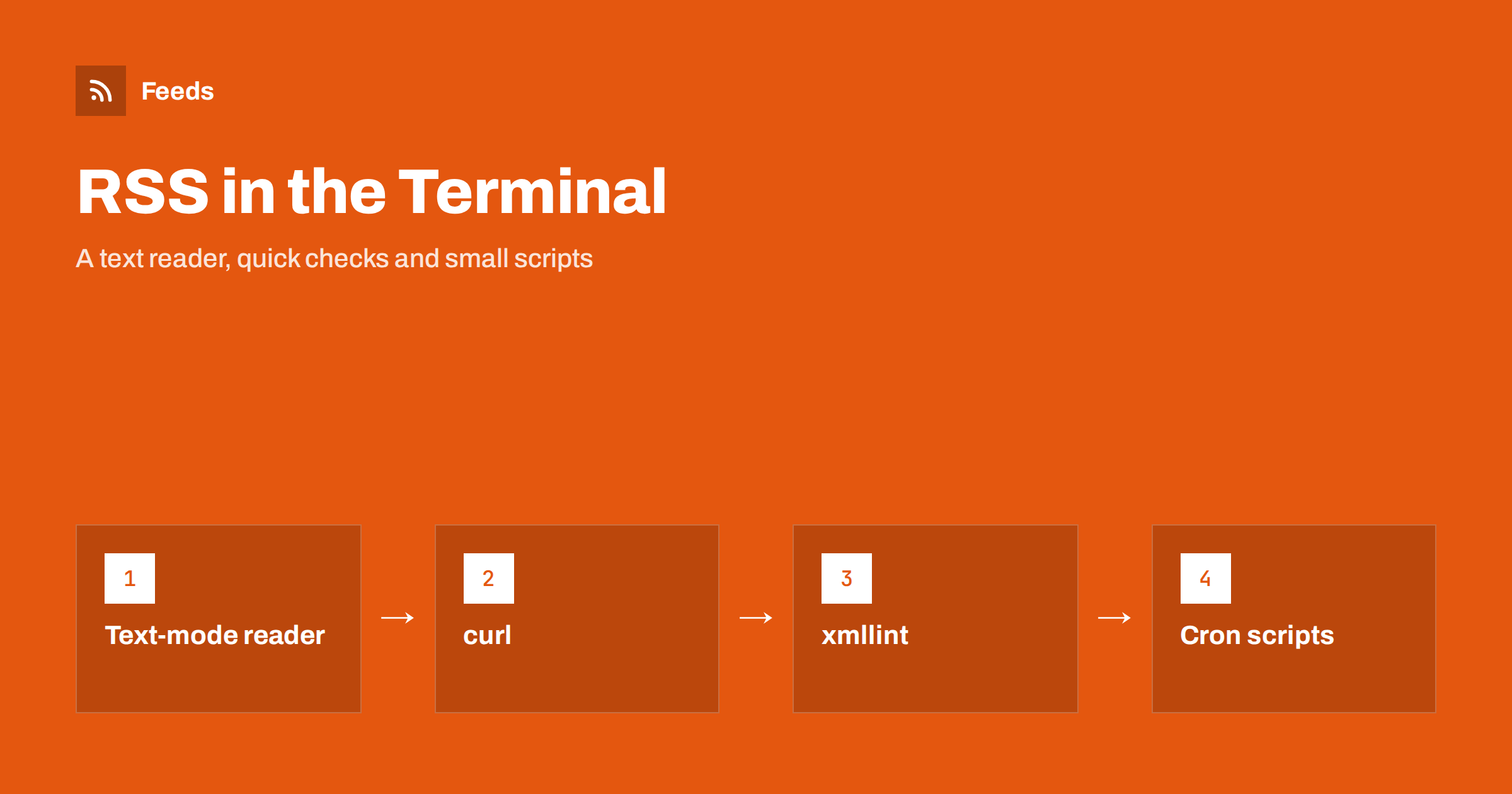
Short answer: You can read and check RSS feeds entirely from the command line. A text-mode reader such as newsboat gives you a fast, keyboard-driven inbox. The tool curl shows the raw feed and the response headers, which is the quickest way to debug a feed, and a command such as xmllint can pull titles and links out of the XML. With a small script and cron you can turn any feed into a daily digest or an alert.
Why use RSS in the terminal
A terminal reader is not for everyone, but it has real strengths. It starts instantly, uses almost no memory, works over a remote connection and has no images, pop-ups or tracking scripts. You read headlines in a plain list, open the interesting ones and move on. People who work on servers or in editors all day often prefer it because it fits into the same keyboard-centred routine.
The terminal is also the best place to examine a feed that misbehaves. A graphical reader hides what it receives, while a command line shows the exact bytes and headers. If you are choosing between approaches, the guide to choosing an RSS reader lists the features that matter in any reader, and self-hosted RSS readers covers server-based options if you prefer a web interface.
There is a privacy benefit as well. A text reader does not load remote images or scripts, so publishers cannot see when you opened an item through a tracking pixel. If you care about this, the background is in RSS feed privacy: what readers and publishers should know.
A text-mode reader: newsboat
Newsboat is a well-known RSS and Atom reader for text terminals on Linux and macOS, and it is available in the package repositories of most distributions. After installation, the setup is a plain text file named urls, in its configuration directory, with one feed address per line. You can add tags after the address in the same line to group feeds, and the file can be kept in version control like any other configuration.
https://example.com/feed/ news
https://example.org/rss.xml tech
Start the program and you see the list of feeds, with the number of unread items next to each. Use the arrow keys or the Enter key to open a feed and then an item. A few keys cover most of the daily use: r reloads the selected feed, a capital R reloads all feeds, o opens the current item in your browser and q goes back or quits. The built-in help screen lists every key, and the keys can be changed in the configuration file.
If you already have subscriptions in another reader, newsboat can import and export them as an OPML file from the command line, so you can move in either direction without retyping addresses. The format is explained in OPML files explained. Newsboat also supports filters and queries, so you can create a saved view of unread items that contain certain words, similar to the alerts in setting up keyword alerts using RSS feed filters.
Check a feed with curl
For debugging, curl is the first tool to reach for. It downloads the feed exactly as a reader would, with no interpretation. Two commands solve most problems:
curl -sL https://example.com/feed/ | head -n 40
curl -sI https://example.com/feed/
The first prints the beginning of the feed, following redirects, so you can see whether it is real XML or an HTML page in disguise. The second asks only for the headers. Look at the status code, the content type, and caching headers such as the last modified time and the entity tag. A feed that answers with a 200 code and an XML content type is healthy. A feed that sends a block page or a code in the 400 range needs attention from the server side. The headers are explained in serving an RSS feed with correct headers and caching.
If a feed works in your browser but not in curl, the server may treat command-line clients differently. Try setting a normal user agent string and check again, then look at the firewall or CDN rules. A feed that has stopped updating is another common reason to use curl, and the checklist in why an RSS feed stops updating tells you what to compare.
Pull out titles and links with xmllint
Once you have the XML, a query tool can extract parts of it. The xmllint program, which comes with the libxml2 tools, understands XPath expressions. To print the titles of all items:
curl -sL https://example.com/feed/ | xmllint --xpath '//item/title/text()' -The output of this simple command joins the titles without separators, which is fine for a quick look. For a cleaner list, use a short script in Python, which can read XML in a few lines. Examples in several languages are in how to parse an RSS feed in Python, JavaScript and PHP. Remember that the item elements of an Atom feed are called entry, so the expression must change.
Before you build anything on top of a feed, validate it. Errors such as an unescaped ampersand or a wrong date break many tools. The usual faults and their fixes are in how to validate an RSS feed and fix common errors.
Build a small digest or alert with cron
With the pieces above you can build a personal alert system without any service. A script downloads the feed, extracts the links and compares them with a list of links it has already seen. Anything new is printed, mailed to you or sent to a chat tool. Cron runs the script every hour or every day.
- Fetch the feed with curl and save it to a temporary file.
- Extract the item links or GUIDs into a text file.
- Compare the file with a stored list and keep only the new lines.
- Send the new lines to yourself and append them to the stored list.
Keep the schedule polite. Many sites update a few times a day, so checking once an hour is plenty, and requesting a feed every minute only wastes the publisher’s resources. The reasoning about intervals is in how often RSS feeds update. Store the entity tag or last modified value if you can and send it back with the next request, so the server can answer that nothing has changed.
Test the script by hand before you schedule it. Run it twice in a row and confirm that the second run prints nothing, which proves that the list of seen items works. Then add a simple log line with the date, so that a silent failure, such as a feed that starts returning an error page, does not go unnoticed for weeks.
Where terminal tools fall short
The command line is not ideal for everything. It cannot show images well, it does not sync read status between devices unless you set that up, and it needs some comfort with configuration files. If you want your phone and your laptop to show the same unread items, a hosted or self-hosted reader with sync is easier. If you want alerts on your phone, look at getting RSS alerts as push notifications. For a mixed approach, many people keep one graphical reader for daily reading and use the terminal only for checks and scripts. The article on organising your RSS reader so it never overwhelms you applies to either.
How RSS Feed Creator helps
All the tools above need a feed to read, and many websites do not publish one. RSS Feed Creator turns the article list of any web page into a clean RSS feed, with titles, images, summaries and dates, and uses an existing feed when the page has one. You see a preview of the items before the feed is created, and the feed link works in newsboat, curl and any other tool. You can merge several sources into one feed (up to 10 on paid plans) and keep only the items that contain your keywords. The free plan allows up to 20 items per feed, and the details are on the pricing page.
Related reading
- How to subscribe to RSS feeds: a beginner’s step-by-step guide
- RSS vs web scraping: which should you use to track sites?
- How to monitor websites for new content automatically
The bottom line
The terminal gives you a fast reader, the clearest view of what a feed really contains and an easy way to automate small jobs. Use a text-mode reader for reading, curl to check headers and content, an XML query tool or a short script to extract data, and cron for a polite schedule. When the website offers no feed, create one first and then use it with the same tools.
FAQ
Does newsboat work on Windows?
It is built for Unix-like systems. On Windows, people usually run it inside the Windows Subsystem for Linux, or choose another reader that supports Windows natively.
How do I move my subscriptions into a terminal reader?
Export an OPML file from your current reader and import it with the reader’s import command. The same file works in reverse if you later change your mind.
Why does curl show HTML instead of my feed?
The address may redirect to a web page, a login or a bot-protection page. Follow redirects, read the first lines of the output and check the content type header.
How often should a script check a feed?
Once an hour is enough for most sites, and once a day for slow ones. Use conditional requests when you can, so unchanged feeds cost the publisher almost nothing.
Can I get terminal alerts for keywords only?
Yes. Most terminal readers support filters, and in a script you can compare titles and summaries against a list of words and print only the matching items.