 ENEnglish
 LTLietuviškai
 DEDeutsch
 FRFrançais
 RUРусский
 ESEspañol
 PLPolski
 ITItaliano
 UKУкраїнська
 CSČeština
 PTPortuguês
 JA日本語
JA日本語 LVLatviešu valoda
 ETEesti
 HUMagyar
 IDBahasa Indonesia
 TRTürkçe
 HIहिन्दी
 ELΕλληνικά
 ARالعربية
 THไทย
THไทย VITiếng Việt
 RORomână
 MSBahasa Melayu
 BNবাংলা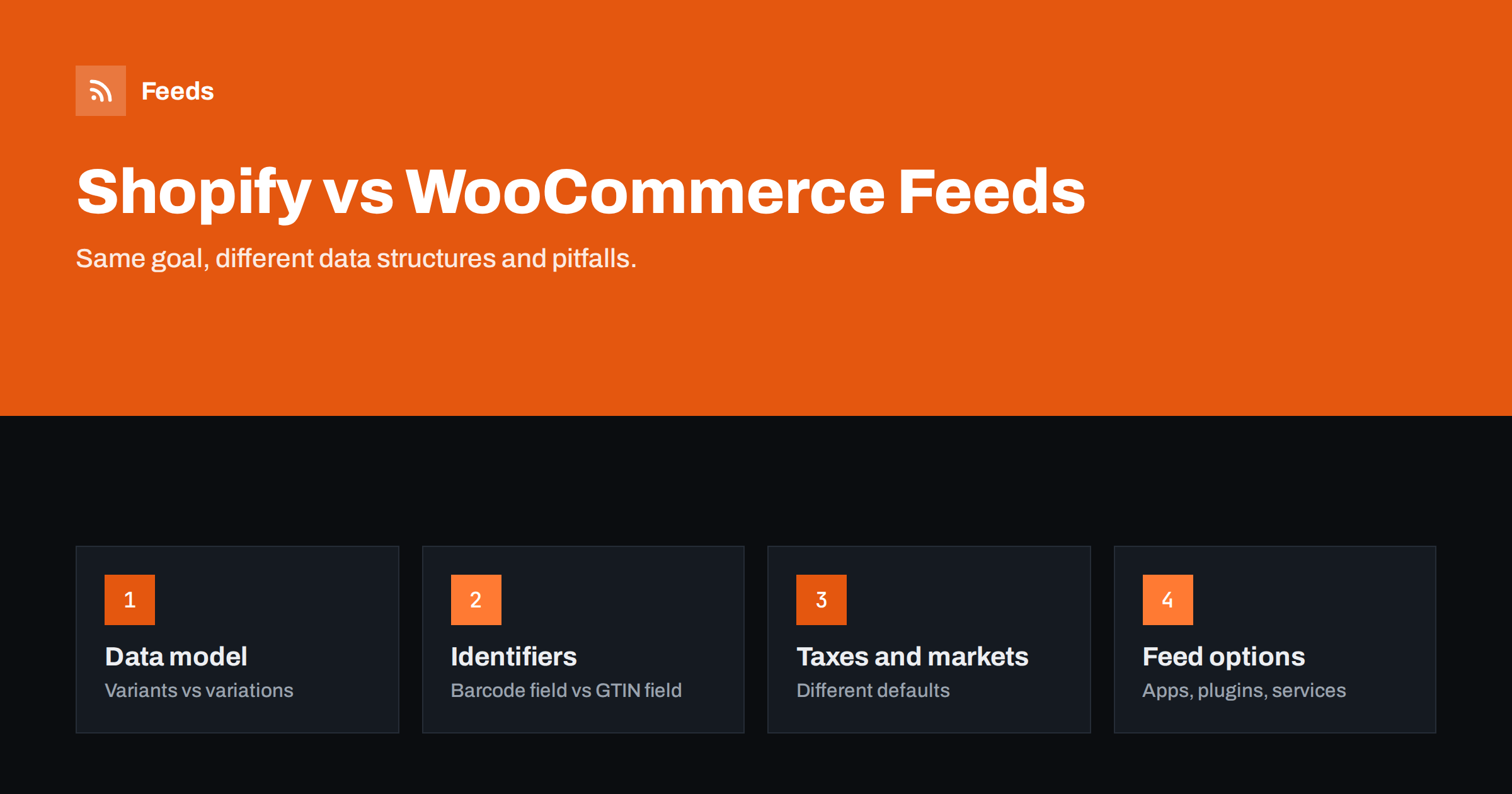
Short answer: Shopify and WooCommerce can both produce excellent product feeds, but their data is organized differently. Shopify has a fixed product and variant model with a barcode field, a vendor field and Markets for multi-country pricing; WooCommerce has simple and variable products with flexible attributes, a GTIN field in recent versions, many tax configurations and heavy plugin customization. Shopify feeds usually come from channel apps or external services; WooCommerce feeds from plugins or external services. The pitfalls differ, so check the ones specific to your platform.
Why the platform matters for feeds
A product feed is a translation of store data into a platform’s attribute list. The quality of that translation depends on how the store organizes its data. Shopify is a hosted platform with a consistent data model across all stores; WooCommerce is a plugin for WordPress that can be configured in countless ways and extended by thousands of other plugins.
That difference shapes almost everything: where identifiers are stored, how variants are represented, how prices and taxes are calculated, and how feeds are generated. Knowing the typical structure of your platform helps you map fields correctly and anticipate problems before they appear in diagnostics.
Neither platform is better for feeds in absolute terms. Shopify is more predictable; WooCommerce is more flexible. Predictability makes setup easier, flexibility makes unusual requirements possible.
Agencies and freelancers who work with both platforms benefit from keeping one mapping document per platform. Once the standard mapping for Shopify and for WooCommerce is written down, each new client store only needs a review of the exceptions: custom fields, unusual plugins or non-standard variant setups.
Products and variants
In Shopify, every product has at least one variant, and variants are defined by up to three options, such as size, color and material. Each variant has its own price, compare-at price, SKU, barcode, inventory and optional image. The structure is uniform, which makes variant feeds straightforward.
In WooCommerce, simple products have no variations, and variable products have variations defined by attributes. Attributes can be global (shared across products) or local to one product, and variations can inherit or override prices, stock and images from the parent. The flexibility is useful, but it means feeds must handle inheritance correctly, for example using the parent image when a variation has none.
- Shopify: always map variants as items, with the product ID or handle as item_group_id.
- WooCommerce: map simple products as single items and variations as items grouped by the parent, checking inherited values.
Both platforms support products that are not meant for shopping feeds: Shopify gift cards and digital products, WooCommerce grouped and external products. Grouped products in WooCommerce are collections of other products and should usually not appear as items themselves; external or affiliate products link to another store and generally cannot be advertised as your offer. Exclude them by type.
Identifiers and brand
Shopify stores the GTIN in the variant barcode field and usually uses the vendor field as the brand. Both are standard fields visible in the admin, so filling them is straightforward, but they are also easy to misuse: some stores put internal codes in the barcode field or their own store name as vendor.
WooCommerce added a dedicated field for GTIN, UPC, EAN or ISBN in recent versions. Older stores often keep identifiers in custom fields or attributes added by plugins, and brands may be stored as an attribute, a taxonomy from a brands plugin, or not at all. Before mapping, find out where your store actually keeps these values, and consolidate them if they are scattered.
Whatever the platform, fixing identifiers in the store rather than in the feed is worth it. Both platforms can export and import product data in bulk, which makes filling barcodes from supplier files a manageable one-time task.
Prices, taxes and currencies
| Aspect | Shopify | WooCommerce |
|---|---|---|
| Tax-inclusive prices | Store setting per market | Setting for entry and display, can differ |
| Multiple currencies | Built-in Markets with local pricing | Usually via plugins |
| Sale prices | Compare-at price shows the original | Sale price with optional schedule |
| Dynamic pricing | Apps and discounts | Plugins for roles, quantities and rules |
In Shopify, check how Markets handle prices and rounding in each country, and make sure feed links open the correct market. In WooCommerce, check whether prices are entered with or without tax and how they are displayed, because feeds that read the stored net price in a country requiring gross prices will mismatch on every product.
WooCommerce sale scheduling maps naturally to sale_price_effective_date. In Shopify, the compare-at price is often used as a permanent “was” price, which is not the same as a time-limited sale; send sale prices only for genuine reductions.
Currency plugins on WooCommerce deserve particular attention. Some change the displayed currency based on the visitor’s location, which means Google’s crawler may see a currency that differs from the feed. Use market-specific URLs or settings that fix the currency per link, so the page seen through the feed link always matches the feed’s currency.
Ways to generate feeds
Shopify stores typically use the Google and Meta sales channel apps, feed apps from the Shopify App Store, or external feed services. WooCommerce stores use feed plugins, Google’s official extension, or external services. Each route has trade-offs:
- Channel apps and extensions: fastest start, limited control over titles, rules and labels.
- Feed apps and plugins: more control; plugins run on your WordPress server, apps run in Shopify’s ecosystem.
- External services: nothing installed; work from the store’s public data or exports.
For WooCommerce, server load is a real consideration: feed generation for large catalogs inside WordPress can slow the site. Shopify stores do not carry that load themselves, but apps may have limits on catalog size or update frequency depending on the plan.
Both platforms expose some product data publicly, which is what makes external services possible without installing anything. What is public differs: private notes, cost prices and some custom fields stay in the admin. If your feed needs such data, for example for margin labels, a supplemental feed or an internal export can supply it.
Platform-specific pitfalls
Shopify:
- Barcode field used for internal codes, causing invalid GTINs.
- Store name as vendor for resold brands.
- Variant links without the variant parameter, opening the default variant.
- Markets not reflected in feed links or currencies.
- Changing apps and losing item IDs, because each app formats IDs differently.
WooCommerce:
- Net prices in the feed while the page shows gross prices.
- Variation images not set, so every color shows the parent image.
- Descriptions full of shortcodes and page builder markup.
- Caching or security plugins blocking or serving stale feed files.
- Plugins changing prices dynamically for visitors in ways the feed does not see.
A short test covers most of these pitfalls on either platform: pick five products with variants, open each variant link in a private browser window, and compare the page with the feed. Price, currency, availability, image and title should all match. If they do, most of the mapping is right.
Switching between platforms
Stores sometimes move from WooCommerce to Shopify or the other way. For feeds, the biggest risk is changing item IDs, because each platform and each feed tool may format them differently. Keep SKUs identical during the migration and configure the new feed to use them as IDs, so products keep their history in Merchant Center and pixel matching continues to work in Meta.
Also compare old and new feeds item by item before switching, looking at prices, identifiers and variant structure. Differences in how the two platforms handle tax and variants tend to surface there first.
Plan a platform switch as a feed project as much as a store project. The marketing team should know the launch date, campaigns should be watched closely for a couple of weeks, and diagnostics should be checked daily until the new setup is stable.
How Feeds helps
Feeds reads both WooCommerce and Shopify stores automatically from their public data, with nothing installed on either, and turns them into a Google product XML feed with id, title, link, image, price, availability and brand for Merchant Center and Meta. The currency is detected automatically, and rules skip out-of-stock products, rewrite titles and adjust prices. See the pricing page for plans.
Related reading
- Shopify Product Feed for Google Merchant Center Explained
- WooCommerce Product Feed for Google Shopping: A Setup Guide
- Migrating Your Store Without Breaking Product Feeds
The bottom line
Shopify offers a uniform data model that makes feeds predictable; WooCommerce offers flexibility that requires more careful mapping. On Shopify, watch barcode and vendor fields, variant links and Markets. On WooCommerce, watch tax settings, variation inheritance, descriptions and plugins that affect prices or caching. On both, keep IDs stable and generate feeds from live store data.
FAQ
Is it easier to create product feeds on Shopify or WooCommerce?
Shopify is usually easier to start with because its data model is uniform. WooCommerce offers more flexibility but needs more careful field mapping.
Where is the GTIN stored in Shopify?
In the barcode field of each variant. Make sure it contains real barcodes, not internal codes.
Where is the GTIN stored in WooCommerce?
Recent versions have a dedicated GTIN, UPC, EAN or ISBN field. Older stores often use custom fields or attributes from plugins.
Why do WooCommerce feeds often have price mismatches?
Commonly because prices are stored without tax but displayed with tax, and the feed reads the stored value. Map the displayed price instead.
Can one feed tool work for both platforms?
Yes. External feed services and some apps support both, which is useful for agencies managing stores on different platforms.


