 ENEnglish
 LTLietuviškai
 DEDeutsch
 FRFrançais
 RUРусский
 ESEspañol
 PLPolski
 ITItaliano
 UKУкраїнська
 CSČeština
 PTPortuguês
 JA日本語
JA日本語 LVLatviešu valoda
 ETEesti
 HUMagyar
 IDBahasa Indonesia
 TRTürkçe
 HIहिन्दी
 ELΕλληνικά
 ARالعربية
 THไทย
THไทย VITiếng Việt
 RORomână
 MSBahasa Melayu
 BNবাংলা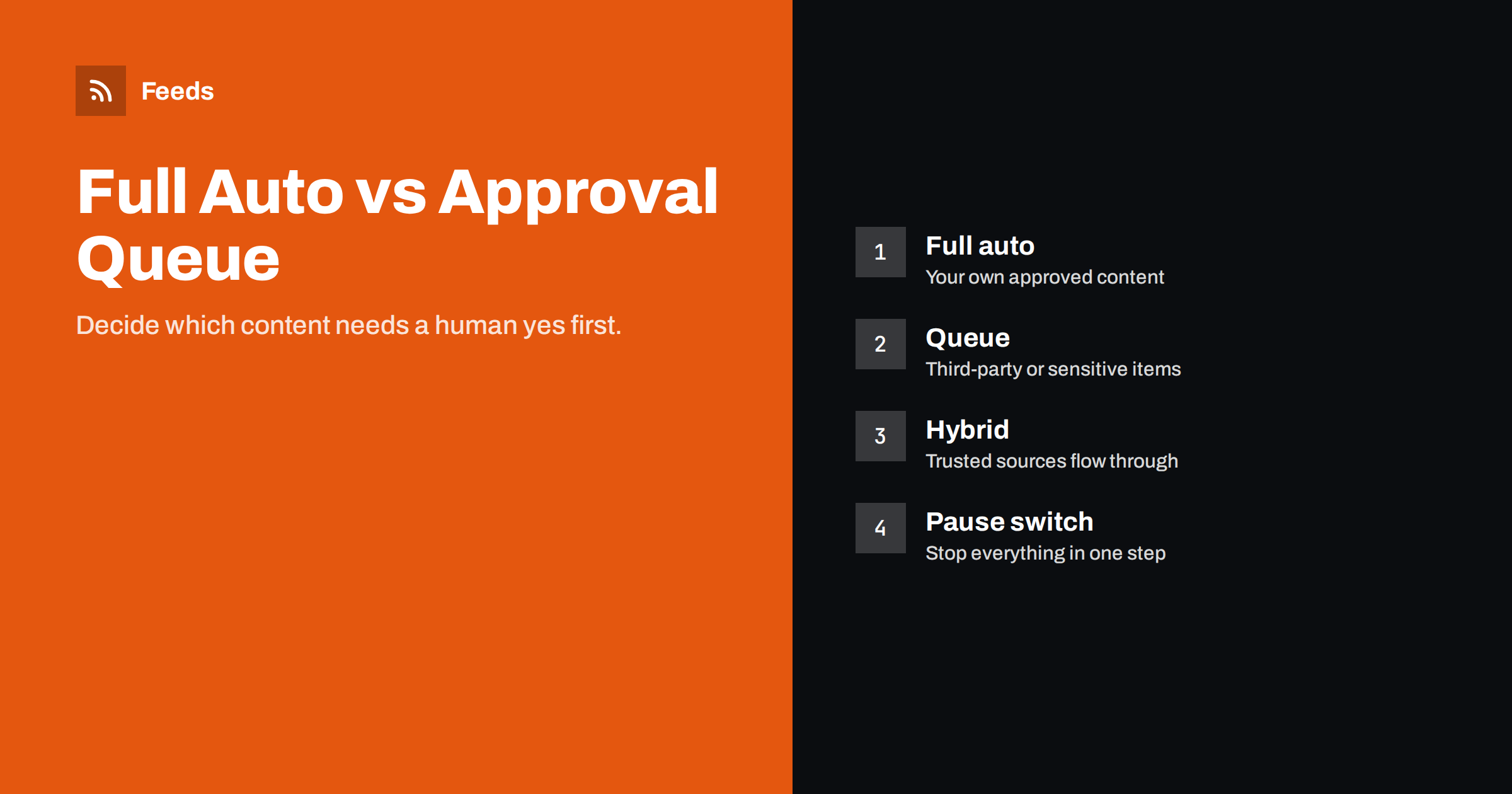
Short answer: Use full automation when the content has already been approved elsewhere, such as your own published articles or products, and the destination is low-risk. Use an approval queue when content comes from third parties, when it appears under your brand in public, or when mistakes would be costly. Most teams end up with a hybrid: trusted sources publish automatically, everything else waits for a quick human check, and there is always a way to pause all automation at once.
The core question: where does approval happen?
Every piece of content published under your name should be approved by someone. The question in automation is not whether approval happens, but where. If an article was reviewed before it appeared on your blog, approval already happened; distributing it automatically to social networks does not skip a step. If an item comes from a news site you follow, nobody at your company has approved it yet. Posting it automatically means publishing something nobody on your side has read.
Thinking about it this way makes most decisions easy. Content that was approved at its source can flow automatically. Content that was not needs an approval step somewhere between collection and publication.
A second question is the audience. A mistake in an internal channel costs a few seconds of colleagues’ attention. A mistake on a public company page, in a customer newsletter or in an ad catalog costs trust and sometimes money. The more public and permanent the destination, the stronger the case for approval.
Model 1: full automation
Items move from source to destination without human intervention. Filters and templates are the only controls.
Best for:
- Sharing your own blog posts, news and product launches on your own channels.
- Synchronising product catalogs with advertising platforms.
- Internal news channels fed by a few reliable sources.
- Alerts about your own brand for the team, where speed matters more than polish.
Strengths: no delay, no bottleneck, no dependence on someone being available. It keeps channels active during holidays and busy periods.
Weaknesses: errors at the source are distributed instantly, and nothing catches items that are technically correct but badly timed or out of context.
Model 2: approval queue
Collected items land in a queue. A person reviews them, approves some, edits or rejects others, and approved items are then published automatically or scheduled.
Best for:
- Curated content from third-party sources shared publicly.
- Client work in agencies, where the client must sign off.
- Regulated industries such as finance, healthcare or law, where public statements need compliance review.
- Channels where tone matters a lot, such as a brand’s main social account.
Strengths: human judgment on every item, the chance to add commentary, protection against embarrassing or inaccurate posts.
Weaknesses: delays, and a bottleneck. If the reviewer is away, nothing gets published. Queues can grow faster than they are reviewed, and a neglected queue ends up worse than no automation at all.
Model 3: hybrid
The hybrid model routes items by rules. Items from trusted sources or matching narrow criteria publish automatically; everything else goes to the queue.
Typical rules:
- Own content: automatic.
- Official sources such as regulators or partners: automatic to internal channels, queued for public ones.
- General news sources: always queued.
- Items containing sensitive words, such as names of competitors, legal terms or crisis-related words: always queued, whatever the source.
Routing rules should be written down in plain language before they are configured, for example “anything from our blog goes straight out; anything from outside waits for Maria or Tom”. A rule everyone understands is easier to maintain than a clever filter nobody remembers setting up. Review the rules whenever you add a new source or channel, since each addition can quietly change the balance of risk.
The hybrid gives speed where risk is low and control where it is high. It needs a bit more setup, since you define routing rules, but it scales better than either pure model.
Comparing the models
| Criteria | Full automation | Approval queue | Hybrid |
|---|---|---|---|
| Speed | Immediate | Depends on reviewer | Immediate for trusted items |
| Risk of bad posts | Higher | Lowest | Low |
| Staff time | Minimal | Regular review needed | Review of a subset |
| Commentary possible | Template only | Yes | For queued items |
| Setup effort | Low | Medium | Medium to high |
How to build an approval queue with common tools
You do not need specialised software. Several simple patterns work:
Draft mode in a posting tool
Many social posting tools can create posts from a feed as drafts instead of publishing them. A reviewer opens the drafts, edits and approves. This is the easiest option when the tool supports it.
Spreadsheet queue
An automation platform adds each new feed item as a row in a shared spreadsheet with a “status” column. The reviewer sets status to “approved”, and a second workflow publishes approved rows. It is transparent and works with any destination.
Chat-based approval
New items are posted to a private team channel. A reaction or a button approves them, triggering publication. It is fast and convenient for small teams who live in chat.
Approved feed
Reviewers save chosen items to a read-later tool or bookmark service that publishes its own feed. The publishing workflow watches only that approved feed. It is elegant and keeps the review step in a tool people already like.
Making queues work in practice
- Fixed review slots. Fifteen minutes each morning is more reliable than “whenever someone has time”.
- A backup reviewer for holidays and sick days.
- Expiry. Items older than a few days should drop out of the queue automatically; old news is rarely worth posting.
- Keep the queue small. Filter hard before items reach it. A queue with 200 items a day will not be reviewed properly.
- A pause switch. Whatever the model, make sure someone can stop all automated publishing quickly during a crisis.
Examples by type of business
A local restaurant
The restaurant posts its weekly menu and events on its website. These items flow automatically to its Facebook page and Telegram channel, because the owner already wrote and approved them. It does not share third-party content at all, so it needs no queue. Its only safety measure is a pause switch for days when the kitchen is closed unexpectedly.
A software company
Blog posts and release notes are published automatically to LinkedIn and X. Industry news from about twenty sources goes into a private chat channel automatically, where anyone on the marketing team can mark an item for sharing. Marked items then land in the social posting tool as drafts, and the social media manager adds a comment before scheduling. Own content is full auto; curated content is a light queue.
A financial advisory firm
Every public post needs compliance review, including links to the firm’s own articles, because the wording of social posts matters as much as the article. All items, even from the firm’s own blog, arrive as drafts. The compliance officer reviews them twice a week. Internally, a regulator news feed flows to the team channel automatically, because internal information does not need the same review.
These examples show that the right model depends less on the tool and more on who is accountable for what is said in public. Map that first, then configure the workflow to match.
Keeping queues short with better feeds
The single biggest factor in whether an approval queue survives is its size. Merged sources with duplicates removed and strict keyword filters mean reviewers see a short list of relevant items instead of a flood.
Feeds prepares exactly that kind of input. It turns pages without RSS into feeds, merges several sources into one, keeps or drops items based on your words and removes duplicates automatically. You check a preview of found items before a feed is created, and feeds refresh themselves. Point the queue workflow at one clean feed and review time drops accordingly. The free plan works for one website; see pricing for merged sources.
Related reading
- How to Automate Content Curation Without Losing Quality
- Content Automation for Agencies Managing Many Clients
- What Is Content Automation? A Practical Guide for Small Teams
- 12 Content Automation Mistakes and How to Avoid Them
The bottom line
Automate fully where approval already happened, such as your own published content, and queue everything that nobody on your side has checked, especially for public channels. A hybrid with routing rules gives most teams the best balance of speed and safety. Keep queues small with good filters, review at fixed times, and always keep a way to pause everything at once.
FAQ
Is it safe to automatically share third-party content?
It carries more risk than sharing your own content, because nobody on your side has checked it. For public channels, an approval step or a short list of highly trusted sources is safer.
How long should items wait in an approval queue?
Ideally less than a day. Review at fixed times and let items expire after a few days, since older news rarely deserves posting.
What tools support approval queues?
Many social posting tools offer draft or approval modes. You can also build queues with spreadsheets, chat approvals or an approved-items feed using common automation platforms.
What is a pause switch?
It is a documented way to stop all automated publishing quickly, for example during a crisis. Everyone responsible should know where it is and how to use it.
Can a hybrid workflow route items automatically?
Yes. Rules based on source, keywords or category can send trusted items straight to publication and everything else to a review queue.
Does approval slow down content too much?
For time-critical news it can. For most business content, a delay of a few hours makes little difference, and the quality gain outweighs it.


