 ENEnglish
 LTLietuviškai
 DEDeutsch
 FRFrançais
 RUРусский
 ESEspañol
 PLPolski
 ITItaliano
 UKУкраїнська
 CSČeština
 PTPortuguês
 JA日本語
JA日本語 LVLatviešu valoda
 ETEesti
 HUMagyar
 IDBahasa Indonesia
 TRTürkçe
 HIहिन्दी
 ELΕλληνικά
 ARالعربية
 THไทย
THไทย VITiếng Việt
 RORomână
 MSBahasa Melayu
 BNবাংলা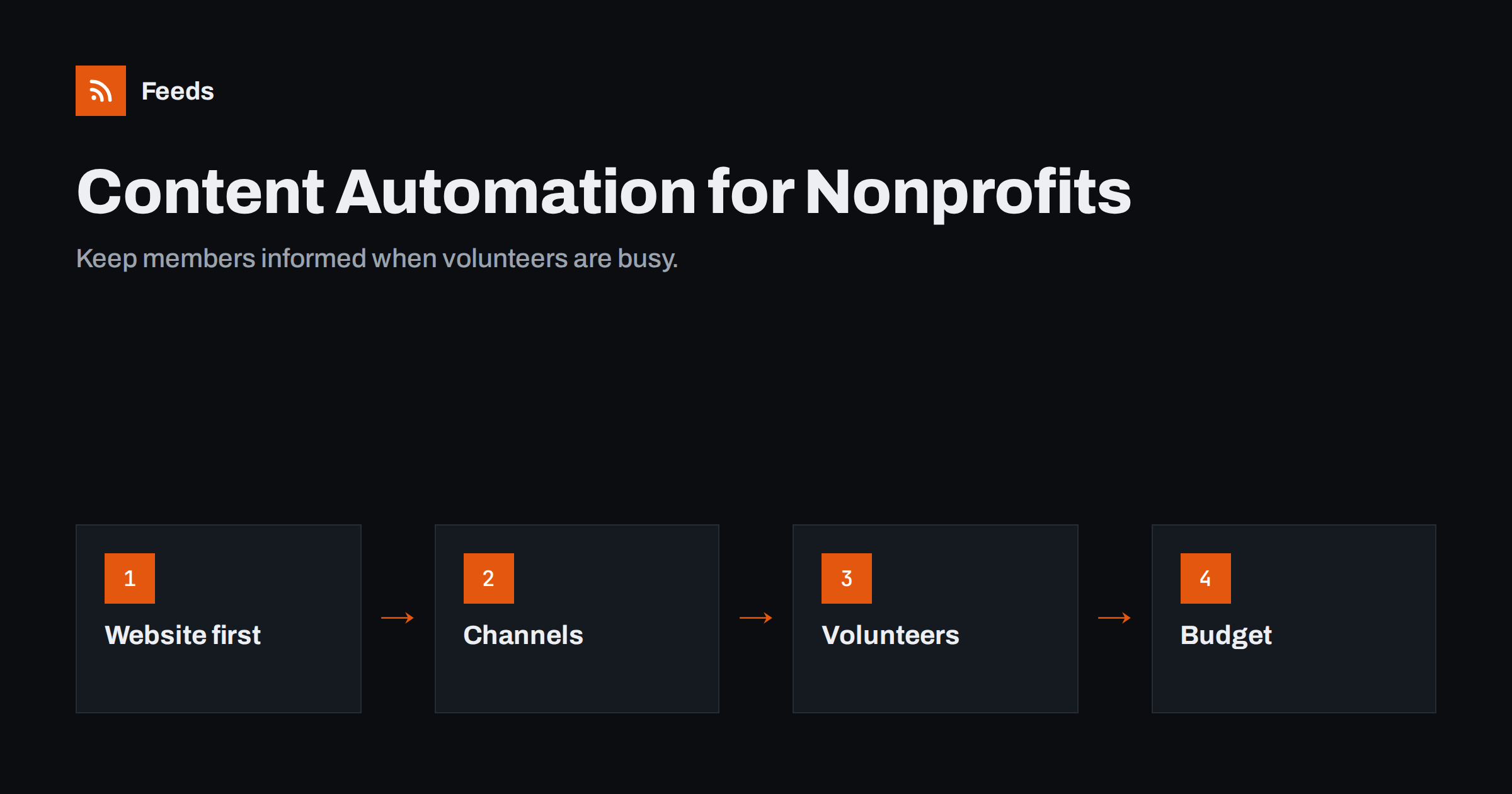
Short answer: Nonprofits and community groups can use content automation to share every news item, event and appeal from their website to social pages, email newsletters and messaging channels without extra volunteer effort. Publish everything first on the website, use its feed to drive distribution, keep the setup simple and documented so volunteers can hand it over, and use the free or discounted tiers many tools offer to charities. Keep appeals, sensitive news and conversations with members human.
Why automation matters more for volunteers
Small organisations run on the time of a few committed people. The person who updates the website is often the same person who posts on Facebook, sends the newsletter, answers messages and organises events. When that person is busy, ill or steps down, communication stops. Members notice when the Facebook page has not been updated for three months, and donors notice when the newsletter stops arriving.
Content automation reduces the number of manual steps between “something happened” and “everyone who cares knows about it”. A volunteer publishes one news item on the website, and the rest happens by itself. That makes communication more reliable and easier to hand over, which is exactly what volunteer-run organisations need.
It also helps with consistency. When every channel receives the same information from the same source, members get the same dates, times and details, and there are fewer “the Facebook post said something different” moments.
Publish once, on your own website
The foundation is a website where all news, events and appeals are published first. Social media pages come and go, change their rules and can be lost if the account holder leaves. Your website, on your own domain, stays yours.
- A news or blog section for announcements, reports and stories.
- An events page with each event as its own entry, including date, place and how to join.
- Clear categories, such as news, events, volunteering and fundraising, so you can later send each category to the right audience.
This also helps with funders and partners. Grant makers and umbrella organisations often look at a group’s website to see whether it is active. A news section with regular reports, event summaries and updates demonstrates activity far better than a social media page that outsiders may not be able to see without an account.
Most website systems used by small organisations, including WordPress and many hosted website builders, generate RSS feeds for news sections automatically. Check yours by adding /feed/ or looking for an RSS link.
Where to send your feed
| Channel | What to automate | Tip |
|---|---|---|
| Facebook page | All news and events | Often the main channel for local groups |
| Selected items with strong photos | Consider drafts rather than full automation | |
| Email newsletter | Weekly or monthly digest | Add a short personal note from a board member |
| Messaging channels | Urgent news, event reminders | Telegram channels suit broadcast updates |
| Partner websites | Headlines via your feed | Umbrella organisations can show member news |
Events: the most valuable thing to automate
For many community groups, events are the core of what they do: matches, meetings, workshops, fundraisers, cleanups, concerts. Events are also where communication failures hurt most, because a missed announcement means an empty room.
A few habits make event communication largely automatic:
- Publish each event as its own entry on the website, with a clear title that includes what and when, for example “Spring cleanup in the park, Saturday 12 April”. Titles like that work on every channel without editing.
- Use an events category or calendar feed so events can be sent to a members’ messaging channel and the social page as soon as they are published.
- Add reminders by schedule, not by feed. A feed announces the event once. Reminders a week before and a day before are better handled as scheduled posts or emails, created when the event is published.
- Include the practical details in the event summary: place, time, cost, what to bring. Many people read only the post, never the page.
- Follow up with a short report and photos after the event, published as a news item. It flows through the same automation and shows members and funders that the organisation is active.
Groups that adopt this rhythm often find that attendance becomes more predictable, simply because every member reliably hears about every event in the channel they actually use.
Keeping the setup volunteer-proof
The biggest risk for nonprofits is not technical failure but lost knowledge. A volunteer builds a clever automation, then moves away, and nobody knows how it works or which account it uses.
- Use organisation accounts, such as a shared email address that owns the tool subscriptions and social media connections, rather than personal accounts.
- Write a one-page guide: which feed goes where, which tool, which login, who to contact.
- Keep it simple. Two or three straightforward workflows are better than an elaborate setup only one person understands.
- Have two people with access to every tool and account.
- Review once a year, for example before the annual general meeting, when roles often change. Check that every connection still works, that the guide is current and that departing volunteers have handed over their access.
- Store passwords in a shared password manager rather than in someone’s head or a spreadsheet, so access can be passed on securely.
Budgets: using free and discounted tools
Many software companies offer free plans or discounts for registered nonprofits. Email platforms, social posting tools and office suites often have charity programmes; check each tool’s nonprofit page and whether your organisation qualifies in your country. Free tiers of social posting and automation tools are frequently enough for a small organisation with a few posts a week.
Grant programmes from technology companies sometimes also include free advertising credits or training for nonprofits. They are worth looking into, but a well-kept website and a consistent flow of news usually matter more than any single tool.
Be careful not to spread across too many free tools. Each one is another login, another place something can break and another thing to hand over. Choose a small set and use it well.
What should stay personal
- Fundraising appeals. An automated link to a donation page is fine as a reminder, but major appeals should be written with care and sent deliberately.
- Sad or sensitive news, such as the death of a member or a difficult decision. Publish these carefully and consider pausing automated posts around them.
- Replies and messages. Members who comment or send messages expect a person to answer. Agree who checks the page’s messages and how often, so questions about events or membership do not go unanswered for weeks.
- Thanks and recognition of volunteers and donors, which lose their warmth when templated.
Sharing news from partners and umbrella bodies
Community groups often want to pass on news from others: the local council, a national federation, partner charities or funding bodies. Many of these publish news pages without RSS. Feeds creates RSS feeds from pages that list articles, can merge several sources into one feed, keep only items with your keywords, for example your town or your sport, and remove duplicates automatically. A volunteer can then review the merged feed once a week and share what matters, or send it straight to a members’ channel. The free plan covers one website, and the pricing page lists the paid plans.
A starter setup for a small organisation
- Publish all news and events on the website in clear categories.
- Connect the news feed to the Facebook page through a social posting tool, new items only.
- Set up a monthly email digest from the feed in your email platform, with a short personal introduction.
- Send event announcements to a messaging channel for members.
- Document everything on one page and give two people access.
- Check the live channels once a month.
Related reading
- What Is Content Automation? A Practical Guide for Small Teams
- How to Turn an RSS Feed into an Automatic Email Newsletter
- How to Auto-Publish an RSS Feed to a Facebook Page
- Content Automation Checklist: 30 Checks Before You Go Live
The bottom line
For nonprofits and community groups, content automation is less about efficiency and more about reliability: members keep hearing from you even when volunteers are busy or change. Publish everything first on your website, let its feed drive social pages, newsletters and messaging channels, keep the setup simple and documented with organisation-owned accounts, and keep appeals, sensitive news and conversations personal.
FAQ
Do nonprofits get discounts on automation tools?
Many software companies offer free plans or discounts for registered charities and nonprofits. Check each tool’s nonprofit programme and eligibility rules in your country.
What is the simplest automation for a small club?
Posting every new website news item to the club’s Facebook page automatically. It takes minutes to set up and keeps the page active without extra work.
How do we avoid losing access when volunteers leave?
Use organisation-owned email addresses for all tools and social connections, give at least two people access and keep a one-page guide describing each workflow.
Should fundraising appeals be automated?
Routine reminders can be, but major appeals should be written and sent deliberately, with attention to timing and tone.
Can we share news from our national federation automatically?
Yes. Use the federation’s feed, or create one from its news page if it has none, filter it for relevant topics and share it with members or on your channels.
How should events be announced automatically?
Publish each event as its own website entry with a descriptive title and practical details, let the events feed announce it on your channels, and schedule separate reminders closer to the date.


