 ENEnglish
 LTLietuviškai
 DEDeutsch
 FRFrançais
 RUРусский
 ESEspañol
 PLPolski
 ITItaliano
 UKУкраїнська
 CSČeština
 PTPortuguês
 JA日本語
JA日本語 LVLatviešu valoda
 ETEesti
 HUMagyar
 IDBahasa Indonesia
 TRTürkçe
 HIहिन्दी
 ELΕλληνικά
 ARالعربية
 THไทย
THไทย VITiếng Việt
 RORomână
 MSBahasa Melayu
 BNবাংলা
#Feed Troubleshooting
Feed troubleshooting covers the problems that stop an RSS feed from working as expected. Common issues include feeds that stop updating, missing images, wrong dates, duplicate items and sources that change their layout. Most problems can be diagnosed by looking at the feed itself, the source page and the refresh history in a calm, step-by-step way. Knowing the usual causes saves time and prevents missed updates. Articles under this tag give checklists and fixes for broken or unreliable feeds.
 1 अक्तू॰ 2026 · 8 मिनट पढ़ें
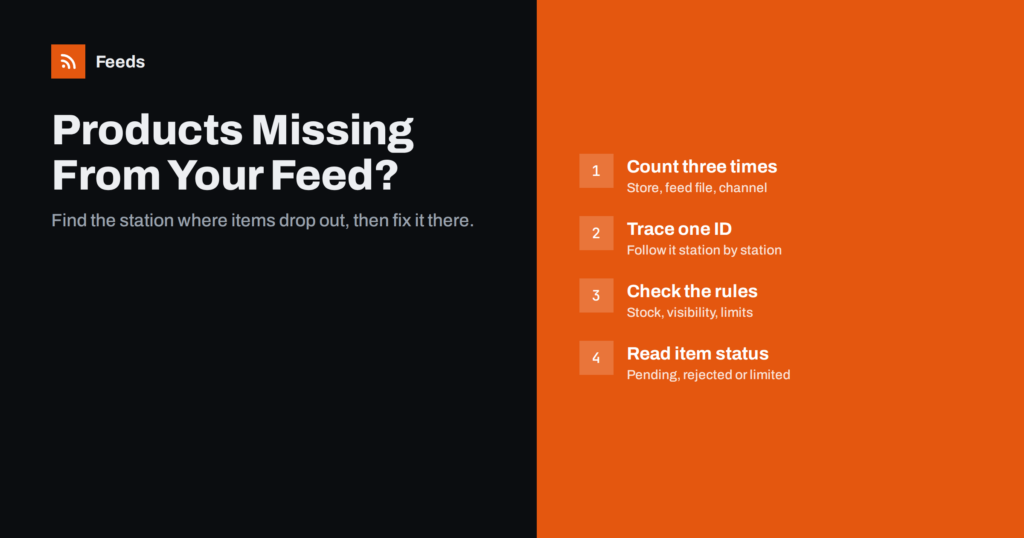
Products Missing From Your Product Feed? Causes and Fixes
Why products go missing between your store, your product feed and Google or Meta, and a step-by-step way to find each missing item and…
 30 सित॰ 2026 · 7 मिनट पढ़ें
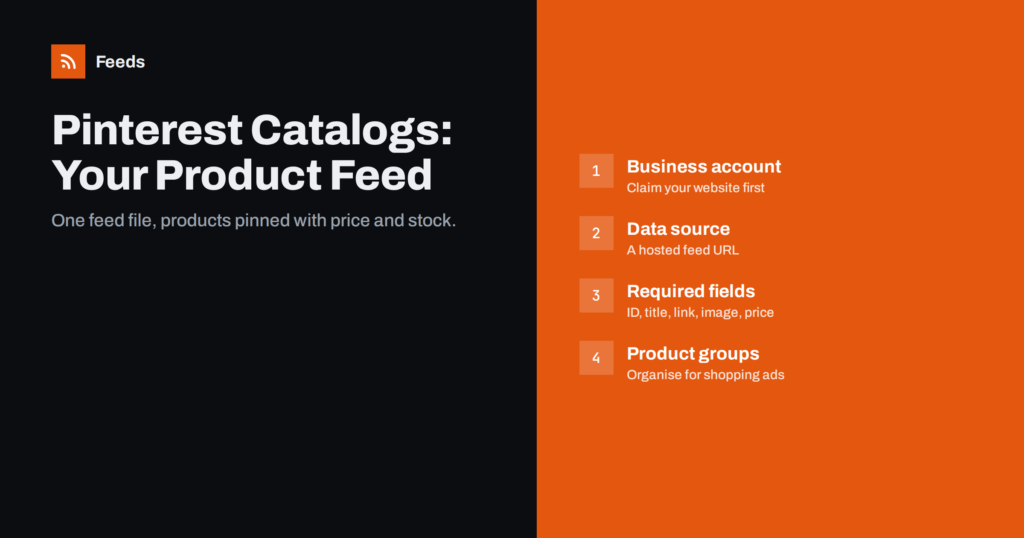
Pinterest Catalogs: How to Set Up a Product Feed
How to connect a product feed to Pinterest catalogs: account setup, required fields, reusing a Google-format feed, product groups and fixing ingestion errors.
 16 सित॰ 2026 · 7 मिनट पढ़ें
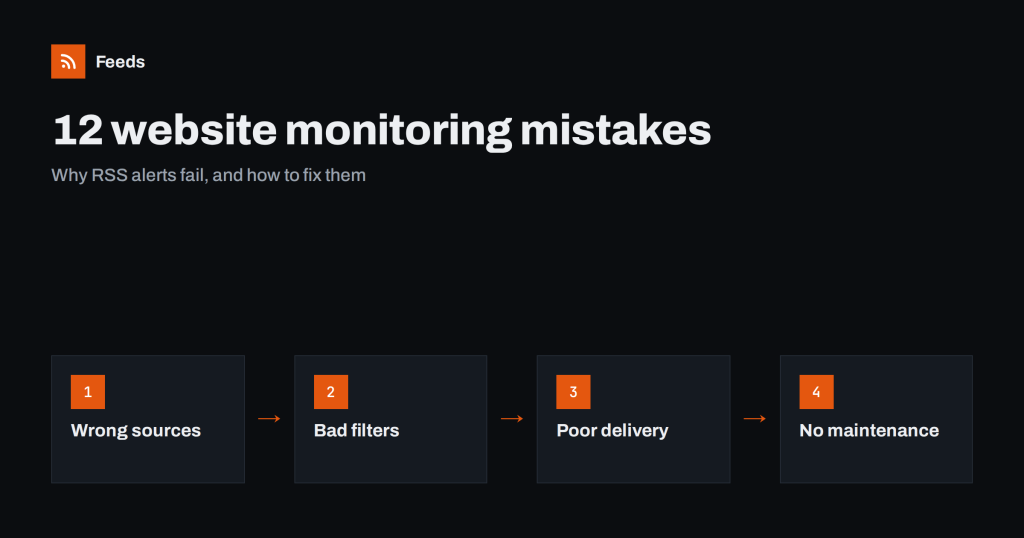
12 Website Monitoring Mistakes That Make RSS Alerts Useless
Most monitoring setups fail quietly: too noisy, too narrow or silently broken. Twelve common mistakes with RSS-based monitoring and how to fix each one.
 4 सित॰ 2026 · 7 मिनट पढ़ें
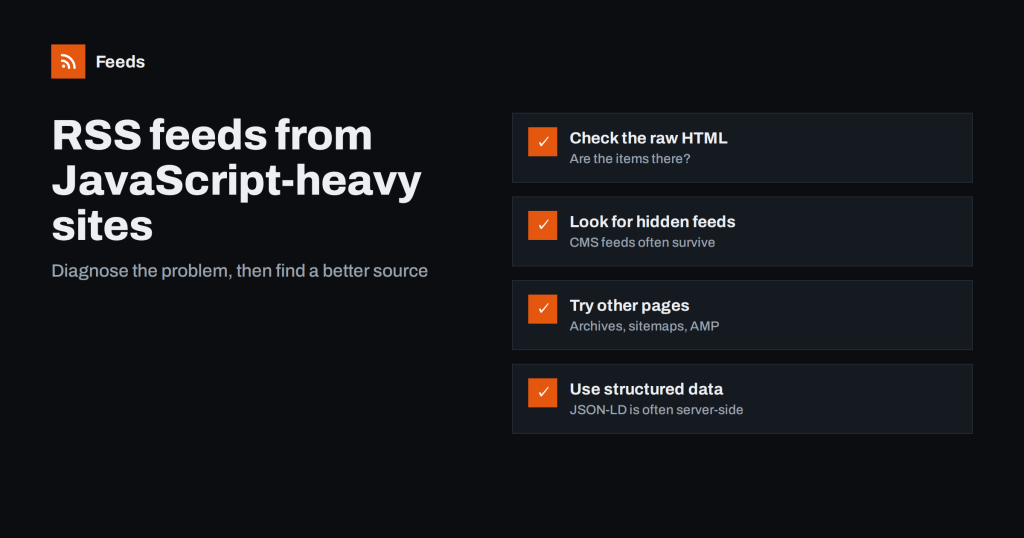
Can You Create an RSS Feed from a JavaScript-Heavy Website?
Some sites load their articles with scripts, which confuses many feed tools. How to tell if that is the problem and which workarounds usually…
 30 अग॰ 2026 · 7 मिनट पढ़ें
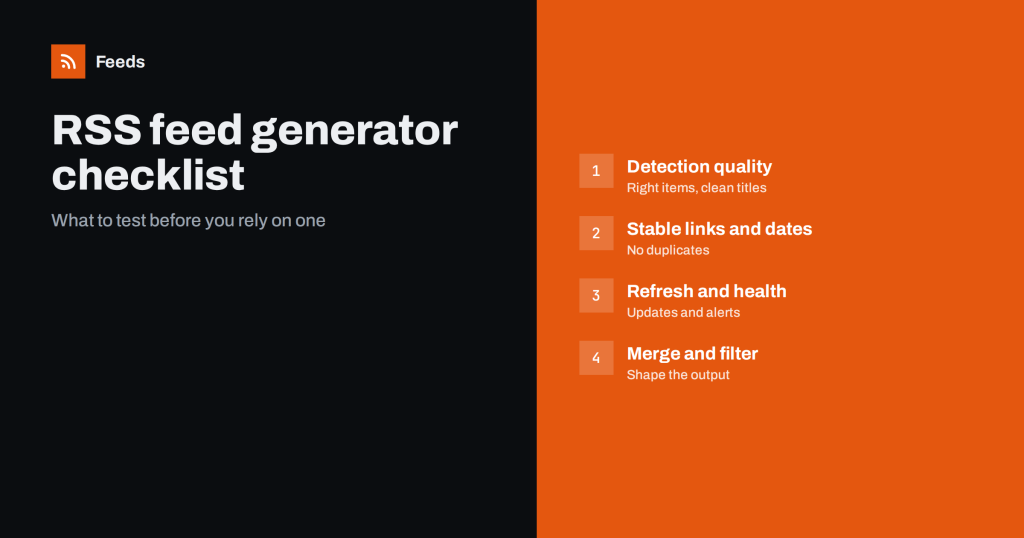
RSS Feed Generator Checklist: What to Check Before You Pick
Not all RSS feed generators handle real websites well. A practical checklist of what to test before relying on one for monitoring, alerts or…
 12 अग॰ 2026 · 8 मिनट पढ़ें
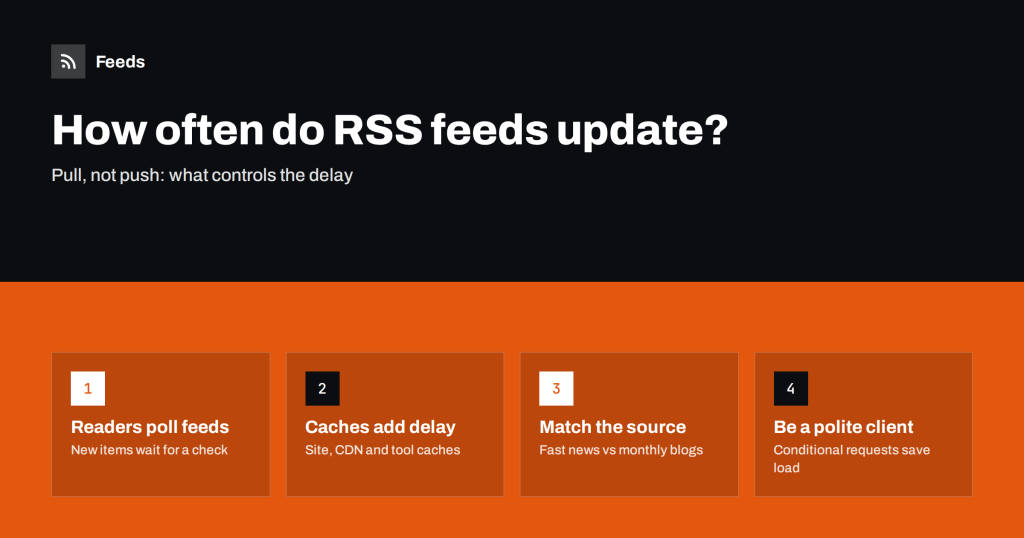
How Often Do RSS Feeds Update? Refresh Intervals Explained
RSS is pulled, not pushed, so how fast you see new items depends on refresh intervals. What controls them and how to choose the…
 11 अग॰ 2026 · 8 मिनट पढ़ें
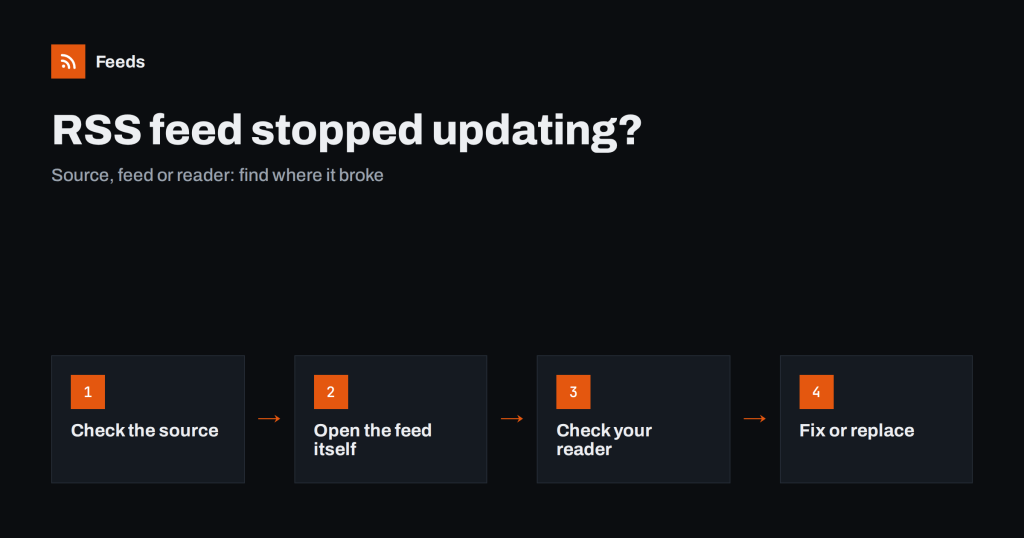
RSS Feed Stopped Updating? How to Find Out Why
A feed you follow has gone quiet. Is the source silent, the feed broken, or your reader stuck? A step-by-step way to diagnose and…