ENEnglish
 LTLietuviškai
 DEDeutsch
 FRFrançais
 RUРусский
 ESEspañol
 PLPolski
 ITItaliano
 UKУкраїнська
 CSČeština
 PTPortuguês
 JA日本語
JA日本語 LVLatviešu valoda
 ETEesti
 HUMagyar
 IDBahasa Indonesia
 TRTürkçe
 HIहिन्दी
 ELΕλληνικά
 ARالعربية
 THไทย
THไทย VITiếng Việt
 RORomână
 MSBahasa Melayu
 BNবাংলা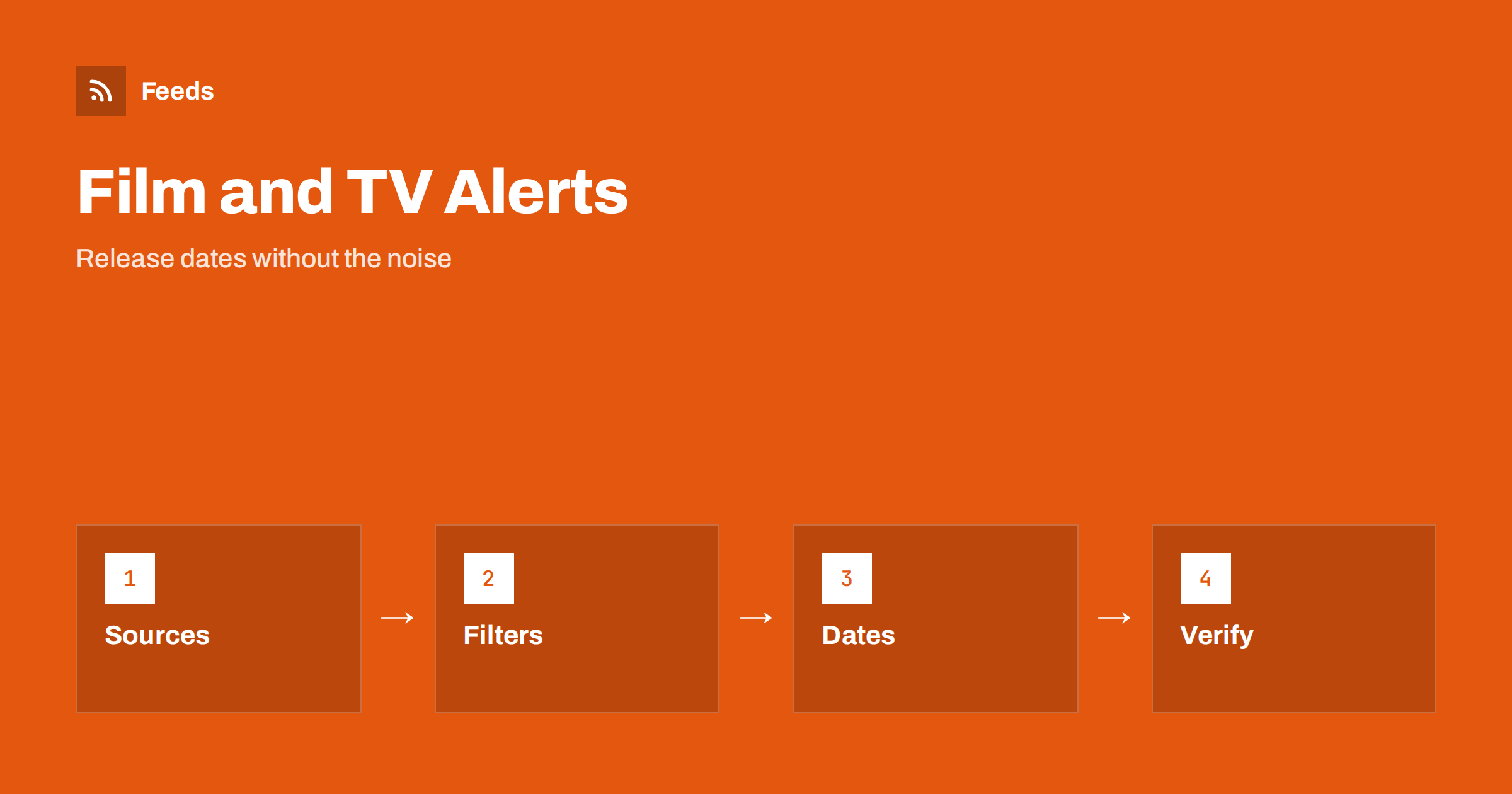
Short answer: Studios, distributors, streaming platforms, festivals and trade publications announce release dates, trailers, casting and schedule changes on their own pages. RSS lets you collect those pages in one reader, keep only the titles, people and genres you care about and see a new announcement soon after it appears. A feed is a good way to follow release news without opening a dozen sites. Treat rumours and unofficial posts with care, and check the official announcement before you plan around a date.
Why release news is hard to follow
Film and television news is spread across many places. A studio announces a date on its press page, a platform adds a title to its coming-soon list, a festival publishes its line-up and a trade site reports on casting. Dates move, titles are renamed and a show that was meant for one platform appears on another. Social media is full of reposts and guesses, so the same story arrives ten times with slightly different details.
A calm reading list solves part of this. You collect the primary sources, read each announcement once and ignore the echoes. The same primary-source habit is described in fact-checking with RSS, and it works well here because the studio or platform announcement is the version that carries the exact date and region.
Decide what you want to follow
Begin with a short list: the franchises, genres, directors, actors or studios you care about, and the platforms you actually use. Add the regions that matter, because release dates and availability often differ by country. A film fan who wants to see new releases in cinemas needs different sources from a viewer who watches series on two streaming services.
Fans and professionals can use different lists. Film clubs, cinemas and reviewers may follow festival line-ups and distribution news, while a casual viewer may only need the release calendar of one or two platforms. If you also care about tickets, getting alerts when event tickets go on sale covers a similar workflow.
Find the feeds and pages to follow
Look for the news or press section of each studio, distributor, festival and platform. Some offer RSS or Atom feeds, often one per category such as news, trailers or festival updates. Trade publications and film magazines usually have feeds for their news sections. Others publish a dated list of announcements without a feed, which is where a page-to-feed tool helps.
If a page has no feed, choose the page that lists announcements in date order and avoid home pages with sliders and changing banners. The methods are described in how to find the RSS feed of any website, and the page-based approach is explained in how page-to-feed tools find the articles on a web page. Prefer official domains for dates and use trade sites for context.
Filter by title, person and genre
Merge the sources into one reading list and add keyword filters. Titles, franchise names, actor and director names and words such as “release date”, “trailer”, “premiere”, “renewed” and “cancelled” keep the relevant items. Be careful with common words: a title like “Heat” or “Home” matches far too many articles, so combine it with the studio name or the word “film”.
Review the filter after two weeks. If you missed an announcement, check how the source wrote it. Some use a working title, others use the original language title, and some write only the franchise name. Widen the filter first, then add exclusions for topics such as gossip or box-office commentary if you do not want them. The mechanics are explained in merging multiple RSS feeds into one clean feed and RSS keyword alerts.
Read an announcement carefully
Look first at the date and its scope. A release date may apply to one country, to cinemas only or to one streaming platform, and a later date may follow for home viewing. Check whether the announcement says “worldwide”, “select markets” or “limited release”, because these phrases change what you can actually watch. Note the source: an official release is more reliable than a quote from an anonymous insider.
Then check what is new. Many articles repeat older news with a fresh headline. Look at the publication date, the name of the source and whether a link leads back to the official page. When a date changes, note the old and new date so you can see how often a title moves. Keep your own interpretation separate from what was stated.
Build a personal or shared release calendar
The strongest use of a release feed is a calendar. When an announcement gives a date you care about, add it to a calendar with the title and a link to the source. Update the entry when the date moves, and remove it when a title is cancelled. A film club, a library or a cinema can keep a shared calendar so that everyone sees the same dates.
A simple spreadsheet works too. Importing feeds into Google Sheets can fill a list of new items automatically, and you can add columns for platform, region and status. Libraries and cultural venues can also use the approach to plan displays and events, as described in RSS feeds for libraries.
Avoid spoilers and keep the list pleasant
A feed can easily bring spoilers, especially around big premieres and finales. Add exclusion keywords for plot terms, “ending explained” and “recap” for the titles you have not seen, and consider a separate folder for review sites that you read only after watching. Keep announcements and reviews apart, so that the daily list is about what is coming, not what happens.
To keep the list manageable, set a maximum size, use folders for platforms and archive items after a week. Organizing your RSS reader so it never overwhelms you shows how to do it. Send a push notification only for the one franchise or festival you cannot miss, and keep everything else in a daily list.
Limits and cautions
A feed shows what a source has published and how often it refreshes. It does not know that a date changed this morning, and some platforms announce schedules only in an app or a newsletter. Release dates often shift, and availability differs by region, so check the platform or cinema before you plan a visit or buy a ticket.
Be careful with fan sites that present guesses as facts, and with pages that copy press releases without a link to the original. Check the date and the web address before you share a story. When you tell friends about a release, link to the official page instead of copying the text, so they see the latest version.
A short weekly routine keeps the system useful. Open the list on the same day each week, move the dates that matter to your calendar and clear the rest. Once a month, check that every source still produces items and that the filters still match the titles you follow. If a favourite studio redesigns its press page, the feed may stop finding items, and a quick look at the preview usually shows what changed. This light maintenance takes a few minutes and keeps the list reliable.
How RSS Feed Creator helps
RSS Feed Creator turns the news, press or coming-soon page of a studio, festival or platform into a clean RSS feed, even when the site has no feed of its own. It reads titles, images, summaries and dates, uses an existing feed when there is one, and shows a preview of the items before the feed is created. You can merge several sources into one feed (up to 10 with the PostRSS add-on), keep only the items that contain your keywords and have duplicates removed automatically, which suits a feed for your own titles and platforms. Feeds refresh every 3 hours on the free plan and every 30 minutes on paid plans, and the PostRSS add-on sends an alert when a page changes and a feed stops finding items. The free plan allows up to 20 items per feed, and the details are on the pricing page.
Related reading
- How to Track New Book, Game and Music Releases with RSS
- How to Get Alerts When Event Tickets Go On Sale with RSS
- How to Follow Game Patch Notes and Esports News with RSS
The bottom line
Following film, TV and streaming news with RSS means choosing your titles and platforms, collecting the official announcements in one reader, filtering by title and person and reading dates and regions carefully. Use the feed for planning, and check the platform or cinema before you commit. A small, well-filtered list is more enjoyable than a large one.
GYIK
Which pages should I follow for release dates?
Start with the press or news pages of the studios and platforms you care about, add the festivals you follow and use trade publications for context. Official pages carry the most reliable dates.
What if a platform has no RSS feed?
A page-to-feed tool can read the list of announcements on the page and build a feed from it. Check the preview to confirm that it shows real news items with titles and dates.
How do I avoid spoilers in my feed?
Add exclusion keywords for plot terms, recaps and “ending” for the titles you have not seen, and keep review sites in a separate folder that you open only after watching.
Are release dates in a feed final?
No. Dates move and differ by country. Treat the feed as a way to learn early, and confirm the date with the cinema or platform before you plan around it.
Can a cinema or club use this?
Yes. A shared feed and calendar help staff plan screenings, displays and events. Link to the official announcement instead of copying the text.