ENEnglish
 LTLietuviškai
 DEDeutsch
 FRFrançais
 RUРусский
 ESEspañol
 PLPolski
 ITItaliano
 UKУкраїнська
 CSČeština
 PTPortuguês
 JA日本語
 LVLatviešu valoda
 ETEesti
 HUMagyar
 IDBahasa Indonesia
 TRTürkçe
 HIहिन्दी
 ELΕλληνικά
 ARالعربية
 THไทย
 VITiếng Việt
 RORomână
 MSBahasa Melayu
 BNবাংলা
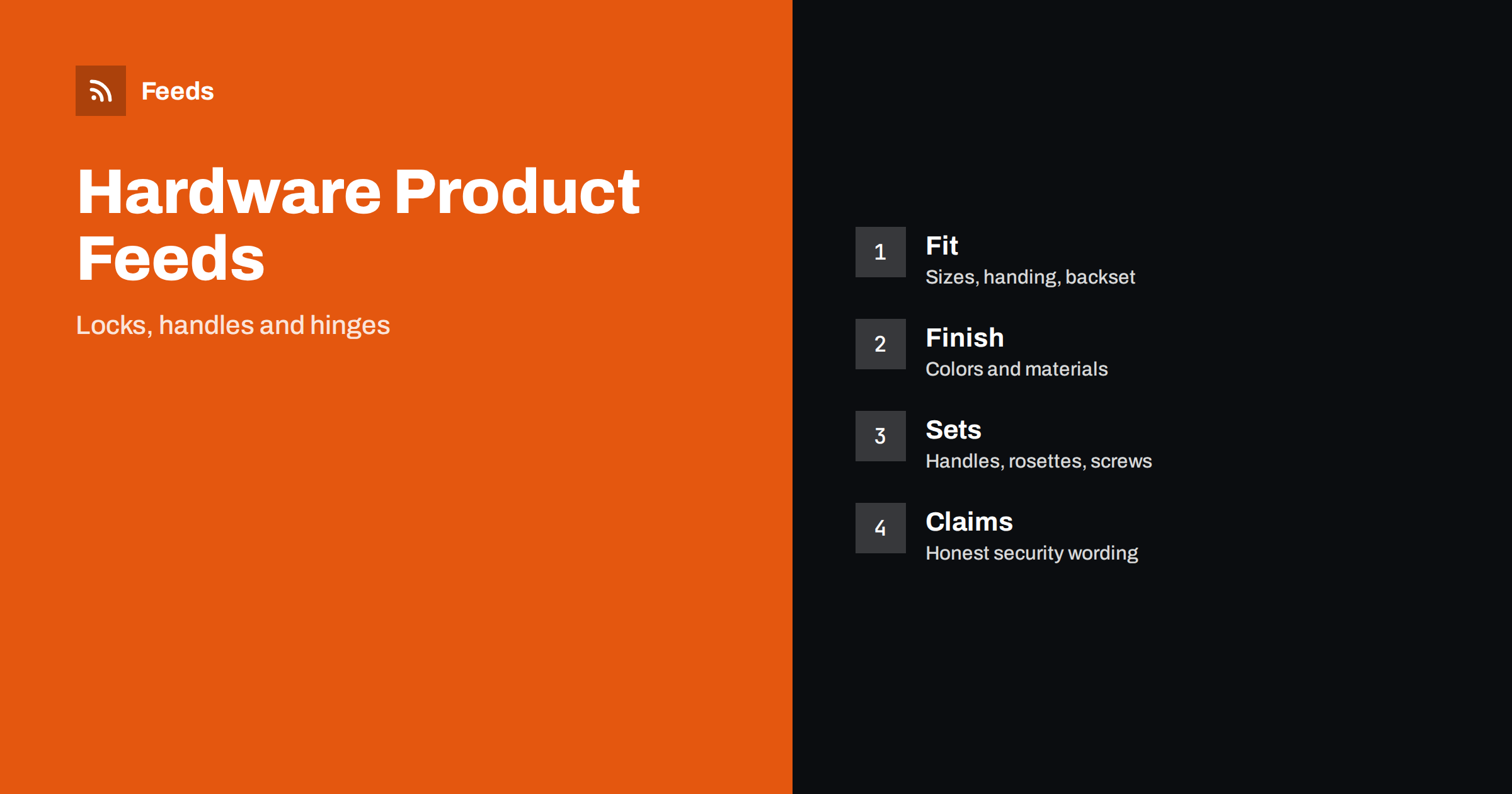
Short answer: Locks, handles, hinges and fittings sell on fit. A buyer needs the right size, the right side, the right finish and a lock that suits the door, so a good feed puts those details in the title and attributes in a fixed order, separates parts that look alike and keeps security claims modest and accurate. Give every size and finish its own variant, describe what is in the box and make sure the landing page shows the same figures as the ad.
The category also has a long tail of products. A shop may list hundreds of door handles, dozens of cylinder lengths and many sizes of hinges, and each of them needs its own identifier and price. That is exactly where a feed built from rules is more reliable than hand-edited spreadsheets, because every product follows the same title pattern and the same attribute order.
Why hardware needs careful feeds
Door hardware looks simple and is full of small differences. Two handles can look identical and still need different spindle lengths. A lock body can come in several backset sizes, and a hinge can be left-handed, right-handed or reversible. A shopper who guesses wrong returns the product, and a shop with many returns pays for it.
Feeds amplify this. Shopping ads show only a title, an image and a price, so the title has to carry the facts that make a match. If you are new to the basics, product feed explained gives a short introduction.
Titles that lead with type and the figures that define it
Start with the brand and the type, then add the figures a buyer filters by, then the finish. A pattern such as brand, product type, size, finish and model works for most items: “Brand Mortice Lock 60 mm Backset Satin Nickel Model 40”. Keep the same order across the whole catalogue, so that similar products can be compared at a glance.
Avoid filler such as “best” or “premium quality”, and do not write in capital letters. Put the most important words in the first sixty characters, because longer titles are cut in many places. Product feed title optimization goes into detail on length and order.
Door thickness is worth a separate mention. Many locks and handle sets work only within a range of door thickness, and shoppers often do not know theirs. Write the range in the description and in an attribute, and add a short note on how to measure. A line such as ‘suits doors from 35 to 45 mm’ removes a large share of avoidable questions, and the same information on the product page helps shoppers who arrive from the ad.
Sizes, handing and fit attributes
Fit is the center of this category. Record the figures that decide whether a product works: backset, door thickness range, spindle size, hole spacing, hinge size, cylinder length and the side a product is made for. Use the same unit throughout and write it out, for example millimetres, and avoid mixing units in one catalogue.
Handing deserves its own value. If a product is made for a left or right door, say so in the title and in an attribute, and use separate variants when the product exists in both versions. Product variants and item_group_id explains how to group variants of one product so that shoppers can choose the right one.
Be careful with finish names that depend on the maker. Satin nickel from one brand may look different from another brand’s version, so the photo must show the real product, and the description can note that a finish may differ slightly between brands when mixed on one door. If you sell matching ranges, mention the range name so that customers can find handles, hinges and stops in the same finish.
Finishes, materials and colours
Finish is the second thing buyers filter by. Use common names that people search for, such as satin nickel, black, brass, chrome and stainless steel, and keep them identical across products. Do not write “silver” in one place and “chrome” in another unless they are really different. Put material in the description if it matters, for example solid brass or zinc alloy.
Images should show the actual finish on a plain background, and extra images can show the product on a door. The rules for pictures are in product feed image requirements. Avoid watermarks, promotional text and drawings that do not match the item.
Packs deserve the same clarity. A pack of three hinges, a pack of ten screws and a single hinge are three different products. State the pack size in the title, make the price match the pack and use bundle or multipack attributes where they apply, as described in bundles and multipacks in product feeds. A buyer who expects a pair and receives one handle will return it.
Sets, parts and compatibility
Hardware is often sold as a set, and as separate parts. A handle set may include two handles, a spindle, rosettes and screws, while another listing sells only the handle. Make this clear in the title: “pair of handles”, “set with rosettes”, “single handle”. If a product needs additional parts, say so in the description and link the compatible parts on the page.
| Item | Title should show | Separate listing? |
|---|---|---|
| Handle set | Pair, rosettes, finish | Yes, if sold alone as well |
| Lock body | Type, backset, finish | Yes, per size |
| Cylinder | Length, key count, standard | Yes, per length |
| Hinges | Size, pack size, finish | Yes, per pack |
Compatibility tips for related items are covered in product feeds for spare parts and accessories, and the same ideas apply to spindles, strike plates and screws.
Packaging and installation matter as well. Say whether screws and a strike plate are included, whether the product needs a particular tool or a professional installer and whether the door needs to be prepared. Honest notes lower returns and protect you from complaints, and they also make the page more useful to buyers who compare similar items.
Honest claims about security
Security products invite strong words, and strong words create risk. Do not write that a lock cannot be picked, is unbreakable or burglar-proof. State the standard or rating only if the product really has it, use the exact name of the standard, and keep the claim on the page identical to the claim in the feed. If a product is for indoor use only, say so. If it is a fire door fitting, state the rating that you can prove.
The same care applies to the fit of keys and the number of keys supplied. Write the number of keys in the title or description, and note whether keys are alike for a set of locks. Customers value precise facts more than promises, and precise facts reduce returns.
Shipping and returns affect hardware too. Heavy items, long items and fragile items should have correct weight and size data, because carrier prices differ by size. Shipping settings in product feeds shows how to set them correctly, and a clear returns note on the page is worth adding for items that depend on fit.
Identifiers, brand and landing pages
Use the brand name and the manufacturer’s code exactly as printed on the product, and add the GTIN when the product has one. For parts without a barcode, provide a clear brand and part number. GTIN, MPN and brand: product identifiers explained shows how to fill them.
Finally, make the landing page match the ad. The price, the size, the finish and the stock status in the feed must be the same as on the product page, as described in product landing page requirements. Mismatches cause disapprovals and lost trust.
How RSS Feed Creator helps
RSS Feed Creator builds Google Merchant Center and Meta catalog XML straight from your store. WooCommerce and Shopify are read automatically, and any other store can use a CSV link. You can skip out-of-stock products, rewrite titles with rules so that brand, product type, size and finish appear in the same order every time, and adjust prices. Before you submit anything, check the preview and the Merchant Center diagnostics to confirm that sizes, finishes and stock arrive as you expect. The free plan includes product feeds with up to 50 products, and the Store plan covers one store with 3 product feeds and up to 2,000 products. The details are on the pricing page.
Related reading
- Product Feeds for Spare Parts and Compatible Accessories
- Product Variants in Feeds: How item_group_id Works
- Product Feed Title Optimization: Formulas That Work
The bottom line
Clean feeds for hardware come from exact sizes and handing in a fixed title order, separate variants for every finish and size, clear sets and parts, careful security claims and a landing page that matches the ad. Check the preview before you submit and fix what the diagnostics report. Accurate details reduce returns and help the right buyers find the right product.
GYIK
Which figures should go in a lock title?
Use the brand, the type, the backset or size, the finish and the model, written exactly as the maker states them.
Should every finish be its own variant?
Yes. Give each finish and size its own variant with a matching image, price and identifier, and group them with one item group.
How do I handle left- and right-handed products?
Say it in the title and in an attribute, and create separate variants when both versions exist.
Can I call a lock secure or burglar-proof?
Avoid absolute claims. State a standard or rating only when the product really has it, and keep the wording the same on the page.
Do I need a GTIN for every part?
Add it when the product has one. For other parts, provide the brand and the manufacturer part number.