ENEnglish
 LTLietuviškai
 DEDeutsch
 FRFrançais
 RUРусский
 ESEspañol
 PLPolski
 ITItaliano
 UKУкраїнська
 CSČeština
 PTPortuguês
 JA日本語
 LVLatviešu valoda
 ETEesti
 HUMagyar
 IDBahasa Indonesia
 TRTürkçe
 HIहिन्दी
 ELΕλληνικά
 ARالعربية
 THไทย
 VITiếng Việt
 RORomână
 MSBahasa Melayu
 BNবাংলা
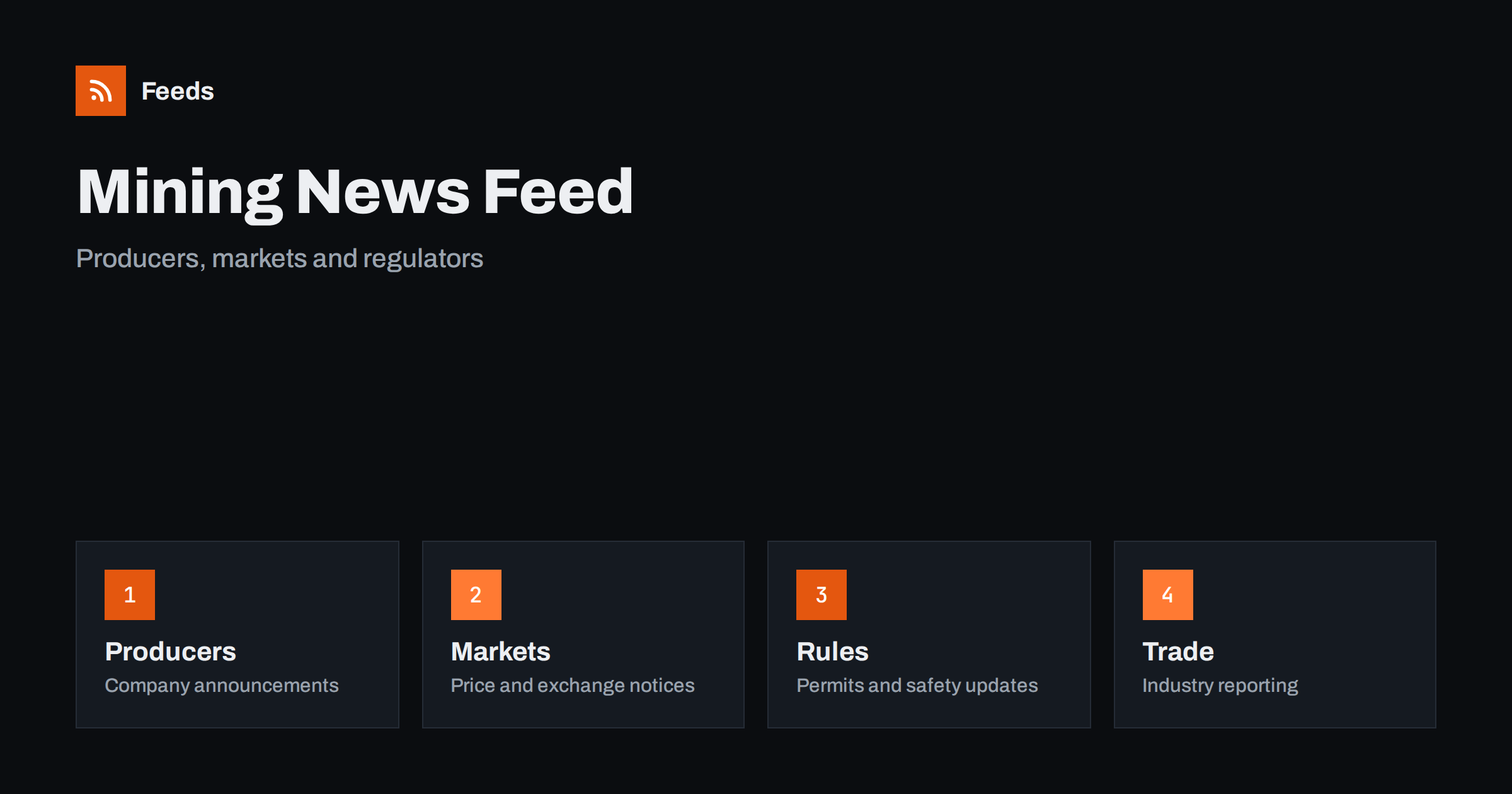
Short answer: Mining and metals news is spread across producer announcements, exchange and index notices, regulator pages, industry associations and a large trade press. RSS lets you collect the sources you need in one reader, filter them by commodity, region or company and read them in order of publication. Start with company and regulator pages for facts, add trade publications for context, and always open the original document before you act on a figure.
Why mining news is hard to follow
The industry is global and slow-moving, yet it produces a steady stream of small events: a production update, a drilling result, a permit decision, a strike notice, a change in an export rule or a new supply contract. Each of them appears on a different site, in a different format and often in a different language. A news search shows what is popular, not what is new, and social media mixes real announcements with rumours.
The readers are varied. A procurement manager needs to know about supply risks, an analyst follows a handful of producers, a student tracks a commodity, and a local journalist watches a nearby site. If the idea of a feed is new to you, what is an RSS feed explains it in plain words.
Start with company and regulator sources
The most reliable facts come from the organizations that make decisions. Mining companies publish press releases, quarterly operating updates and investor presentations. Regulators publish permits, environmental decisions, safety notices and consultations. Geological surveys publish maps and reports, and port authorities and rail operators publish notices that affect shipping.
Make a short list first: the five or six companies and the two or three authorities that matter to you. Investor pages often have their own announcement streams, and following investor relations announcements with RSS shows how to use them. Official statements are also the place to check a number that a news story quotes.
Markets and prices
Price information changes by the minute, and an RSS reader is not a trading screen. What a feed does well is collect the slower signals around prices: exchange notices about contract changes, reports from statistics offices, announcements about stock levels, tariffs and export rules. Keep these in a separate folder so that they are read as context, not as quotes.
Trade measures matter for metals. Duty changes, quotas and licence rules can move a supply chain faster than a new mine, and monitoring suppliers and partners with RSS shows how to watch the official notices of the companies you depend on. For wider market pressures, commodity prices and supply chain news with RSS covers the adjacent topic.
Add trade press for context
Primary sources tell you what happened. Trade publications explain why it matters: what a new smelter means for a regional market, how a safety incident affects a company’s plans or how a policy change alters investment. Add a few well-known trade titles and one or two specialist blogs for your commodity, such as copper, lithium, gold, steel or aluminium.
Keep the balance in mind. If commentary makes up most of your reader, you will read opinions about facts you have not seen. A useful rule is to keep at least as many primary sources as commentary sources, and to open the primary source whenever an article quotes one. The habit is described in fact-checking with RSS: follow primary sources, not screenshots.
Language is another practical point. Mining companies and regulators often publish in the local language first and in English later, or only in a summary. If your work depends on one country, add the original-language sources and let a translation tool help you read them, but check any number or date in the original text. A feed of the local-language page will often show an announcement days before the translated version appears.
Find feeds, even when a site has none
Many companies and agencies offer an RSS link in their news section, but some hide it or do not publish one. Look for a feed icon, try the usual feed paths or check the page source for an autodiscovery link. Find the RSS feed of any website: 7 reliable methods lists the options in order.
When a site has no feed, a page-to-feed tool can read the list of announcements and build one, as described in how to create an RSS feed for a website without RSS. Check the preview: it should show real items with titles, dates and links, not menu entries or banners.
Filter by commodity, region and company
A good mining feed is narrow. If you follow lithium, you do not need every gold drilling result. If you work in one country, you can drop news about permits elsewhere. Keyword filters help: keep items that mention your commodity, region or company names and drop the rest. Think of two lists of words, one to include and one to exclude, and review them every month.
| Group | Keep | Drop |
|---|---|---|
| Commodity | Your metals and minerals | Unrelated commodities |
| Region | Countries and provinces you work in | Distant permits and local events |
| Topic | Production, permits, supply, safety | Sponsored posts, event promotion |
Names are tricky in this field, because companies are known by short and long names and sites by project names. Test your filters with ten recent items before you rely on them. Set up keyword alerts using RSS feed filters explains the method, and reduce noise in RSS alerts without missing anything helps when the list grows.
Safety, environment and community notices
Safety incidents, environmental decisions and community consultations deserve special care. They often have dates, deadlines and comment periods, and a missed notice can have real consequences for suppliers, contractors and neighbours. Follow the official pages directly, read the original text and note the date from which a decision applies. Tracking government and regulator updates with RSS shows the same approach for other areas of regulation.
Local news belongs here too. A site that is quiet in the financial press can be very visible in the regional paper, so add the local outlets near the sites you care about, and keep them in a folder of their own.
Separate the fast signals from the slow ones. A safety incident, a strike notice or a permit decision may need action the same day, so those feeds belong in a folder you open daily. Annual reports, geological surveys and policy papers change slowly and can be checked weekly. Mixing the two makes the important items hard to see, and splitting them costs only a minute when you set up the reader. If something turns out to be noise, remove the source or tighten the filter instead of reading around it.
A weekly routine that stays short
Do not read mining news all day. Check the notices folder once a day if your work depends on it, and read the general folder two or three times a week. During each reading, open the primary source behind every item you plan to use, mark the rest as read and move on. A short routine such as RSS triage: a fast daily routine for reading less keeps the list under control.
Once a month, review the sources. Remove feeds that stopped publishing, add the site you keep opening by hand and adjust the filters. If you share the list with colleagues, keep one shared set of sources so that everybody works from the same facts, as suggested in shared RSS reading lists for teams.
Think about who else needs the list. A purchasing team, a finance team and a communications team often follow the same companies for different reasons, and a shared set of feeds with separate folders serves all of them. Keep a short note on why each source is in the list, such as supplier, competitor or regulator, so that a new colleague understands the setup in a few minutes.
How RSS Feed Creator helps
RSS Feed Creator turns the news, notice or announcement pages of mining companies, regulators, exchanges and industry bodies into clean RSS feeds, even when the site has no feed of its own. It reads titles, images, summaries and dates, uses an existing feed when there is one, and shows a preview of the items before the feed is created. You can merge several sources into one feed (up to 10 with the PostRSS add-on), keep only the items that contain your keywords and have duplicates removed automatically, which suits a reading list for one commodity or region. Feeds refresh every 3 hours on the free plan and every 30 minutes on paid plans, and the PostRSS add-on sends an alert when a page changes and a feed stops finding items. The free plan allows up to 20 items per feed, and the details are on the pricing page.
Related reading
- Commodity Prices and Supply Chain News: Follow Them with RSS
- How to Monitor Suppliers and Partners for Early Risk Signals
- How to Track Investor Relations Announcements with RSS
The bottom line
RSS gives you a calm, ordered view of mining and metals news. Start with company and regulator pages, add a few trade sources for context, filter by commodity, region and company and keep safety and permit notices in a folder of their own. Open the original source before you act on an item, and review the list every month.
GYIK
Which sources should I follow first?
Begin with the companies you follow, the regulator in your country and one geological survey or statistics office. Add trade publications later for context.
What if a company site has no RSS feed?
A page-to-feed tool can read the list of announcements on its news page and build a feed. Check the preview to make sure it shows real items with titles and dates.
Can I use RSS for live metal prices?
No. Use a market data service for prices and use RSS for the slower signals around them, such as notices, reports and rule changes.
How do I avoid a flood of items?
Use keyword filters for your commodity, region and company, and keep notices in a separate folder from general news.
How often should I read the list?
Notices once a day if your work depends on them, and general news two or three times a week.