 ENEnglish
 LTLietuviškai
 DEDeutsch
 FRFrançais
 RUРусский
 ESEspañol
 PLPolski
 ITItaliano
 UKУкраїнська
 CSČeština
 PTPortuguês
 JA日本語
JA日本語 LVLatviešu valoda
 ETEesti
 HUMagyar
 IDBahasa Indonesia
 TRTürkçe
 HIहिन्दी
 ELΕλληνικά
 ARالعربية
 THไทย
THไทย VITiếng Việt
 RORomână
 MSBahasa Melayu
 BNবাংলা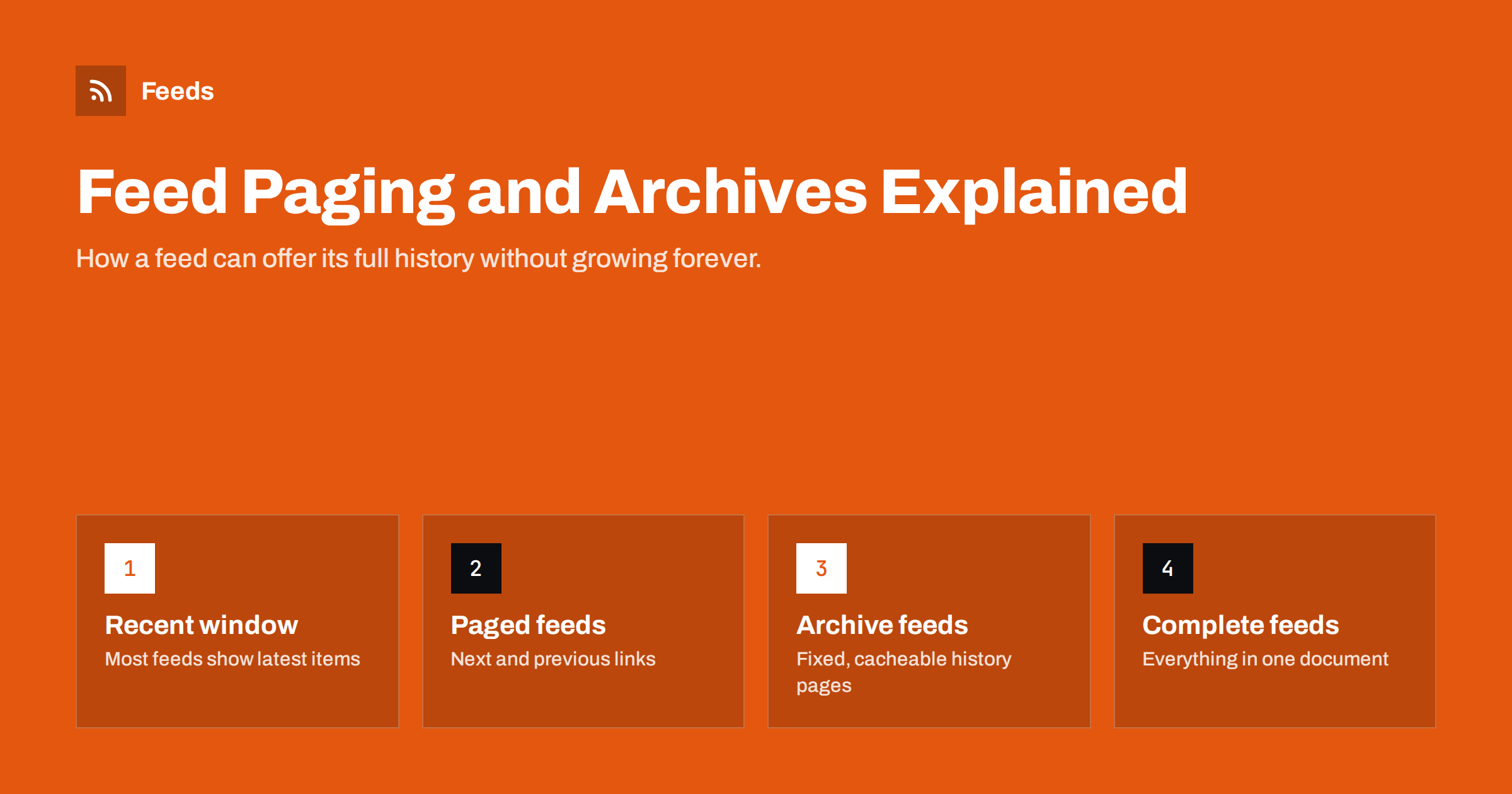
Short answer: Most RSS feeds contain only the most recent items, often 10 to 50, so a new subscriber cannot see older posts through the feed alone. A standard called Feed Paging and Archiving (RFC 5005) solves this by linking a feed to earlier pages or fixed archive documents with link elements such as next or prev-archive. Support in readers is limited, so in practice publishers offer history through paged feeds, larger feeds for specific uses, or an archive on the website, while keeping the main feed small and fast.
Why feeds show only recent items
A feed is designed as a window onto what is new, not a complete archive. Readers and apps download it repeatedly, often every few minutes or hours. If the feed contained every post a site had ever published, each download would be large, slow and mostly repetitive. So content management systems cap the number of items. WordPress, for example, uses the same number as the “Blog pages show at most” setting unless you change it.
That trade-off works well for existing subscribers, who receive every new item as it appears. It works less well for:
- New subscribers who want to catch up on older posts.
- Tools that analyse or archive a site’s content, which need the full history.
- Readers that were offline for a long time, when more items were published than the feed holds.
- Podcast apps, where listeners often expect the complete back catalogue.
How many items to include is a balancing act, covered in our guide to how many items an RSS feed should include. Feed paging and archives add a second tool to that decision.
The three feed types in RFC 5005
The Feed Paging and Archiving specification describes three ways a feed can relate to its history:
| Type | What it means | How it is marked |
|---|---|---|
| Complete feed | The document contains every item; nothing older exists | A complete element from the feed history namespace |
| Paged feed | Items are split across pages that can be followed like a list | Links with first, next, previous, last |
| Archived feed | A current feed plus fixed archive documents for older items | Links with prev-archive, next-archive, current, and an archive marker |
The difference between paged and archived feeds is subtle but important. Pages in a paged feed can shift as new items are added: what was on page two yesterday may be on page three today. Archive documents are stable: once an archive page is complete, its content does not change, so it can be cached for a long time and a client can safely remember that it has already processed it.
The specification was written with Atom in mind, where <link rel="…"> is a native element. RSS 2.0 feeds can use the same links by including Atom’s link element through its namespace, which many RSS feeds already do for the self link. Our comparison of RSS and Atom explains how the two formats differ.
Paged feeds in practice
Many platforms support paged feeds, even without advertising them. WordPress, for example, accepts a paged parameter on feed URLs, so /feed/?paged=2 returns the next set of older items. Other systems use similar parameters or page numbers in the path.
What is often missing is the discovery part: the feed does not include a next link, so a client cannot know that more pages exist or how to find them. If you publish a paged feed, add the links:
- A
nextlink on each page pointing to the page with older items. - A
previouslink pointing back towards newer items, if useful. - A
firstlink pointing to the main feed.
Clients that understand paging can then walk through the whole history. Clients that do not will simply ignore the links and read the first page as usual, so there is no downside.
Archive feeds in practice
Archive feeds suit publishers who want to offer complete, reliable history, for example for podcasts, changelogs, public records or research outputs. A typical structure:
- A current feed with the latest items and a
prev-archivelink to the most recent archive document. - Archive documents, for example one per month or per hundred items, each with
prev-archiveandnext-archivelinks to its neighbours and acurrentlink to the live feed. - An archive marker in each archive document, telling clients it will not change.
Because archive documents are stable, they can be served with long cache lifetimes, which keeps server load low even if many clients fetch them. Our guide to serving feeds with the right headers and caching covers how to set this up.
A simple example: a software project publishes release notes. The current feed holds the latest twenty releases. Each calendar year also gets an archive document, such as /releases/archive/2024.xml, containing every release from that year. The current feed links to the newest archive with prev-archive, and each yearly archive links to the year before. A client that wants the full history follows the chain back to the first year, and a client that only wants new releases never touches the archives. When a new year starts, the previous year’s archive is completed once and never changes again.
What readers and apps actually do
Support for RFC 5005 in feed readers is uneven. Many readers read only the main feed document and store items from then on, building their own history over time. Some apps offer to load older items when a feed provides paging links; others ignore them. Podcast apps typically expect the full episode list in the main feed rather than following archive links.
So paging and archives should be seen as a helpful extra, not a guarantee. They are most valuable for:
- specialist clients and archiving tools that implement the standard,
- your own tools, such as scripts that import a site’s full history,
- future-proofing, since the links cost little to add.
Podcasts: a special case
For podcasts, the conventional expectation is that the feed lists every episode, so new listeners can play the back catalogue in any app. Very long feeds with hundreds of episodes can become large, and some hosts limit the number of episodes in the public feed. If you do that, be aware that listeners in many apps will not see older episodes at all. Our guide to how podcast feeds reach every app covers how apps read episode lists.
Practical options for publishers
Depending on your audience, choose one or more of these approaches:
- Keep the main feed small and add paging links. Best for blogs and news sites that want fast feeds with optional history.
- Offer a separate “full” feed with all items for specific uses, such as imports or research, while the main feed stays small.
- Provide archive feeds where history matters and changes rarely, such as changelogs, releases or public notices.
- Link to a web archive of all posts, sorted by date, for human readers who want to catch up.
Whatever you choose, keep item GUIDs stable across all pages and archives. If the same item appears with a different GUID in an archive than it had in the main feed, clients may treat it as a new item. Our explainer on RSS GUIDs and duplicate items explains why.
For readers: catching up on older posts
If you subscribe to a feed and want to see older posts, you have a few options:
- Check whether your reader can load older items; some can follow paging links or keep history from other subscribers.
- Try the site’s paged feed, such as
?paged=2on WordPress sites, and add it temporarily. - Use the site’s archive or category pages for reading, and let the feed take over for new posts.
Feed tools that create feeds from web pages face the same limit: they read what a page shows. Feeds, for example, turns a page’s list of articles into a clean feed with titles, images, summaries and dates, and uses an existing feed when the site has one. It follows new items from that point on rather than reconstructing a site’s full archive. For plan limits on items per feed, see the pricing page.
Related reading
- Anatomy of an RSS 2.0 Feed: Every Element Explained
- WordPress RSS Feed URLs: Every Feed Your Site Already Has
- How to Validate an RSS Feed and Fix the Most Common Errors
The bottom line
Feeds show recent items by design, which keeps them fast. When history matters, RFC 5005 offers paged feeds and stable archive feeds linked with standard link elements, and many platforms already support paging behind the scenes. Reader support is limited, so treat paging as a useful extra: keep the main feed small, add paging or archive links, keep GUIDs stable and offer a web archive for people.
GYIK
Why does an RSS feed only show the latest posts?
Feeds are downloaded repeatedly by readers, so platforms cap the number of items to keep them small and fast. Existing subscribers receive every new item as it is published.
What is RFC 5005?
It is the Feed Paging and Archiving specification. It defines complete feeds, paged feeds and archived feeds, and the link relations that connect a feed to its older items.
How do I get older posts from a WordPress feed?
WordPress accepts a paged parameter on feed URLs, so adding ?paged=2 to the feed address returns the next set of older items.
Do RSS readers support feed paging?
Support is uneven. Some readers and tools can follow paging or archive links, but many read only the main feed and build their own history from then on.
Should a podcast feed include every episode?
Usually yes. Most podcast apps show only what is in the feed, so removing older episodes hides them from new listeners in many apps.


