ENEnglish
 LTLietuviškai
 DEDeutsch
 FRFrançais
 RUРусский
 ESEspañol
 PLPolski
 ITItaliano
 UKУкраїнська
 CSČeština
 PTPortuguês
 JA日本語
JA日本語 LVLatviešu valoda
 ETEesti
 HUMagyar
 IDBahasa Indonesia
 TRTürkçe
 HIहिन्दी
 ELΕλληνικά
 ARالعربية
 THไทย
THไทย VITiếng Việt
 RORomână
 MSBahasa Melayu
 BNবাংলা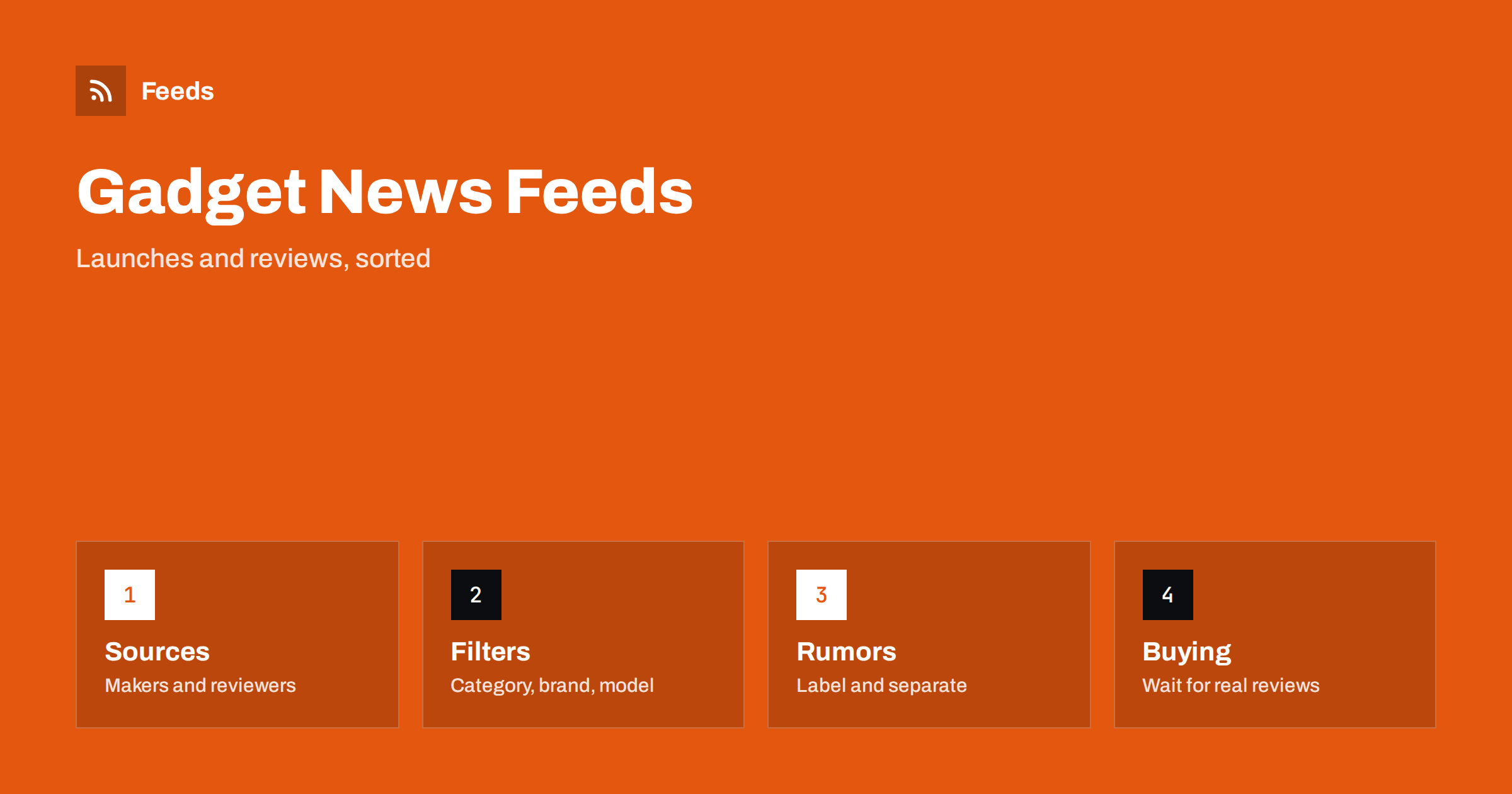
Short answer: Gadget news mixes official announcements, early reviews, leaks, price changes and a great deal of rumor. RSS lets you collect the sources you trust in one reader: manufacturers’ press and product pages, independent review sites, standards and certification bodies, and retailers’ new arrival pages. Filter by category and brand, keep rumors apart from confirmed facts and wait for independent tests before you spend money or recommend a product.
Why a feed beats chasing headlines
Consumer electronics generates a nonstop flow of stories: a phone is rumored, a laptop is announced, a firmware update changes a feature and a price drops. Many stories repeat the same few facts with different titles. A feed built from your own sources shows each fact once, close to its origin, and lets you ignore the rest.
The need is practical for different people. A buyer wants to know when to buy or wait, a reviewer or blogger needs to know about launches first, a shop owner needs to know what customers will ask about and a developer needs to know about new hardware. The primary-source habit explained in fact-checking with RSS applies in all cases.
Decide which categories matter
Electronics is a wide field. Choose the categories that you follow, for example phones, laptops, cameras, audio, wearables, smart home or gaming hardware. Then choose the brands and the types of news: launches, reviews, firmware and software updates, price changes or recalls. Most people need only two or three categories, and a short list is easier to read.
If you sell or review products, add the categories your customers ask about. Related topics are covered in tracking new book, game and music releases with RSS and following game patch notes and esports news, and the same principles work for hardware.
Types of source and how much to trust them
Manufacturers’ newsrooms and product pages are the primary source for specifications, prices and dates, and they are also marketing. Treat them as accurate about what the maker says and cautious about comparisons. Independent review sites and video channels test products, and a few good ones are worth more than many. Prefer reviewers who explain how they test and who say when they received the product.
Certification and regulatory bodies sometimes publish filings before a launch, which gives early hints, but they are not announcements. Retailer pages show actual availability and prices. Forums and social posts can offer real experience after launch, and they also carry rumors. See how to monitor forums and community sites with RSS for ways to read them selectively.
Find the feeds
Look for RSS or Atom links on newsrooms, blogs and review sites. Video platforms offer a feed for each channel, as described in how to get an RSS feed for any YouTube channel. Many manufacturer sites have none, but their press or news page lists items by date, so a page-to-feed tool can build one.
The search methods are covered in how to find the RSS feed of any website, and how page-to-feed tools find the articles on a web page explains what to check in a preview. Use official domains for makers and stable, well-known sites for reviews.
Filter by category, brand and model
Merge your sources into one list and add keyword filters. Use brand and product line names for the things you care about, and add words such as “announced”, “launch”, “review”, “update” and “recall” to focus on the type of news. Exclude terms for categories you ignore and for content that you do not want, such as “deal”, “coupon” or “sponsored”.
Model names can be tricky because they change often and look similar. Review the filter after a couple of weeks, and widen it if you find that you missed an article. The technical side is covered in merging multiple RSS feeds into one clean feed and RSS keyword alerts, and reducing RSS alert noise adds tips.
Separate rumors from facts
Rumors are part of the genre, and they can be entertaining. They are also often wrong. Decide how you want to treat them: ignore them, read them as a hint or tag them mentally as “not confirmed”. When a story says that a product will have a certain feature or price, look for the original source and check whether it is the maker, a regulator or an unnamed person.
Wait for the confirmed specification and independent reviews before you make a decision. Early reviews may be based on a short test, and a firmware update can fix or break features later. If you publish your own content, label rumors clearly and link to the source, so readers can judge.
Use the feed for buying decisions
If you plan a purchase, keep a short list of the products you consider and follow their news. A price drop, a new model announcement or a firmware fix may change the decision. Note the date, the price and the source, so you can compare later. Alerts for deals are covered in following deals and price drops with RSS alerts.
Check the retailer’s return policy and the warranty terms before you buy, and look at how long the maker has supported older devices with updates. A feed helps you notice these details because it brings in documentation and support pages as well as news, and tracking updates to documentation and help centers shows how.
If you run a shop or a blog, add a step for your own content. When a launch matches your catalog, note what customers will ask, update your pages and prepare a short, accurate post. Use official specifications and avoid copying the maker’s marketing text, since your readers can find that anywhere. A good article on a product you actually know adds more than another summary of the press release.
A routine that takes ten minutes
Choose a time, read the filtered list and skip the rest. Open the items about products on your list and any news that changes something you use, and mark everything else as read. Keep a short weekly note of what changed if you need to report it to others. An RSS triage routine describes the habit in detail.
Teams that review or sell electronics can share one curated list and a short summary of the week. A channel for launches of products you stock, and a calm daily list for everything else, keeps people informed without overloading them.
Think about the longer term too. Hardware has a life: firmware updates, support periods, recalls and eventual replacement. Following the maker’s support or news page after you buy tells you about security fixes and known issues, which is often more valuable than the launch news you read before buying. Keep the support pages of the devices you own in your reader.
Finally, review your list every few months. Remove sources that became promotional, add the ones you keep returning to and update the brands and categories to match what you use and plan to buy. The market changes fast, and a list that suited you last year may now be full of products you no longer care about.
Be aware of the limits of a feed. It shows what was published and cannot tell you about the quality of a product that has not been tested, and early coverage is often based on a brief demonstration or a pre-production sample. If a decision is expensive, wait for several independent reviews and for the first reports from real owners.
How RSS Feed Creator helps
RSS Feed Creator turns the press, news or new arrivals page of a manufacturer or retailer into a clean RSS feed, even when the site has no feed of its own. It reads titles, images, summaries and dates, uses an existing feed when there is one, and shows a preview of the items before the feed is created. You can merge several sources into one feed (up to 10 with the PostRSS add-on), keep only the items that contain your keywords and have duplicates removed automatically, which suits a feed for the brands and categories you follow. Feeds refresh every 3 hours on the free plan and every 30 minutes on paid plans, and the PostRSS add-on sends an alert when a page changes and a feed stops finding items. The free plan allows up to 20 items per feed, and the details are on the pricing page.
Related reading
- How to Track New Products on Competitor Online Stores
- How to Follow Deals and Price Drops with RSS Alerts
- Follow Crowdfunding Campaigns and Product Launches with RSS
The bottom line
Following gadget news with RSS means choosing categories and sources, filtering by brand and type of news, keeping rumors apart from confirmed facts and waiting for independent reviews. A short list, a regular routine and a few notes make buying and recommending easier. The feed shows what was published, and your judgment decides what matters.
FAQ
Which sources should I follow first?
Start with the newsrooms of the brands you follow, two or three independent review sites that explain their tests and the retailers where you would buy.
How do I deal with rumors?
Look for the original source of each claim. Treat unnamed sources as unconfirmed, and wait for the maker’s announcement and independent reviews before you decide.
Can I follow YouTube reviewers with RSS?
Yes. Each channel has a feed, and you can add it to the same reader as your written sources.
What if a manufacturer has no feed?
A page-to-feed tool can read its press or news page and build a feed. Check the preview to see that it lists real items with dates.
How do I avoid sponsored content?
Exclude words such as sponsored or deal in your filter, and prefer reviewers who disclose how they received a product and how they test it.