ENEnglish
 LTLietuviškai
 DEDeutsch
 FRFrançais
 RUРусский
 ESEspañol
 PLPolski
 ITItaliano
 UKУкраїнська
 CSČeština
 PTPortuguês
 JA日本語
JA日本語 LVLatviešu valoda
 ETEesti
 HUMagyar
 IDBahasa Indonesia
 TRTürkçe
 HIहिन्दी
 ELΕλληνικά
 ARالعربية
 THไทย
THไทย VITiếng Việt
 RORomână
 MSBahasa Melayu
 BNবাংলা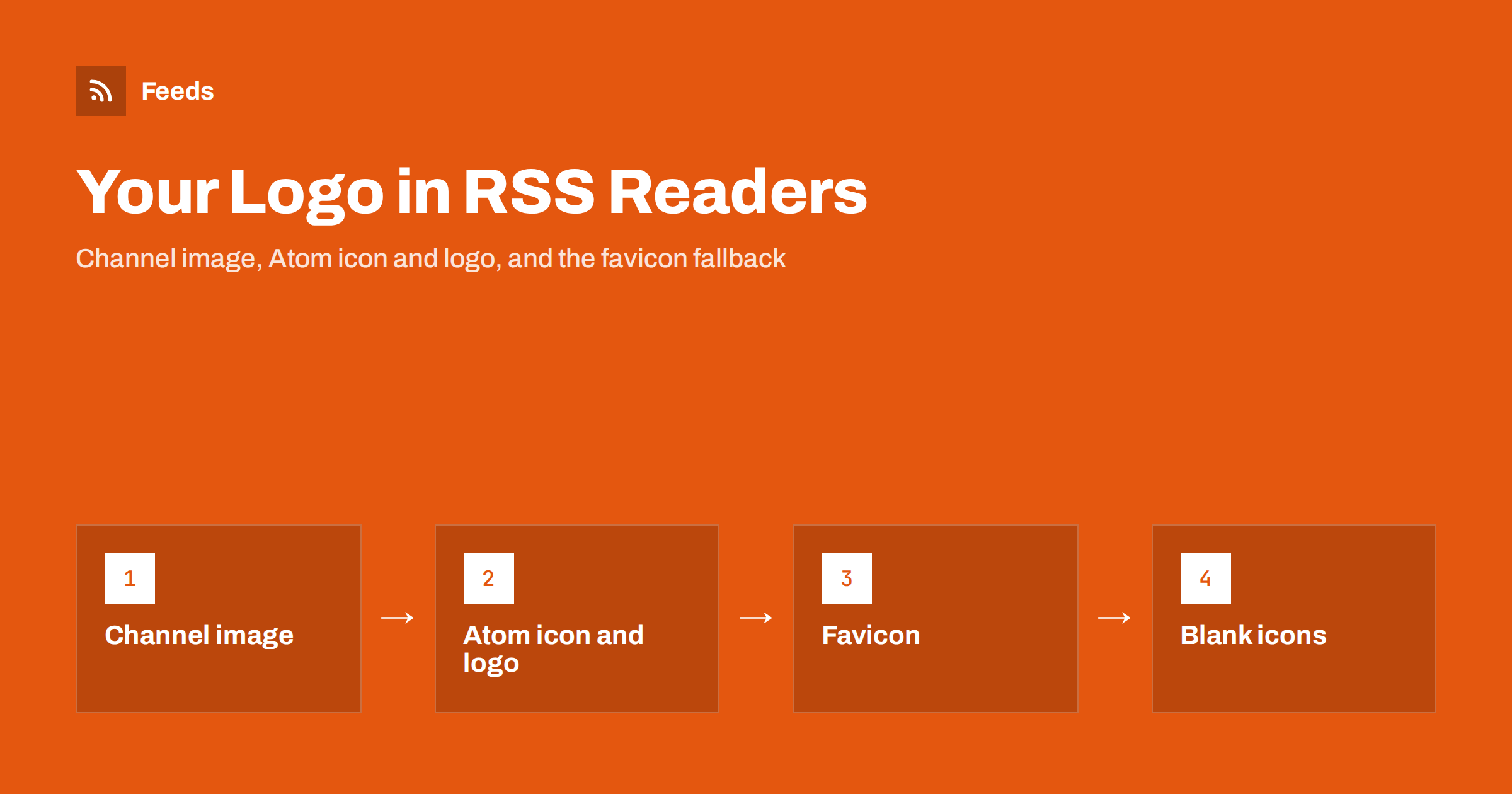
Short answer: RSS readers show a small icon next to each feed in the subscription list, and some show a larger logo at the top of the feed. RSS 2.0 provides a channel image element for this, Atom provides icon and logo, but in practice most readers ignore both and fetch the favicon of the website linked from the feed. So the reliable way to brand a feed is to do all three: declare a channel image, make sure the site has a proper favicon in several sizes, and keep the channel link pointing at the site the favicon belongs to.
What readers show and where they get it
Every reader has a subscription list, and most decorate each entry with a small square icon so the eye can find a feed quickly. Some readers also show a banner or logo when you open a feed, and a few show the image next to each item. Where the image comes from depends on the reader, and that is the whole difficulty: there is no single field that every reader uses.
Three sources compete. The feed itself may declare an image. The website the feed belongs to has a favicon, and readers often prefer it because it is small, square and reliably present. And some readers maintain their own icon cache keyed by domain, so they show whatever they fetched when the first user subscribed, which can be months old. Knowing which source a reader uses tells you why a logo change on the site may not show up in a reader for a long time.
The RSS 2.0 channel image element
RSS 2.0 defines an optional image element inside channel, with three required children and two optional ones:
url: the address of a GIF, JPEG or PNG file.title: the alt text, which the specification says should match the channel title.link: the address the image links to, normally the site’s home page, which should match the channel link.widthandheight, optional: the specification sets a maximum of 144 by 400 pixels and a default of 88 by 31, which is a legacy of web buttons from the format’s early days.
Validators enforce the maximum sizes as warnings, so a 512-pixel logo declared here will produce a warning even though readers that use the element will usually display it anyway. The common compromise is to declare a modest image here, say 144 by 144 pixels, and rely on other mechanisms for larger artwork. The full element list, including the channel-level ones, is in the anatomy of an RSS 2.0 feed.
Atom icon and logo
Atom separates the two jobs. The icon element is for a small square image, the same shape as a favicon, meant for the subscription list. The logo element is for a wider image, with the specification suggesting an aspect ratio of two to one, meant for a header or banner. Both hold a plain address and both are optional. Readers that support Atom’s elements tend to respect this split, so an Atom feed with both an icon and a logo is the best-case scenario for branding.
If you publish both RSS and Atom versions of the same feed, keep the artwork consistent: the RSS channel image and the Atom icon should be the same square file, so that a subscriber sees the same thing whichever version their reader picked up.
Why most readers use the favicon anyway
A favicon is tiny, square, cached by browsers and present on nearly every site, which makes it a safer bet for a reader than an optional feed element with odd size limits. So the typical reader takes the channel link, loads that page, finds the favicon from the page’s link rel="icon" tags (or falls back to /favicon.ico) and stores it. Some readers try the feed’s own image first and use the favicon only when it is missing; others never look at the feed image at all.
This has two practical consequences. First, the channel link must point to the site whose favicon you want, which matters when a feed is generated by a third-party service or when the feed address is on a different domain from the site. Second, the site needs a favicon that looks good when scaled down to 16 or 32 pixels and is declared in several sizes, including a larger PNG (often 180 or 192 pixels) that readers can shrink cleanly. A 16-pixel ICO file alone will look blurred in readers that display icons at higher density.
Favicon and autodiscovery work together
Readers discover feeds through link rel="alternate" tags in the page head, and they discover icons through link rel="icon" tags in the same place. When both are present and correct on the home page, a subscriber who pastes the site address gets the right feed and the right icon in one step. If the icon tags are only on some templates, or the home page redirects somewhere that lacks them, the reader may end up with a blank. The autodiscovery side is covered in RSS autodiscovery; check that your icon tags live on the same pages.
Why the icon is blank, and how to fix it
A blank or generic icon next to your feed usually has one of these causes:
- No favicon declared. The site has no
link rel="icon"and no/favicon.ico. Add one in several sizes. - Favicon blocked. A firewall or bot rule returns 403 to the reader’s fetch, so the reader gets nothing. Allow known reader user agents or at least the icon path.
- Channel link points elsewhere. The feed’s
linkis the feed address itself, a landing page on another domain, or a page that redirects. Point it at the site home page. - Icon is SVG only. Some readers cannot rasterise SVG icons. Provide PNG alternatives alongside.
- Reader cache. The reader fetched an icon once and keeps it. Nothing in your feed will change it until the cache expires; some readers offer a “refresh icon” option.
- Mixed content. The feed is served over HTTPS but the image address in the channel is plain HTTP, and the reader refuses it. Use HTTPS addresses everywhere.
After a fix, test with a reader where you have never subscribed to the feed before, or with a fresh account, because an existing subscription will keep its cached icon. Many of these checks, including the channel image sizes, are flagged by a validator; see how to validate an RSS feed.
Item images are a different thing
The channel image brands the feed; it does not provide a picture for each article. Readers show item thumbnails from the item content, from an enclosure, or from Media RSS elements, and that is a separate setup. A feed can have a perfect logo and no item images, or the other way round. If what you actually want is a thumbnail next to each headline, the mechanisms are explained in Media RSS explained, and for WordPress sites in how to add featured images to a WordPress RSS feed.
Branding feeds you did not generate
When a feed is produced by a page-to-feed service rather than by the site itself, the service decides what goes in the channel image, and it usually takes the site’s logo or icon from the page. The channel link in such feeds normally points to the source page, so readers fall back to that site’s favicon, which is the behaviour you want: the feed looks like the site it came from, not like the tool that built it. If you are the publisher and you see your own site’s logo on a feed you did not create, that is the same mechanism at work.
How RSS Feed Creator helps
RSS Feed Creator turns the article list of a web page into a standard RSS feed with titles, images, summaries and dates, and it uses the site’s existing feed when the page already has one. It reads pages from the outside, so you do not need access to the source website, and you see a preview of the items before the feed is created. You can merge several sources into one feed (up to 10 on paid plans) and keep only the items that contain your keywords. Feeds refresh every 3 hours on the free plan and every 30 minutes on paid plans, and the free plan allows up to 20 items per feed. The details are on the pricing page.
Related reading
- Why Your RSS Feed Looks Like Code, and How to Style It
- How to Promote Your RSS Feed: Buttons, Links and Feeds Page
- RSS Feed Best Practices for Publishers: A 24-Point Checklist
The bottom line
No single field controls the icon readers show for your feed, so cover all of them. Declare a modest square channel image in RSS, add icon and logo if you publish Atom, give the website a favicon in several PNG sizes declared on every page, and keep the channel link pointing at that site over HTTPS. Then accept that readers cache icons, and test with a fresh subscription.
FAQ
Why does my RSS feed show a blank icon in readers?
Most readers fetch the favicon of the site in the channel link. If the site has no favicon, blocks the fetch, or the link points to the wrong place, the reader shows a blank. Add a favicon in several sizes and point the channel link at the site home page.
What size should the RSS channel image be?
The RSS 2.0 specification sets a maximum of 144 pixels wide and 400 pixels high, with a default of 88 by 31. A square image of up to 144 pixels keeps validators quiet. Larger artwork is better handled by the favicon and, in Atom, the logo element.
Does Atom handle feed logos better than RSS?
Yes. Atom has a separate icon element for a small square image and a logo element for a wide banner, and readers that support them respect the split. RSS 2.0 has a single channel image with legacy size limits.
I changed my logo but readers still show the old one. Why?
Readers cache icons, sometimes for months, and often share the cache across all subscribers of a feed. Nothing in the feed forces a refresh. Some readers have a refresh option; otherwise the new icon appears when the cache expires.
Will a channel image give each article a thumbnail?
No. The channel image brands the feed as a whole. Per-item thumbnails come from images in the item content, enclosures or Media RSS elements, which is a separate setup.