 ENEnglish
 LTLietuviškai
 DEDeutsch
 FRFrançais
 RUРусский
 ESEspañol
 PLPolski
 ITItaliano
 UKУкраїнська
 CSČeština
 PTPortuguês
 JA日本語
JA日本語 LVLatviešu valoda
 ETEesti
 HUMagyar
 IDBahasa Indonesia
 TRTürkçe
 HIहिन्दी
 ELΕλληνικά
 ARالعربية
 THไทย
THไทย VITiếng Việt
 RORomână
 MSBahasa Melayu
 BNবাংলা
#Feed formats
Feed formats define how a website describes its new items to machines. Articles tagged here compare RSS 2.0, Atom, JSON Feed and related extensions. They explain the required elements, dates, identifiers and media fields of each format. Guides show which format fits which job and how to support more than one. We also cover namespaces such as Media RSS and podcast extensions. Knowing the formats makes it easier to publish feeds that every app reads correctly.
 2026/10/01 · 8分で読めます
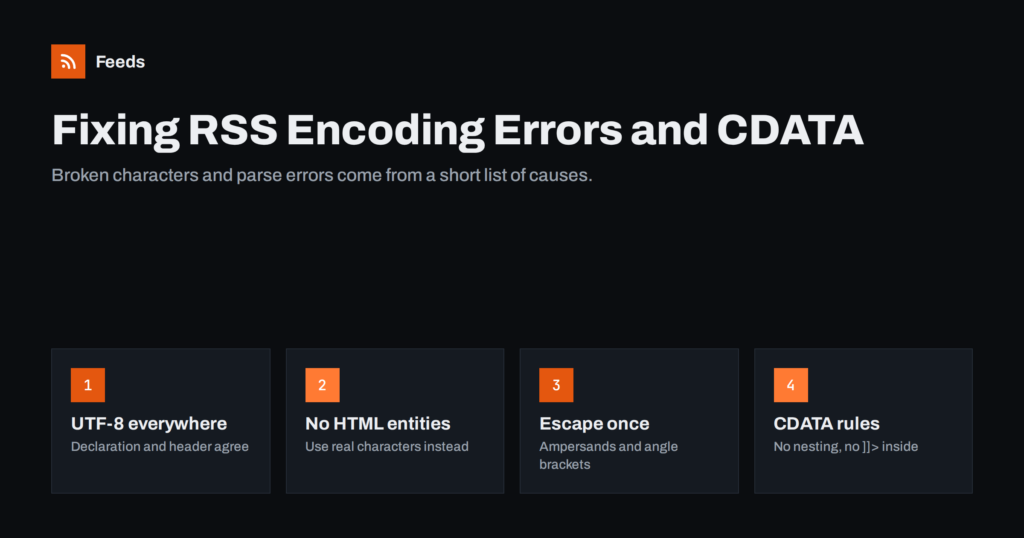
RSS Feed Encoding Errors: Fixing Broken Characters and CDATA
Why RSS feeds show broken characters or fail to parse, and how to fix UTF-8 mismatches, undefined entities, unescaped ampersands and CDATA mistakes.
 2026/10/01 · 7分で読めます
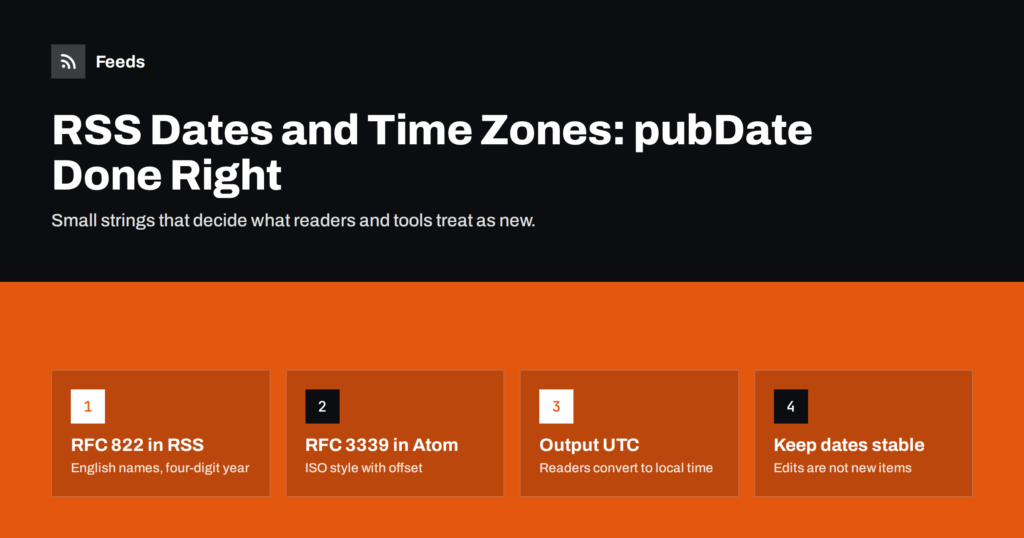
RSS Dates and Time Zones: Getting pubDate Right
How dates work in RSS and Atom feeds: the pubDate format, time zones, updated versus published dates, and the date mistakes that confuse readers…
 2026/09/30 · 8分で読めます
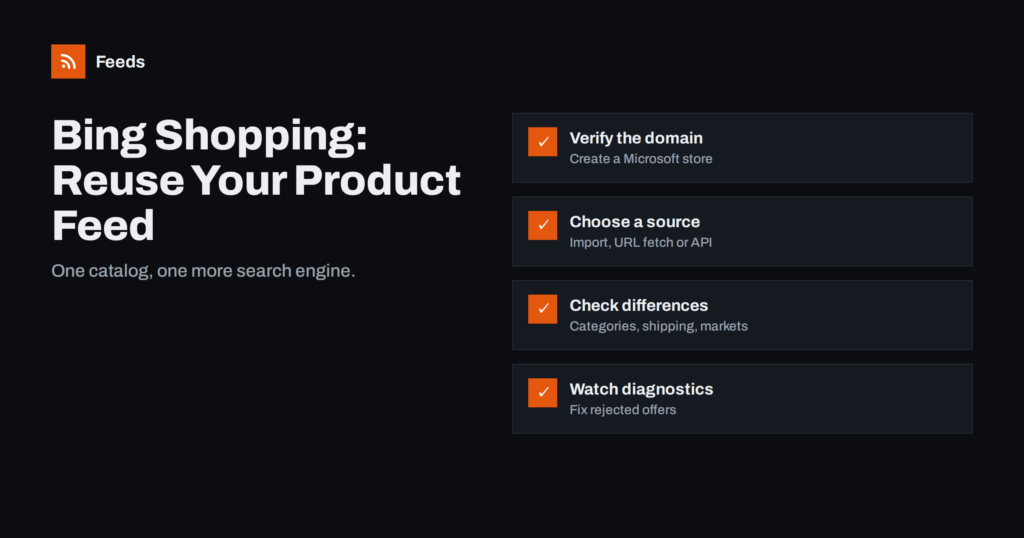
Bing Shopping Feeds: Reusing Your Catalog for Microsoft Ads
How to get products into Microsoft Merchant Center for Bing Shopping: import from Google, feed URL or file upload, differences to check and common…
 2026/09/30 · 8分で読めます
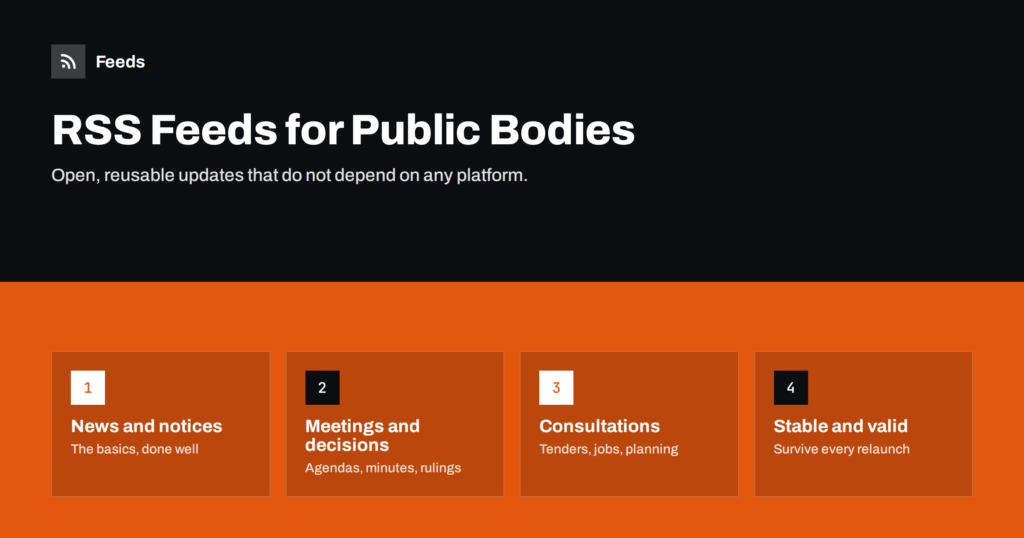
RSS Feeds for Municipalities and Public Bodies: A Guide
A practical guide for municipalities and public bodies: which RSS feeds to publish, how to structure them, technical basics and how to keep them…
 2026/09/30 · 7分で読めます
Podcast Show Notes in RSS: Formatting That Works in Apps
How podcast show notes travel through RSS: description vs content:encoded, safe HTML, links, timestamps, length limits and a template that reads well in apps.
 2026/09/30 · 7分で読めます
Pinterest Catalogs: How to Set Up a Product Feed
How to connect a product feed to Pinterest catalogs: account setup, required fields, reusing a Google-format feed, product groups and fixing ingestion errors.
 2026/09/29 · 7分で読めます
RSS Feed Paging and Archives: Getting a Feed’s Full History
Why feeds show only recent items, how feed paging and archives work (RFC 5005), WordPress paged feeds, and how publishers can expose a feed's…
 2026/09/26 · 7分で読めます
How to Publish a Changelog RSS Feed Customers Will Follow
A changelog feed tells customers what changed without another email. Learn what to include, how to structure entries and how to publish it on…
 2026/09/24 · 7分で読めます
A Short History of RSS: From Portals to Podcasts and Beyond
From Netscape's portal in 1999 to podcasts, Google Reader and today's open social web: how RSS evolved, why it survived and what it means…
 2026/09/22 · 8分で読めます
Media RSS Explained: Images, Video and Thumbnails in Feeds
Media RSS adds images, video, thumbnails and credits to RSS feeds. Learn the main tags, how readers and tools use them, and how to…
 2026/09/20 · 8分で読めます
Podcast Seasons, Episode Numbers and Trailers in RSS
Seasons, episode numbers, trailers and bonus episodes are all set in your podcast feed. Learn which tags control them and how apps use them…
 2026/09/19 · 7分で読めます
RSS GUIDs Explained: Why Readers Show Old Posts as New
The guid tells readers whether an item is new. When it changes, subscribers see duplicates and old posts again. Learn how guids work and…