ENEnglish
 LTLietuviškai
 DEDeutsch
 FRFrançais
 RUРусский
 ESEspañol
 PLPolski
 ITItaliano
 UKУкраїнська
 CSČeština
 PTPortuguês
 JA日本語
JA日本語 LVLatviešu valoda
 ETEesti
 HUMagyar
 IDBahasa Indonesia
 TRTürkçe
 HIहिन्दी
 ELΕλληνικά
 ARالعربية
 THไทย
THไทย VITiếng Việt
 RORomână
 MSBahasa Melayu
 BNবাংলা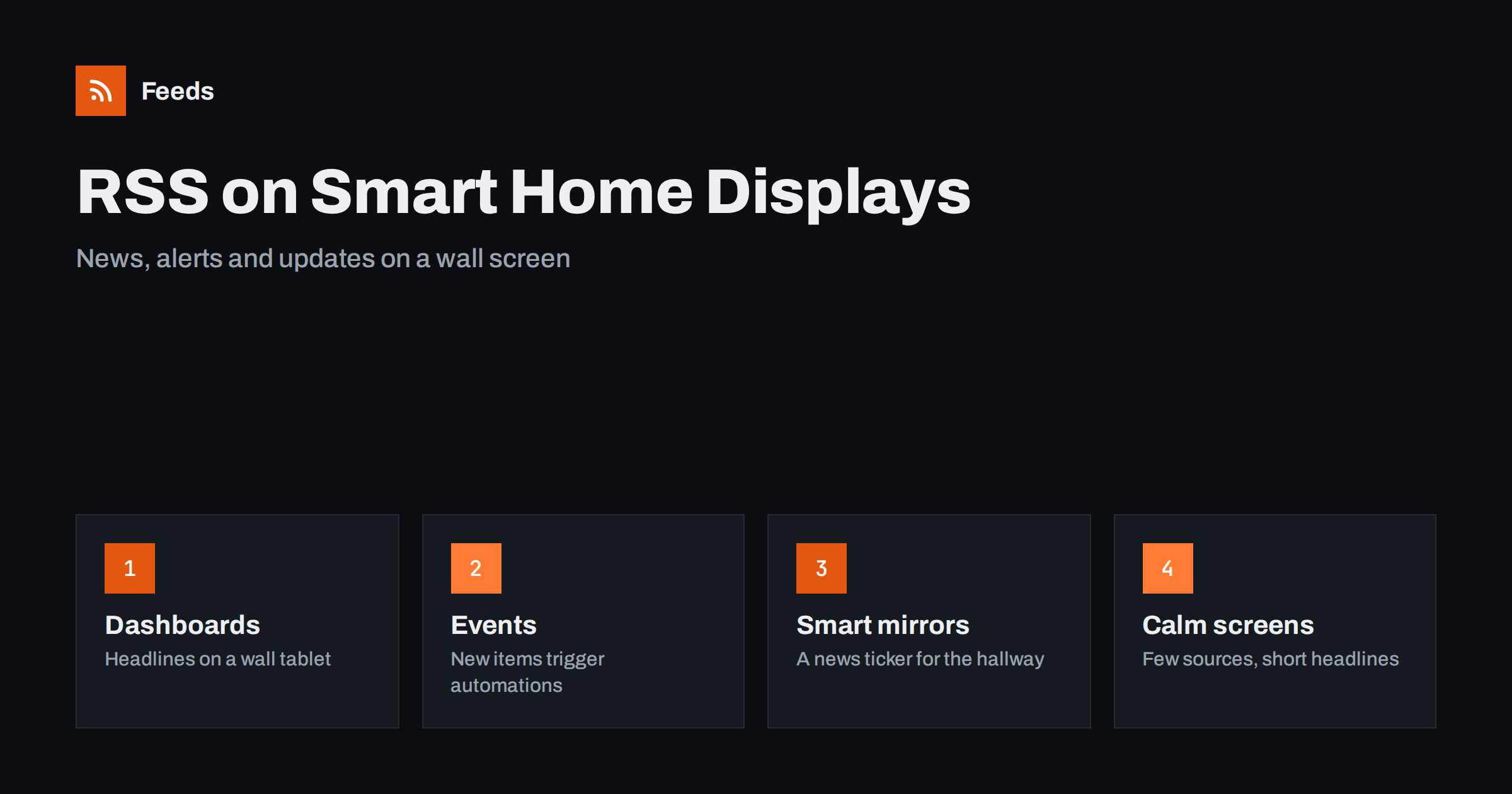
Short answer: You can show RSS feeds on a smart home display in two ways. A dashboard card or a smart mirror module can list the latest headlines on a screen, and a home automation platform such as Home Assistant can treat each new feed item as an event that starts an action, like a notification or a spoken announcement. Keep the number of feeds small, refresh them at a sensible interval and choose sources that are worth interrupting a room for.
Why feeds suit a home screen
A wall tablet, a mirror in the hallway or a small screen in the kitchen has one big advantage over a phone: it does not ask you to open anything. Information is simply there when you walk past. Feeds fit this well, because they are plain text with a title, a link and a date, which is exactly what a small screen can show without clutter.
The idea is not to rebuild a news app on the wall. A good home screen shows a few things you would otherwise forget to check: a local news source, the status page of a service you depend on, the release notes of software you run, or the blog of a hobby you follow. If you want a general picture of how a personal reading setup works, the guide on organizing an RSS reader so it never overwhelms you applies here too, because the same rule holds: fewer, better sources.
Two ways to use a feed at home
There are two different jobs a feed can do in a smart home, and it helps to keep them apart.
- Display. A list of recent headlines is drawn on a screen. Nothing happens when a new item arrives, the list just changes the next time it refreshes. This is the right choice for general news, blogs and anything you only glance at.
- Trigger. A new item causes something to happen. A notification goes to your phone, a light changes colour, or a speaker reads the title aloud. This is the right choice for the few sources where timing matters, such as a weather warning or a service outage.
Most people start with display and add a trigger for one or two sources later. Triggers deserve more care, because an automation that fires too often becomes noise in a household, and everyone in the room hears it.
Home Assistant and feeds
Home Assistant is an open-source platform for home automation that runs on a small computer in your home. It includes a built-in integration for reading feeds, usually called Feedreader. You give it a feed address, and it checks that address from time to time and reports new entries as events. Those events can then be used in an automation, for example to send a notification with the title and link of the new item.
The details of setup change between versions, so follow the current documentation of the platform rather than a guide from several years ago. The general shape stays the same: add the feed address, decide how new items should be handled, and write an automation that reacts to them. A trigger can be as simple as a mobile notification, or it can feed a text-to-speech service so a speaker in the kitchen reads the headline of a weather or outage notice.
If you already use a workflow tool for other tasks, you can also let that tool read the feed and then call your home platform through a webhook. The trade-offs between asking for updates and being told about them are explained in webhooks vs RSS polling.
Smart mirrors and wall dashboards
A smart mirror is a screen behind a two-way mirror, driven by a small computer, and it usually shows the time, the weather and a few headlines. A well-known open-source project for this, MagicMirror, has a news module that reads RSS and cycles through titles. Wall tablets work in a similar way: a dashboard page with a news card is opened full screen and left on.
For both, a few simple choices make the screen better:
- Show titles only. Long summaries are unreadable from across a room. A title and a short source name are enough.
- Rotate slowly. Changing the headline every few seconds is distracting. Let each item stay long enough to read.
- Limit the list. Five to eight items is plenty. More just means nobody reads the bottom of the list.
- Dim at night. A bright screen in a bedroom or hallway is annoying. Use the scheduling of your platform to dim or switch it off.
Another approach is a digital sign for a shop or office lobby, which uses the same idea at a larger scale. The practical points are covered in RSS feeds on digital signage.
Choosing feeds that deserve a screen
The best feeds for a home display are the ones that are short, regular and useful. These categories work well:
- Local news and notices. Road works, council notices and local events. See local news monitoring with RSS for ways to collect them.
- Service status pages. If your home depends on a cloud service, its status feed tells you about an outage before you notice it.
- Release notes. The firmware or app updates of devices you own. A feed for these is described in how to follow changelogs and release notes.
- Hobby and community blogs. Slow sources that give you something to read with a coffee.
Avoid feeds that publish dozens of items a day. They push everything else off the screen. If a source is busy but you only care about some of it, filter it first so that only the relevant items remain. The method is explained in keyword alerts with RSS feed filters.
Refresh interval and politeness
A home platform checks each feed on a timer. Checking every few seconds helps nobody and can make a website block you. For news, every 15 to 60 minutes is normally enough. For an outage feed you may want a shorter interval, but a few minutes is still plenty. Many sites also tell readers how often they update, and respecting that keeps your setup welcome.
Remember that the feed itself has its own delay. If the feed is created by a tool that refreshes every few hours, checking it every minute will not make news appear sooner. Match your interval to the real refresh rate of the source.
What to do when a site has no feed
Many useful sources have no feed: a local council page, a venue calendar, the news section of a small supplier. For these, you can create a feed from the page and then add its address to your home platform in the same way as any other feed. A feed that comes from a page has the same fields as a normal one, so the home platform treats it identically. Ideas for this are in how to create an RSS feed for a website without one.
When you rely on a page-based feed for something timely, test it for a few days before you attach an automation that makes noise. A page can change its layout, and a feed that suddenly returns nothing is better noticed on a screen than discovered by silence.
Privacy and reliability at home
A feed request tells the source that someone at your address is interested. For most public feeds this is harmless, but if you prefer, read feeds through a self-hosted reader or a proxy. The topic is covered in RSS feed privacy. For reliability, keep a fallback: if a feed fails, a good dashboard shows the last known items instead of a blank space. Test what happens when your internet connection drops, because a home display is the kind of device people notice only when it breaks.
How RSS Feed Creator helps
RSS Feed Creator turns the article list of a web page into a standard RSS feed with titles, images, summaries and dates, and it uses an existing feed when the page already has one. It reads pages from the outside, so you do not need access to the source website, and you see a preview of the items before the feed is created. You can merge several sources into one feed (up to 10 on paid plans) and keep only the items that contain your keywords, which gives a home screen one calm stream instead of many noisy ones. Feeds refresh every 3 hours on the free plan and every 30 minutes on paid plans, and the free plan allows up to 20 items per feed. The details are on the pricing page.
Related reading
- RSS Feeds on Digital Signage: News Tickers and Lobby Screens
- Building RSS Automation Workflows with n8n: A Guide
- How to Read RSS Feeds on a Kindle or Other E-Reader
The bottom line
A smart home screen is a good place for a handful of feeds. Use a display card or a mirror module for general headlines, use a Home Assistant automation for the one or two sources where timing matters, and keep the lists short and the refresh interval reasonable. If a source has no feed, create one from the page and test it before you let it make noise.
FAQ
Can Home Assistant read RSS feeds?
Yes. It has a built-in integration for feeds, often called Feedreader, which checks a feed address and reports new entries as events. You can use those events in automations, such as a notification with the title and link of the new item.
How often should a smart display refresh a feed?
For news and blogs, every 15 to 60 minutes is normally enough. Very short intervals do not make news arrive sooner, because the feed itself only changes when the source or the tool behind it refreshes.
Can I show RSS headlines on a smart mirror?
Yes. Open-source smart mirror projects include a news module that reads an RSS address and cycles through the titles. Show titles only, rotate slowly and keep the list short so it can be read from a distance.
What if my favourite site has no RSS feed?
You can create a feed from its article list page and add that address to your home platform like any other feed. Test it for a few days before you attach an automation that sends notifications.
Should every new feed item trigger an alert?
No. Use triggers only for sources where timing matters, such as outage or weather notices. For everything else, a display that updates quietly is better, because frequent alerts quickly become noise for everyone in the household.