 ENEnglish
 LTLietuviškai
 DEDeutsch
 FRFrançais
 RUРусский
 ESEspañol
 PLPolski
 ITItaliano
 UKУкраїнська
 CSČeština
 PTPortuguês
 JA日本語
JA日本語 LVLatviešu valoda
 ETEesti
 HUMagyar
 IDBahasa Indonesia
 TRTürkçe
 HIहिन्दी
 ELΕλληνικά
 ARالعربية
 THไทย
THไทย VITiếng Việt
 RORomână
 MSBahasa Melayu
 BNবাংলা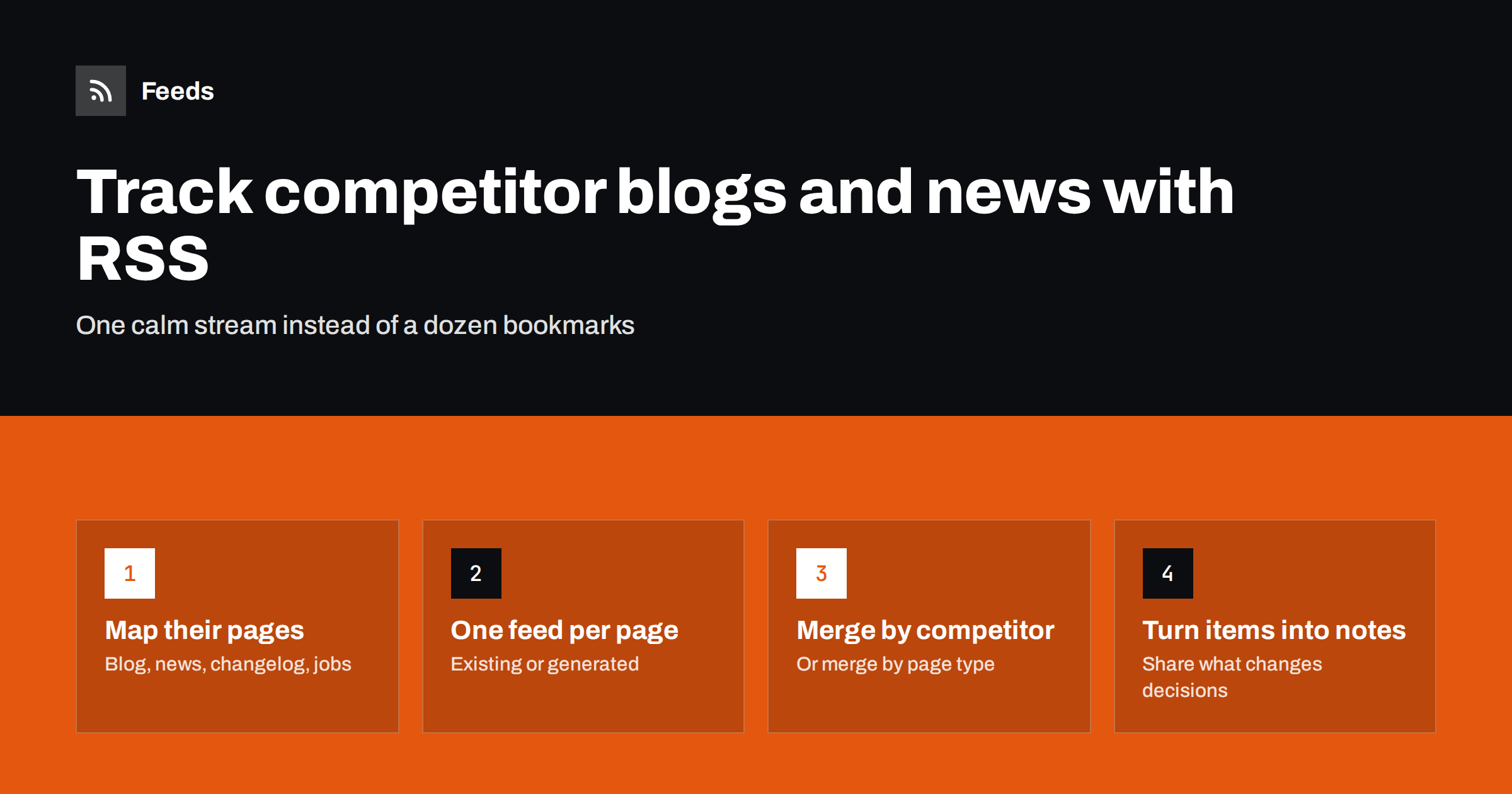
Short answer: List the pages where each competitor publishes updates, typically the blog, newsroom, changelog or release notes, and careers page. Get an RSS feed for each page, using the site’s own feed where it exists and a page-to-feed tool where it does not. Merge the feeds into one or two streams, review them on a fixed schedule, and turn the few items that matter into short notes for sales, product and marketing.
Most teams agree that keeping an eye on competitors is useful, and most do it badly: a burst of research before a planning session, then nothing for months. Competitor websites are some of the easiest sources to monitor continuously, because companies announce most of what they do in public. The challenge is collecting it without spending hours each week visiting pages that have not changed.
Why RSS is a good fit for competitor monitoring
Competitors publish in lists: blog posts, press releases, product updates, job openings. Each new entry has a title and a link. That is exactly the shape of an RSS item, which makes feeds a natural fit.
- Low effort after setup. Once feeds exist, new items come to you. Nobody needs to remember to check.
- Complete history. A reader keeps items you have not read yet, so a busy week does not mean a missed announcement.
- Shareable. A feed link can be given to a colleague or plugged into a team tool without explaining a custom process.
- Respectful. Reading a feed or a list page a few times a day is ordinary visitor behavior, not heavy crawling.
Step 1: Map where each competitor publishes
For each competitor, visit their site once and note every page that lists updates. Most companies have several, and each tells you something different.
| Page | What it reveals | Typical frequency |
|---|---|---|
| ブログ | Messaging, target audiences, content strategy, topics they want to rank for | Weekly to monthly |
| Newsroom or press releases | Funding, partnerships, acquisitions, major launches, leadership changes | Monthly or less |
| Changelog or release notes | Actual product development, pace of shipping, feature gaps closing | Weekly or more |
| Careers page | Where they invest: new markets, new teams, new technologies | Varies |
| Events or webinars page | Markets and segments they are courting | Monthly |
| Customer stories | Which industries and company sizes they win | Monthly or less |
The changelog and careers pages are often the most revealing and the most overlooked. Blog posts show what a company wants you to think; release notes and job ads show what it is actually doing.
Step 2: Get a feed for every page
Check each page for an existing feed first. Blogs on common platforms nearly always have one, often at /feed/ or /rss.xml, even if there is no visible icon. Some changelog tools also publish feeds. Look in the page source for application/rss+xml links.
Newsrooms, careers pages and custom-built changelogs often have no feed. For those, use a page-to-feed tool: paste the list page address, check that the preview shows the right items with correct titles and links, and use the resulting feed link. If a page shows job titles as a list, each job becomes an item; if it shows press releases, each release becomes an item. For more detail on this step, see how to create an RSS feed for a website without RSS.
Step 3: Organize feeds so they stay readable
With five competitors and four page types each, you may have twenty feeds. There are two sensible ways to organize them.
- By competitor. Merge all of one competitor’s feeds into a single stream. This suits account-based thinking: “what is Competitor A doing?”
- By page type. Merge all changelogs into one product stream, all careers pages into one hiring stream, and so on. This suits functional teams: product managers read changelogs, recruiters and executives read hiring signals.
Many teams do both: a merged product stream for the product team and a merged news stream for leadership. Merging also removes exact duplicates, which is useful when the same announcement appears on the blog and the newsroom.
Step 4: Filter where volume is high
Large competitors can publish more than anyone wants to read. Keyword filters help keep the stream focused.
- On busy blogs, keep only items that mention your shared product category or key features.
- On careers pages, keep only roles that signal strategy, such as engineering, product or roles in new regions, and exclude routine positions if they are numerous.
- On newsrooms, exclude recurring items such as event appearances if they add nothing.
Be conservative with filters on small competitors. For a company that publishes twice a month, read everything.
Step 5: Build a review routine
A feed collection is only useful if someone reads it and passes on what matters. A lightweight routine works better than an ambitious one that lapses.
- Weekly scan. One owner spends fifteen to thirty minutes going through the merged streams and flags items worth sharing.
- Short notes, not forwards. Instead of forwarding links, write one or two sentences: what happened and why it matters to us. “Competitor B added a bulk import feature; this was the top objection in our last three lost deals.”
- Route to the right people. Pricing and positioning changes go to sales and marketing, feature releases to product, hiring and funding signals to leadership.
- Quarterly summary. Once a quarter, look back at the notes and describe each competitor’s direction in a paragraph. Patterns only become visible over time.
Keep the notes in one shared place, such as a document or a channel, with the date and the source link. After a year, that archive becomes a genuinely useful record of how each competitor has moved, and it takes almost no extra effort to build because the feeds already did the collecting.
What to look for in the items
Most items are routine. The valuable ones usually fall into a few categories:
- New segments: customer stories or landing pages aimed at an industry they did not serve before.
- Feature parity: release notes that close a gap you rely on as a differentiator.
- Pricing and packaging: announcements of new plans, free tiers or changed limits. These are often on pages without feeds, which is one reason page monitoring matters.
- Hiring clusters: several openings in one new country or technology within a few weeks.
- Partnerships and integrations: signals about which ecosystems they are betting on.
How Feeds helps
Feeds makes the “get a feed for every page” step quick, including for newsrooms, careers pages and changelogs that publish no RSS. It reads public pages from the outside, uses an existing feed where a site has one, finds the list of items where it does not, and shows a preview before creating anything. You can merge several competitor sources into one feed and keep only items with your words. Feeds refresh on their own, and paid plans alert you if a feed stops finding items after a competitor redesigns their site. The feed links work in any RSS reader or team tool. Compare plans on the pricing page.
Ethical boundaries
Monitoring public pages is ordinary market research. Keep it that way: read what competitors publish publicly, keep refresh rates modest, do not attempt to access customer-only areas, and do not copy their content into your own materials. The goal is awareness that informs your decisions, not imitation.
Common pitfalls
- Following only the blog. Blogs are marketing. Without the changelog and careers page you see the story a competitor tells, not what it does.
- Reacting to every item. A single blog post about a feature is not a strategy shift. Wait for repeated signals before changing plans.
- Letting the owner role lapse. When the person who reads the streams changes jobs, hand the routine over explicitly, including the feed list and the notes archive.
- Forgetting new competitors. Add a quarterly check for new entrants, and add their pages to the system as soon as they matter.
- Not noticing silent feeds. A competitor redesign can stop a generated feed from finding items. Check the newest item date on each feed now and then, or use health alerts.
Related reading
- How to Monitor Websites for New Content Automatically
- How to Set Up Keyword Alerts Using RSS Feed Filters
- RSS vs Web Scraping: Which Should You Use to Track Sites?
The bottom line
Competitor monitoring works when it is continuous and cheap. Map every page where competitors publish, get a feed for each, merge them into streams your team will actually read, filter only where volume demands it, and turn the handful of meaningful items into short notes. Changelogs and careers pages usually tell you more than blogs do, and page-to-feed tools cover the ones without RSS.
FAQ
How do I monitor a competitor’s website for changes?
Identify the pages where they publish updates, such as the blog, newsroom, changelog and careers page, and get an RSS feed for each. Read the feeds in one place on a regular schedule instead of visiting the pages manually.
What if a competitor’s newsroom has no RSS feed?
Use a page-to-feed tool on the newsroom page. It detects the list of press releases and turns them into a standard RSS feed that updates automatically.
Which competitor pages are most useful to follow?
Changelogs and careers pages are often the most revealing, because they show what a company is building and where it is investing. Blogs and newsrooms add context about messaging, partnerships and major announcements.
Is it legal to monitor competitors’ websites?
Reading publicly available pages at a normal rate is standard market research. Stay within public areas, respect the site’s terms, and avoid copying their content into your own materials.
How often should I review competitor feeds?
A weekly review is enough for most teams, with a quarterly summary to spot longer-term patterns. For fast-moving markets, route the most important signals, such as launches and pricing changes, to a channel checked daily.


