ENEnglish
 LTLietuviškai
 DEDeutsch
 FRFrançais
 RUРусский
 ESEspañol
 PLPolski
 ITItaliano
 UKУкраїнська
 CSČeština
 PTPortuguês
 JA日本語
JA日本語 LVLatviešu valoda
 ETEesti
 HUMagyar
 IDBahasa Indonesia
 TRTürkçe
 HIहिन्दी
 ELΕλληνικά
 ARالعربية
 THไทย
THไทย VITiếng Việt
 RORomână
 MSBahasa Melayu
 BNবাংলা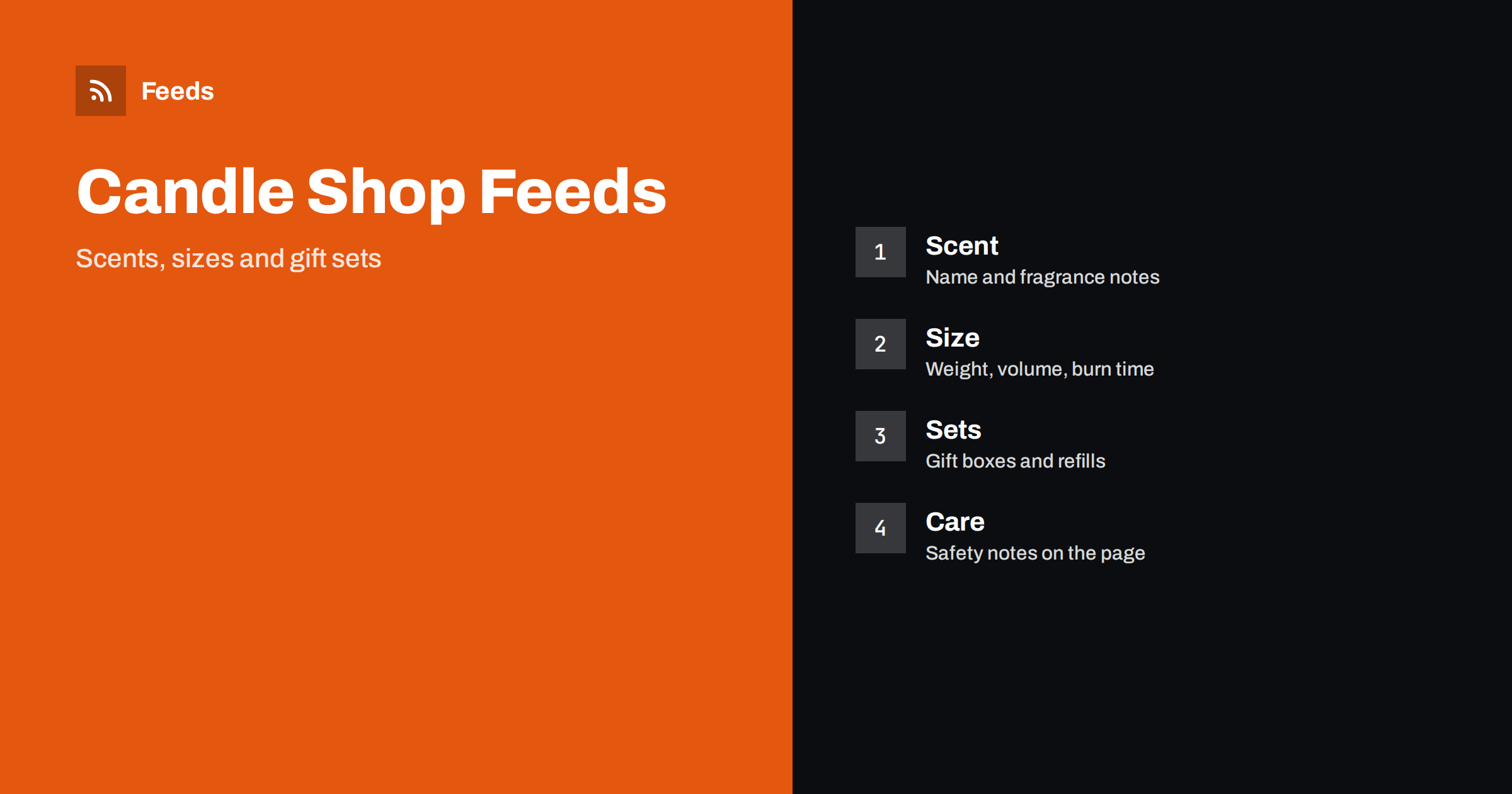
Short answer: Candle and home fragrance stores sell the same product in many scents, sizes and gift sets, and shoppers search by scent, material and occasion. A good product feed gives each item a title that leads with brand, product type and scent, shows size or weight clearly, keeps variants organized under one group, uses honest availability and sends shoppers to a landing page that shows exactly the same scent and size. Get those basics right before adding rules, bundles or extra labels.
Why this category needs careful feeds
A single candle line may come in six scents, three jar sizes and two wax types, and each combination has its own price and stock. Diffusers, wax melts, room sprays, incense and refills add more variants. Pictures of different scents often look almost identical, so a shopper cannot tell them apart without the name, and a feed that hides the scent or size produces clicks that end in confusion.
The category also has strong seasons, with autumn, winter holidays and gift periods driving most of the demand. The foundations are covered in what a product feed is, and a fragrance shop simply needs every detail to be precise.
Titles that name the scent and the size
Shoppers search with a brand or a type plus a scent, such as “vanilla soy candle” or “cedar reed diffuser”, so a title should lead with the words people type. A useful order is brand, product type, scent, material and size: “Brand Soy Wax Candle, Fig and Cedar, 200 g”. Avoid marketing words that tell nothing, such as “amazing” or “luxury”, and do not fill the title with every scent note.
Use the same order across the catalog so that scents and sizes can be compared at a glance. If you sell sets, say what is inside, for example “Set of 3 Mini Candles”. More formulas and examples are in product feed title optimization.
Variants: scents, sizes and colours
When the same candle comes in several scents, sizes or jar colours, use one parent product with variants only if the items are really the same product. Each variant needs a shared group ID, its own image, price, availability and identifier. Do not list a three-wick large candle as a variant of a travel tin when the price class and the use are very different, because the buyer expects a comparable product.
Name the attribute that varies in a consistent form: scent in words, size in grams or millilitres, and colour only when it is a visible choice. The setup is explained in how item_group_id works. A clean variant structure makes the shopping listing easier to read and keeps disapprovals down.
Identifiers, brand and materials
Branded candles from other makers usually have a GTIN on the package, and you should send it. Products you make yourself or sell under your own name may have no GTIN, and in that case the feed should carry your brand and a stable product code. Do not invent a code to fill the field. A wrong identifier is worse than an empty one, because platforms compare it with their catalog.
Materials matter to shoppers, so state them in plain words: soy, beeswax, paraffin blend, glass jar, cotton wick. Use the same wording in the feed and on the page. Rules for these fields are in GTIN, MPN and brand: product identifiers in feeds, and gift sets are covered in bundles and multipacks in product feeds.
Burn time, weight and other measurements
Shoppers compare candles by weight, burn time and size, and these values are easy to get wrong. Take them from your own tests or the maker’s specification, use the same units in the feed and on the page and avoid rounding that makes a product look better than it is. If burn time depends on conditions, say so on the page instead of promising one figure.
For diffusers and sprays, list the volume and the number of sticks or refills included. Richer fields help here, and product_highlight and product_detail show how to present facts such as wax type, wick type and fragrance notes in a consistent form. Keep every value identical to the product page.
Safety notes and honest descriptions
Fragranced products come with safety information, and some shipping and advertising rules treat them differently. Do not make claims about health, mood or therapeutic effects in titles or descriptions, and avoid promises you cannot support. Put the manufacturer’s burning and handling guidance on the product page, and write the feed description in plain, factual sentences that match it.
Some carriers apply limits to fragranced liquids and to certain parcels, so make sure the delivery settings match what you actually ship, as explained in shipping in product feeds. Tell customers in advance when a country or a service is not available. Descriptions are covered in writing product descriptions for shopping feeds.
Seasons, gifts and sales
Gift sets, advent calendars and seasonal scents sell fast and then disappear. Prepare the feed weeks before the peak: check prices, shipping promises, stock and the dates of any promotions. A product that is sold out should be marked out of stock or kept out of ads, and a preorder should be marked as one. The checklist in preparing your product feed for Black Friday and peak season fits any busy period.
If you run discounts, send the sale price and the dates correctly, as described in sale prices in product feeds, and make sure the landing page shows the same price. A mismatch between the ad and the page is one of the most common reasons for disapproval.
Packaging and refills deserve a line of attention as well. Many shops sell a candle in a gift box and a refill without the jar, and the two must not share a title, image or identifier. Say clearly in the title when a product is a refill, a sample or a tester, and keep the price comparable to what the buyer receives. Small details like these prevent returns, which are expensive for fragile, heavy items.
Images and landing pages
Use clean, well-lit photos of the real product on a plain background, plus extra pictures that show the lit candle, the size next to a common object or the contents of a set. Avoid text overlays, promotional badges and props that are not included. Each scent should have its own image, because a shopper who orders “lavender” and receives a different jar will return it. Requirements are summarized in product feed image requirements.
The landing page must open the same variant the ad shows, with the same price and availability, as covered in what feed links must lead to. After launch, spend a few minutes each week on the products that are disapproved or limited, and compare the feed with the shop for a few popular scents.
A short routine keeps the catalog healthy after launch. Once a week, look at the products that are disapproved or limited, check new scents for missing identifiers and compare the feed with the shop for a few popular items. A catalog with many scents and sizes needs rules and checks more than manual editing, and product feed health metrics lists what to watch. Keep a note of what you change, so that a seasonal fix does not get undone by mistake the next time prices are updated.
How RSS Feed Creator helps
RSS Feed Creator builds Google Merchant Center and Meta catalog XML straight from your store. WooCommerce and Shopify are read automatically, and any other store can use a CSV link. You can skip out-of-stock products, rewrite titles with rules so that brand, type, scent and size appear in the same order every time, and adjust prices. Before you submit anything, check the preview and the Merchant Center diagnostics to confirm that scents, sizes and sets arrive as you expect. The free plan includes product feeds with up to 50 products, and the Store plan covers one store with 3 product feeds and up to 2,000 products. The details are on the pricing page.
Related reading
- Product Feeds for Perfume and Fragrance Stores: A Guide
- Product Feeds for Lighting and Lamp Stores: A Guide
- Product Feeds for Flower and Gift Shops: What to Include
The bottom line
Clean feeds for candle and home fragrance shops come from precise titles, a tidy variant structure, honest measurements, careful safety wording and a landing page that matches the ad. Check the preview before you submit, fix what the diagnostics report and keep stock and prices current before the gift season. Accurate details reduce returns more than any clever title.
DUK
Should each scent be a separate product or a variant?
Use variants when the items are the same product apart from the scent, and separate products when the size class, price class or use differs a lot. Each variant needs its own image and availability.
Do I need a GTIN for candles I make myself?
Send a GTIN when the product has one. For your own products without one, send your brand and a stable product code, and never invent a number.
Can I describe a scent as relaxing or healing?
Avoid health or mood claims in titles and descriptions. Describe the fragrance notes and the product facts, and follow the advertising rules of each market.
How should I list gift sets?
Treat a set as its own product with its own identifier and price, and say what is inside in the title or the product details. Do not list it as a variant of a single candle.
What should I check before the holiday season?
Check stock, prices, delivery dates, sale prices and the landing pages for your best sellers, and mark preorders correctly. Fix disapproved items weeks before the peak.