ENEnglish
 LTLietuviškai
 DEDeutsch
 FRFrançais
 RUРусский
 ESEspañol
 PLPolski
 ITItaliano
 UKУкраїнська
 CSČeština
 PTPortuguês
 JA日本語
JA日本語 LVLatviešu valoda
 ETEesti
 HUMagyar
 IDBahasa Indonesia
 TRTürkçe
 HIहिन्दी
 ELΕλληνικά
 ARالعربية
 THไทย
THไทย VITiếng Việt
 RORomână
 MSBahasa Melayu
 BNবাংলা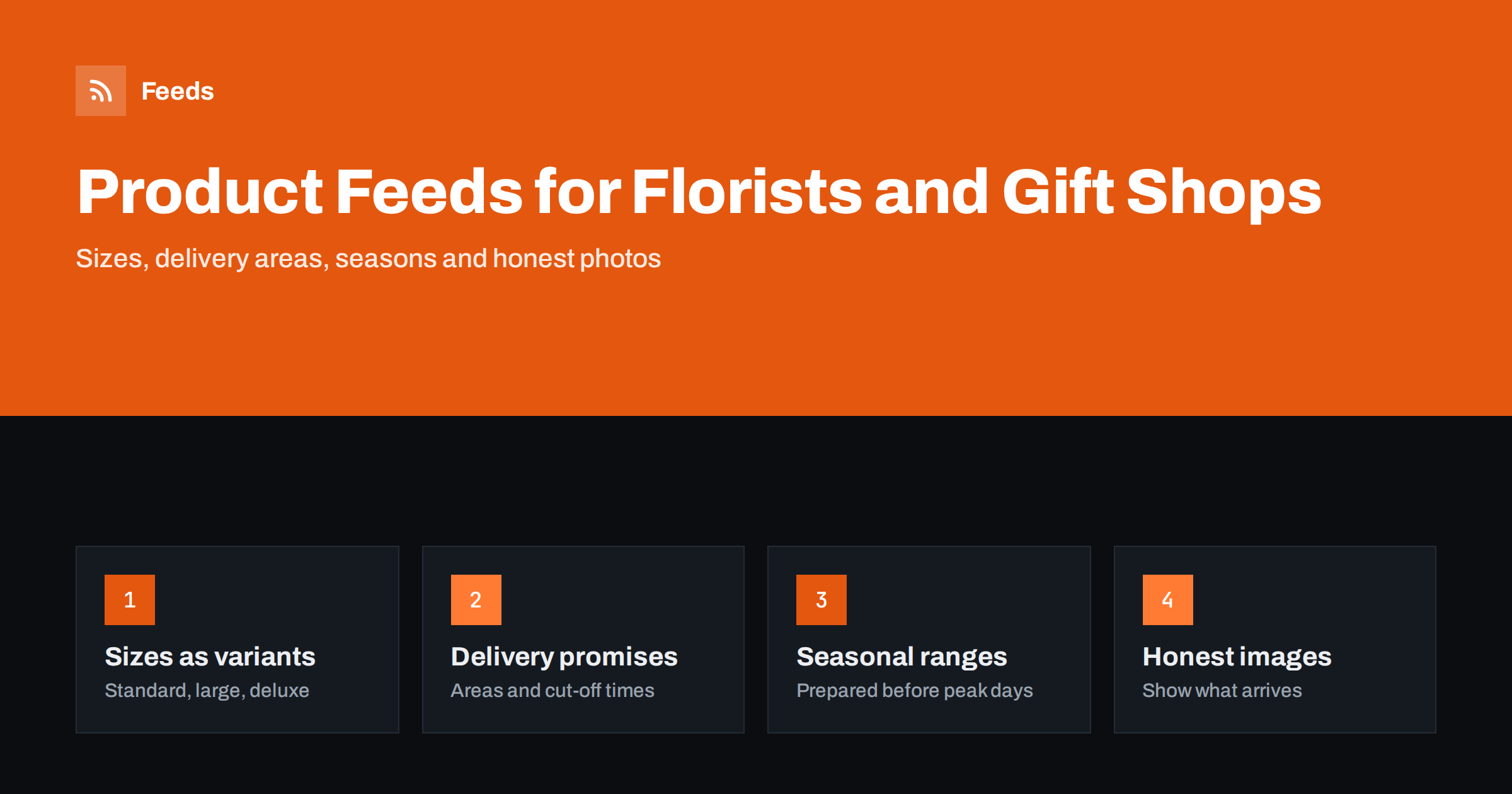
Short answer: Flower and gift feeds work when the listing matches what the customer will receive and when it can arrive. Name the arrangement, its main flowers or contents and the size in the title, list each size as a grouped variant, and set shipping so that delivery areas, costs and same-day or next-day cut-off times are accurate. Prepare seasonal products well before peak days, use photos that represent the real product, and keep sold-out or out-of-season items out of the feed.
Why florist and gift feeds need special care
Florists and gift shops sell products that are perishable, seasonal and often time-critical. A bouquet for a birthday is worthless if it arrives the day after. Demand is concentrated around a few dates, such as Valentine’s Day, Mother’s Day and the end-of-year holidays, when competition for ads is at its highest and mistakes are most expensive.
The products themselves vary. Arrangements are made by hand, flowers are substituted when a variety is not available, and the same design may come in several sizes. Gift hampers combine many items, and personalised gifts are made to order. All of this has to be expressed in a feed that platforms read as simple, structured product data.
Shoppers also decide quickly. Many searches for flowers and gifts are made with a date in mind, often on a phone, and the buyer chooses between a few listings based on the photo, the price, the delivery promise and the reviews. A feed that gets these right brings sales; a feed that gets them wrong brings complaints.
Titles and descriptions that sell arrangements
A practical title pattern for arrangements is: name of the design, main flowers or colour, type of arrangement and size. For gifts, use the product type, main contents and occasion where it genuinely applies.
- “Spring Garden Bouquet, Tulips and Ranunculus, Large”
- “Classic Red Roses Bouquet, 24 Stems”
- “White Orchid Plant in Ceramic Pot, 2 Stems”
- “Afternoon Tea Gift Hamper with Biscuits and Jam”
Customers search for flower types, colours and occasions, so these words belong in titles and descriptions. Keep occasion words honest: a sympathy arrangement should not be tagged for birthdays just to reach more searches. General title rules are in product feed title optimization.
Descriptions should answer the questions that lead to complaints when left open: approximate height and width, number of stems where it matters, whether a vase or pot is included, what happens when a flower is out of season, and how long the flowers typically last with care. For hampers, list the main contents and say whether items may be replaced with similar ones. See how to write product descriptions for shopping feeds.
Sizes, stems and add-ons
Many florists sell one design in several sizes, such as standard, large and deluxe, or in a choice of stem counts. Each size has its own price and usually its own photo, so each should be a separate feed item.
- Give each size its own id, price and image, and state the size in the title.
- Group all sizes of a design with one item_group_id so platforms show them as options.
- Use the size attribute consistently, for example “Standard”, “Large”, “Deluxe”, or a stem count.
- Keep small add-ons, such as a card, chocolates or a balloon chosen at checkout, on the product page rather than as separate feed items, unless they are sold on their own.
Grouping is explained in product variants in feeds and how item_group_id works. Gift sets and hampers that combine several products are bundles, and the attributes for those are covered in bundles and multipacks in product feeds.
Delivery areas, costs and cut-off times
For flowers, the delivery promise is part of the product. A buyer who sees “delivery tomorrow” and receives the bouquet two days later will not order again. Shopping platforms also check that the shipping cost and delivery time in your listing match what the checkout shows.
| Delivery question | Where to set it | Common mistake |
|---|---|---|
| Which areas you deliver to | Shipping settings by region or postcode | Advertising nationwide when you deliver locally |
| Delivery cost | Shipping rates in the platform or feed | Free delivery shown, fee added at checkout |
| Same-day or next-day cut-off | Order cut-off time and handling time | Cut-off on the site differs from the platform |
| Days without delivery | Business days in shipping settings | Sunday delivery implied but not offered |
| Courier-shipped products | Separate shipping label or rate | Plants and hampers treated like local bouquets |
Local florists who only deliver within a city should target that area, both in shipping settings and in their campaigns. If you also have a shop where customers can collect, local listings can show that the product is available in store, as described in local inventory feeds. The general structure of shipping in feeds is in shipping in product feeds: account settings vs attributes.
Images: beautiful, but representative
Photos sell flowers, but they also set expectations. The most common complaint in this category is “it looked bigger in the picture” or “it didn’t look like the photo”.
- Photograph your own arrangements. Stock images of designs you cannot reproduce lead to disappointment and can be treated as misleading.
- Show each size. If the large version has more stems, its image should show that.
- Use a clean, well-lit main image. Keep the product clearly visible, without text overlays, badges or borders.
- Be clear about substitutions. If flowers may vary by season, say so in the description rather than only in the terms.
Image specifications for Google and Meta are in product feed image requirements. Listings that promise more than you deliver can also lead to account-level problems, explained in Merchant Center misrepresentation.
Preparing for peak days
Valentine’s Day, Mother’s Day, Christmas and local holidays bring most of a florist’s yearly online demand into a few weeks. The feed should be ready before the rush, not during it.
- Add seasonal products early. New products often need time to be reviewed and approved, so upload them well before the campaign starts.
- Label seasonal ranges. Use a custom label such as “valentines” or “mothers-day” so campaigns can target or pause them. See custom labels in product feeds.
- Check cut-off times for peak days. If the last order date for delivery on the day is earlier than usual, update the site and the platform together.
- Remove products when they sell out. Florists often run out of popular designs on peak days. A feed that updates often stops ads for products you can no longer make.
- Retire seasonal items afterwards. Christmas wreaths in February waste budget.
Many of the same principles apply to other retail peaks; preparing your product feed for Black Friday has a longer checklist.
Identifiers, categories and plants
Hand-made arrangements and hampers you assemble yourself usually have no GTIN. Leave the field empty and set identifier_exists to “no” rather than inventing numbers. Branded products you resell, such as boxed chocolates, candles or wines, often do have GTINs, and those should be included when they are sold on their own. The rules are in GTIN, MPN and brand explained.
Choose the most specific Google product category: flowers, potted plants and gift baskets sit in different branches of the taxonomy. Live plants also need care with shipping, as some cannot be sent to every region. If your hampers include alcohol, check the platforms’ policies for alcohol in your target countries before adding them to the feed.
Keeping the feed in sync with the shop
Flower and gift catalogs change often: seasonal ranges come and go, designs sell out, and prices change around peak days. A feed that is updated by hand falls behind quickly.
RSS Feed Creator creates Google Merchant Center and Meta catalog XML feeds directly from a WooCommerce or Shopify store, or from a CSV file link for other platforms. It can skip out-of-stock products, apply title and price rules and detects the currency automatically, and the feed refreshes on its own. You see a preview before the feed is created. Plan limits and refresh intervals are on the pricing page.
Related reading
- Product feeds for handmade and custom products
- How often should a product feed update
- Out-of-stock products in your feed: keep, mark or remove
The bottom line
For florists and gift shops, the feed must describe both the product and the promise. Name the design, flowers and size clearly, list sizes as grouped variants, set delivery areas, costs and cut-off times that match the checkout, and use your own photos of each size. Prepare seasonal ranges early, label them, and keep sold-out designs out of the feed, especially on peak days.
DUK
Can a local florist use Google Shopping?
Yes. A local florist can list products and set shipping to the areas it actually delivers to. Campaigns can then target those areas, so ads reach people who can receive the delivery.
Do flower arrangements need a GTIN?
Usually not. Arrangements and hampers you make yourself have no manufacturer barcode, so leave GTIN empty and set identifier_exists to no. Branded products you resell on their own should keep their GTINs.
Should each bouquet size be a separate product?
Yes. Each size with its own price and photo should be its own item, grouped with the other sizes by one item_group_id. This lets shoppers see the size and price they are choosing.
How do I show same-day delivery in a product feed?
Set the delivery time, handling time and order cut-off time in the platform’s shipping settings so they match your checkout. Only promise same-day delivery for areas and products where you can actually deliver it.
Can I use stock photos of flowers in my feed?
It is better not to. Stock photos of designs you cannot reproduce set the wrong expectations and can be considered misleading. Photograph your own arrangements in each size.