 ENEnglish
 LTLietuviškai
 DEDeutsch
 FRFrançais
 RUРусский
 ESEspañol
 PLPolski
 ITItaliano
 UKУкраїнська
 CSČeština
 PTPortuguês
 JA日本語
JA日本語 LVLatviešu valoda
 ETEesti
 HUMagyar
 IDBahasa Indonesia
 TRTürkçe
 HIहिन्दी
 ELΕλληνικά
 ARالعربية
 THไทย
THไทย VITiếng Việt
 RORomână
 MSBahasa Melayu
 BNবাংলা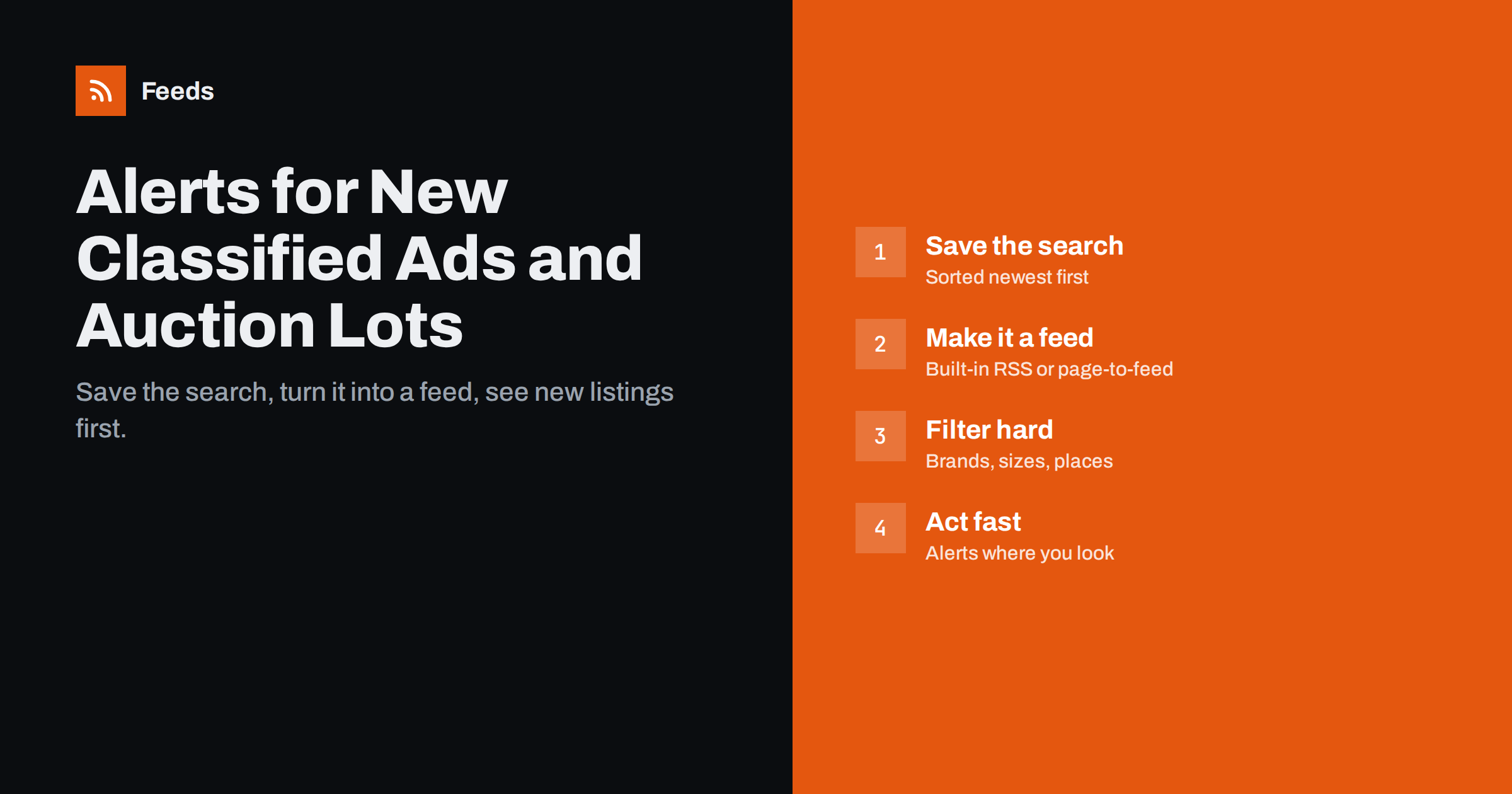
Short answer: To get alerts for new classified ads or auction lots, run the search you care about on the site, sort it by newest first, and follow that results page as an RSS feed. Use the site’s own RSS or saved-search alerts if it offers them; otherwise a page-to-feed tool can turn the results page into a feed. Add keyword filters for brands, models, sizes or places, route the feed to your phone, reader or team chat, and set a refresh interval that matches how quickly good listings disappear.
Why speed matters with listings
Classified ads and auctions reward whoever sees a listing first. A well-priced used camera, a vintage part, a piece of machinery or a surplus vehicle may be gone within hours. Checking sites manually several times a day is tedious and still misses listings that appear and sell between checks.
Alerts help many kinds of buyers:
- Collectors and hobbyists looking for rare items, parts or specific models.
- Resellers and refurbishers who buy used goods to repair and sell.
- Small businesses buying used equipment, tools, furniture or vehicles.
- Procurement teams and farms following equipment auctions and liquidation sales.
- Anyone searching for something specific, from a child’s bike to a particular car.
Property is a special case with its own portals and habits; our guide to RSS alerts for property and rental listings covers it separately.
Step 1: build the right search
Everything starts with a good search on the site itself. The feed can only be as precise as the results page it follows.
- Use the site’s filters: category, location or radius, price range, condition and any model or size fields.
- Sort by newest first. This is essential. A results page sorted by relevance or price will not show new listings at the top, and a feed built from it will miss them.
- Copy the results page address. On most sites, filters and sort order are stored in the URL, so the same address always shows the same search.
- Test it. Open the address in a private browser window. If it shows the same results, it will work as a feed source.
If filters disappear from the URL after you copy it, the site may store them in your session. Try applying filters in a different order or using the site’s “share search” option, if there is one.
Step 2: turn the search into a feed
| What the site offers | What to do | Notes |
|---|---|---|
| RSS link on search results | Subscribe to it directly | Some classifieds and auction platforms still offer this |
| Saved-search email alerts | Use them, or forward them to a reader that accepts email | Often delayed or batched once a day |
| Mobile app notifications | Use them for the one or two most important searches | Hard to filter or share with a team |
| Nothing | Create a feed from the results page | Works when each listing has its own link |
A page-to-feed tool reads the results page, detects the repeating list of listings and turns each listing into a feed item with a title, link, image and often the price in the text. Check the preview before you rely on it: every listing should be a separate item and the link should go to the individual listing, not back to the search. Our explainer on how page-to-feed tools find items on a page shows what happens behind the scenes.
Some modern marketplaces load results with JavaScript after the page opens, which can make feed creation harder. Our guide to feeds from JavaScript-heavy websites explains the options.
Step 3: auctions need a slightly different approach
Auction sites add a time dimension. Lots are listed in advance, bidding runs for a set period, and what matters may be new lots, lots ending soon, or new auctions from a particular seller.
- For new lots, follow the category or search page sorted by “newly listed”, as with classifieds.
- For new auctions, follow the auction calendar or the page listing upcoming sales. Each new sale becomes an item.
- For specific auctioneers, follow their “upcoming auctions” page. Government surplus agencies, liquidators and equipment auction houses often list sales this way.
- For lots ending soon, a feed is less useful, because the same lot does not become “new” again. Use the site’s watch list and reminders for bidding.
Auction catalogues are often published as documents or on separate catalogue pages. If a seller publishes catalogues as PDFs, our guide to alerts for new reports and PDFs applies.
Step 4: filter aggressively
A broad search in a busy category can produce hundreds of listings a day. Filters turn that into a handful worth looking at.
- Include words: brand and model names, sizes, part numbers or specific features.
- Exclude words: “broken”, “for parts”, “wanted”, “swap” or “replica”, depending on what you are after.
- Location words: town or region names if the site’s radius filter is too wide.
- Merge similar searches: combine the same search across several sites into one feed, with duplicates removed when sellers post the same item in several places.
Test filters over a week, and look at what they excluded as well as what they kept. Sellers misspell brand names and model numbers all the time, so include common variants. Our guide to keyword alerts with RSS filters has more examples.
Step 5: deliver alerts where you will act
An alert is only useful if you see it in time. Match the delivery to how urgent the search is:
- Phone notifications for rare, high-value searches where minutes matter.
- A team chat channel when several people in a business buy equipment or stock.
- An RSS reader for steady searches you check a few times a day.
- A daily email digest for slow categories, such as specialist auctions announced weeks ahead.
Refresh timing matters too. A feed that updates every few hours is fine for auctions announced days in advance, but too slow for popular classified categories. Our guide to RSS refresh intervals explains how feed updates and reader checks add up.
Examples of searches worth automating
Not every search deserves an alert. The best candidates are specific, recurring and competitive. A few examples show the pattern:
- A camera shop follows used lenses of two brands within 100 km, excluding “for parts”, and sends matches to the buyer’s phone.
- A small construction firm follows equipment auctions from three regional auctioneers and receives a weekly digest of newly announced sales with excavators or trailers.
- A furniture restorer follows vintage furniture categories on two classifieds sites, merged into one feed with duplicates removed.
- A parent follows children’s bikes in a specific size in the local area, with a daily summary.
- A school or nonprofit follows government surplus sales for computers and furniture.
Each of these has a clear decision behind it: if a matching listing appears, someone will act. Searches without that decision tend to become noise and are better checked by hand occasionally.
Stay safe and respectful
Alerts get you to listings faster; they do not make them safer. The usual classified-ad precautions apply: be wary of prices far below market value, sellers who push you to pay outside the platform, and requests for deposits before viewing. Speed should not override common sense.
Also respect the sites you follow. Reading a public results page on a reasonable schedule is similar to a person checking it; hammering a site every minute or copying listings to republish them elsewhere is not. Check the site’s terms, and read our overview of the legal side of feeds from other websites.
How Feeds can help
Feeds creates RSS feeds from web pages that have none, including search results pages from classifieds and auction sites, as long as each listing has its own link. It shows a preview of the listings it found before anything is created, can merge the same search across several sites into one feed, keeps only items with or without your keywords, and removes duplicates. Paid plans refresh more often, which helps in fast-moving categories, and send an alert if a page changes its layout and the feed stops finding listings. See the pricing page for limits.
Related reading
- How to Create an RSS Feed for a Website Without RSS
- How to Track New Products on Competitor Online Stores
- How to Monitor Public Tenders and Procurement Notices with RSS
The bottom line
The fastest way to catch new classified ads and auction lots is to follow a precise, newest-first search as a feed. Use built-in RSS or alerts where they exist, turn results pages into feeds where they do not, filter hard by brand, model and place, and deliver alerts where you will act on them. Keep the refresh interval sensible, respect the sites you follow, and stay alert to scams.
DUK
Can I get RSS alerts for a classifieds search?
Yes. Some sites offer RSS for search results. If not, a page-to-feed tool can turn a results page sorted by newest first into a feed, as long as each listing has its own link.
Why does my listings feed miss new ads?
The results page is probably not sorted by newest first, or the feed refreshes too rarely for a busy category. Fix the sort order in the search URL and shorten the refresh interval.
How do I follow new auctions from one auctioneer?
Follow the auctioneer’s upcoming auctions or calendar page as a feed. Each newly announced sale then appears as a new item.
Can I combine searches from several classifieds sites?
Yes. Create a feed for the same search on each site, then merge them into one feed with duplicates removed and the same keyword filters applied.
Is it allowed to monitor classifieds sites with feeds?
Following public search results on a reasonable schedule for your own use is similar to checking the page yourself. Copying listings to republish them is different, so always check the site’s terms.


