ENEnglish
 LTLietuviškai
 DEDeutsch
 FRFrançais
 RUРусский
 ESEspañol
 PLPolski
 ITItaliano
 UKУкраїнська
 CSČeština
 PTPortuguês
 JA日本語
 LVLatviešu valoda
 ETEesti
 HUMagyar
 IDBahasa Indonesia
 TRTürkçe
 HIहिन्दी
 ELΕλληνικά
 ARالعربية
 THไทย
 VITiếng Việt
 RORomână
 MSBahasa Melayu
 BNবাংলা
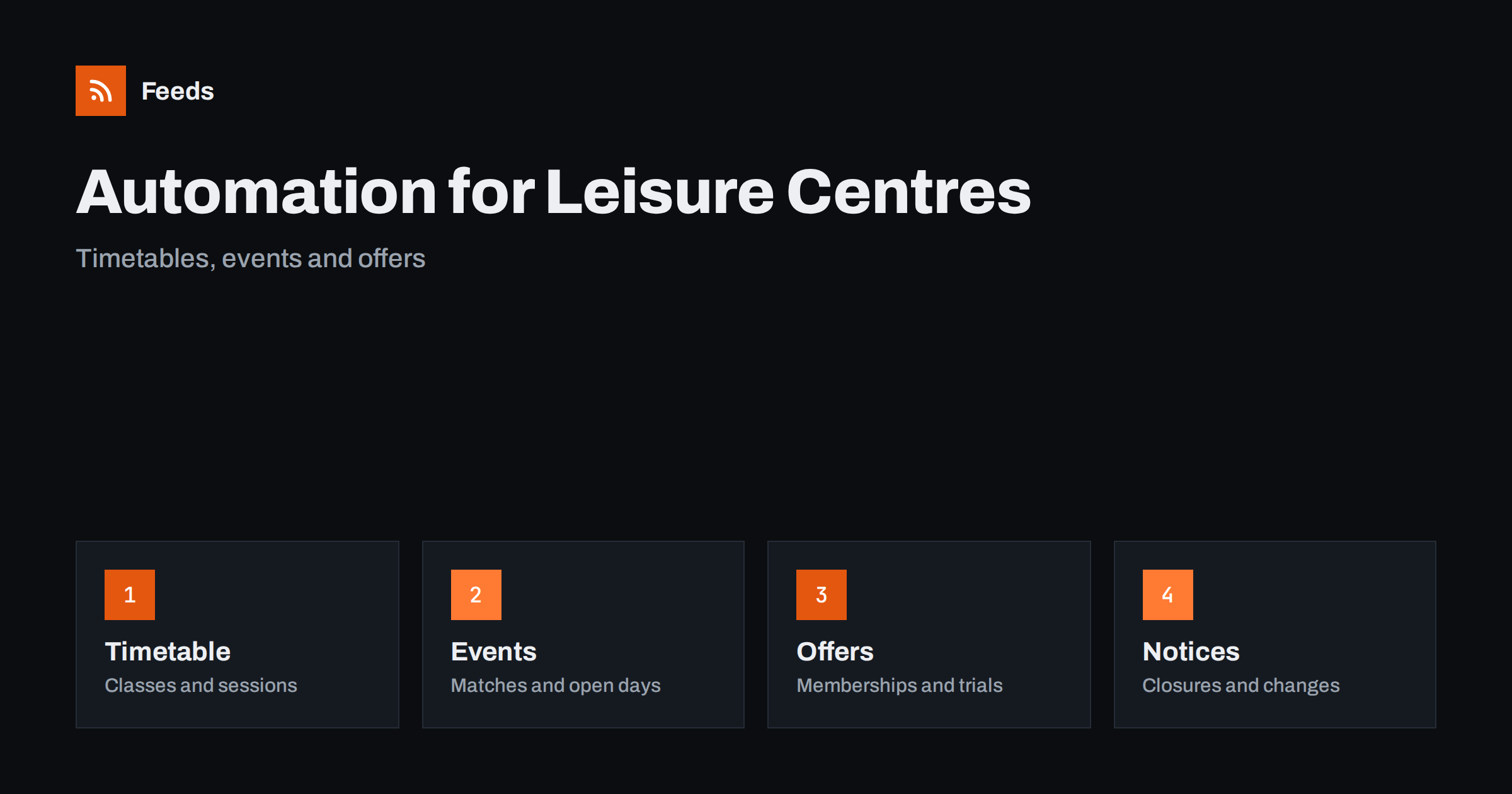
Short answer: Leisure centres, pools and sports venues publish the same things again and again: timetables, class changes, holiday programmes, events, memberships and offers. Most of this can be prepared and scheduled, and local news and event pages can be collected with RSS. Keep closures, safety notices and anything that changes today in the hands of staff, because members plan their day around what you post.
What a leisure venue needs to publish
Members and visitors ask practical questions: when is the pool open, which classes are on today, is the court free, how do I book and what does it cost? Parents want holiday programmes, clubs want facility hire, and new visitors want to know what a first visit is like. The audience is wide, and most of it needs short, accurate information at the right time.
The team is busy with the floor, the reception and maintenance, and posting is often left to whoever has a spare minute. A plan with scheduled content for the routine, and manual posts for changes, works best. If the idea is new, what is content automation explains the basics in plain words.
Accessibility deserves a post of its own. Describe the step-free access, the changing facilities, the quiet sessions and the support for people with disabilities, and repeat it from time to time. People who need this information often search for it, and a clear page and short posts show that the venue welcomes everyone. Update the information whenever the building or the staff change.
Timetables, classes and sessions
The timetable is the core content. Publish it in one place on your website, and use posts to point to it: the weekly summary, a reminder of the popular classes and a note about new sessions. Keep the text short and use the same format each week, so that regular members learn where to look.
Changes need care. A cancelled class, a substitute instructor, a pool closed for cleaning or a court booked for a tournament must be announced at once, by a person, and the website must change at the same moment. Keep a pause switch for the queue, as described in pause automated posting: a crisis plan, and check the week’s posts every Monday against the timetable.
Think about the times at which people read. Early morning, lunchtime and early evening are the moments when members plan their sessions, and a short post just before them is more useful than one at midday.
Holiday programmes, lessons and courses
School holidays, swimming lessons and courses fill places months ahead. Prepare a post for each programme with the dates, the age range, the price and the booking link, and publish it when booking opens, a month before and a week before. Update the post when places run out, and offer a waiting list.
Describe what children will do and who looks after them, and link to the safeguarding and refund policies. Parents compare many options and trust clear information. A feed of the school calendars and the local council’s pages can help you to plan the programme around term dates. School announcements with RSS shows how to follow them.
Events, matches and facility hire
Venues host matches, tournaments, open days, charity runs and community events, and each needs a few posts: the announcement, a reminder and a summary with photos. Put the details on a page on your website, and link to it in every post. For matches, publish the fixtures, the kick-off times and any changes to parking and access.
Hire is a steady source of income, and a short post with the facilities, the capacity, the prices and the contact does more than a general offer. Share the stories of groups who use the venue, with permission. Sports club news and fixtures with RSS and content automation for youth sports clubs describe the clubs’ side of the same events.
Think about staff and instructors as part of the content. A short introduction of a new instructor, a tip from a coach or a photo of the team makes the venue feel personal, and members remember the people more than the building. Ask staff for permission and for a few lines in their own words, and prepare these posts in advance so that they appear in quiet weeks.
Memberships, trials and offers
Memberships and trial passes are the most commercial content. Publish the offer with the price, the conditions and the end date, and make sure that the website shows the same details. Avoid vague words such as unlimited if the offer has limits, and state the cancellation terms clearly. Offers that finish should be removed at once, so that nobody turns up for a price that no longer exists.
Seasonal timing matters. The new year, the end of summer and the weeks before a holiday are the peaks, and a calendar of offers prepared in advance saves time. Use short tags on links, as described in UTM tags for automated posts, so that you can see which offer brought sign-ups.
Respect the privacy of members. Do not post photos of people without consent, and keep personal information out of public replies.
Weather and seasons change the plan. An outdoor pitch closes in heavy rain, a pool is busier in summer and a gym is full in January, and each calls for different messages. Keep a few ready posts for each situation, such as a pitch inspection notice or a quiet-hours reminder, and choose the right one on the morning. Having them ready removes the pressure to write quickly.
Health, safety and community
A venue is a place where safety matters: water quality, equipment checks, weather, first aid and behaviour rules. Share the standing rules in short posts and link to the full policy, but write any live notice yourself. An outbreak, an incident or an emergency closure must never wait in a queue.
Community content builds loyalty: member stories, staff introductions, local clubs and progress of new facilities. Reply to comments yourself with a short, friendly answer, and do not automate replies about complaints or health. Reviews matter for a venue, so thank people who write kindly and answer problems calmly.
Local partnerships are worth mentioning in posts. Schools that use the pool, clubs that train on the pitches and charities that hold events at the venue all share your posts when they are tagged, and a short thank-you after an event strengthens the relationship. Keep a list of partners and let the queue remind the team when a mention is due.
What should stay human
Closures, accidents, water or air quality notices, weather warnings, staff changes and apologies should always come from a person. A cheerful scheduled post next to a serious notice looks careless. Keep an approval step in front of the queue, as described in full auto vs approval queue, and check the queue each morning.
Prepare drafts for common events, such as a pool closed for maintenance, a power cut or bad weather on an outdoor pitch, so that staff only change the details. For wider guidance, brand safety for automated posting offers a checklist.
Finally, keep a short log. Note which posts brought bookings, which offers were popular and which weeks were quiet, and review it every month. Compare it with the timetable and the weather, because outdoor venues depend on both. A simple sheet is enough, and last year’s calendar is the best guide for planning the next one.
How RSS Feed Creator helps
RSS Feed Creator turns the news, notice and calendar pages of local councils, schools, clubs and event organizers into clean RSS feeds, even when the site has no feed of its own. It reads titles, images, summaries and dates, uses an existing feed when there is one, and shows a preview of the items before the feed is created. You can merge several sources into one feed (up to 10 sources), keep only the items that contain your keywords and have duplicates removed automatically, which suits a feed of local events and news worth sharing with members. Feeds refresh every 3 hours on the free plan and every 30 minutes on paid plans. The free plan allows up to 20 items per feed, and the details are on the pricing page.
Related reading
- Content Automation for Gyms, Fitness Studios and Coaches
- Content Automation for Youth Sports Clubs and Associations
- How to Promote Upcoming Events Automatically from a Calendar
The bottom line
Leisure centres and sports venues can automate the steady parts of communication: timetables, programme reminders, event announcements, memberships and local news. Keep closures, safety notices and daily changes in the hands of staff, check dates and prices before posts go out and keep an approval step in front of the queue. Good automation leaves more time for the people who use the venue.
DUK
Which posts are safe to schedule in advance?
Timetable reminders, programme and event announcements, membership offers and community stories, as long as dates and prices are checked before release.
What should never be automated?
Closures, incidents, safety and water quality notices, weather warnings and apologies. Staff should write and publish these at once.
How often should a venue post?
A few posts a week cover most needs: the timetable, a programme or event and a community or offer post. Add more around holidays.
How do I find local events to share?
Follow the news and calendar pages of the council, schools and clubs. A feed brings new dates to you instead of you checking each site.
How do I avoid out-of-date offers?
Put an end date on every offer, remove the post when it ends and check the queue every Monday.