ENEnglish
 LTLietuviškai
 DEDeutsch
 FRFrançais
 RUРусский
 ESEspañol
 PLPolski
 ITItaliano
 UKУкраїнська
 CSČeština
 PTPortuguês
 JA日本語
JA日本語 LVLatviešu valoda
 ETEesti
 HUMagyar
 IDBahasa Indonesia
 TRTürkçe
 HIहिन्दी
 ELΕλληνικά
 ARالعربية
 THไทย
THไทย VITiếng Việt
 RORomână
 MSBahasa Melayu
 BNবাংলা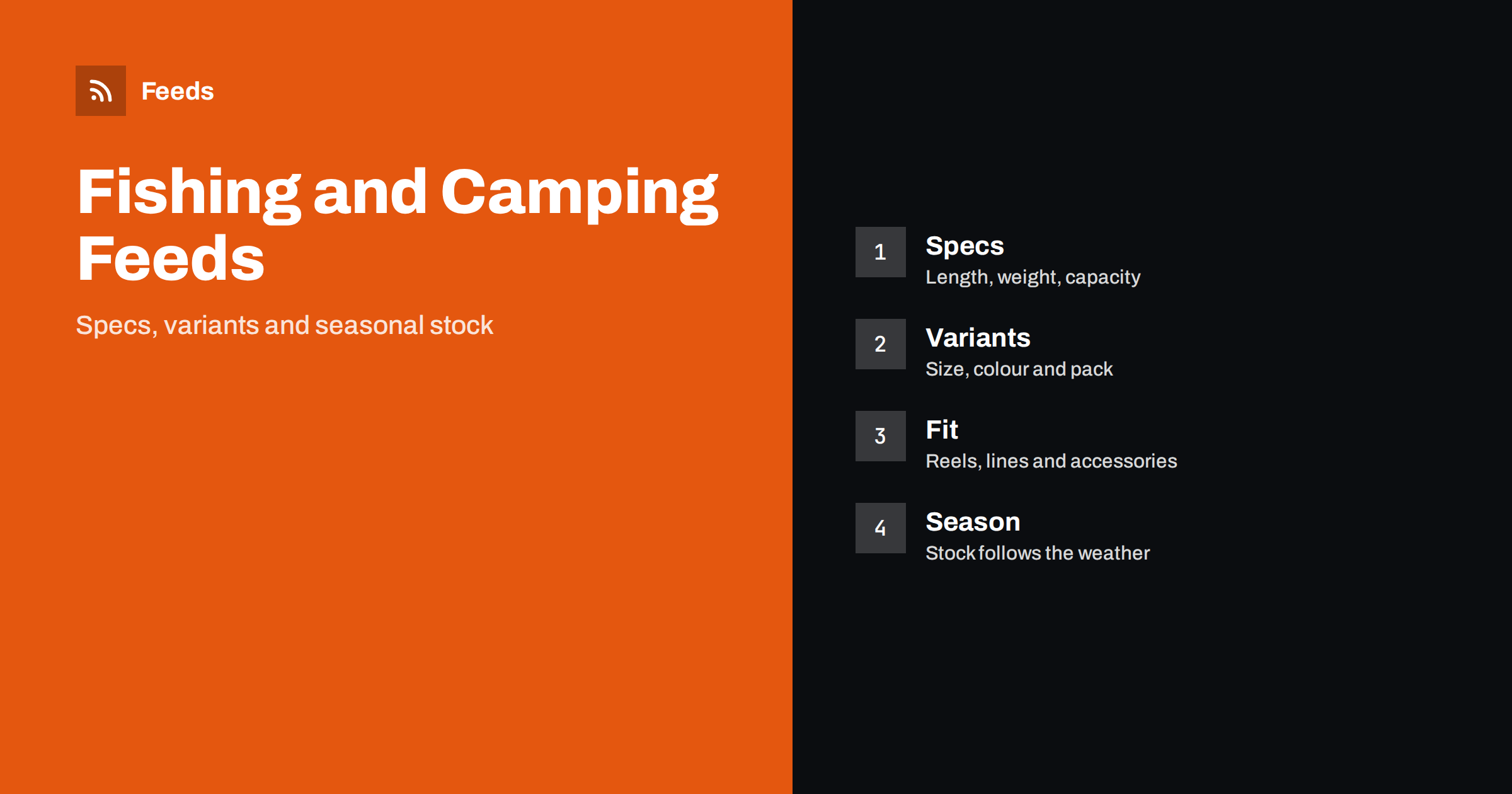
Short answer: Fishing and camping gear is bought by people who care about specifications: the length and action of a rod, the line weight a reel takes, the number of people a tent sleeps, the temperature rating of a sleeping bag. A good product feed puts those facts into titles and attributes in a consistent order, separates variants properly, labels bundles clearly and keeps stock honest through a seasonal business. The feed does not make a product better, but it decides whether the right buyer sees it and whether the page they land on matches what they expected.
Why this category needs careful feeds
Outdoor customers search with details. Nobody types just “rod”; they type “travel spinning rod 2.4 m” or “four-person tent with porch”. Products also come in many sizes, lengths and colours, and a wrong choice is expensive to return because gear is bulky and often used outdoors before a problem shows. If the feed hides the key specification in a long description, the shopper who searches for it may never see your product, and the one who does may buy the wrong size.
The category is also seasonal. Demand for tents, stoves and sleeping bags rises before the camping season and falls sharply after it. Fishing has its own rhythm: spring for freshwater and coarse fishing, summer for sea trips, autumn for predator and game species. A feed that ignores stock and season advertises products you cannot ship. The general structure of a feed is explained in what a product feed is, and the required fields in Google product feed attributes.
Titles that put the buyer’s words first
A useful title follows a fixed pattern, so that every product in a group reads the same way. For a rod it might be brand, model, type, length and power. For a tent it might be brand, model, number of people and season rating. For a headlamp, brand, model and lumen output. The pattern should reflect what customers actually search for, not the order in your supplier’s spreadsheet.
Do not stuff titles with keywords or promotional text such as “best price” or “free shipping”; platforms may reject them and shoppers ignore them. Keep the exact model name, because experienced anglers and campers search by model. If your store platform produces titles you cannot change, a feed rule that rebuilds titles from attributes keeps them consistent; the approach is described in product feed title optimization.
Specifications that belong in attributes
Gather the facts that shoppers compare and make sure they exist as structured data in your store, not only as text in a description. For fishing gear that usually means length, number of sections, power or action, line or lure weight range, gear ratio and line capacity for reels, material and weight. For camping gear it means capacity in people or litres, packed size, weight, fabric and waterproof rating, temperature rating and fuel type where relevant.
Use the same units across the catalogue and state them clearly. Mixing metres with feet, or grams with ounces, in the same feed confuses both people and systems. If you sell in several countries, the unit that suits each market may differ, and multi-country product feeds explains how to handle language and currency. Be careful with claims such as “waterproof” or “four-season”; copy the manufacturer’s rating and test conditions, not a stronger statement.
Variants: size, length, colour and pack
Many items come in several versions: a rod in different lengths, a jacket in sizes, a lure in colours and weights, a gas cartridge in multiple pack sizes. Each version should be its own item with its own identifier, and they should be linked as a group with a shared group identifier so that the platform understands they are variants of one product. The mechanism is described in how item_group_id works.
Make sure each variant has the correct price, availability, image and link. A common mistake is to use one photo for every colour or to send every shopper to the same product page with the default option selected. If a shopper clicks an ad for a 3.0 m rod and lands on a page showing 2.1 m, they leave. Check that the link opens the right variant, or at least that the chosen option is clear on the page.
Compatibility and accessories
Reels need the right line, spools need the right reel, tent poles and pegs are made for specific tents, and gas stoves use particular connectors. Spare parts and accessories are bought with a specific model in mind. Put the compatible models in the title or in a clearly labelled attribute and in the product page, and avoid vague words such as “universal” unless you can describe exactly what fits.
Where possible, give accessories their own identifiers instead of hiding them in a parent product. It lets a shopper find “replacement spool for model X” directly. The same principle is covered for car parts in auto parts product feeds and for sports equipment in product feeds for sports and outdoor stores.
Bundles, kits and multipacks
Outdoor shops love bundles: a starter fishing kit, a rod and reel combo, a camping cooking set, a pack of twelve lures. Treat each bundle as its own product with its own identifier, a clear title that says what is inside and a price that matches the checkout. Do not reuse the identifier of a single item for a pack, and do not list a bundle at the price of one component. The rules of thumb are in bundles and multipacks in product feeds.
Describe what the buyer actually gets. “Beginner kit” is not enough if the line, hooks and case are not included; list the main parts. Returns often come from misunderstanding what was in the box, not from a defect, and a precise title and description prevent most of them.
Stock, season and honest availability
Seasonal categories punish careless availability. If a popular tent or a line size sells out in a week, the feed must show that quickly, otherwise you pay for clicks that cannot convert and risk disapprovals for mismatched availability. Decide whether sold-out products should disappear from the feed, be marked as out of stock or be shown as preorder. The trade-offs are covered in out-of-stock products in your feed and preorder and backorder products.
Plan the year. Before the season, check that new arrivals have full data, images and prices. During the season, refresh more often. After the season, reduce clearance items to a small group, and use custom labels to separate them, as explained in custom labels in product feeds. Do not describe an item as new if it is last year’s model, and keep sale prices tied to real dates.
Images, safety and restricted items
Show the product on a clean background, from the front, with its real colour, and add images of the packaged contents for kits. Avoid text overlays, watermarks and promotional badges, which are common causes of image problems; see product feed image requirements for Google and Meta. Lifestyle photos are useful on the product page but should not be the main feed image.
Some items in this category have special rules, for example knives, certain traps, fuel and gas products or items that need age checks or are restricted in some countries. Platform policies change and differ by region, so read the current advertising policies before you include such products, and exclude anything you are not allowed to promote. The methods are described in which products to exclude from your feed. When in doubt, ask the platform’s support rather than guess.
How RSS Feed Creator helps
RSS Feed Creator builds Google Merchant Center and Meta catalog XML straight from your store. WooCommerce and Shopify are read automatically, and any other store can use a CSV link. You can skip out-of-stock products, rewrite titles with rules so that the product type, length, capacity or rating appear in the same order every time, and adjust prices. The currency is detected automatically. Before you submit anything, check the preview and the Merchant Center diagnostics to confirm that variants, bundles and seasonal stock arrive as you expect. The free plan includes product feeds with up to 50 products, and the Store plan covers one store with 3 product feeds and up to 2,000 products. The details are on the pricing page.
Related reading
- Product Feed Checklist: 25 Checks Before You Submit
- Product Feeds for Shoe Stores: Sizes, Widths and Systems
- Product Feed Health Metrics: What to Monitor Every Week
The bottom line
A fishing or camping feed works when the facts that outdoor buyers compare are structured, titles follow one pattern, variants and bundles are separate and clear, and stock tells the truth in every season. Build those basics once, check them before each season and keep restricted items out, and the feed becomes a quiet, reliable sales channel.
DUK
What should a fishing rod title contain?
Brand, exact model, type, length and power or action, in the same order for every rod. Use the words customers search for and avoid promotional text.
How should I list a rod that comes in several lengths?
Create one item per length with its own identifier, price, stock and link, and connect them with a shared group identifier. Make sure the link opens the correct length.
Can I include knives, gas or other restricted items?
Possibly, but platform rules differ by product and country and change over time. Read the current policies first and exclude anything you may not advertise.
How do I handle seasonal stock?
Refresh the feed more often in season, remove or mark sold-out items quickly, check new arrivals for full data before the season starts and separate clearance products with custom labels.
Should a bundle have its own identifier?
Yes. A kit or multipack is a different product from a single item, so it needs its own identifier, a title that says what is inside and a price that matches the checkout.