ENEnglish
 LTLietuviškai
 DEDeutsch
 FRFrançais
 RUРусский
 ESEspañol
 PLPolski
 ITItaliano
 UKУкраїнська
 CSČeština
 PTPortuguês
 JA日本語
JA日本語 LVLatviešu valoda
 ETEesti
 HUMagyar
 IDBahasa Indonesia
 TRTürkçe
 HIहिन्दी
 ELΕλληνικά
 ARالعربية
 THไทย
THไทย VITiếng Việt
 RORomână
 MSBahasa Melayu
 BNবাংলা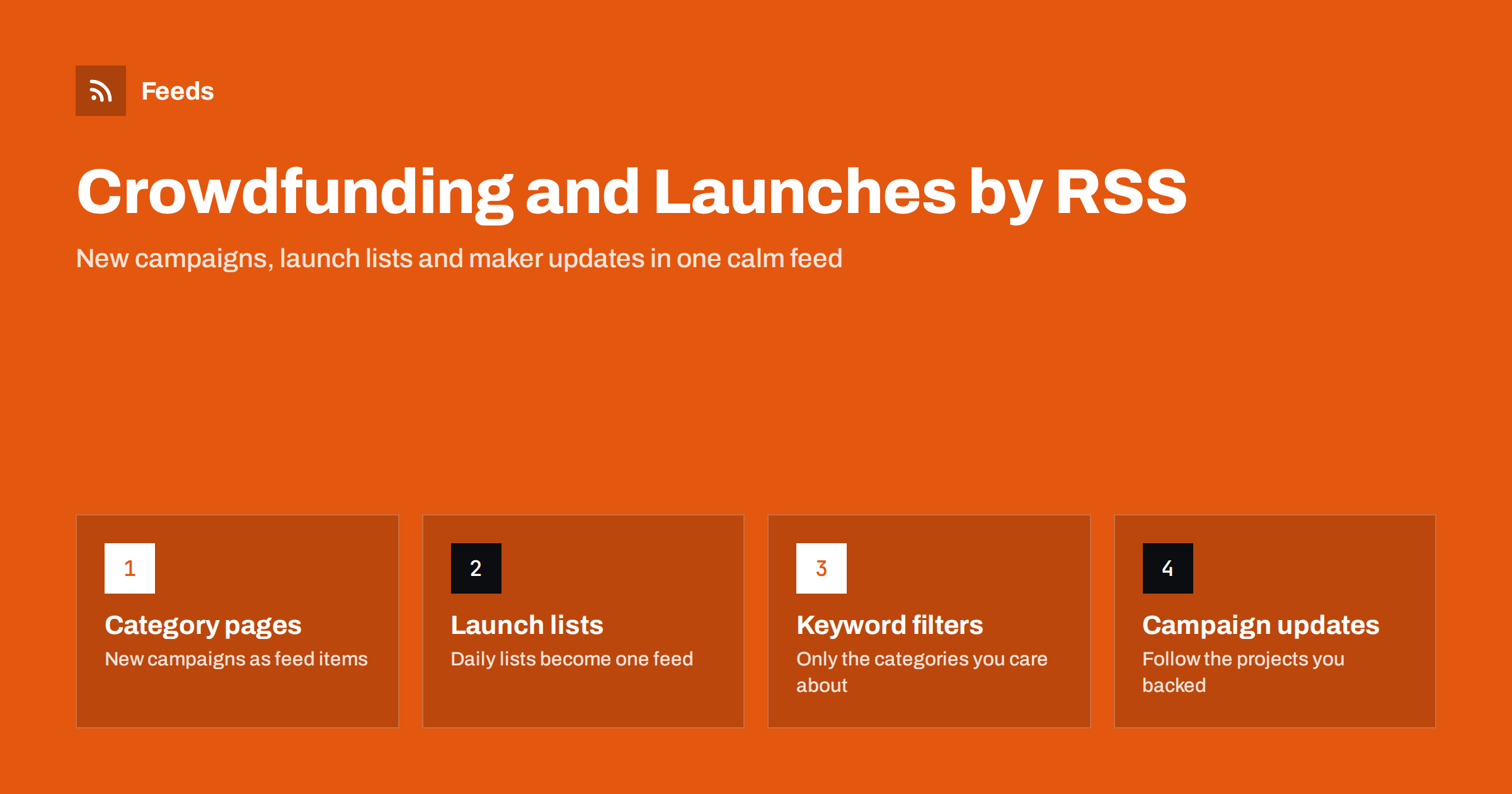
Short answer: Crowdfunding sites and launch platforms show new campaigns on category and “newest” pages, and makers post updates on their own sites and campaign pages. Few of these pages offer RSS, but each of them can be turned into a feed, filtered by keyword and merged into one stream. The result is a daily list of new projects in the categories you care about, plus updates from the campaigns you backed, without visiting a dozen sites or relying on an algorithm to decide what you see.
Who needs this
Several very different people want the same thing: to know about new product launches early. Backers who collect board games, mechanical keyboards or camera accessories want to see a campaign on day one, when early-bird tiers are still open. Product managers and buyers watch launch platforms to see what competitors and new entrants are doing. Journalists and newsletter writers who cover gadgets or games need a steady supply of new projects. Makers themselves want to follow similar campaigns to learn what works. And people who have backed a project want its updates without digging through e-mail.
All of them currently do the same thing: open the site, scroll the newest page, forget to come back for a week. A feed replaces that habit with a list that fills itself. If you have followed book or game releases with feeds before, the same approach is described in how to track new releases with RSS; this guide applies it to campaigns and launches.
Which pages to turn into feeds
Launch sites are organised around lists, and lists are what page-to-feed tools read best. The useful pages are:
- Category “newest” pages. A list of the latest campaigns in tabletop games, design, technology or whatever you follow. Sorted by launch date, these give one item per new campaign.
- Search result pages. A saved search for a keyword, sorted by newest, gives a narrower list, for example every new campaign mentioning “e-ink”.
- Daily launch lists. Launch platforms publish a page of today’s products. Each product becomes an item, and the page changes every day.
- Creator pages. The page listing all campaigns by one creator, useful for a company you want to follow across projects.
- Campaign update pages. The updates tab of a project you backed, which many platforms show publicly.
- Maker websites. Most makers have a news page or a blog that announces the campaign before launch; these often have a feed already.
Some platforms do provide a feed for a few of these, and where a feed exists it is always the better choice. Where none exists, the page itself is the source; how to create an RSS feed for a website without RSS walks through the process.
What a campaign item should contain
A good campaign feed item has the project title, the one-line pitch, the main image and the link, and ideally the launch date. Funding progress and the deadline change constantly and are better left out; a feed item that updates its text every hour makes readers show the same project again and again. If the page shows a “funded” or “ending soon” badge in the title, filter it out or accept that some items will repeat. Preview the feed before you rely on it and check that the title and link belong to the campaign, not to the creator profile or a category heading. The way these tools pick out items from a page is explained in how page-to-feed tools find the articles on a page.
Filtering down to what you want
A technology category on a large crowdfunding site can produce dozens of new campaigns a day, most of them irrelevant. Keyword filters are what make the feed usable. Include words for the products you care about (“keyboard”, “keycap”, “switch”) and exclude words for the ones you do not (“course”, “ebook”, “merch”). Filter on the title and the summary together, because the title is often a brand name that says nothing. The mechanics are in keyword alerts with RSS feed filters, and the discipline of tuning filters so they stay useful is in how to reduce noise in RSS alerts.
Review the filters after the first week. A word that seemed specific often turns out to match a whole class of unrelated campaigns, and a word you forgot to include explains why a project you heard about elsewhere never appeared in the feed.
For launch platforms, where every product is already short and well described, filter less and read more. The volume is lower, and a daily list of twenty products scanned in two minutes is the point.
Merging platforms into one stream
Most people follow more than one site: a couple of crowdfunding platforms, a launch platform, a few maker blogs. Merge the feeds into one stream sorted by date, with duplicates removed, so that a campaign announced on the maker’s blog and then launched on the platform appears once rather than twice. Keep campaign updates from projects you backed in a separate merged feed, because they have a different purpose: those you read for shipping news, not discovery.
Timing: why refresh interval matters here
Early-bird tiers on popular campaigns can sell out within hours, and a launch platform’s daily ranking is decided on the first day. A feed that updates every few hours is fine for discovery; a feed that updates daily will miss the early window. For the handful of creators whose campaigns you want on launch minute, follow their own announcement page or newsletter feed rather than the platform category page, and give that feed a shorter interval. How intervals work, and why a feed cannot update faster than its source, is explained in how often RSS feeds update.
Where the items go
For personal use, an RSS reader with a folder per platform is enough. For a team, send the merged, filtered feed to a chat channel so that a buyer, a product manager and a marketer all see the same new campaigns and can react in the thread. For a newsletter, the merged feed becomes the raw material for a weekly “new launches” section, selected by hand from the feed rather than researched from scratch. Journalists often route the feed into a reading app and star the projects worth a call.
Limits and good manners
Some launch and crowdfunding pages render their lists with scripts and show nothing to a tool that reads plain HTML, so check the preview before assuming a page will work; the reasons are explained in can you create an RSS feed from a JavaScript-heavy website. Pages behind a login, including backer-only updates, are not available to a feed tool and should not be scraped. Respect each platform’s terms of use, keep refresh intervals reasonable, and use the feed for reading and alerts rather than for republishing campaign descriptions, which belong to their creators.
How RSS Feed Creator helps
RSS Feed Creator turns a category page, a search results page or a daily launch list into a standard RSS feed with titles, images, summaries and dates, and it uses the site’s existing feed when the page already has one. It reads pages from the outside, so you do not need an account on the source site, and you see a preview of the items before the feed is created. You can merge several sources into one feed (up to 10 on paid plans), keep only the items that contain your keywords and have duplicates removed automatically. Feeds refresh every 3 hours on the free plan and every 30 minutes on paid plans, and paid plans send an alert when a page changes and a feed stops finding items. The free plan allows up to 20 items per feed, and the details are on the pricing page.
Related reading
- How to Track New Products on Competitor Online Stores
- How to Follow Deals and Price Drops with RSS Alerts
- How to Monitor Websites for New Content Automatically
The bottom line
New campaigns and product launches live on list pages that rarely have feeds but are easy to turn into them. Make feeds from the category, search and daily launch pages you care about, filter them by keyword, merge them into one stream with duplicates removed, and keep backed-project updates in a separate feed. Check the preview for script-rendered pages, respect the platforms’ terms, and you will see new projects on day one without opening a single site.
DUK
Do crowdfunding sites have RSS feeds?
A few platforms provide feeds for some pages, but most category, search and launch list pages have none. Where a feed exists, use it; where it does not, a feed can be created from the public list page.
Which page gives the best feed of new campaigns?
A category page sorted by newest, or a search results page for a keyword sorted by newest. Both produce one item per new campaign. Daily launch list pages on launch platforms work the same way.
How do I avoid seeing the same campaign repeatedly?
Leave funding progress and countdown text out of the item, filter out badges such as “funded” that change the title, and merge sources with duplicate removal so a campaign announced on a blog and a platform appears once.
Can I follow updates from a project I backed by RSS?
If the platform shows the updates tab publicly, a feed can be made from it. Backer-only updates behind a login are not available to feed tools; for those, rely on the platform’s e-mail.
Why does my campaign feed show nothing?
Many launch pages build their lists with scripts, so a plain read of the page sees no items. Check the preview before relying on a page, and try the platform’s search page or the maker’s own site as an alternative source.