ENEnglish
 LTLietuviškai
 DEDeutsch
 FRFrançais
 RUРусский
 ESEspañol
 PLPolski
 ITItaliano
 UKУкраїнська
 CSČeština
 PTPortuguês
 JA日本語
 LVLatviešu valoda
 ETEesti
 HUMagyar
 IDBahasa Indonesia
 TRTürkçe
 HIहिन्दी
 ELΕλληνικά
 ARالعربية
 THไทย
 VITiếng Việt
 RORomână
 MSBahasa Melayu
 BNবাংলা
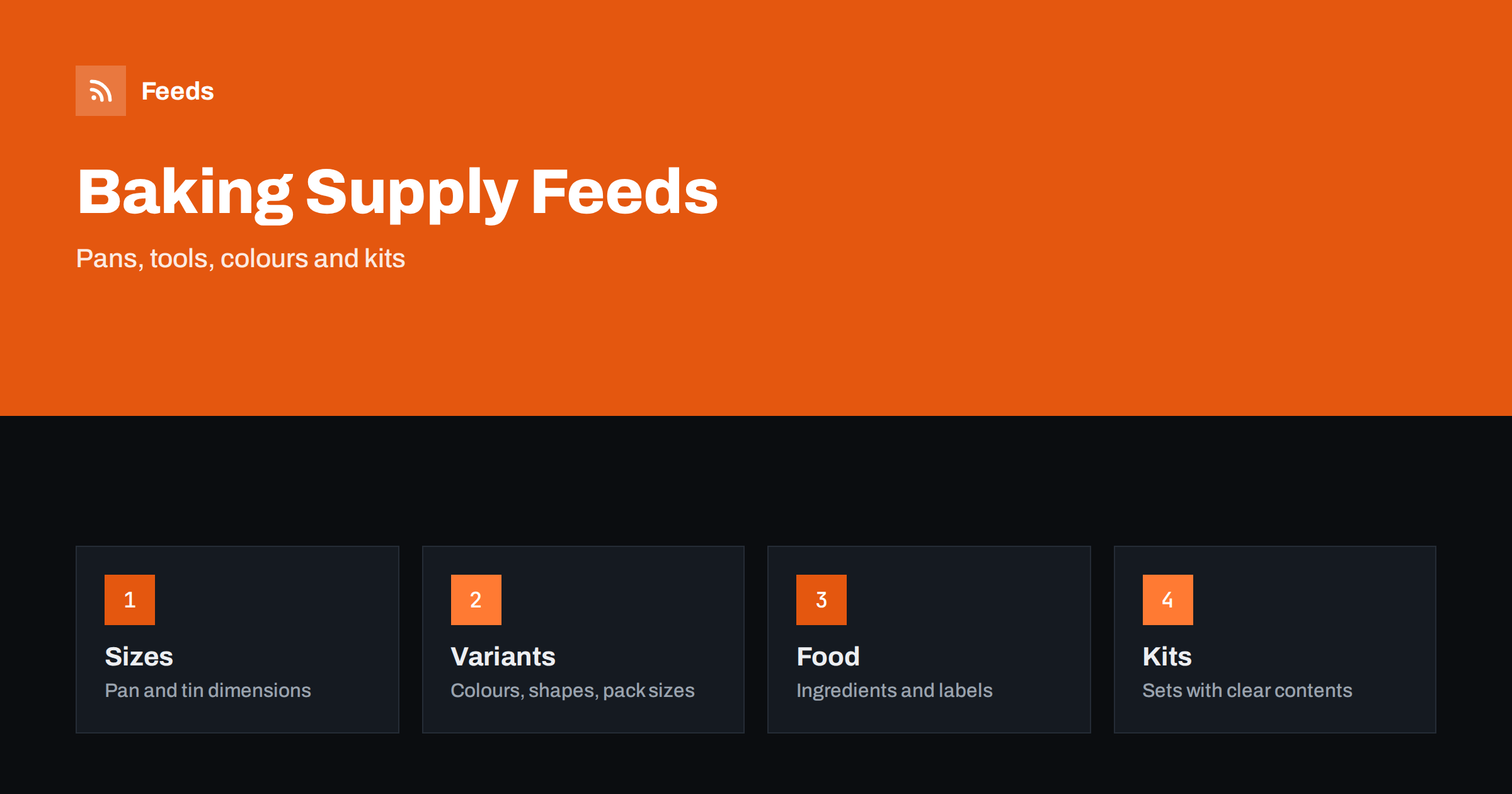
Short answer: Baking and cake decorating shops sell very different things: tins and moulds, tools, cutters, edible colours, sprinkles, ingredients, boxes and starter kits. A clean feed gives every product a title with brand, product type and the size or shape that defines it, uses variants for colours and pack sizes, keeps food and non-food items clearly apart, lists kits with their contents and shows ingredient and allergy information exactly as it appears on the label.
Why baking supplies need careful feeds
Bakers shop by size, shape and purpose. A round cake tin is bought by diameter and depth, a cutter by shape and set size, a colour by shade and type, and a piping nozzle by number and tip style. Customers compare quickly, and a feed that hides these details forces them to open every page. Many products also come in dozens of near-identical versions, which makes duplicates and mixed-up variants easy to create.
The category also mixes tools and food. Cake decorations, colours and ingredients are edible, and edible products come with rules about labelling and claims. If you are new to the idea, what a product feed is explains the basics, and this guide adds the details that matter for baking shops.
Titles that show type, size and shape
Start the title with the brand, then the product type, then the figure that defines it, then the material or colour. “Brand Round Cake Tin 20 cm Non-Stick” tells the shopper almost everything. For cutters, include the shape and the number in the set. For nozzles, include the number and the style. For colours, include the shade, the form such as gel, paste or powder and the amount.
Use the same order across the catalog so that similar products are easy to compare, and write units exactly as the maker does. A good title is also short enough to be read: the first 70 characters should carry the main idea. More formulas are in product feed title optimization, and the same thinking applies to nearby categories such as kitchen and cookware stores.
Variants for colours, shapes and pack sizes
Baking products multiply quickly. A tin may come in four sizes, a sprinkle mix in twenty colours and a box in three pack counts. Use one parent product with variants where the items are the same product in different sizes or colours, and give each variant its own identifier, price, image and stock level. Link them with a shared group ID, as explained in how item_group_id works.
Do not group products that are really different. A 15 cm and a 30 cm tin share a name but differ in what they are used for, and a set of six cutters is not the same product as a single cutter. If the difference changes what the customer receives, make it clear in the title, and keep one product per distinct item. Duplicates are a common problem in this category, and duplicate products in your feed: IDs, GTINs and cleanup shows how to find them.
Food, ingredients and allergy information
Edible products need special care. Show the product type clearly, for example food colouring, sprinkles, icing, flour mix or chocolate, and put the net weight in the title or the unit pricing field. Ingredients and allergy information should match the label on the pack, and you should not add health or dietary claims that the label does not support. If a product is vegan, gluten free or free from a certain allergen, say it only when the maker states it and when you can show how.
Rules about food labelling, colours and claims differ between countries, so check the requirements of the places where you sell. Keep the feed text neutral and factual and put the full information on the product page. When products are sold by weight, unit pricing in product feeds explains how to give measures and base units correctly.
Tools, tins and materials
For non-food products, the material and the finish matter: aluminium, silicone, stainless steel, non-stick coating, glass or plastic. Customers also ask whether a product is oven-safe, dishwasher-safe or suitable for freezing, and whether it can be used with food. State these facts exactly as the maker does and avoid claims you cannot support. Where a product comes with a care instruction, put it on the page.
Richer fields help here. product_highlight and product_detail show how to present key facts such as temperature limits, number of pieces and included accessories. Make sure the details in the feed and on the page match, because mismatches cause disapprovals and returns.
Kits, bundles and gift sets
Starter kits are popular: a set of piping nozzles with bags, a cupcake kit with cases and sprinkles or a gift box with tools for a beginner. Give each kit its own product with a title that says what is included, its own price and a photo of the real contents. Do not put the kit price on one of the parts, and do not show items in the picture that are not in the box.
If you sell a product both alone and in a kit, make the difference obvious. The details are in bundles and multipacks in product feeds. Keep the contents list identical on the page and in the feed, and update both whenever a component changes.
Seasons, occasions and stock
Baking demand follows the calendar: birthdays, weddings, holidays, school events and the baking show season. Prepare the feed for each peak, check stock levels and delivery times early and remove products that cannot be delivered in time. Products with limited stock should be marked correctly, and out-of-stock products in your feed: keep, mark or remove explains the options.
A plan for the busiest weeks is covered in preparing your product feed for Black Friday and peak season. Use seasonal custom labels to separate, for example, wedding products from everyday baking, as described in custom labels in product feeds, so that you can set different budgets without changing the feed structure.
Images, shipping and landing pages
Use clean photos on a plain background, with extra pictures that show the real size, a scale object or the finished result. Avoid text overlays and promotional badges. Fragile items such as moulds and glass need careful packing, and some ingredients are sensitive to heat, so check that the shipping settings reflect what you offer, as covered in shipping in product feeds.
The landing page must open the same product with the same price and availability, and the size, pack count and ingredient details must match the feed. Product landing pages: what feed links must lead to explains the rules. A short weekly check of disapproved items and prices keeps the feed healthy, and the product feed checklist gives a list to follow.
Think about the customer who is baking for the first time. Beginners search for a result, not a product: a birthday cake, a batch of cupcakes, a wedding cake topper. Use the product page and the description to explain which tools and sizes fit that goal, and link kits and single items to each other. The feed can then carry the exact specification, while the page carries the advice. This split keeps the feed clean and gives shoppers the help they need to choose with confidence.
Finally, keep an eye on competitors and marketplaces, since baking products are often sold in similar versions at many shops. Differentiate with accurate titles, complete specifications and clear photos instead of changing prices every day. Price rules in product feeds explains how to adjust prices in a controlled way when you need to, for example for a promotion or a margin change.
How RSS Feed Creator helps
RSS Feed Creator builds Google Merchant Center and Meta catalog XML straight from your store. WooCommerce and Shopify are read automatically, and any other store can use a CSV link. You can skip out-of-stock products, rewrite titles with rules so that brand, product type and size appear in the same order every time, and adjust prices. Before you submit anything, check the preview and the Merchant Center diagnostics to confirm that sizes, variants and stock arrive as you expect. The free plan includes product feeds with up to 50 products, and the Store plan covers one store with 3 product feeds and up to 2,000 products. The details are on the pricing page.
Related reading
- Product Feeds for Kitchen and Cookware Stores: A Guide
- Product Feeds for Craft and Hobby Supply Stores: A Guide
- Unit Pricing in Product Feeds: Measures and Base Units
The bottom line
Clean feeds for baking and cake decorating shops come from titles with type, size and shape, careful variants for colours and pack sizes, accurate food and allergy information, kits with clear contents and a landing page that matches the ad. Check the preview before you submit and fix what the diagnostics report. Clear details help bakers find the right tin, cutter or colour the first time.
BUJ
What should go first in a cake tin title?
Use the brand, the product type, the diameter or size and the material, in the same order across all tins.
How do I handle many colours of the same product?
Use one parent product with a variant for each colour, each with its own identifier, price, image and stock level.
Can I add allergy or diet claims myself?
Only when the label or the maker states them. Keep the wording identical to the label and put the full information on the page.
How do I list a starter kit?
Create a separate product with a title that says what is included, its own price and a photo of the real contents.
What if my store is not WooCommerce or Shopify?
Use a CSV file link. Check the preview and the diagnostics to confirm that sizes, variants and stock arrive correctly.