ENEnglish
 LTLietuviškai
 DEDeutsch
 FRFrançais
 RUРусский
 ESEspañol
 PLPolski
 ITItaliano
 UKУкраїнська
 CSČeština
 PTPortuguês
 JA日本語
 LVLatviešu valoda
 ETEesti
 HUMagyar
 IDBahasa Indonesia
 TRTürkçe
 HIहिन्दी
 ELΕλληνικά
 ARالعربية
 THไทย
 VITiếng Việt
 RORomână
 MSBahasa Melayu
 BNবাংলা
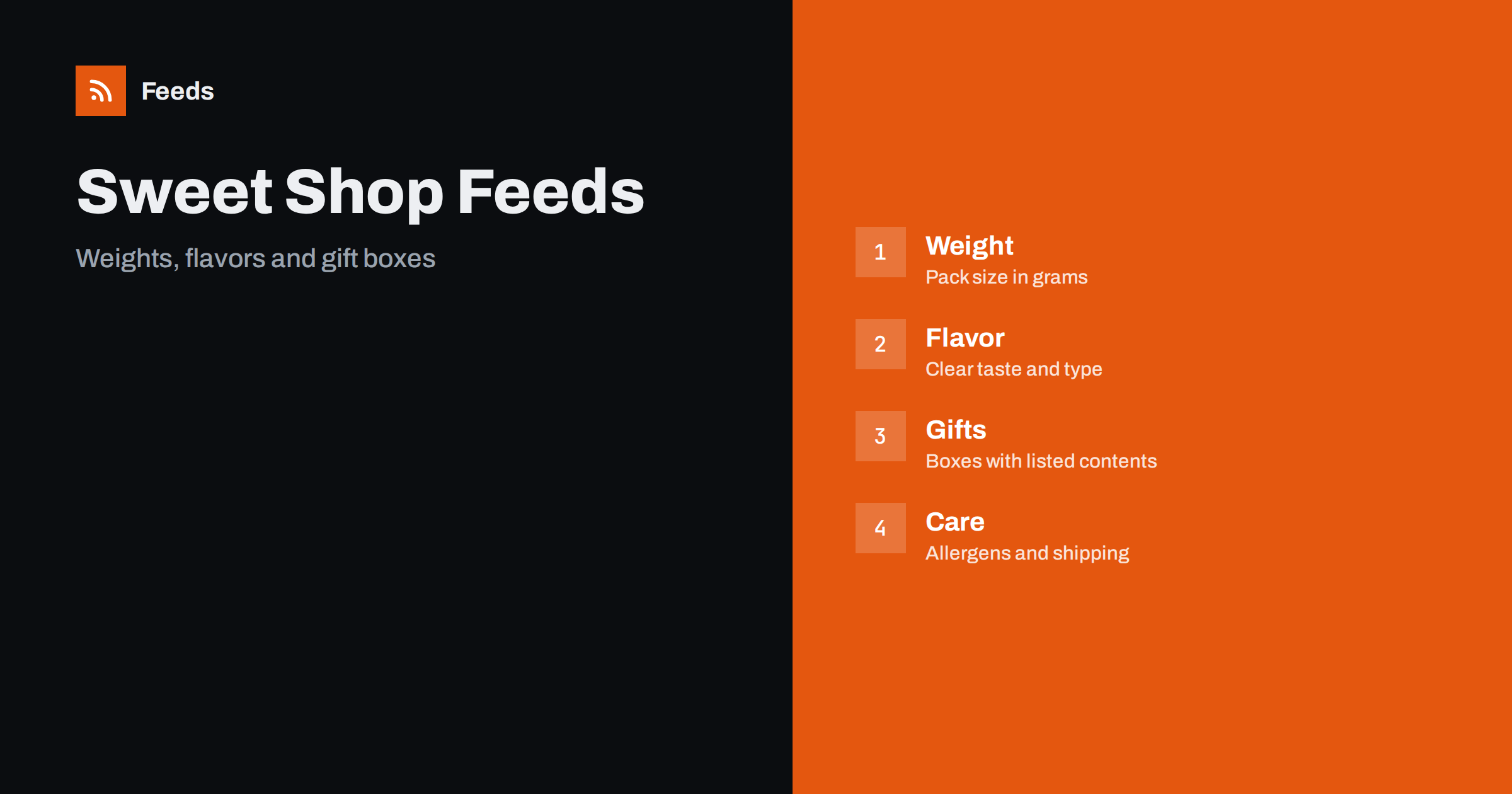
Short answer: Chocolate, confectionery and snacks sell on flavor, weight, brand and occasion, and shoppers compare many similar packs. A good feed puts the brand, product type, flavor and net weight in the title in a fixed order, gives every flavor and pack size its own variant, describes gift boxes with their real contents and keeps claims about ingredients, health and origin accurate. Handle shipping and storage carefully, because chocolate melts and snacks have dates.
Competition is strong because the same brands are sold by many shops, so the details of your feed are what set you apart: exact weights, clear flavors, honest photos and reliable delivery. Shoppers who buy sweets often buy again, and a good first experience with an accurate listing brings them back more than a small discount.
Why sweet shops need careful feeds
A single brand may offer dozens of flavors in several pack sizes, and the packs look similar in a small picture. A shopper who sees “milk chocolate bar” cannot tell whether it is 45 grams or 300 grams, whether it contains nuts or whether it is a single bar or a box of twelve. A clear title and accurate attributes help the right shopper click and avoid disappointment.
Food has extra rules and expectations. Shoppers care about ingredients and allergens, and platforms have policies for food and for some claims. If you are new to the topic, product feed explained gives a short introduction, and product feeds for grocery and food stores covers the wider food category.
Avoid special characters and symbols in titles, such as stars, hearts and exclamation marks. They look cheerful, but they clutter the result and are often rejected. If a product has a trademark name, write it the way the brand writes it, and keep the product description in the same language as the page. A tidy title is a quiet sign of a reliable shop.
Titles that include type, flavor and weight
Start with the brand and the product type, then add the flavor and the net weight: “Brand Dark Chocolate Bar Sea Salt Caramel 100 g”. Keep the same order for the whole catalogue, and use the same units everywhere. For multipacks, say the number of units and the weight of each: “12 x 40 g”. Avoid words such as “best”, “delicious” and “luxury”, because they do not help a shopper to choose and can be removed by the platform.
Write flavors and varieties in the words shoppers use, such as dark, milk, white, hazelnut, salted caramel or sour. Put the weight early, because it is the main way people compare value. Product feed title optimization explains how length and order affect results.
Weights, packs and unit prices
Weight and pack size drive price comparison. Give the net weight, not the gross weight with packaging, and state the number of pieces where it matters, such as 24 pralines. In some markets, a unit price (price per 100 grams or per kilogram) is required on the page, and shoppers compare on it even where it is optional. Unit pricing in product feeds explains how to supply it.
Multipacks and variety boxes should be separate products from single items. A box of mixed flavors is not the same as a single pack, and its title should show the contents. The rules are covered in bundles and multipacks in product feeds. A mismatch between the pack in the picture and the pack in the title causes returns.
Flavors, variants and item groups
Every flavor and every pack size is a separate variant with its own identifier, price, stock and image. Group them with one item group when they are variants of one product, and keep different products separate. Use the same names for flavors in the feed, on the page and on the label, so that a shopper does not meet “salted caramel” in the ad and “caramel and sea salt” in the cart.
The details are in product variants and item_group_id. A range with eight flavors and three pack sizes has twenty-four variants, which is a lot to maintain by hand and a good reason to use rules and automation.
Origin claims need proof as well. Words such as handmade, artisan, Belgian, Swiss or single origin have specific meanings for many shoppers and sometimes for regulators. Use them only if they describe the product accurately, and add the detail to the page, such as the country where the beans were grown or where the chocolate was made.
Allergens, ingredients and dietary labels
Allergens are the most sensitive part of food data. Take them from the label of the product, not from memory, and show them clearly on the product page, because shoppers with allergies rely on the information. Write nuts, milk, soy, gluten and other main allergens the way the law in your market requires, and update the page whenever the recipe or the supplier changes.
Be careful with dietary and health labels such as vegan, gluten-free, sugar-free, organic or fair trade. Use them only when the product has the right certification or meets the legal definition, and do not add health claims. If a claim is uncertain, leave it out. Feeds are checked against the page, and a wrong claim can lead to a disapproval and, more importantly, harm a customer.
Gift boxes, hampers and seasons
Confectionery has strong seasons: winter holidays, Valentine’s Day, Easter, summer and back to school. Seasonal ranges and gift boxes need clear titles and honest contents: what is in the box, how many pieces, the weight and any extras such as a card or ribbon. Show the real box in the image, and say if the contents may vary.
Prepare seasonal feeds early and remove them when the season is over, so that old products do not stay in ads. Promotions and sale prices should be correct, as explained in sale price in product feeds, and the dates should match the page. Last-minute orders before a holiday are common, so check delivery dates and cut-offs.
Shipping, storage and shelf life
Chocolate melts, and some snacks are fragile. Describe how products are packed and shipped, and set shipping rules that reflect reality, for example no delivery to warm regions in summer or an insulated package for an extra charge. Use correct weight and size data for carrier prices, as explained in shipping settings in product feeds.
Shelf life matters for food. If you ship products with a short date, state the minimum remaining shelf life you guarantee or ensure that stock rotation works. Out-of-stock products should not stay in ads, as described in out-of-stock products in feeds.
Before each big season, run a short checklist: prices, stock, weights, allergen information, gift box contents, delivery cut-off dates and images. A fifteen-minute check often finds the one mistake that would otherwise run for weeks. Keep a note of what changed from last year, and use it as a starting point for the next season.
Images, identifiers and landing pages
Show the real pack on a plain background and add a second image of the product itself, such as a broken bar or an opened box. Do not use pictures with a different flavor or a bigger pack than the one sold. Product feed image requirements lists the rules for size and quality.
Use the brand name as printed and add the GTIN for every packaged product, because food products almost always have barcodes. GTIN, MPN and brand: product identifiers explained shows how to fill the fields. Finally, make sure that the price, weight and stock on the landing page match the feed.
How RSS Feed Creator helps
RSS Feed Creator builds Google Merchant Center and Meta catalog XML straight from your store. WooCommerce and Shopify are read automatically, and any other store can use a CSV link. You can skip out-of-stock products, rewrite titles with rules so that brand, product type, flavor and weight appear in the same order every time, and adjust prices. Before you submit anything, check the preview and the Merchant Center diagnostics to confirm that weights, flavors, stock and prices arrive as you expect. The free plan includes product feeds with up to 50 products, and the Store plan covers one store with 3 product feeds and up to 2,000 products. The details are on the pricing page.
Related reading
- Product Feeds for Grocery and Food Stores: What to Include
- Unit Pricing in Product Feeds: Measures and Base Units
- Bundles and Multipacks in Product Feeds: How to List Them
The bottom line
Clean feeds for sweet and snack shops come from a fixed title order with flavor and net weight, one variant for each flavor and pack size, honest allergen and dietary information, clear gift box contents and shipping rules that respect heat and shelf life. Check the preview before you submit and fix what the diagnostics report. Accurate details reduce returns and protect your customers.
BUJ
What should a chocolate title include?
Include the brand, the type, the flavor and the net weight, in the same order for every product.
Should every flavor be a separate variant?
Yes. Give each flavor and pack size its own variant with its own identifier, stock and image, and group them with one item group.
How do I describe a gift box?
List the real contents, the number of pieces and the weight, and show the actual box in the picture.
Can I use health or diet claims?
Only when the product meets the legal definition and has the right proof. When in doubt, leave the claim out.
How do I handle melting in summer?
Set shipping rules that match reality, use suitable packaging and state the conditions on the page.