ENEnglish
 LTLietuviškai
 DEDeutsch
 FRFrançais
 RUРусский
 ESEspañol
 PLPolski
 ITItaliano
 UKУкраїнська
 CSČeština
 PTPortuguês
 JA日本語
 LVLatviešu valoda
 ETEesti
 HUMagyar
 IDBahasa Indonesia
 TRTürkçe
 HIहिन्दी
 ELΕλληνικά
 ARالعربية
 THไทย
 VITiếng Việt
 RORomână
 MSBahasa Melayu
 BNবাংলা
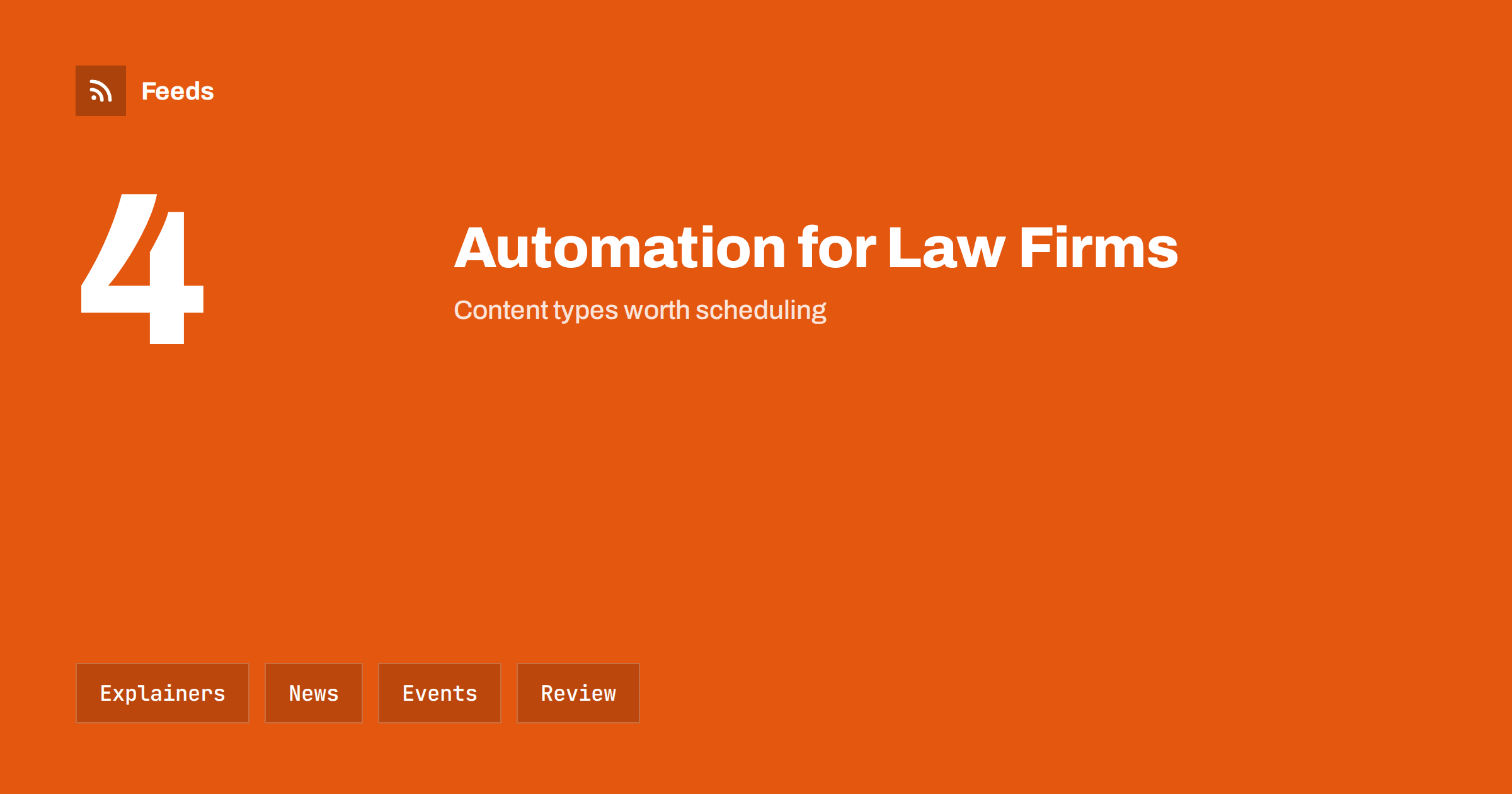
Short answer: Law firms and legal practices publish the same kinds of content again and again: plain-language explainers, news about rule and court changes, event invitations, team updates and hiring posts. Much of this can be prepared in advance and scheduled, and official news can be collected with RSS. Keep a lawyer’s review in front of every post that states a rule, never publish anything that looks like advice for a specific case and follow the advertising rules of your bar or regulator.
What a legal practice needs to publish
People who search for a lawyer have a problem and little time. They ask what the process looks like, how long it takes, what it costs, what documents they need and whether they need a lawyer at all. A short, clear page or post that answers a common question builds trust long before the first call, and it also helps existing clients to find information without phoning the office.
The challenge is time. Lawyers are busy with clients and deadlines, and content is often left to a quiet week that never comes. A modest, regular flow works better than a burst once a year. If you are new to the idea, what is content automation explains the basics in plain words.
Think about the questions that clients ask your reception, not only the ones you would like to answer. Ask your team for the ten most common questions of the last month and turn each into a short explainer. This is the quickest way to build a library that matches real needs, and it also helps staff to give the same answer to every caller. Keep the answers short, add a link to the full page and invite readers to contact you for their own situation.
Plain-language explainers
The most useful content is the explainer: a short guide on a topic that clients ask about again and again, such as how to prepare for a first meeting, what a power of attorney does, how a contract review works or what happens after a notice. Use plain words, short paragraphs and a few headings, and say clearly what the text is for and what it is not.
Each explainer can become several posts over time: a summary, a checklist, a question and answer and a quote from the text. Evergreen content can be shared again at suitable intervals, and how to reshare evergreen content automatically without spamming shows how to space it out. Check explainers at least once a year, and date them, because rules change.
A simple workflow helps. A feed brings an item into a folder, a lawyer decides within a day whether it matters, a short note is drafted in a standard format and a second person checks it before it is scheduled. The format can be as short as three lines: what changed, who it affects and what to do next. A fixed format keeps the work small and the quality steady, and it means that anyone in the team can prepare a draft.
News about rules and court decisions
Clients value firms that tell them what changes. New rules, regulator guidance, notable decisions and consultations can be followed with RSS from official sources, then summarised in a short note for your audience. The step from the official text to your note is where your expertise shows, and where mistakes cost the most, so it should not be automated.
Official pages are the right source. Tracking government and regulator updates with RSS and court decisions and case law with RSS explain how to follow them. Use feeds to find the items, and write the summary yourself.
Events, webinars and seminars
Many firms run seminars, webinars and client breakfasts, and they follow the same pattern each time: an announcement, a reminder, a last call and a thank-you with slides or a recording. These posts are predictable, so they are easy to prepare in advance and schedule around the event date. Use the same structure for each event, with date, time, place, topic, speakers and a registration link.
Calendars of professional bodies, courts and industry groups also give you topics and dates. How to promote an event calendar automatically shows how to reuse calendar items, and call for speakers alerts with RSS helps when you want to speak at events yourself.
Content you should not automate
Some content needs a person every time. Anything that could be read as advice on a specific matter, any statement about a case, any reaction to breaking news, any comment on a named person or organization and any reply to a question from a possible client should be written or approved by a lawyer. Automated replies to questions in the comments can create duties you did not intend.
Confidentiality is critical. Never publish a client’s name, a case detail or a photo without written permission, and avoid anything that could identify a person indirectly. Keep an approval step in front of the queue, as described in full auto vs approval queue, and set rules about who can approve what.
Advertising rules and professional duties
Legal marketing is regulated in many places. Bars and regulators set rules on what firms may say about results, specialisations, fees, comparisons and testimonials, and the rules differ by country and sometimes by region. Check the current rules for your jurisdiction before you plan content, and ask your professional body if anything is unclear.
As a general habit, avoid promises about outcomes, avoid claims such as “the best” unless you can prove them, include required identification details and keep disclaimers short and clear. Do not copy other firms’ texts, and give credit when you quote an official source. These points are the same in every kind of automated posting, and brand safety in automated posting adds a general checklist.
Newsletters, social posts and the website
Choose a few channels and do them well. A short monthly newsletter with three items and one invitation reaches clients who already know you, a professional social network reaches referral partners and a website with good explainers reaches people who search. Reuse the same piece of content in each channel in a different form, and link back to the page that has the full text.
Use clear templates to keep the style stable, as explained in post templates for automated social feeds, and include a line that tells readers whom to contact. Tracking links help you see which channel brings enquiries, and UTM tags for automated posts shows how to add them cleanly.
Keep a record of what you have published, the date of the last review of each explainer and the owner of each topic. A shared sheet is enough. When a rule changes, you can find every post and page that mentions it and update them in one go, which is much better than finding out from a client that an old text is still online.
Team, hiring and community posts
Firms are also employers. Posts about new colleagues, promotions, training, volunteer work and open positions show the people behind the name and help with recruitment. They are easy to schedule and low in risk, but they still need permission from the people involved, and they should be accurate in names and titles.
Open roles can be shared automatically from your careers page, as described in share job openings automatically. Pro bono work, community talks and student events show the human side of the firm, and they provide steady, honest topics that do not depend on news.
How RSS Feed Creator helps
RSS Feed Creator turns the news, notice or publication pages of regulators, courts, parliaments, bar associations and professional bodies into clean RSS feeds, even when the site has no feed of its own. It reads titles, images, summaries and dates, uses an existing feed when there is one, and shows a preview of the items before the feed is created. You can merge several sources into one feed (up to 10 with the PostRSS add-on), keep only the items that contain your keywords and have duplicates removed automatically, which suits a feed of rule changes and legal news to review. Feeds refresh every 3 hours on the free plan and every 30 minutes on paid plans, and the PostRSS add-on sends an alert when a page changes and a feed stops finding items. The free plan allows up to 20 items per feed, and the details are on the pricing page.
Related reading
- How Lawyers Can Track New Court Decisions with RSS
- How to Track Government and Regulator Updates with RSS
- Content Automation for Law, Accounting and Consulting Firms
The bottom line
Law firms can automate the steady parts of communication: explainers, event posts, news digests and team updates. Collect official news with feeds, write the summaries yourself, keep a lawyer’s review in front of every post that states a rule and follow the advertising rules that apply to you. Good automation saves time for the work that clients actually pay for.
BUJ
Which posts are safe to schedule in advance?
Explainers that have been reviewed, event announcements, team news and hiring posts, as long as dates and facts are checked before release.
What should never be automated?
Anything that looks like advice on a specific matter, comments on cases or people and replies to questions from possible clients.
How do I follow rule changes without reading everything?
Follow the official pages of regulators, courts and parliaments with feeds, filter by your practice areas and read the original text before you summarise.
Can I share client success stories?
Only with written permission and within the advertising rules that apply to you. Avoid promises about results.
How often should a firm publish?
A steady rhythm of a few posts a week and one newsletter a month is enough for most firms. Quality and accuracy matter more than volume.