ENEnglish
 LTLietuviškai
 DEDeutsch
 FRFrançais
 RUРусский
 ESEspañol
 PLPolski
 ITItaliano
 UKУкраїнська
 CSČeština
 PTPortuguês
 JA日本語
JA日本語 LVLatviešu valoda
 ETEesti
 HUMagyar
 IDBahasa Indonesia
 TRTürkçe
 HIहिन्दी
 ELΕλληνικά
 ARالعربية
 THไทย
THไทย VITiếng Việt
 RORomână
 MSBahasa Melayu
 BNবাংলা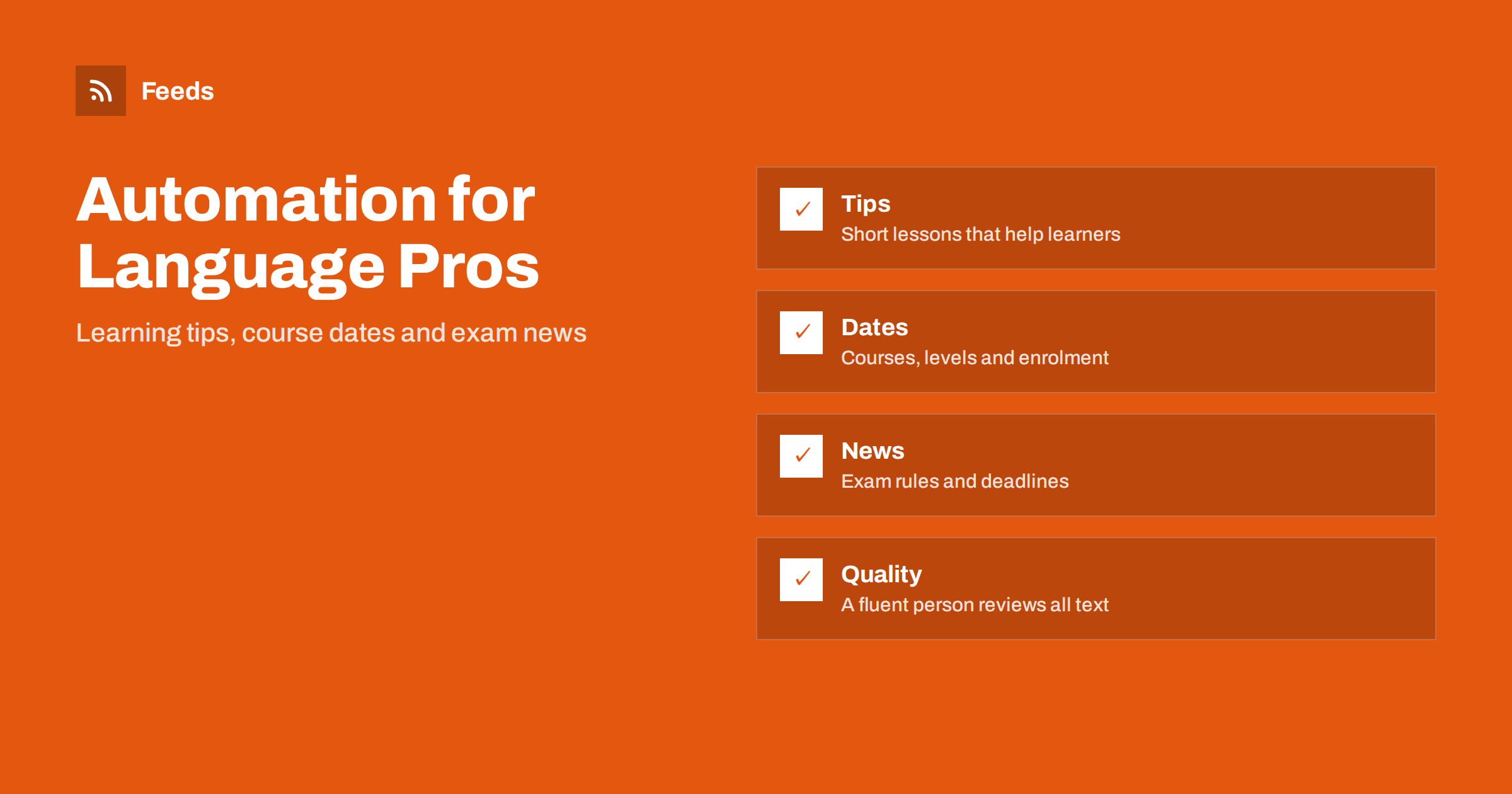
Short answer: Language schools, tutors and translators have plenty to say: study tips, course dates, exam changes, cultural notes and news from their working languages. What they lack is time. Content automation helps by gathering the sources you already follow, scheduling your own posts and reusing one piece of content across a website, a newsletter and social profiles. The rules that matter most in this field are quality and trust: every text is checked by someone who is fluent, learners’ names and work stay private without consent, and machine output is never published as a finished text without review.
What language businesses can publish
A language school has a natural stream of useful material. Short lessons on a tricky grammar point, vocabulary for a season, a word of the week, common mistakes of speakers of a certain language, notes on formal and informal writing. It also has practical news: new course levels, start dates, timetable changes, placement tests, exam preparation sessions and holiday closures.
Translators and interpreters have a different story to tell. They can explain how they work, what a certified translation involves, how long a project takes, why context matters, how to prepare documents for translation and how terminology is agreed with a client. These are the questions prospective clients actually ask. A general plan for small service firms is described in content automation for local businesses, and the mix for teachers is close to content automation for schools, colleges and universities.
Plan around the learning year
Language demand follows a pattern: enrolment peaks at the start of the academic year and in January, exam preparation before the main exam sessions, intensive courses before summer and travel, and business courses when companies plan training budgets. Map your year on one page and decide which posts support each period. A feed of your own articles can then be scheduled to channels so that you do not have to write something new each morning. The method is explained in building a content calendar from feeds and automation.
Keep a balance between teaching and selling. A steady rhythm of useful tips, with a clear notice about new courses every few weeks, is more effective than a stream of promotions. Learners join schools whose content already helps them.
Follow the sources your learners follow
Learners and clients care about exams, visa and language requirements, certification rules and news in the countries where their language is spoken. Collect the sources that publish this: exam boards, ministries of education, cultural institutes, publishers of dictionaries, and news sites in your target languages. A feed reader or a shared channel makes it possible to spot a change early, such as a new exam date or a new format.
For reading practice, a curated stream of real news is a useful teaching tool, as described in RSS for language learners. If you follow foreign-language sites for your own work, see monitoring foreign-language websites and markets with RSS. Use this reading to inform your own posts, not to repost other people’s articles. Add a sentence of your own on why something matters to learners, and link to the original.
Reuse material without lowering quality
A good lesson can serve several channels: a short page on the website, a summary in the newsletter, a few lines on social profiles and a handout for classes. Automation can distribute the pieces on a schedule, but each piece needs to be written or checked by someone fluent in the language it is written in. Machine drafts of text in a language the checker does not speak are the fastest way to lose the trust of learners and clients, and a visible mistake on a language school’s page is worse than silence.
If you publish in several languages, treat each language as its own channel with its own reviewer. Do not assume that a post that works in one language translates word for word into another. The problems are discussed in automating multilingual content distribution with feeds. Use the checks in the content automation checklist before anything goes live.
Protect learners and clients
A language school handles personal data about learners, including children, and a translator handles documents that may be confidential: contracts, medical records, legal papers, personal certificates. None of this belongs in a public post, a sample page or an automation tool without a clear legal basis and the client’s consent. Do not use real client text as an example in a post, even in part, unless the client has agreed in writing and the text is anonymised.
Photographs of classes need consent, especially when learners are minors, and results such as exam scores belong to the learner. Ask before you publish success stories, and keep a record of the consent. The accounts and tokens you use to run automation are part of the same responsibility; see securing content automation: accounts, tokens and access.
Practical notices that save time
Many questions to a school or a translator repeat. When does the next beginner group start? Is there a trial lesson? What documents does a certified translation need? How do I send a file securely? Publish answers on a page and keep them current. For a school, a short feed of course dates and timetable changes lets learners and parents follow without calling. For a translator, a clear page about turnaround, formats and prices lowers the number of back-and-forth emails.
Avoid promises that you cannot guarantee, such as exam results, fluency in a fixed number of weeks or “native-level” translations by default. Describe the method, the level of the teacher or translator and what the client can expect. Honest descriptions attract the clients who stay.
Measure what helps
A language business does not need complicated analytics. Track a few things: how many enquiries or trial-lesson requests arrive each month, which page or post the person read before writing, and which questions come up again and again. If a certain tip brings several requests, write more like it. If a topic brings none for three months, stop. You can add simple tracking tags to links in automated posts so that visits can be traced to their source; see tracking traffic from automated posts with UTM tags.
Ask new learners and clients how they found you and keep the answers in a simple list. This is slower than a dashboard but often more honest, because people remember a recommendation or a lesson they read rather than the click that brought them.
A light weekly routine
A small school or a freelance translator can run this in an hour a week. Monday: read the feed of sources and note anything that affects learners or clients. Wednesday: schedule one lesson or tip that a fluent reviewer has checked. Friday: update course dates and notices, then answer messages. Each month, look at which posts led to enquiries and drop the topics that did not.
Decide who is responsible for each step, and what happens when that person is ill or busy. A routine that depends on one person’s memory will stop at the busiest time of year, which is also when enrolments matter most.
How RSS Feed Creator helps
RSS Feed Creator turns the news page, exam notice page or announcement page of an exam board, ministry or cultural institute into a clean RSS feed, even when the site has no feed of its own. It reads titles, images, summaries and dates, uses an existing feed when there is one, and shows a preview of the items before the feed is created. You can merge several sources into one feed (up to 10 on paid plans), keep only the items that contain your keywords and have duplicates removed automatically, which suits a themed watch on exams and language requirements. Feeds refresh every 3 hours on the free plan and every 30 minutes on paid plans, and paid plans send an alert when a page changes and a feed stops finding items. The free plan allows up to 20 items per feed, and the details are on the pricing page.
Related reading
- Content Automation for Online Course Creators and Educators
- Content Automation for Law, Accounting and Consulting Firms
- Full Auto vs Approval Queue: Choosing a Content Workflow
The bottom line
For language schools and translators, automation should carry the routine work: collecting sources, scheduling your own tips and keeping dates current. Quality stays with fluent people, learners and clients stay protected, and promises stay honest. Done that way, a small team can publish steadily without sacrificing the one thing a language business sells, which is correct language.
BUJ
What can a language school post about?
Short lessons, common mistakes, vocabulary for the season, course dates, placement tests, exam preparation and timetable changes. Useful teaching content works better than constant promotion.
Can machine drafts be published without review?
No. Every text should be checked by someone fluent in the language it is written in. Visible mistakes damage trust far more than a quiet week.
How should a translator handle client material in posts?
Never publish real client text without written consent and anonymisation. Documents can be confidential, so use invented examples instead.
Which sources should I follow?
Exam boards, ministries of education, cultural institutes, dictionary publishers and news sites in your target languages. Collect them in one reader and filter by the topics your learners ask about.
How do I handle several languages?
Treat each language as its own channel with its own reviewer, and do not assume a post can be translated word for word. Check every version before it is scheduled.