ENEnglish
 LTLietuviškai
 DEDeutsch
 FRFrançais
 RUРусский
 ESEspañol
 PLPolski
 ITItaliano
 UKУкраїнська
 CSČeština
 PTPortuguês
 JA日本語
JA日本語 LVLatviešu valoda
 ETEesti
 HUMagyar
 IDBahasa Indonesia
 TRTürkçe
 HIहिन्दी
 ELΕλληνικά
 ARالعربية
 THไทย
THไทย VITiếng Việt
 RORomână
 MSBahasa Melayu
 BNবাংলা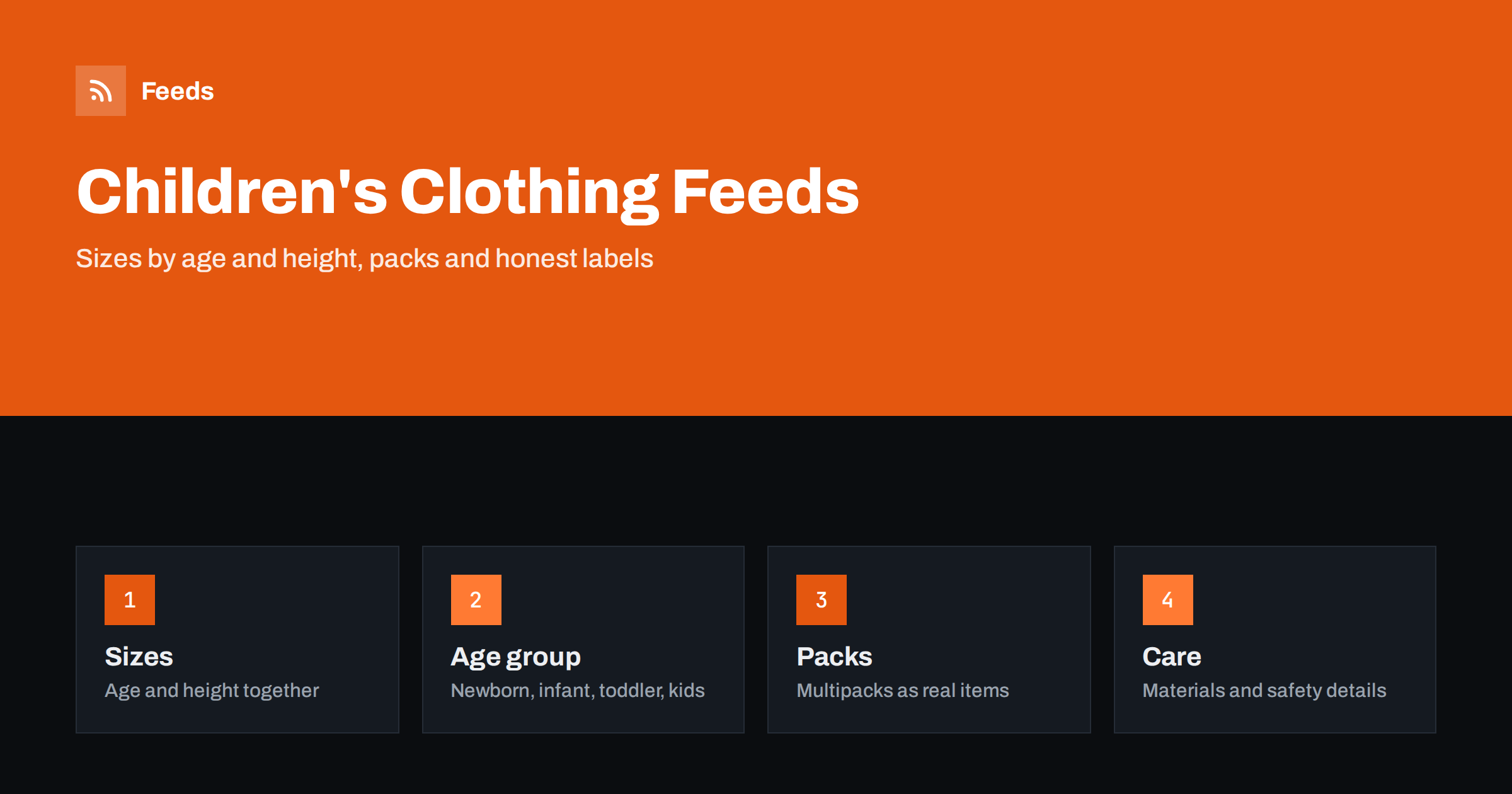
Short answer: Children grow fast and brands size them in different ways, so a children’s clothing feed lives or dies on its size data. A good feed shows size in a way that parents understand, whether by age, height or both, sets the correct age group, gives every size and colour its own variant with a shared group identifier, treats multipacks as real products with an honest price and keeps materials and safety wording accurate. Get those parts right and you will see fewer returns, fewer disapprovals and parents who buy the size that actually fits.
Why sizing is the hard part
Adults know their size. Parents guess. A label might say “2-3 years”, “98” or “3T”, and the same child can wear different sizes in different brands. Returns in children’s clothing are driven largely by sizing, so every bit of clarity in the feed pays back. The same principles as in apparel product feeds: colour, size, gender and age group apply, with a few extra considerations for children.
Start by deciding how your shop presents sizes and use that consistently. If you sell mainly in age ranges, show the age range and the matching height in centimetres where you can. If you sell by height, show the height and give an approximate age. A parent who sees both can check against the child’s actual height and choose with confidence.
Size, size type and size system
Platforms let you give the size and also describe how it should be read, for example whether it is a regular size or a particular type, and which sizing system it belongs to. Use the options that match your market, and do not mix systems in one feed without saying so. A size such as “104” should be understood as a height, not an age. Where you cover several countries, make sure each country feed uses the system shoppers there expect, as described in multi-country product feeds: currency, language and prices.
If you sell shoes as well, they have their own rules and widths. See product feeds for shoe stores. Keep the two clear in your product data, because a “size 24” in clothing and a “size 24” in footwear mean different things.
Age group and gender
Children’s clothing is one of the categories where the age group attribute matters most. Use the values that match your products: newborn for the youngest babies, infant, toddler and kids for older children. Do not label children’s products as adult, and do not leave the attribute empty. Gender is also required for most clothing in the major shopping platforms, and unisex items should be labelled as such. A wrong or missing value is a common reason for disapprovals and poor targeting.
Think about how parents search: “baby bodysuit”, “toddler raincoat”, “school trousers”. Put the item type and the age-related word into the title, followed by brand, colour and size. A title formula keeps the whole catalogue consistent; see product feed title optimization for ways to build one from your data.
Variants and identifiers
Each real combination of size and colour is a separate item with its own identifier, price, availability and image, linked by a common group identifier. If you list only one item per product, a parent may order a size that sold out weeks ago. If you list all variants under the same identifier, the platform will see duplicates. How the group identifier works is explained in how item_group_id works.
Use real GTINs where your brand supplies them and the manufacturer part number or your own SKU as a fallback. For own-brand clothing without barcodes, follow the platform’s rules for items without identifiers instead of inventing numbers. The basics are in GTIN, MPN and brand: product identifiers explained.
Multipacks and sets
Children’s clothing is often sold in packs of socks, bodysuits, vests or pyjamas. A pack is a product in its own right. Give it its own identifier, a title that says how many pieces it contains, and a price for the whole pack. Where the platform supports it, state the pack size in the multipack attribute so that comparisons are fair. Do not list the pack under the identifier of a single item, and do not show the single price in the feed while the page shows the pack price. The approach is described in bundles and multipacks in product feeds.
If the pack contains different colours or patterns, say so in the title or description and show them in the image. If you let customers choose, treat each choice as a variant instead of promising a random mix.
Materials, care and safety wording
Parents look closely at materials: cotton, wool, synthetic blends, whether the fabric is soft or itchy, whether the item is machine washable. Use the material attribute and keep the description consistent with the label on the garment. Avoid vague claims such as “hypoallergenic” or “100% safe” unless you can prove them. Children’s clothing is subject to safety rules in many markets, for example about drawstrings, small parts and flammability for nightwear, and those rules differ by country. Check the requirements that apply where you sell and do not state compliance that you cannot document.
Include practical details where they affect the purchase: whether sizes run small or large, whether the item has room to grow, whether it has fasteners that suit babies. Honest notes reduce returns more than glossy descriptions.
Colours, patterns and growth
Colour is a required attribute for most clothing, and children’s items often come in bright, patterned or multicoloured designs. Use plain colour names that shoppers search for, and put the main colour first. For patterned items, name the dominant colour and mention the pattern in the title or description, for example stripes, dots or a character print. Avoid brand-specific colour names that no parent would type into a search box, or give the common name as well.
Parents also buy ahead. They look for the next size up, a coat for winter or school wear for September. If your shop supports it, make it easy to see which sizes are in stock in the same product, and keep size guides on the product page. The feed cannot replace a size chart, but a link to one in the description answers the most common question before it is asked.
Images, prices and season changes
Use clear images on a plain background, with the product shown alone, and avoid showing children in a way that breaks the platform’s image rules. Follow the technical rules in product feed image requirements for Google and Meta. Make sure the price in the feed matches the price on the page, including sale prices; see sale prices in product feeds.
Children’s clothing is seasonal and sizes sell out in a predictable order. Remove or mark sold-out sizes quickly, because an item that looks available but has no stock in the requested size is a poor experience. Review your feed at the start of each season and before sales periods; the checks in preparing your product feed for Black Friday and peak season are useful here.
How RSS Feed Creator helps
RSS Feed Creator builds Google Merchant Center and Meta catalog XML straight from your store. WooCommerce and Shopify are read automatically, and any other store can use a CSV link. You can skip out-of-stock products, rewrite titles with rules so that the item type, age range, colour and size appear in the same order every time, and adjust prices. The currency is detected automatically. Before you submit anything, check the preview and the Merchant Center diagnostics to confirm that size variants and multipacks arrive as you expect. The free plan includes product feeds with up to 50 products, and the Store plan covers one store with 3 product feeds and up to 2,000 products. The details are on the pricing page.
Related reading
- Product Feeds for Toy and Baby Stores: Age Groups and Safety
- Product Feed Checklist: 25 Checks Before You Submit
- Out-of-Stock Products in Your Feed: Keep, Mark or Remove?
The bottom line
A children’s clothing feed is mostly about sizes: show them the way parents think, set the right age group, split every size and colour into proper variants, describe multipacks honestly and keep materials and safety statements factual. Review the feed each season and remove sold-out sizes quickly. The reward is a catalogue that sends the right garment to the right child.
BUJ
Should I list sizes by age or by height?
Use the system your brands use and show the other as a guide, for example “98 cm, about 2-3 years”. Parents compare with the child’s actual height, so showing both reduces returns.
Which age group value should I use?
Choose the value that fits the product: newborn, infant, toddler or kids. Do not leave it empty and do not label children’s items as adult. Set gender as well, using unisex where appropriate.
How do I list packs of socks or bodysuits?
As their own items with their own identifier, a title that states the number of pieces and the price for the whole pack. Do not reuse the identifier or price of a single item.
Can I say that clothing is hypoallergenic or safe?
Only if you can document it for the markets where you sell. Otherwise describe materials and care factually and follow the local safety rules for children’s clothing.
How often should I update the feed?
Often enough that sold-out sizes disappear quickly, and review it at the start of each season and before sales. Stale availability is a common cause of mismatch warnings.