ENEnglish
 LTLietuviškai
 DEDeutsch
 FRFrançais
 RUРусский
 ESEspañol
 PLPolski
 ITItaliano
 UKУкраїнська
 CSČeština
 PTPortuguês
 JA日本語
JA日本語 LVLatviešu valoda
 ETEesti
 HUMagyar
 IDBahasa Indonesia
 TRTürkçe
 HIहिन्दी
 ELΕλληνικά
 ARالعربية
 THไทย
THไทย VITiếng Việt
 RORomână
 MSBahasa Melayu
 BNবাংলা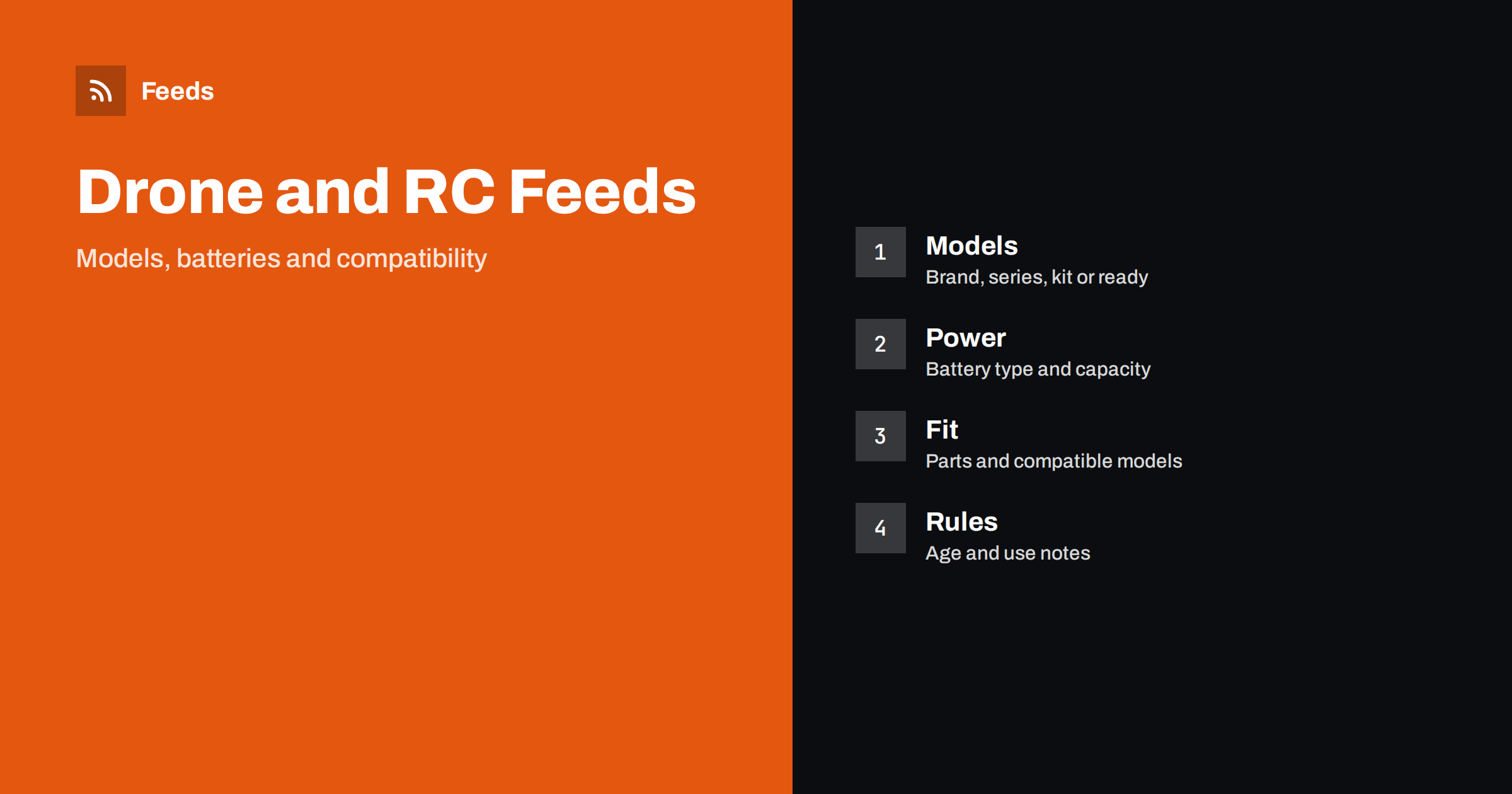
Short answer: A drone or RC hobby store sells complete models, kits, batteries, chargers, controllers and a long tail of spare parts, and shoppers search by model name, battery type and compatibility. A good product feed gives each item a title that leads with brand and model, a correct identifier, clear attributes for power and fit, honest availability and a landing page that shows exactly the same variant. Get those basics right before adding rules, bundles or extra labels.
Why this category needs careful feeds
Hobby electronics combines several difficulties in one catalog. A single drone may come as a ready-to-fly set, a bind-and-fly version without controller, a combo with extra batteries or a bare airframe. Shoppers see a similar picture for all of them, but the price and the contents differ. If the feed mixes them, buyers click an ad expecting a complete set and find a body without a controller, which leads to returns and disapprovals.
Compatibility is the second difficulty. A battery fits some models and not others, a propeller set depends on the frame size and a receiver must match the transmitter protocol. The foundations are covered in what a product feed is, and this category simply makes every detail count a little more.
Titles that lead with brand and model
Shoppers search with the brand and model name, so start the title with them: brand, model, then the type and the most important distinguishing detail. “Brand Model Name Ready-to-Fly Drone with Controller, 2 Batteries” tells the buyer what is in the box. “Great Drone for Beginners” does not. Keep marketing phrases out and put the words people type first, because the beginning of the title carries the most weight in search results.
Use the same order for every product so that the catalog reads consistently. Write the contents of a set in the title when it changes the price, for example the number of batteries. More formulas and examples are in product feed title optimization.
Identifiers and model numbers
Complete sets from known manufacturers usually have a GTIN on the package, and you should send it. Many accessories, parts and kits made in small runs have only a manufacturer part number, and the feed should carry that with the brand. Do not invent or reuse a code to fill the field. A wrong identifier is worse than a missing one, because platforms compare it with their own catalog and may reject the item.
Bundles you assemble yourself need their own handling, because a combo of a drone and extra batteries is not the same product as the plain set. The rules for this are in GTIN, MPN and brand: product identifiers in feeds and bundles and multipacks in product feeds.
Power, size and technical attributes
Batteries and chargers are the part of this category where a precise attribute matters most. List the chemistry, the cell count or voltage, the capacity and the connector type in a consistent form, for example in the title or in a product detail field. A buyer who searches for a specific battery size needs to see it without opening the page. Do the same for motors, with size and rating, and for controllers, with the protocol and number of channels.
For complete models, list the flight or driving type, the frame or body size, the age or skill level the manufacturer states and what is included. Richer fields help here, and product_highlight and product_detail show how to use them. Keep every value identical to the product page.
Compatibility and spare parts
Spare parts are a large share of the catalog and a common source of confusion. Name the model or models a part fits in the title or the description, and keep one product per distinct part, not one product that lists twenty models in one title. If a part fits several models, say so in a short, plain sentence on the product page and in the feed description, and avoid claims of fit that you have not checked.
The same questions come up in other technical catalogs, and product feeds for spare parts and compatible accessories explains how to organize them. A clear “fits” sentence also reduces returns, which matters for small parts that are cheap to buy and expensive to ship back.
Seasonal peaks matter in this category as well. Gift periods, holidays and the start of good-weather months bring sharp demand for entry-level models and accessories, and the feed should be ready before the peak, not during it. Check that prices, shipping promises and availability are accurate a few weeks ahead, and read preparing your product feed for Black Friday and peak season for a checklist that fits any busy period.
Variants, colours and kits
Many items come in colours or versions, such as a controller in different colours or a model with different battery counts. Use one parent product with variants when the item is really the same product, and separate products when the contents or the price class differ. Variants need a shared group ID and every variant needs its own image, price and availability. How item_group_id works describes the setup.
Kits that must be built, painted or equipped with extra electronics should say so clearly in the title or the product detail, using words such as “kit” or “requires assembly” in plain form. A buyer who expects a ready model and receives a kit is an unhappy buyer, whatever the price was.
Age, safety and use notes
Some models are toys, and some are advanced hobby equipment, and rules for operating drones differ by country and by weight class. Do not make legal claims in the feed. Use the age group and the descriptions the manufacturer gives, and put a short, factual note on the product page about local operating rules, with a link to your country’s official guidance where it helps. The feed should send customers to the page where those notes appear.
Batteries can have shipping restrictions, and some carriers handle them differently. Make sure the delivery settings match the products you actually ship, as explained in shipping in product feeds, and tell customers in advance when a country or a service is not available.
Sizes and weights deserve a short mention too. Shoppers compare models by weight, dimensions and flight or run time, and these values are easy to get wrong when they are copied from different sources. Take them from the manufacturer’s specification, use the same units in the feed and on the page, and avoid rounding in a way that makes a product look better than it is. Where run time depends on conditions, say so on the page instead of promising one figure.
Images, landing pages and stock
Use clean photos of the real product on a plain background, with additional pictures showing what is in the box. Avoid pictures with text overlays, promotional badges or accessories that are not included. The landing page must open the same variant the ad shows, with the same price and the same availability, as covered in what feed links must lead to.
Stock moves fast for popular models and seasonal items. Mark preorders and backorders correctly, and keep sold-out products out of ads or mark them as out of stock, as discussed in out-of-stock products in your feed. A feed that shows a model as available when it is not leads to disapproved items and unhappy buyers.
A short routine keeps the catalog healthy after launch. Once a week, look at the products that are disapproved or limited, check the new arrivals for missing identifiers and compare the feed with the shop for a few popular models. A catalog with thousands of small parts needs rules and checks more than manual editing, and product feed health metrics lists what to watch.
How RSS Feed Creator helps
RSS Feed Creator builds Google Merchant Center and Meta catalog XML straight from your store. WooCommerce and Shopify are read automatically, and any other store can use a CSV link. You can skip out-of-stock products, rewrite titles with rules so that brand, model and contents appear in the same order every time, and adjust prices. Before you submit anything, check the preview and the Merchant Center diagnostics to confirm that sets, batteries and parts arrive as you expect. The free plan includes product feeds with up to 50 products, and the Store plan covers one store with 3 product feeds and up to 2,000 products. The details are on the pricing page.
Related reading
- Product Feeds for Electronics Stores: Specs, GTINs, Variants
- Product Feeds for E-Bikes, Scooters and Batteries
- Product Feeds for Craft and Hobby Supply Stores: A Guide
The bottom line
Clean feeds for drone and RC hobby shops come from precise titles, honest identifiers, exact power and fit attributes, separate handling of kits and bundles and a landing page that matches the ad. Check the preview before you submit, fix what the diagnostics report and keep the stock status current. Accurate details reduce returns more than any clever title.
BUJ
Should I list a ready-to-fly drone and a body-only version as variants?
Only if they are truly the same product. Different contents and prices are usually better as separate products, each with its own title and identifier.
How do I handle batteries in the feed?
List the chemistry, voltage or cell count, capacity and connector consistently, and make sure your delivery settings reflect any shipping restrictions that apply to batteries.
What if a spare part fits many models?
Keep one product per distinct part and say which models it fits in the description and on the page. Do not list every model in the title, and only state fit that you have checked.
Do I need a GTIN for every item?
Send the GTIN when the product has one. For parts and kits without it, send the brand and manufacturer part number, and never invent a code.
Can I mention flying rules in the feed?
Keep the feed factual and put local operating notes on the product page, with a link to official guidance where useful. Avoid legal claims in titles and descriptions.