ENEnglish
 LTLietuviškai
 DEDeutsch
 FRFrançais
 RUРусский
 ESEspañol
 PLPolski
 ITItaliano
 UKУкраїнська
 CSČeština
 PTPortuguês
 JA日本語
 LVLatviešu valoda
 ETEesti
 HUMagyar
 IDBahasa Indonesia
 TRTürkçe
 HIहिन्दी
 ELΕλληνικά
 ARالعربية
 THไทย
 VITiếng Việt
 RORomână
 MSBahasa Melayu
 BNবাংলা
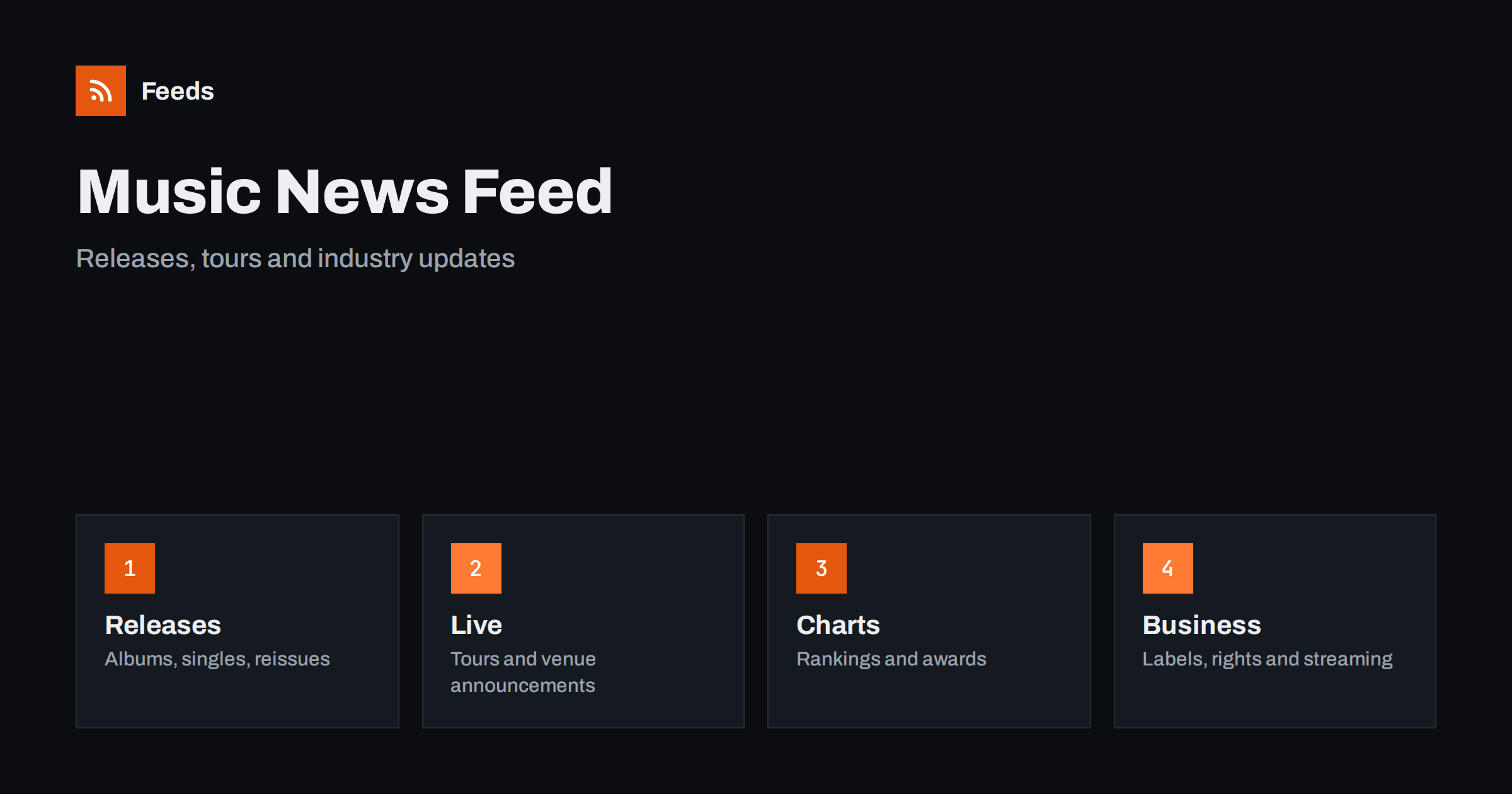
Short answer: Music news comes from artists, labels, venues, promoters, streaming services, rights organizations, chart compilers and a large music press. RSS lets you collect the sources you care about in one reader, filter them by artist, genre or city and read them in order of publication. Start with official artist and label pages for facts, add the music press for reviews and context, and check dates and ticket details on the original page before you plan anything.
Why music news is hard to follow
Music produces a huge volume of small events: a single, a video, a reissue, a tour date, a festival line-up, a chart entry, a lawsuit, a streaming policy change. The same event appears on dozens of pages, many of them rewrites of each other. Social platforms decide what you see, and a post from your favorite small artist may never reach you.
Different readers want different things. A fan wants releases and tickets, a musician watches the industry and open calls, a journalist follows the business, a record shop owner needs release schedules and a venue manager tracks tours. If the idea of a feed is new to you, what is an RSS feed explains it in plain words.
Start with artists, labels and venues
The first announcement usually comes from the source. Artists, bands and labels publish releases, tour dates and news on their own sites, and many also have a blog or a newsletter archive. Venues, promoters and festivals publish programmes, doors times and ticket links. Following these pages directly means you see the news when it is made and not when it has been rewritten.
Make a short list: ten artists, five labels, a few venues in your city and a couple of festivals. Many artist sites have a feed, and when they do not, a page-to-feed tool can read the news page, as described in how to create an RSS feed for a website without RSS. For release dates in particular, new releases alerts with RSS shows how to follow them across categories.
Local scenes deserve their own corner. Small venues, independent shops, student radio and city blogs often announce gigs and releases that the national press never covers. Add a handful of these local sources to your list, and you will find support acts, album launches and free shows that no ranking would show you. Because these pages are small and update rarely, a feed is the easiest way to avoid checking them by hand.
Tour dates and ticket sales
Ticket sales are the moment when speed matters. Presales, general sales and added dates often sell out in minutes, and the announcement may appear on the venue or promoter page before it reaches the press. A feed from the venue and the artist helps you see the date, the on-sale time and the official ticket link, and you can avoid unofficial sellers by using the link from the primary source.
Keep ticket-related feeds in a separate folder and read it often. Ticket release alerts with RSS explains how to set this up, and how to promote an event calendar automatically helps if you run a venue and want to share your own programme. Always confirm the date, the place and the price on the official page.
Festivals deserve a note of their own. A line-up is usually released in stages, and each stage can change your plans, so follow the official festival page and the pages of the promoters, and keep the items in the ticket folder. Mark the dates when early-bird prices end and when the final programme is expected, so that you do not rely on a rumor from a social post.
Charts, awards and playlists
Charts and awards are a different type of news. Chart compilers publish weekly rankings, award bodies publish nominations and winners, and streaming services publish playlists and year-end lists. These items follow a calendar and are easy to recognise, so a feed gives you the new chart on the day it appears.
Read charts with care. A chart shows what was counted by a particular method in a particular market, and different charts count differently. Note the source, the country and the period, and do not mix numbers from different charts. If you write about music, link to the original chart page.
Podcasts and video series are part of the picture too. Many artists and labels publish interviews, studio diaries and talks, and these have feeds of their own. A short list of such shows, kept in a separate folder, gives you background material for a week without searching, and you can listen on the way to work. For the technical side, see how episodes reach apps in the guides on podcast feeds.
The business side
Music is also an industry. Labels merge, catalogues are sold, streaming services change payment rules, rights organizations publish rate changes and regulators publish decisions on copyright and competition. These items matter to musicians, managers, publishers and small labels, and they are usually published on the pages of the organizations involved.
Industry associations are a useful source for the business view, as described in following industry associations and standards bodies with RSS. For rights and licences, RSS, copyright and Creative Commons licences helps you to understand what you may do with content you find, and patent and trademark alerts with RSS covers related registers.
Add the music press for context
Primary sources tell you what happened. The music press tells you what it means: reviews, interviews, features and analysis. Add a few titles that match your taste and your region, one or two specialist blogs for a genre and perhaps a local paper for the live scene. Reviews are opinions, so label them clearly in your reader and keep them apart from announcements.
Keep the balance in mind. If commentary makes up most of your reader, you will read about records you cannot find and tours you cannot attend. A useful rule is to keep at least as many primary sources as commentary sources, as described in fact-checking with RSS: follow primary sources, not screenshots.
Filter by artist, genre and city
A good music feed is narrow. If you love jazz, you do not need every pop chart story, and if you live in one city, you do not need tour dates for another continent. Keyword filters help: keep items that mention your artists, genres and city, and drop the rest. Think about two lists of words, one to include and one to exclude, and review them every month.
| Interest | Include words | Exclude words |
|---|---|---|
| Releases | Album, single, reissue, vinyl | Gossip, rumor |
| Darbojas | Tour, tickets, on sale, your city | Other regions |
| Bizness | Label, royalties, streaming, rights | Fashion, lifestyle |
Names are tricky: bands share names, artists change names and spellings differ by language. Test your filters with ten recent items before you rely on them. Set up keyword alerts using RSS feed filters explains the method, and reduce noise in RSS alerts without missing anything helps when the list grows.
A weekly routine that stays short
Do not read music news all day. Check the ticket folder once a day when something you want is on sale, and read the releases and press folders in a fixed slot, such as Friday, when many records come out. During each reading, open the primary source behind every item you plan to use, mark the rest as read and move on. A short routine such as RSS triage: a fast daily routine for reading less keeps the list under control.
Once a month, review the sources. Remove feeds that stopped publishing, add the artists you discovered and adjust the filters. If you run a shop, a venue or a label, you can share the list with your team, as suggested in shared RSS reading lists for teams, and use it to prepare your own posts.
How RSS Feed Creator helps
RSS Feed Creator turns the news, tour and release pages of artists, labels, venues and festivals into clean RSS feeds, even when the site has no feed of its own. It reads titles, images, summaries and dates, uses an existing feed when there is one, and shows a preview of the items before the feed is created. You can merge several sources into one feed (up to 10 sources), keep only the items that contain your keywords and have duplicates removed automatically, which suits a reading list for one genre or city. Feeds refresh every 3 hours on the free plan and every 30 minutes on paid plans. The free plan allows up to 20 items per feed, and the details are on the pricing page.
Related reading
- How to Track New Book, Game and Music Releases with RSS
- How to Get Alerts When Event Tickets Go On Sale with RSS
- How to Follow Industry Associations and Standards Bodies with RSS
The bottom line
RSS gives you a calm, ordered view of music news. Start with the pages of artists, labels and venues, add the press for context, filter by artist, genre and city and keep ticket sales in a folder of their own. Confirm dates and prices on the official page, and review the list every month.
BUJ
Which sources should I follow first?
Begin with the artists and labels you like and the venues in your city. Add the music press later for reviews and context.
What if an artist site has no RSS feed?
A page-to-feed tool can read the list of news on the page and build a feed. Check the preview to make sure it shows real items with titles and dates.
Can RSS help me catch ticket sales?
It helps you see the announcement early. Always use the official ticket link from the venue or artist page.
How do I avoid a flood of items?
Use keyword filters for your artists, genres and city, and keep tickets in a separate folder from general news.
How often should I read the list?
Daily when a sale is coming, and general news in one fixed weekly slot.