ENEnglish
 LTLietuviškai
 DEDeutsch
 FRFrançais
 RUРусский
 ESEspañol
 PLPolski
 ITItaliano
 UKУкраїнська
 CSČeština
 PTPortuguês
 JA日本語
JA日本語 LVLatviešu valoda
 ETEesti
 HUMagyar
 IDBahasa Indonesia
 TRTürkçe
 HIहिन्दी
 ELΕλληνικά
 ARالعربية
 THไทย
THไทย VITiếng Việt
 RORomână
 MSBahasa Melayu
 BNবাংলা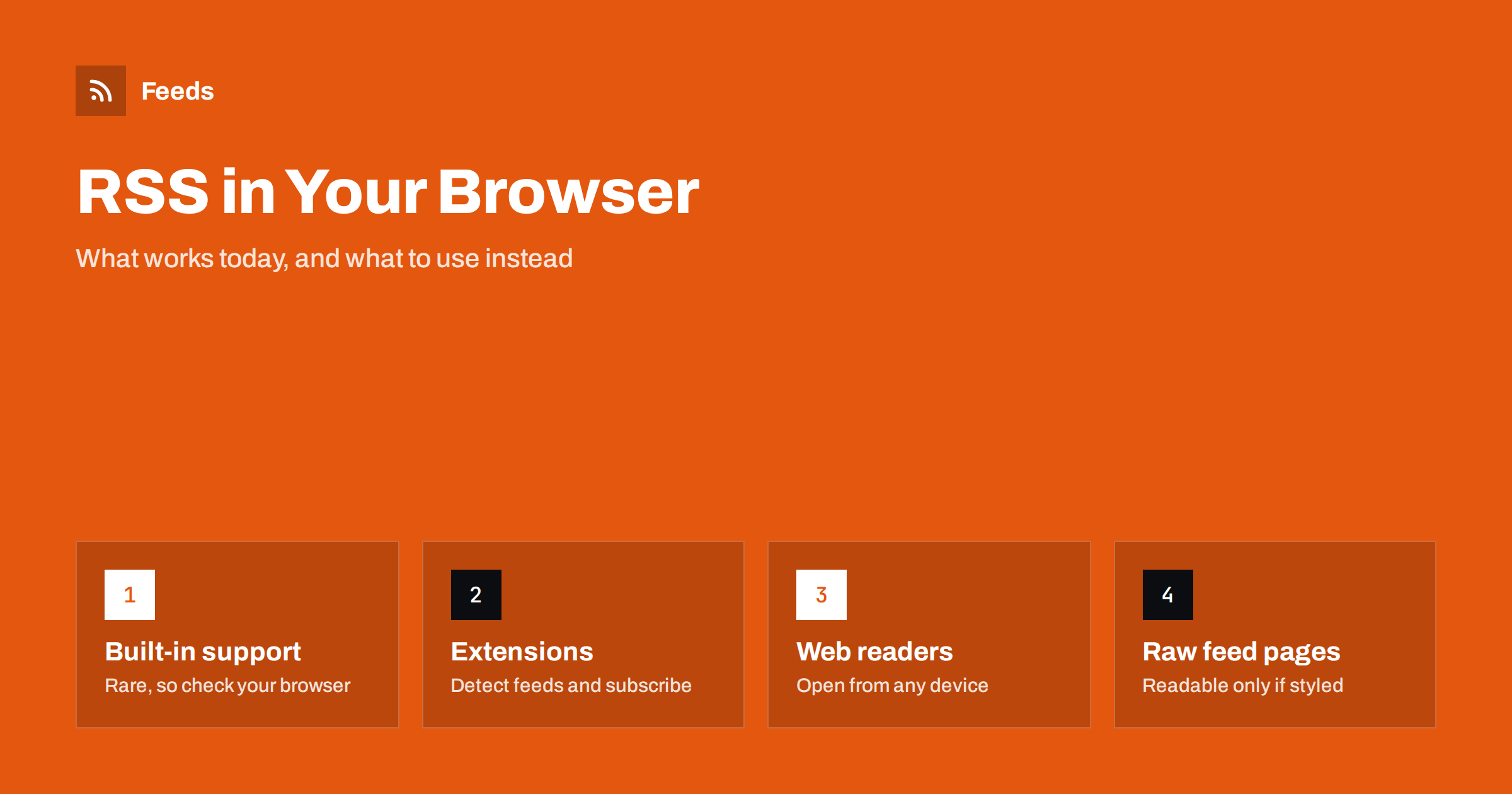
Short answer: Most mainstream browsers no longer include a feed reader, and several have removed the feed button they once had. If you open a feed address directly, you usually see raw text, or a styled page if the publisher added one. To follow feeds comfortably, use a browser extension that detects feeds and sends them to a reader, or a web-based reader that you open in a tab.
A decade or two ago, reading RSS in the browser was normal. You clicked an orange icon, the browser showed a tidy list of items and you could subscribe with one more click. Some browsers kept bookmarks that updated themselves with the newest headlines. That convenience slowly disappeared, and today people are often surprised when a feed link opens as a wall of code.
The feed itself has not changed. It is still a file that lists a site’s newest items, and any reader can use it. What changed is that browsers stopped being the reader. This guide explains what you see when you open a feed, which options exist for reading feeds in a browser, and which tools work better as a replacement.
What happens when you open a feed address
Paste a feed address into the address bar and one of three things happens. In the first case, the browser shows the feed as plain text, a block of tags and content that is hard to read. This is the most common result today. In the second case, the page is styled: the publisher has attached a stylesheet that turns the file into a readable page with a short explanation and a subscribe link. In the third case, the browser or an installed extension opens a reader view.
Seeing raw text does not mean the feed is broken. It means the browser treated the file as XML and displayed it. If you publish a feed and want visitors to see something friendlier, you can add a stylesheet, as explained in why your RSS feed looks like code and how to style it. If you are not sure whether the feed is valid, the steps in how to validate an RSS feed will tell you.
Built-in feed support in browsers
Built-in support has become rare. Some browsers once offered live bookmarks, a feed button or a reading list for feeds, and several of these features were removed as usage fell. A few browsers have introduced a feed reader in recent years, but the situation differs by browser and version, and features come and go. Check the current documentation of the browser you use before relying on a built-in option.
It is better to plan as if the browser will not help. A setup that depends on a feature that may disappear is fragile, while a reader you control keeps working when the browser changes. Your subscriptions should live in the reader, not in the browser, which also makes them easy to move. The export format that makes this possible is described in OPML files explained: move your RSS subscriptions anywhere.
Browser extensions that find and open feeds
Extensions fill most of the gap. They come in two kinds, and some do both.
- Feed detectors: they look at each page you visit and show an icon when the page announces a feed. One click shows the address or sends it to your chosen reader.
- Sidebar or tab readers: they act as a small reader inside the browser, so you can follow feeds without leaving it.
When you choose an extension, check what it can see. A detector needs to read the pages you visit, so look at the permissions it asks for, read its privacy information and prefer extensions from publishers with a clear history. Remove the ones you no longer use. A smaller number of extensions is easier to trust.
Detectors rely on the same signal that readers use: the autodiscovery tag in the page header, explained in RSS autodiscovery and link tags. If an extension shows no feed on a page, the site may simply not have announced one. In that case try the methods for locating a feed by hand.
Web-based readers: a tab instead of a feature
The simplest replacement for a built-in reader is a web-based feed reader that you open in a browser tab. Sign in on any device and the same subscriptions, folders and read states are there. You add a feed by pasting its address or a page address into an add box, and many readers find the feed on their own.
A web reader works the same way in every browser, so you are not tied to one. You can pin the tab, add a bookmark or install the reader as an app on desktop or phone. The features worth comparing, such as folders, search, offline reading and filters, are listed in how to choose an RSS reader. If you want full control over the data, you can run your own, as described in self-hosted RSS readers: FreshRSS, Miniflux and more.
Desktop and mobile apps as a companion
A browser is rarely the best place to read for long. A dedicated app gives you faster navigation, keyboard shortcuts and notifications. Many people use the browser to discover and subscribe, and an app to read. Mobile setup is covered in how to read RSS feeds on iPhone and Android, and desktop mail clients that can read feeds are covered in how to read RSS feeds in Outlook and Thunderbird.
If you want alerts rather than a list, route items to your phone or a chat channel instead. The options are in how to get RSS alerts as push notifications on your phone.
How to subscribe from the browser in four steps
Whichever tools you pick, the process is the same.
- Find the feed address. Use the icon of a detector extension, the page source or the common paths on the site.
- Copy the address. It usually ends in feed, rss, atom or xml, but it may not.
- Paste it into your reader. Check that the preview shows recent items with sensible titles.
- Sort it into a folder. A feed with no folder is easy to forget.
If you are new to the idea, the overview in how to subscribe to RSS feeds: a beginner’s guide goes through the same steps with more background.
Common problems when using feeds in a browser
A few issues come up repeatedly. A click on a feed link opens a download instead of a page: this happens when the server sends the file with a type that the browser does not display, and it is harmless. The feed shows odd characters: the file may use a different encoding from the one declared. The feed shows nothing new: the publisher may have stopped posting, or the browser may have cached an old copy. Refresh with a hard reload before you conclude anything.
When you suspect the feed itself, test it in a reader and check the dates of the newest items. Guides for the most common causes are in RSS feed stopped updating? how to find out why and RSS feed encoding errors.
When a site has no feed
Some sites do not offer a feed, and no extension can find one that does not exist. In that case you can create a feed from the page, check the preview and add the address to your reader as usual. This turns the browser into a place to discover content and the reader into the place to follow it. The steps are in creating an RSS feed for a website without RSS, and the reasons feeds are disappearing are in why so many websites no longer offer RSS feeds.
How RSS Feed Creator helps
RSS Feed Creator creates a feed from a public web page that has none. You paste the address, check a preview of the titles, images, summaries and dates it found, and copy the link into any reader or extension. It reads public pages from the outside, like a visitor, so it needs no access to the source site. Feeds refresh automatically, and the limits of each plan are on the pricing page.
Related reading
- What is an RSS feed? A plain-English guide
- How to organize your RSS reader so it never overwhelms you
- RSS reader vs read-later app: how to use both together
The bottom line
Do not expect your browser to read feeds for you. Treat it as a place to find feeds and use a reader as the place to follow them: a detector extension to spot feeds, a web-based or app reader to read them and an export file to keep your subscriptions portable. If a feed opens as raw text, it is still a feed. If a site has none, create one from the page.
BUJ
Why does an RSS link open as plain code in my browser?
Feeds are XML files, and most browsers now show them as text. The feed works normally in a reader, and publishers can add a stylesheet to make it friendlier.
Does my browser have a built-in RSS reader?
Most do not, and the situation changes between browsers and versions. Check the documentation of your browser, and plan to use an extension or a separate reader.
Are RSS browser extensions safe?
They can be, but they need access to the pages you visit. Check the permissions, read the privacy information and keep only the extensions you really use.
Can I read feeds in a browser tab on any device?
Yes. A web-based reader runs in a tab, keeps your subscriptions and read states in your account and works on desktop and mobile browsers.
What if the site has no RSS feed at all?
Create a feed from the page with a page-to-feed tool, check the preview and add the generated address to your reader.