 ENEnglish
 LTLietuviškai
 DEDeutsch
 FRFrançais
 RUРусский
 ESEspañol
 PLPolski
 ITItaliano
 UKУкраїнська
 CSČeština
 PTPortuguês
 JA日本語
JA日本語 LVLatviešu valoda
 ETEesti
 HUMagyar
 IDBahasa Indonesia
 TRTürkçe
 HIहिन्दी
 ELΕλληνικά
 ARالعربية
 THไทย
THไทย VITiếng Việt
 RORomână
 MSBahasa Melayu
 BNবাংলা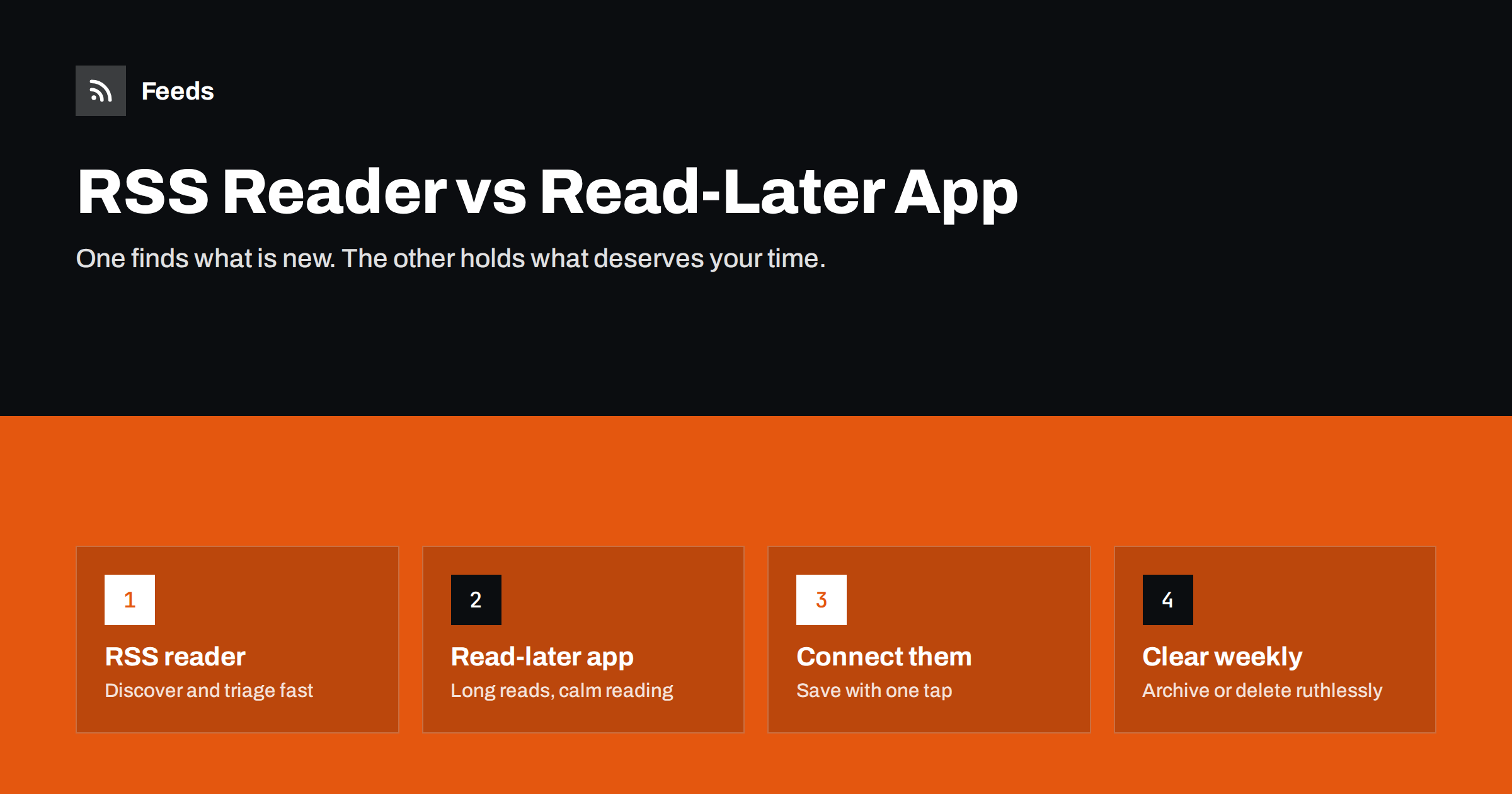
Short answer: An RSS reader and a read-later app do different jobs. The RSS reader brings new items from sources you follow, so you can scan and triage them quickly. The read-later app stores individual articles you have chosen to read properly, usually in a clean, distraction-free format that also works offline. Most people get the best result by using both: triage in the reader, send the few articles worth deeper attention to the read-later app, and read them when they have time.
What an RSS reader is for
An RSS reader subscribes to feeds from websites, blogs, podcasts, newsletters and alert sources. Whenever a source publishes something, the reader shows it as a new item. Its strengths are about flow:
- Discovery: it shows what is new across dozens or hundreds of sources without visiting each site.
- Speed: headlines and summaries can be scanned in seconds, and unread counts show what you have not seen.
- Organisation by source: folders and tags group sources by topic, project or priority.
- Filtering: many readers can hide items with certain words or highlight items with others.
What an RSS reader is not good at is holding a long article for a week while you find time for it. Items pile up, older ones get buried by new ones, and “mark all as read” eventually sweeps them away. If you are choosing a reader, our guide to RSS reader features that actually matter covers what to look for.
What a read-later app is for
A read-later app, sometimes called a “save for later” or reading app, stores individual pages you send to it. It usually fetches the full article text, strips away ads and navigation, and presents it in a clean reading view. Its strengths are about attention:
- Deliberate choice: nothing arrives unless you saved it, so the list contains only what you picked.
- Comfortable reading: clean typography, adjustable fonts and often a dark mode.
- Offline access: saved articles are available on a plane or train without a connection.
- Highlights and notes: many apps let you highlight passages and export them.
- Any source: you can save from a browser, a social app, an email or an RSS reader.
Read-later apps are poor at discovery. They do not know what is new on a site unless you tell them. Some have added feed subscriptions, which blurs the line, but their core is still the saved list.
The category has changed over the years, and some well-known read-later services have shut down. Before committing years of saved articles to any app, check that it can export your list and highlights in a standard format.
Side by side
| Question | RSS reader | Read-later app |
|---|---|---|
| Where do items come from? | Automatically, from subscribed feeds | Manually, from what you save |
| Main job | Find and triage what is new | Read chosen articles properly |
| Typical volume | Tens to hundreds of items a day | A handful of items a day |
| Full text | Depends on the feed; often summaries | Usually fetches the full article |
| Offline reading | Varies by reader | A core feature in most apps |
| Highlights and notes | Rare or basic | Common |
| Best habit | Scan daily, mark read freely | Read in focused sessions, archive afterwards |
How to connect them
The two tools work best when moving an item from one to the other takes a single action. There are several ways to set this up:
- Built-in integration. Many RSS readers have a “send to” or “save to” option for popular read-later services. Connect your account once and saving becomes one tap or keyboard shortcut.
- Share sheet on mobile. On phones, the system share menu can send an item’s link to the read-later app, even when the reader has no direct integration.
- Browser extension. If you read feeds in a browser, the read-later app’s extension saves the page you have open.
- Email-to-save. Some read-later apps give you an address; forwarding a link to it saves the article.
- Automation. An automation platform can save every item that matches certain rules, for example all items from one source or with one tag, directly into the read-later app.
Automation is powerful but easy to overdo. If everything in a busy feed flows into your read-later list, you have simply moved the pile. Use it for narrow sources you really do read in full, such as a favourite columnist or a weekly industry analysis.
A simple workflow that stays manageable
A workflow many readers find sustainable has four steps:
- Triage in the reader, quickly. Once or twice a day, scan new items. For each, decide in a few seconds: ignore, read now (if short), or save for later.
- Save sparingly. Send only articles that are long, important or worth reading carefully. A good rule is that saving should feel like a small commitment.
- Read in sessions. Set aside time, such as a commute, lunch or a weekly reading hour, to work through the read-later list.
- Archive or delete ruthlessly. Once a week, look at anything older than a couple of weeks. If you have not read it, you probably will not; archive it without guilt.
The reader is where you are generous with what you see and strict with what you keep. The read-later app is where you are strict with what enters and generous with your attention. Our guide to organising your RSS reader so it never overwhelms you covers the triage side in more depth.
Where summaries and full text fit in
Whether a feed carries full text or only a summary affects how you use both tools. With full-text feeds, you can read short and medium articles directly in the reader and save only the long ones. With summary-only feeds, the reader works as a headline list and the read-later app does the heavy lifting of fetching the full article. The trade-offs for publishers are covered in full text or summary in RSS feeds.
Newsletters are a special case. Many people now read newsletters in their RSS reader to keep the inbox clear, as explained in our guide to reading email newsletters in an RSS reader. The same triage rules apply: skim in the reader, save the few issues worth keeping.
Using both tools in a team
The split between reader and read-later list also works for teams, with a few adjustments. In a marketing, research or editorial team, one or two people often do the daily triage in a shared RSS reader or a shared folder of feeds. Articles worth the whole team’s attention are then saved to a shared reading list, posted to a team chat channel with a one-line comment, or collected in a weekly digest.
Three rules keep this useful:
- Say why. A saved link with one sentence explaining why it matters is far more likely to be read than a bare URL.
- Limit the list. Five well-chosen articles a week beat fifty that nobody opens.
- Rotate triage. Sharing the triage role spreads knowledge of the sources and avoids one person’s blind spots.
Personal read-later lists remain personal. The team list is for shared context, not for everything someone found interesting.
Common mistakes
- Using the reader as a to-read list. Starring hundreds of items in the reader recreates the problem the read-later app solves.
- Saving everything. A read-later list of 2,000 articles is an archive, not a reading list.
- Following too many noisy sources. If triage takes an hour a day, cut or filter sources rather than saving more.
- No exit plan. Not checking whether your apps can export data. Readers use OPML for subscriptions; see OPML files explained. Read-later apps vary, so check before you commit.
- Reading only what is newest. The best saved articles are often a week old. Schedule time for the list, not just for the flow.
Making the reader side quieter
The less noise reaches your reader, the less you need to save and discard. Feeds can help here: it creates RSS feeds from websites that do not offer one, merges several sources into a single feed, keeps only items that contain or exclude your keywords, and removes duplicates. That means your reader shows fewer, more relevant items, and the ones you save for later are more likely to be worth it. You can try it on one website for free; see the Feeds homepage.
Related reading
- How to Subscribe to RSS Feeds: A Beginner’s Step-by-Step Guide
- How Writers Can Automate Content Research with Feeds
- RSS vs Email Newsletters: How Should Readers Follow You?
The bottom line
An RSS reader finds what is new; a read-later app holds what deserves your time. Use the reader for fast daily triage, send only the articles worth careful reading to the read-later app with one tap, read them in focused sessions and archive anything that has gone stale. Keep both lists small, check that both tools can export your data, and filter sources so the reader stays calm.
BUJ
What is the difference between an RSS reader and a read-later app?
An RSS reader collects new items automatically from feeds you subscribe to. A read-later app stores only the articles you choose to save, usually in a clean reading view with offline access.
Do I need both an RSS reader and a read-later app?
Not necessarily, but they complement each other. If you follow many sources and read long articles, using the reader for triage and the read-later app for deep reading keeps both manageable.
Can I send articles from my RSS reader to a read-later app?
Usually yes. Many readers have built-in integrations, and on mobile the system share menu works with most read-later apps. Automation platforms can also save matching items.
Can a read-later app replace an RSS reader?
Some read-later apps can subscribe to feeds, which works for a small number of sources. For many sources, a dedicated reader is usually better for fast scanning and organisation.
How do I stop my read-later list from growing forever?
Save less and review weekly. Archive anything you have not read within a couple of weeks, and save only articles you would genuinely set time aside for.


