ENEnglish
 LTLietuviškai
 DEDeutsch
 FRFrançais
 RUРусский
 ESEspañol
 PLPolski
 ITItaliano
 UKУкраїнська
 CSČeština
 PTPortuguês
 JA日本語
JA日本語 LVLatviešu valoda
 ETEesti
 HUMagyar
 IDBahasa Indonesia
 TRTürkçe
 HIहिन्दी
 ELΕλληνικά
 ARالعربية
 THไทย
THไทย VITiếng Việt
 RORomână
 MSBahasa Melayu
 BNবাংলা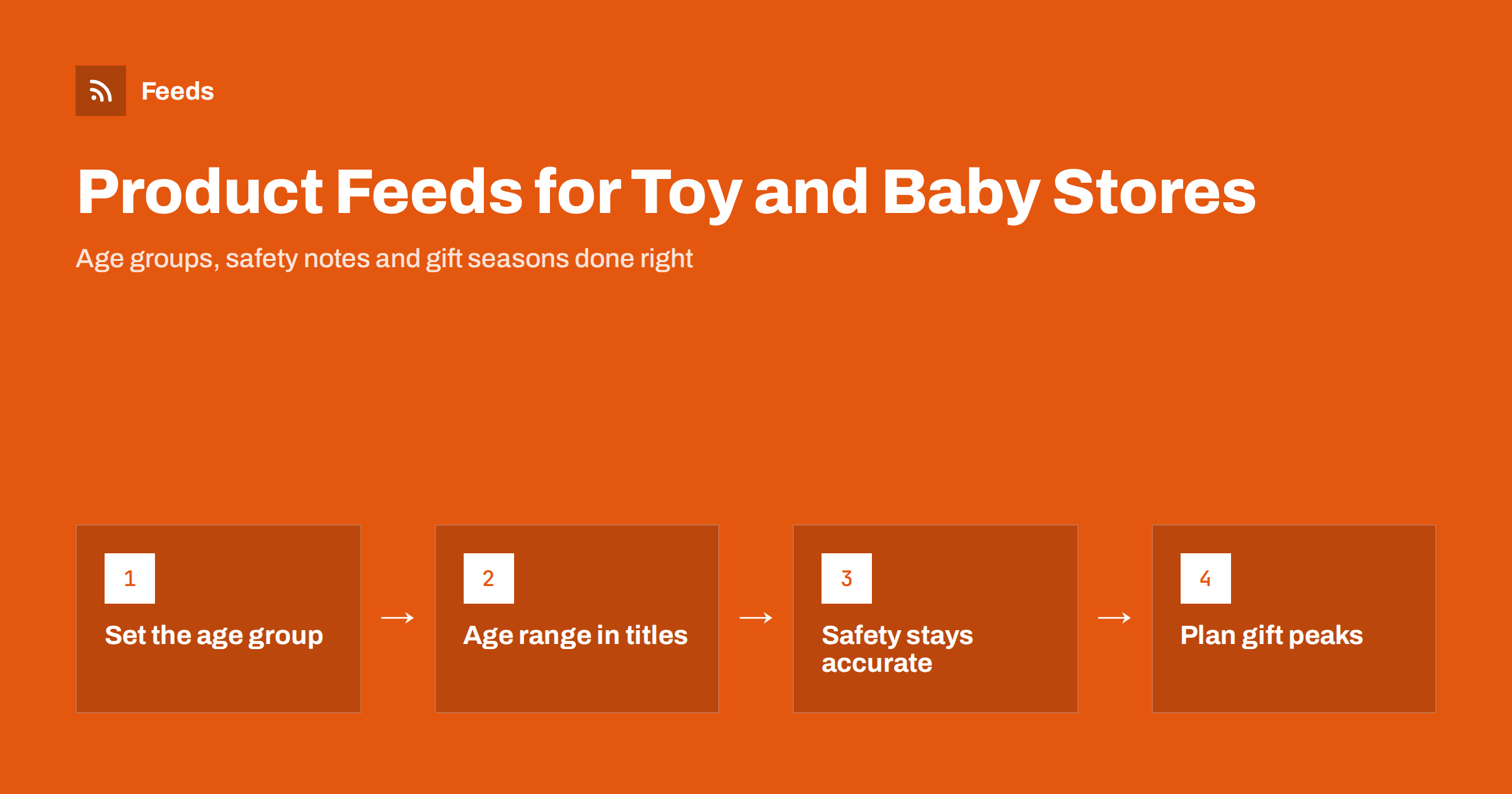
Short answer: Toy and baby product feeds need clear age information above all. Set the age group attribute correctly, using values such as newborn, infant, toddler or kids, put the recommended age range in the title, and keep safety warnings consistent with the packaging. Use real GTINs for branded toys and baby gear, list sizes and colours as grouped variants, describe sets and bundles accurately and label products for gift seasons so campaigns can follow demand.
Why age matters most in this category
Parents, grandparents and gift buyers search by age. “Toys for 2 year olds”, “baby bottle 0 months” and “puzzle for 6 year old” are typical searches, and the most useful thing a feed can do is make the right age visible. A toy shown to someone looking for a newborn gift, or a baby product shown for a teenager, wastes a click and often leads to returns.
Age also affects safety and policy. Toys for very young children have stricter safety requirements, and products with small parts carry warnings about children under a certain age. Channels expect the age information in the feed to match the product and the packaging, and inconsistent data can lead to disapprovals or, worse, to a product being shown to the wrong audience.
Finally, the category has strong seasonal peaks. A large share of toy sales happens before the end-of-year holidays, with smaller peaks around birthdays, back-to-school and summer. Feed quality matters most exactly when competition is highest.
Many buyers are also not the end user. A grandparent buying a gift may not know which products suit which age, so clear age information in the listing does the work a shop assistant would do in a physical store.
The age group attribute and age ranges
Shopping channels use an age group attribute with a small set of fixed values. Google’s values are newborn, infant, toddler, kids and adult, with typical meanings of up to about three months, three to twelve months, one to five years, five to thirteen years and adults. Baby clothing, shoes and other wearable items need this attribute for each variant, and it is recommended for toys and other products aimed at a particular age.
| Age group value | Typical age | Examples |
|---|---|---|
| newborn | Up to about 3 months | Newborn clothing, swaddles, first rattles |
| infant | About 3 to 12 months | Teething toys, activity mats, infant clothing |
| toddler | About 1 to 5 years | Push toys, chunky puzzles, toddler shoes |
| kids | About 5 to 13 years | Construction sets, board games, kids’ bikes |
| adult | Teenagers and adults | Collector sets, adult puzzles, parent products |
The age group is a broad category, so add the precise recommended age to the title and description as well, such as “for ages 3+” or “0–6 months”. This is the information shoppers actually compare. Our guide to apparel product feeds: colour, size, gender and age group explains how age group works together with size and gender for wearable items.
Titles that parents can scan
A practical title formula for toys is brand, product name, type of toy, recommended age and the number of pieces or key feature. For baby gear, use brand, product, type, age or size range and colour.
- Toy: brand, product line, “building set”, “for ages 6+”, number of pieces.
- Baby clothing: brand, item type, size such as “0–3 months”, colour, material.
- Baby gear: brand, model, product type such as “travel cot”, weight or age limit, colour.
- Feeding products: brand, product type, capacity, age stage, material.
Avoid promotional words and unsupported claims such as “safest” or “educational for every child”. Claims about development or health benefits are hard to support and may be treated as misleading. For more patterns, see product feed title optimization.
Safety warnings and compliance
Toys and childcare products are regulated in most markets, and their packaging carries required safety marks and warnings, such as warnings that a toy is not suitable for children under three because of small parts. Your feed and product pages should be consistent with those warnings.
- Do not set an age group or age range in the feed that is lower than the age on the packaging.
- Repeat important warnings, such as small parts or adult supervision, in the description.
- Remove products that are subject to a recall from the feed promptly.
- Check channel policies for products such as baby formula, which may have special advertising rules in some countries.
Recalls deserve a process of their own. Following official product safety notices helps you react quickly; our guide on how to track product recalls and safety notices with RSS shows how to set that up.
Variants, sets and bundles
Baby clothing and gear often come in several sizes and colours. Each combination is its own item, sharing one group identifier, with its own size, colour, age group, price and availability. Toys are usually simpler, but some come in colour versions or in sizes, such as a small and large version of the same set.
Sets and bundles need careful wording. A manufacturer’s gift set with its own barcode is a product in its own right. A bundle you put together, such as a newborn starter kit with clothes, a blanket and a toy, should be marked as a bundle so it is not compared against a single item. Multipacks of the same product, such as nappies or wipes, should be marked as multipacks with the number of units. See bundles and multipacks in product feeds and product variants in feeds for details.
Identifiers and brands
Branded toys and baby products almost always have GTINs, and each size and colour of a baby product has its own. Use the real barcode for every item, the brand as written by the manufacturer and the manufacturer part number or set number where it exists. Construction toy sets and collectible figures in particular are searched by set number, so including it in the title or MPN helps shoppers find them.
Handmade toys, wooden toys from small workshops and own-label baby clothing may have no GTIN. Use your own brand name and state that no identifier exists. Our guide on product feeds for handmade and custom products covers this situation.
Gift seasons, stock and images
The end-of-year holiday period is the most important season for toys, and stock runs out quickly on popular products. Refresh the feed often during peak weeks so sold-out items stop receiving clicks, and use preorder availability for products that will arrive later with a known date. Custom labels for “holiday gifts”, age bands or price ranges let campaigns focus on what sells best at each moment.
Images should show the product clearly, ideally on a plain background, with additional images showing contents, scale or the product in use. Avoid adding text or badges to the image. For baby clothing, each colour should have its own image. Product images with children require consent from the parents if you produce them yourself, and manufacturer images must be used within the terms they are supplied under.
Plan the season early. Prepare titles, labels and images for gift products weeks before demand peaks, so the feed has time to be processed and campaigns can learn which products perform. Our guide on preparing your product feed for Black Friday and peak season lists what to check.
How RSS Feed Creator helps
RSS Feed Creator (Feeds) creates Google Merchant Center and Meta catalog XML directly from a WooCommerce or Shopify store, or from a CSV link for other platforms, without plugins or code on your site. The feed uses the Google product XML format with id, title, link, image, price, availability and brand, and Meta reads the same file. You can skip out-of-stock products, rewrite titles to put the age range and product type first and adjust prices with rules, while the currency is detected automatically. Attributes such as age group or GTIN can be added in Merchant Center with a supplemental feed. Compare plan limits on the pricing page.
Related reading
- Supplemental feeds in Merchant Center: when and how to use them
- Custom labels in product feeds: a practical guide
- GTIN, MPN and brand: product identifiers explained
The bottom line
Toy and baby feeds succeed when every product clearly says which age it is for. Set the age group attribute correctly, put precise age ranges in titles, keep safety warnings consistent with the packaging, list variants separately and group them, mark sets, bundles and multipacks properly and use real identifiers. Prepare early for the gift season, because that is when good data pays off most.
BUJ
Which age group values can I use in a product feed?
Google uses newborn, infant, toddler, kids and adult. Choose the value that matches the product’s intended user and add the precise recommended age in the title or description.
Do toys need an age group attribute?
It is required for clothing and other wearable items and recommended for toys aimed at a particular age. It helps platforms show the product to the right shoppers.
Should I put “ages 3+” in the product title?
Yes, if it is the manufacturer’s recommended age. Parents and gift buyers search by age, and a visible age range reduces wrong purchases and returns.
How should I list a newborn gift set I put together myself?
Mark it as a bundle, give it a clear title listing the main items and use the identifiers of the main product. Do not present it as a single manufacturer product.
What should I do if a toy is recalled?
Remove it from the feed and stop selling it immediately, then follow the recall instructions from the manufacturer and authorities. Following safety notices by RSS helps you hear about recalls quickly.