ENEnglish
 LTLietuviškai
 DEDeutsch
 FRFrançais
 RUРусский
 ESEspañol
 PLPolski
 ITItaliano
 UKУкраїнська
 CSČeština
 PTPortuguês
 JA日本語
JA日本語 LVLatviešu valoda
 ETEesti
 HUMagyar
 IDBahasa Indonesia
 TRTürkçe
 HIहिन्दी
 ELΕλληνικά
 ARالعربية
 THไทย
THไทย VITiếng Việt
 RORomână
 MSBahasa Melayu
 BNবাংলা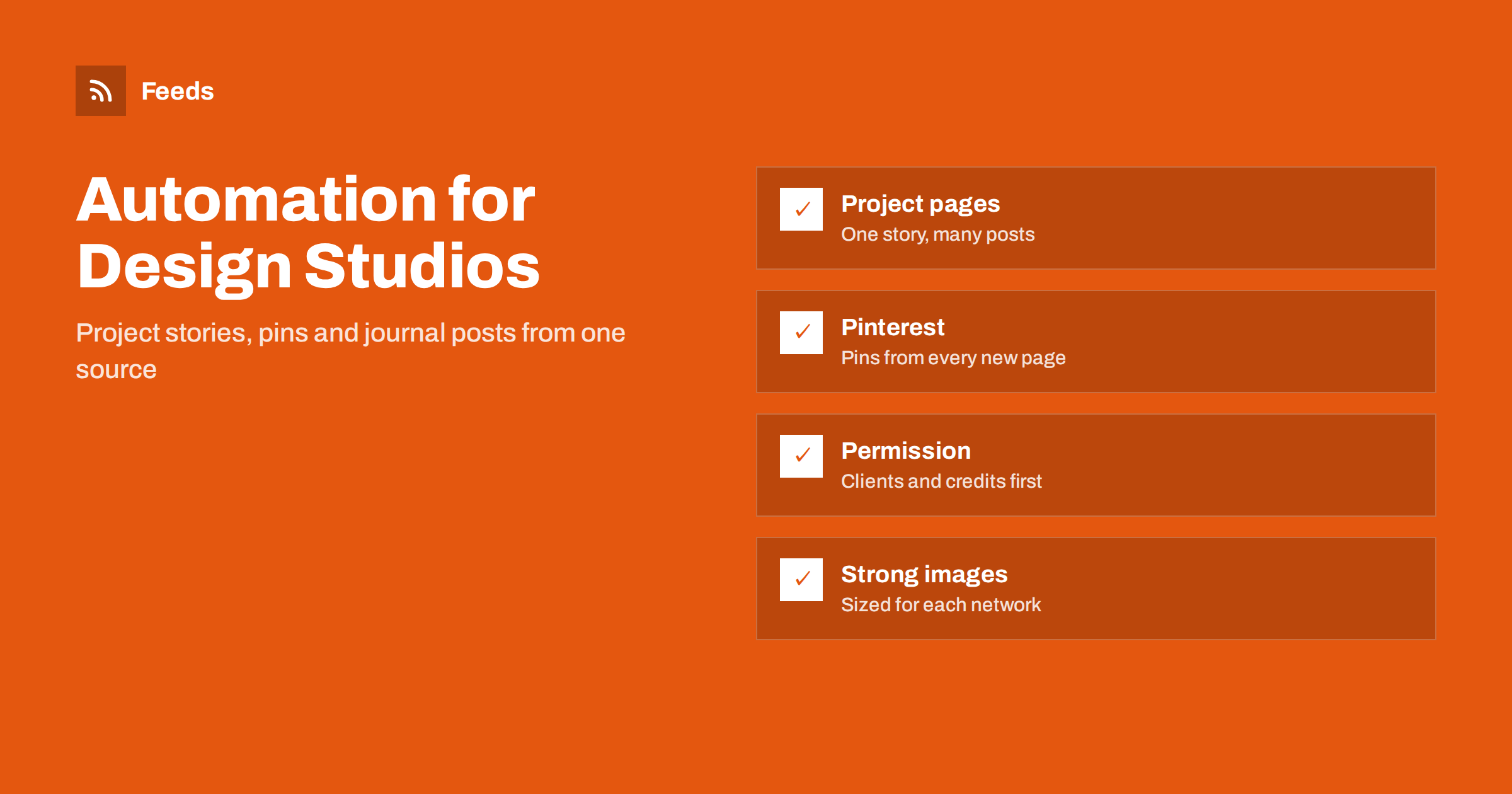
Short answer: Architecture and interior design studios live on visuals, and the most efficient way to keep them visible is to publish each project or journal article once on the studio’s own site and let a feed carry it to other places: social profiles, Pinterest boards and newsletters. Automate the distribution, not the judgement. Get client permission for every project, credit photographers and collaborators, keep a person approving what goes out, and make sure every post has a strong image.
Why design studios fall behind on content
A studio’s best marketing is its work, but the work is slow. A project may take a year, photography comes weeks after completion, and the people who understand the project best are also the ones with deadlines. As a result, a portfolio is often updated twice a year, and social profiles show long gaps between posts. Prospective clients, who judge a studio by what they see online, may read the silence as a lack of recent work.
Automation does not create the content. It removes the repeated manual steps after the content exists. When a new project page goes live, the same effort that took an hour of copying, resizing and posting can happen by itself. This is the logic of the plans in building a content automation stack for a small business, adapted for a visual profession.
Build the source: project pages and a journal
Every automated stream needs a reliable source. For a studio there are two natural ones. The first is the portfolio, where each project has a page with a title, a short story, photographs and credits. The second is a journal or news section, with shorter items: a project under construction, a material study, an award, a new team member, a talk. Both can be published on your site and turned into a feed.
Write each page so that it works as a post later. A clear title, a one-paragraph summary and a strong lead image are what the feed will pass on. Add the location (city or region, not the private address), the type of project and the year. If your site has no feed for these sections, a tool can read the list of projects and create one, as explained in how to create an RSS feed for a website without one.
A useful habit is to keep a simple content log next to the project list. For each project, note when the photographs arrived, when the page was published, who approved it and which posts were created. When a prospective client asks for recent work in a certain style, the log helps you find suitable projects quickly, and when a team member leaves, the process does not leave with them.
Pinterest and visual networks
Interior design and architecture are among the best-fitting subjects for Pinterest, where people collect ideas and return to them over months. A feed can create a pin for every new project or article, with the lead image and a link back to the page. The steps are described in how to auto-pin new blog posts to Pinterest from RSS.
Images decide the result. Choose a lead image that works in a tall format and has no text baked in, and check that each page has a clear alt text that describes the room or the building. For other networks, remember that a wide image can be cropped differently on each platform. If images are missing from automated posts, the checklist in why automated social posts lose images and how to fix it shows the usual causes. Settings that help your site pass the image on correctly are in how to add featured images to your WordPress RSS feed.
Permission, credits and rights
This is the point where a studio should be stricter than a typical business. Before a project is published, confirm three things:
- Client consent. The client agrees that the project, and the interior where relevant, is shown, and agrees to what is shown. Some clients accept photos but not the address or the full layout.
- Image rights. You or the photographer hold the right to use the images online and on social networks, and the licence covers promotion by automation. Check the terms of your photographer.
- Credits. Photographers, builders, craftspeople and product brands are named as agreed. Put the credit line into the page itself, so it travels with every automated post.
Put these in a short checklist and make it a condition for publishing the page. Because the automation is triggered by publishing, the check happens before anything goes out. If a client later asks to remove a project, delete or unpublish the page and see how your tools handle changed items, as described in edited and deleted source items in automated posting.
Turn one story into many posts
A single finished project can feed weeks of content. Instead of posting everything on the day the page goes live, plan a sequence: the finished project first, then a detail of a material, a before and after view, a short note on a design decision, and a quote from the brief. Many of these can come from the same page, and a person can add short captions. Approaches to this are in automating content repurposing: what works and what does not.
Evergreen pieces, such as a guide to choosing a colour palette or a note on planning a small kitchen, deserve a second and third life. A careful schedule that reshares them from time to time keeps the profile active without constant writing, and resharing evergreen content automatically shows how to avoid spamming followers.
Timing matters for a profession with long projects. Schedule the strongest posts for the days when your audience is most active, and keep a small reserve of finished posts for quiet weeks, so that holidays or site visits do not leave a gap. A queue that always contains the next two weeks of items takes the pressure off the team.
Keep a human in the loop
For a creative studio, voice and taste are the product. Use an approval queue so that new items arrive as drafts and someone from the studio reads the caption, checks the image crop and the credits and then schedules the post. The tradeoffs are covered in full auto versus approval queue. Prepare a few caption templates with placeholders for the project name, the location and the credit, so that the review is quick. Add tracking tags to the links, as explained in tracking traffic from automated posts with UTM tags, so you can see which projects bring enquiries.
Also decide which networks deserve your attention. A studio that serves homeowners may get more from Pinterest and Instagram, while one that serves developers and public clients may prefer LinkedIn, with fewer and more detailed posts about the technical side of a building. Do not copy the same caption everywhere. A feed can carry the title and link, and a short, hand-written line adapted to each network makes the post feel considered rather than automated.
Follow the field without extra reading
Feeds are useful in the other direction too. Studios can follow competition results, material suppliers, trade journals and local authorities in one reader. For architects, notices of planning applications and regulation changes can affect current projects, and the approach in tracking planning applications and building permits with RSS and tracking government and regulator updates with RSS applies directly. The same reader can collect inspiration and supplier news for the journal.
How RSS Feed Creator helps
RSS Feed Creator turns a page such as a project list or a journal page into an RSS feed, with titles, images, summaries and dates, and shows a preview before anything is created. You can merge sources (up to 10 on paid plans) and keep or exclude items by keywords, and duplicates are removed automatically. Feeds refresh every 3 hours on the free plan and every 30 minutes on paid plans. The feed link works in any RSS reader or automation tool, so you can send new projects to a Pinterest or social queue. The free plan allows up to 20 items per feed, and the details are on the pricing page.
Related reading
- Content automation checklist: 30 checks before you go live
- Writing post templates for automated social media feeds
- Content automation for local businesses: a simple plan
The bottom line
A design studio does not need to post every day. It needs a steady stream of well-presented projects. Publish each project and journal entry on your own site, get client permission and credit everyone involved, let a feed distribute the story to Pinterest and social profiles, and keep a person in charge of the final look. The work stays the star, and the repetitive steps disappear.
FAQ
Do I need client permission to post a project?
Yes, as a rule. Agree with the client what may be shown, including the interior, the address and any people in the pictures, and keep the agreement on file.
Can I automate Pinterest pins for every project?
Yes. A feed from your portfolio or journal can create a pin for each new page, using the lead image and a link. Choose images that work in a tall format.
How do I credit photographers in automated posts?
Put the credit line in the project page and in the caption template, so that it appears with every post that uses the images.
How many posts should a studio publish?
A steady rhythm of one or two a week is enough. Quality and consistency matter more than volume.
What if a client wants a project removed?
Unpublish the page, remove the pins and posts that used it, and check that your automation does not republish the item from a cached copy.